

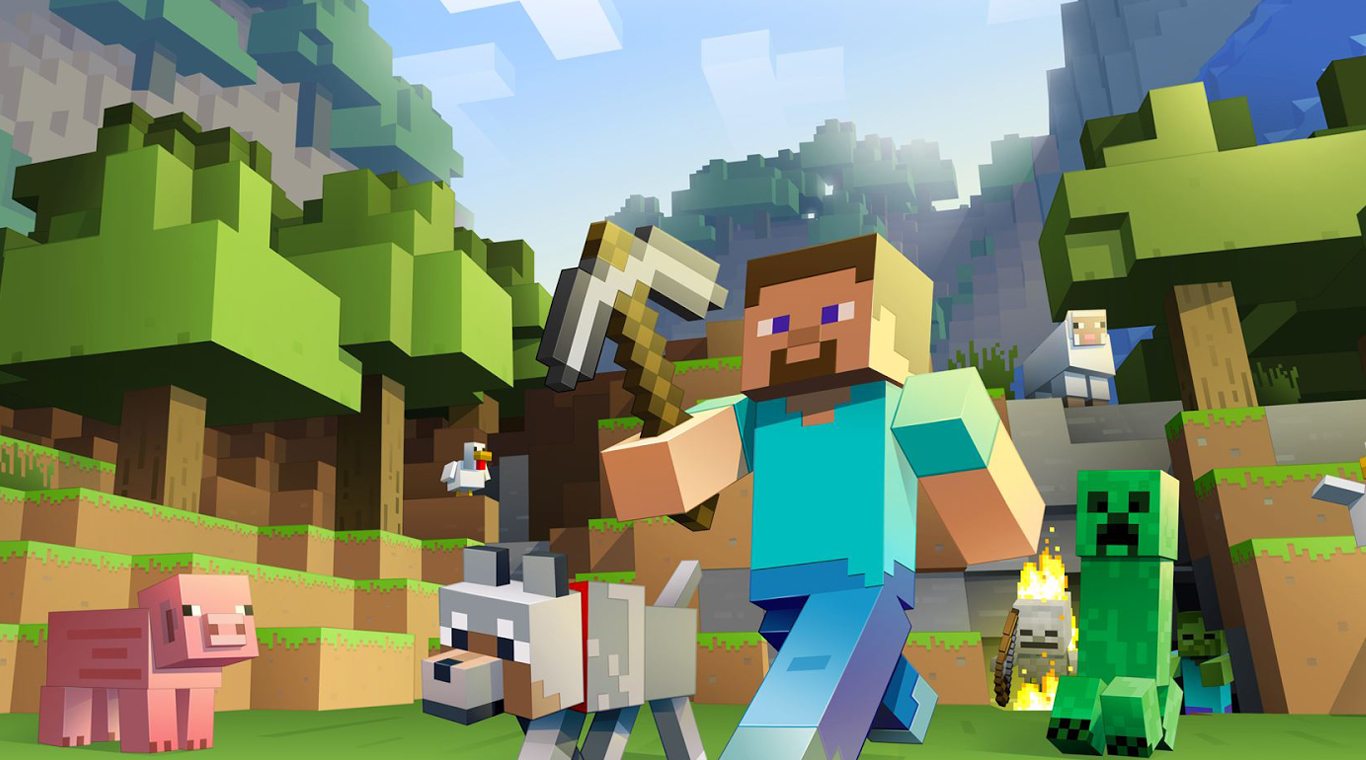
Uji Coba Minecraft
Mainkan di PC dengan BlueStacks – platform Game-Game Android, dipercaya oleh lebih dari 500 juta gamer.

Mainkan Uji Coba Minecraft di PC atau Mac
Uji Coba Minecraft adalah gim Arkade yang dikembangkan oleh Mojang. App Player BlueStacks adalah platform terbaik untuk memainkan aplikasi Android ini di PC atau Mac kamu dan memberikan pengalaman bermain game yang mengesankan.
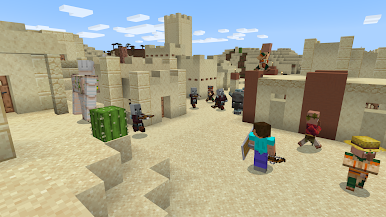
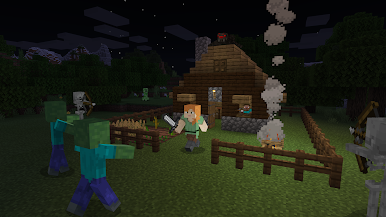
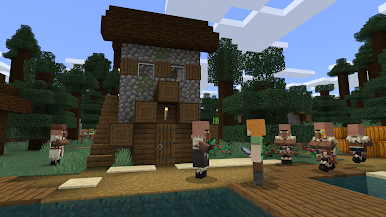
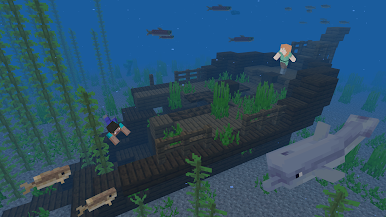
Uji Coba Minecraft memberi kamu rasa permainan bertahan hidup yang telah menggemparkan dunia. Mainkan Uji Coba Minecraft di PC dan temukan dunia baru yang benar-benar unik untuk dirimi, yakni kamu dapat membangun apa pun yang kamu inginkan, dari gubuk sederhana hingga mahakarya elektronik yang rumit.
Kumpulkan sumber daya dari tanah di sekitarmu untuk membuat aneka alat yang berguna dan senjata serta baju besi yang kuat yang akan membantumu terus bertahan hidup di lingkungan yang penuh dengan laba-laba, babi pemakan manusia, dan monster kamikaze yang mengerikan.
Kamu suka game yang kamu mainkan? Kamu dapat membeli pengalaman Minecraft lengkap kapan pun kamu menginginkannya dari Play Store dan melanjutkan petualanganmu di Mode Kreatif atau dengan teman di Multiplayer.
Kamu juga bisa memainkan Uji Coba Minecraft di browsermu di PC atau ponselmu tanpa mengunduh. Klik dan Mainkan secara instan!
Kamu juga dapat Bermain Uji Coba Minecraft di browser pada PC maupun Mobile tanpa perlu mendownload. Klik dan mainkan dimana saja
Mainkan Uji Coba Minecraft di PC Mudah saja memulainya.
-
Unduh dan pasang BlueStacks di PC kamu
-
Selesaikan proses masuk Google untuk mengakses Playstore atau lakukan nanti
-
Cari Uji Coba Minecraft di bilah pencarian di pojok kanan atas
-
Klik untuk menginstal Uji Coba Minecraft dari hasil pencarian
-
Selesaikan proses masuk Google (jika kamu melewati langkah 2) untuk menginstal Uji Coba Minecraft
-
Klik ikon Uji Coba Minecraft di layar home untuk membuka gamenya

