


Ultimate Bridge
Juega en PC con BlueStacks: la plataforma de juegos Android, en la que confían más de 500 millones de jugadores.

Página modificada el: Oct 12, 2023
Play Ultimate Bridge on PC or Mac
Explore a whole new adventure with Ultimate Bridge, a Card game created by Mokort. Experience great gameplay with BlueStacks, the most popular gaming platform to play Android games on your PC or Mac.
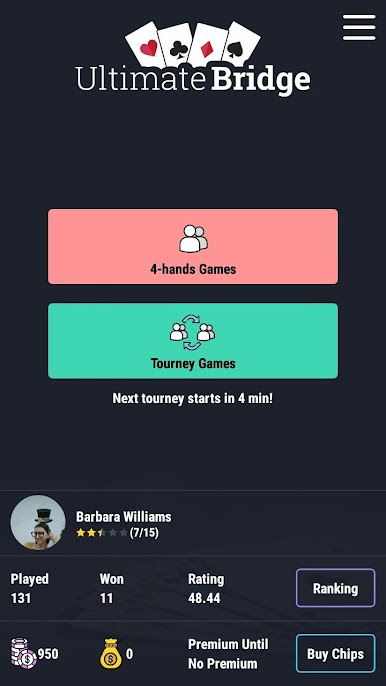
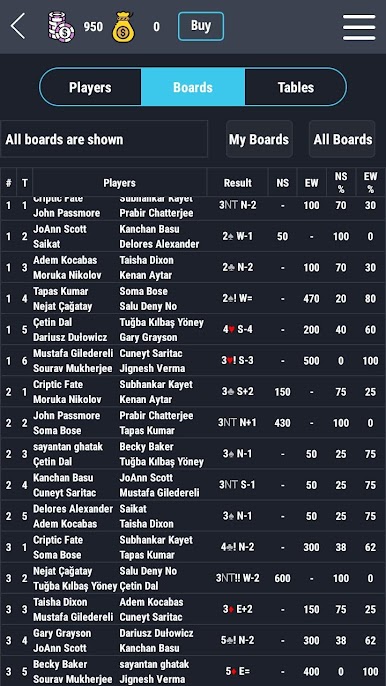
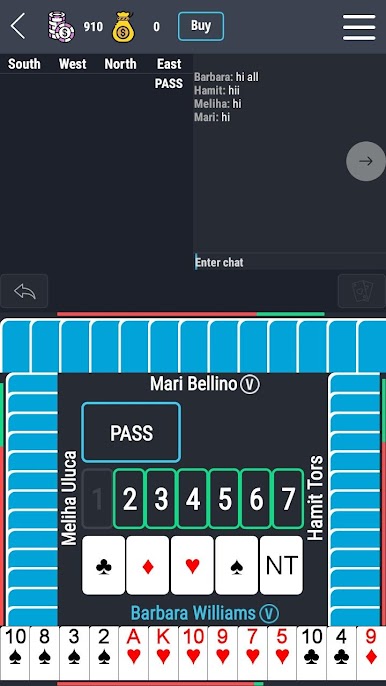
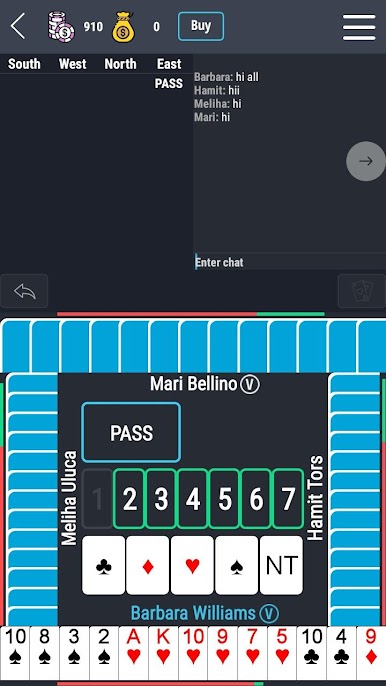
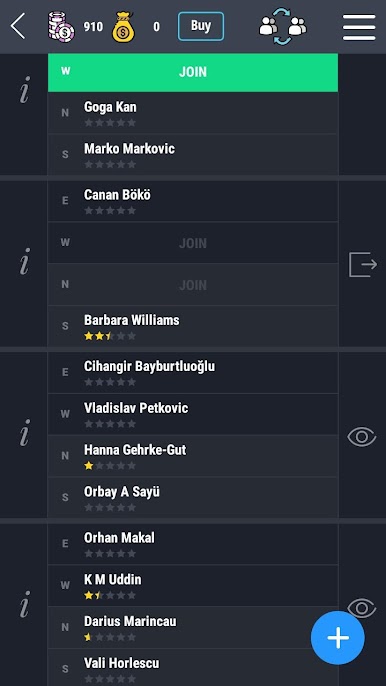
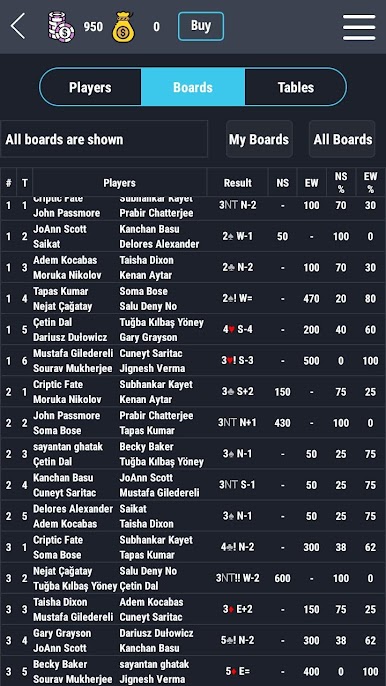
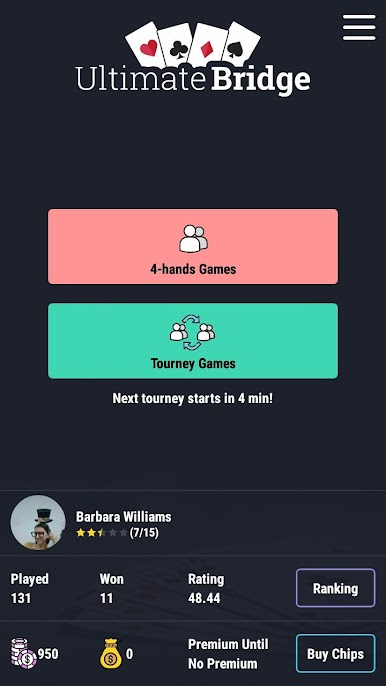
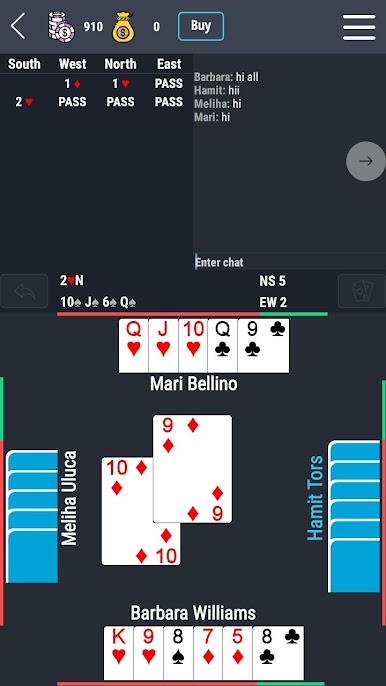
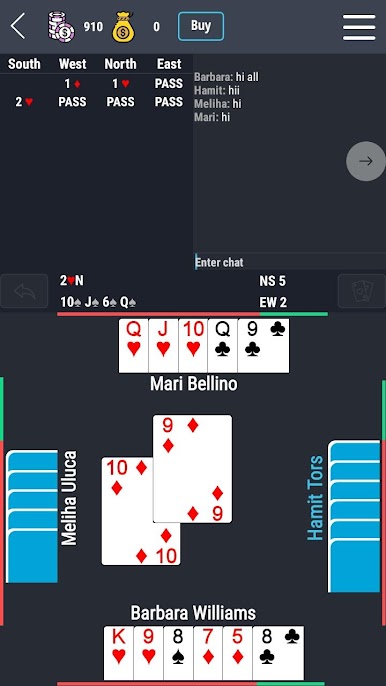
Ultimate Bridge is all about classic contract bridge, except it’s online and you’re up against real people instead of bots, which makes every round a little unpredictable. The social part is a big deal here — there’s a chat, so players can actually talk to each other during games or while just watching others play. It’s one of those games where you can jump into tournaments for either solo or pairs, and choose between different scoring styles like IMP or MP, depending on what you’re used to or what you’re in the mood for.
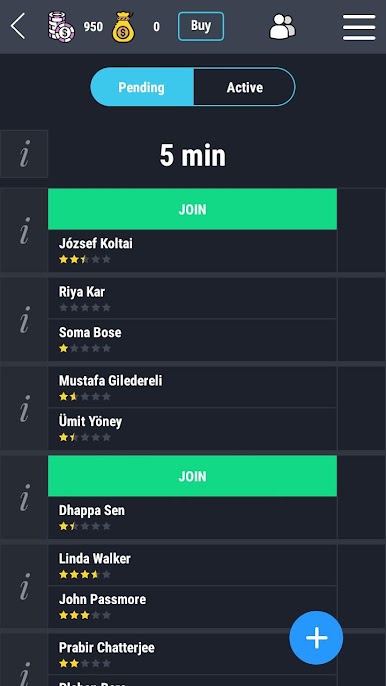
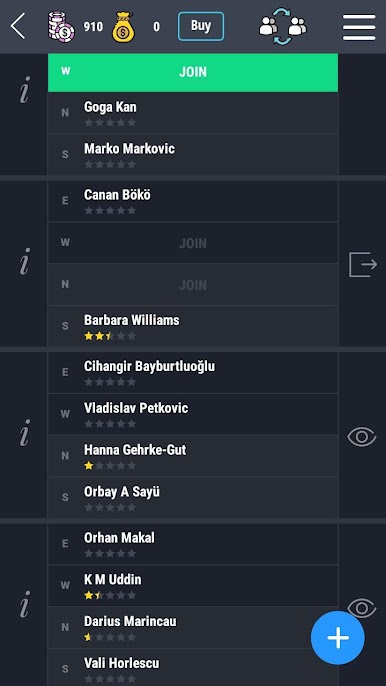
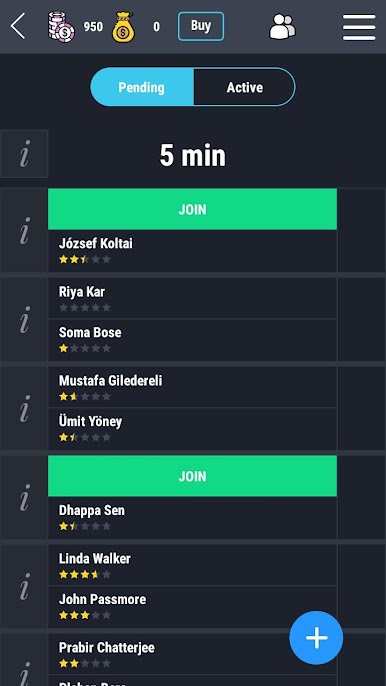
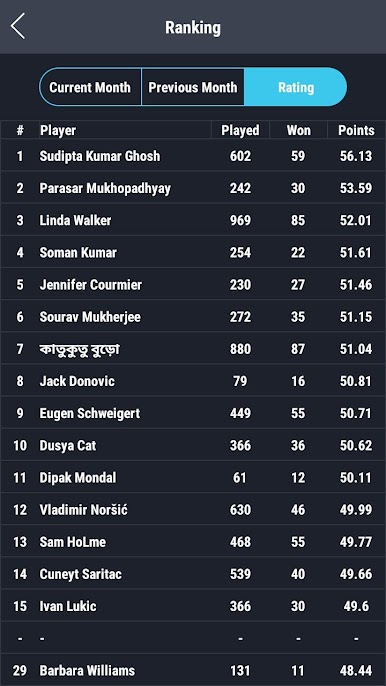
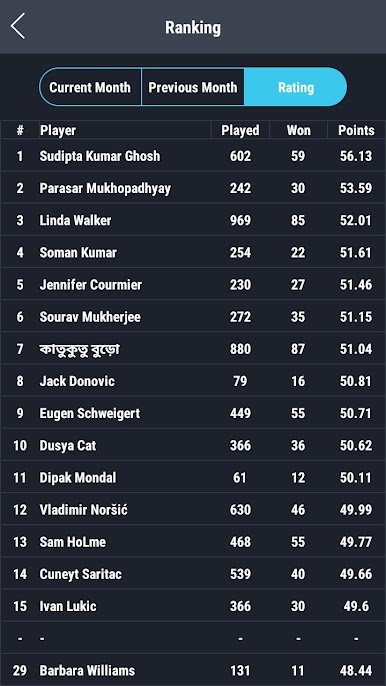
Setting up a table is simple if you want to start your own game, and there’s always a list of ongoing tables and tournaments to join or spectate. You can check out profiles and keep track of scores on daily, weekly, or monthly leaderboards, especially if you’re after those bragging rights in tournaments. Getting started doesn’t take long — logging in with Facebook, Google, or just as a guest works. Playing on PC with something like BlueStacks gives a bit more space to see hands and chat, which actually helps, especially if you like watching games as much as playing. Overall, it just feels pretty relaxed — all the bridge conventions are there, but the real-time chat and people make it much livelier than most card games.
Make your gaming sessions memorable with precise controls that give you an edge in close combats and visuals that pop up, bringing every character to life.



Juega Ultimate Bridge en la PC. Es fácil comenzar.
-
Descargue e instale BlueStacks en su PC
-
Complete el inicio de sesión de Google para acceder a Play Store, o hágalo más tarde
-
Busque Ultimate Bridge en la barra de búsqueda en la esquina superior derecha
-
Haga clic para instalar Ultimate Bridge desde los resultados de búsqueda
-
Complete el inicio de sesión de Google (si omitió el paso 2) para instalar Ultimate Bridge
-
Haz clic en el ícono Ultimate Bridge en la pantalla de inicio para comenzar a jugar

