


Monimoto
Gioca su PC con BlueStacks: la piattaforma di gioco Android, considerata affidabile da oltre 500 milioni di giocatori.

Pagina modificata il: Dec 15, 2025
Run Monimoto on PC or Mac
What’s better than using Monimoto by Monimoto UAB? Well, try it on a big screen, on your PC or Mac, with BlueStacks to see the difference.
About the App
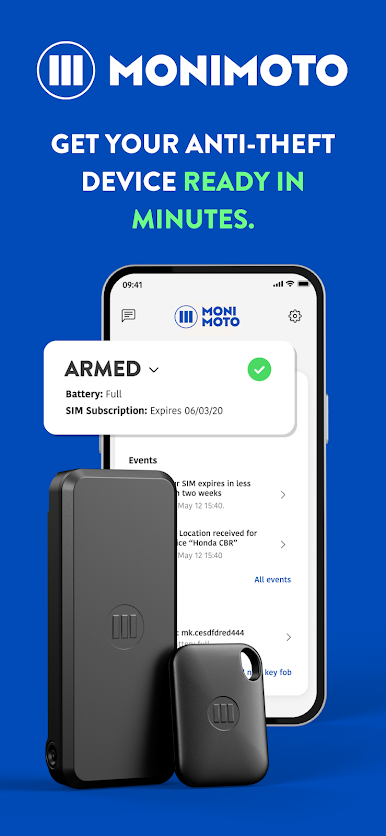
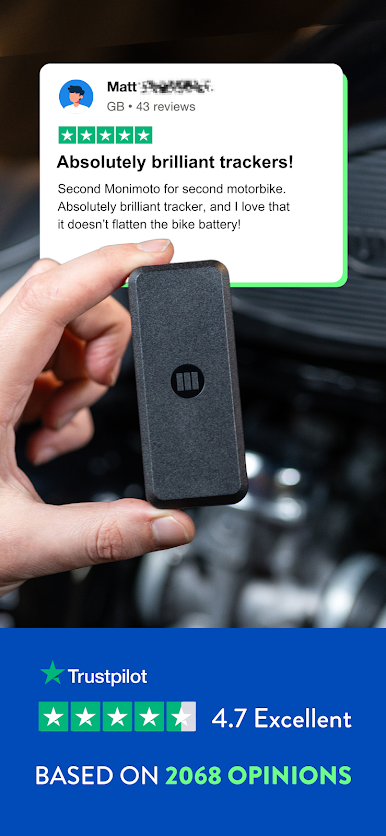
Looking to keep tabs on your motorcycle when it’s parked somewhere out of sight? Monimoto makes it easy for you to stay connected with your bike, no matter where you are. Built by Monimoto UAB, this handy Tools app acts like a watchful friend for your ride—it lets you set up your device, monitor its status, and get instant alerts if something unexpected happens. You’ll always know your motorcycle is secure, with real-time updates just a tap away.
App Features
-
Easy Setup Process
Walk through the first-time installation in just a few steps. Pair your Monimoto device, add your security key, and you’re good to go—no fussing with complicated settings. -
Device Management
Take control of your Monimoto devices straight from your phone. Manage your security keys, adjust preferences, and keep everything customized just the way you want. -
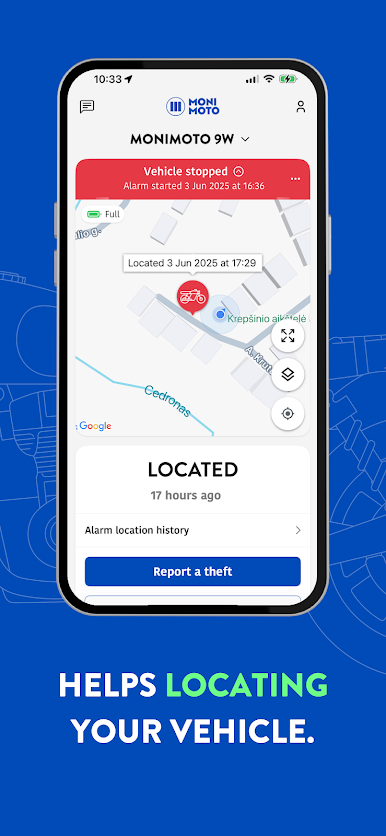
Smart Notifications
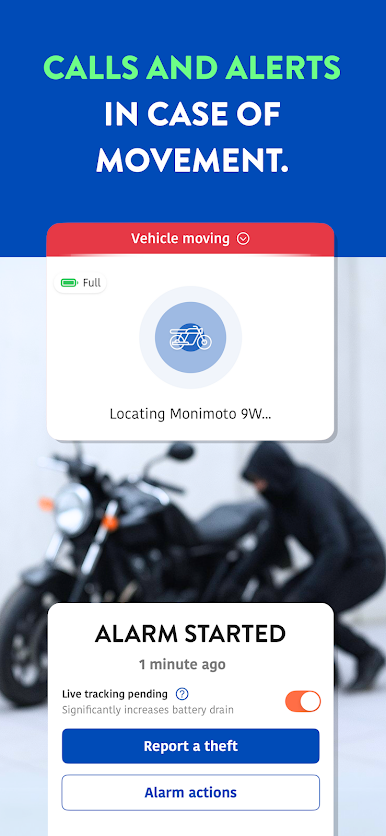
If there’s any suspicious activity or if your motorcycle alarm gets triggered, you’ll get a push notification instantly—with GPS or GSM coordinates sent directly to your app. You can even find quick options to disarm and check in right from the alert. -
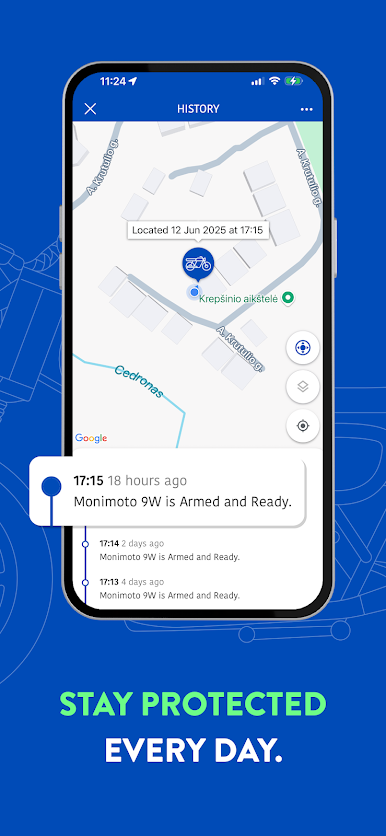
Location Tracking
Follow your bike’s whereabouts with precise location data whenever you need it. Even if you’re far from it, the app keeps you updated in real time. -
Activity Log
Scroll through the activity log to see a detailed feed of alerts, movements, and any device actions. It’s handy if you want to check back and see when and where things happened. -
Works Smoothly with BlueStacks
Prefer checking in from your computer? You can use Monimoto with BlueStacks for a bigger view and more flexibility.
Requirements: You’ll need Bluetooth, Location, GSM, and data enabled on your device, plus a Monimoto tracker and its accompanying key. The app requires Android 5, 6.0.1, 7, or 8 (note: Android 6.0 isn’t supported).
Big screen. Bigger performance. Use BlueStacks on your PC or Mac to run your favorite apps.

Gioca Monimoto su PC. È facile iniziare.
-
Scarica e installa BlueStacks sul tuo PC
-
Completa l'accesso a Google per accedere al Play Store o eseguilo in un secondo momento
-
Cerca Monimoto nella barra di ricerca nell'angolo in alto a destra
-
Fai clic per installare Monimoto dai risultati della ricerca
-
Completa l'accesso a Google (se hai saltato il passaggio 2) per installare Monimoto
-
Fai clic sull'icona Monimoto nella schermata principale per iniziare a giocare

