

ESO Helper
Juega en PC con BlueStacks: la plataforma de juegos Android, en la que confían más de 500 millones de jugadores.

Página modificada el: Oct 26, 2025
Run ESO Helper on PC or Mac
What’s better than using ESO Helper by Moon Sugar? Well, try it on a big screen, on your PC or Mac, with BlueStacks to see the difference.
About the App
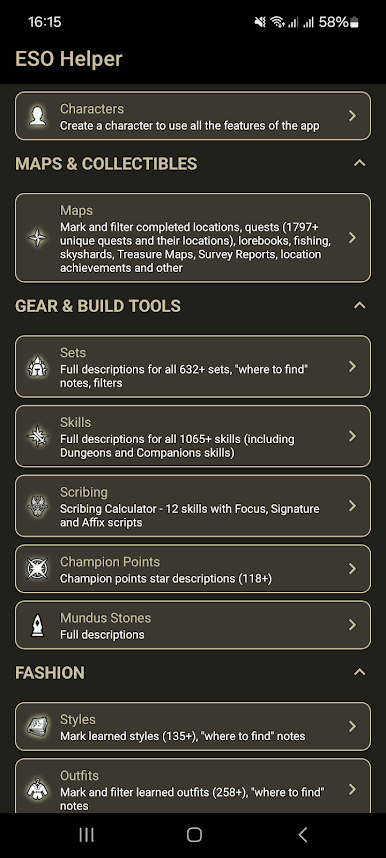
ESO Helper is the fan-made companion you keep open while you play—quick, handy, and surprisingly deep. Built by Moon Sugar, this Entertainment app pulls all the busywork into one place so you can track progress, plan your build, and remember what you meant to do next. Prefer a bigger screen while organizing your characters? You can also use it on your PC or Mac with BlueStacks.
App Features
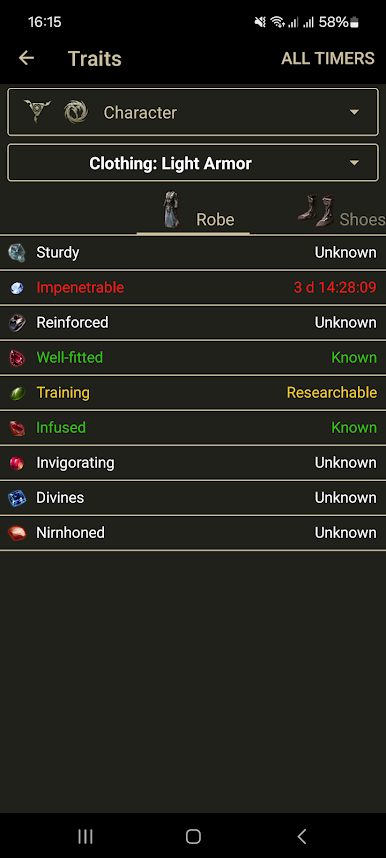
- Smart Timers: Set reminders for trait research, mount training, hirelings, weekly trials, and even vampire/werewolf bites, so you don’t miss a ready-up.
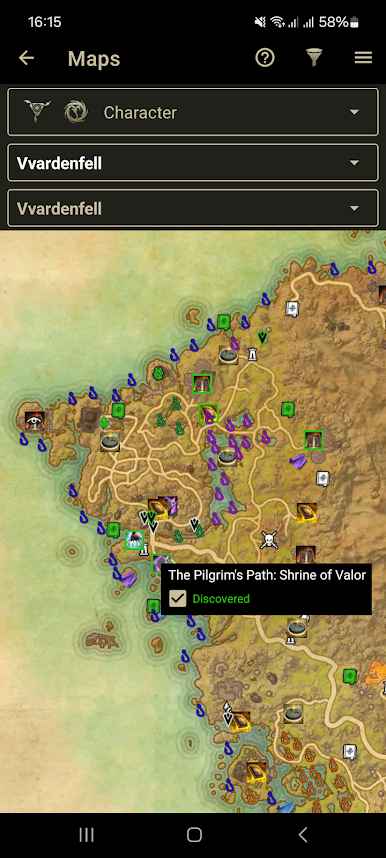
- Interactive Maps: Browse every zone and dungeon map, then check off lorebooks, skyshards, group/world bosses, fishing spots, and other collectibles as you find them.
- Quest Tracker: Look up current quests—including dailies—and mark what you’ve completed to keep your to-do list tidy across characters.
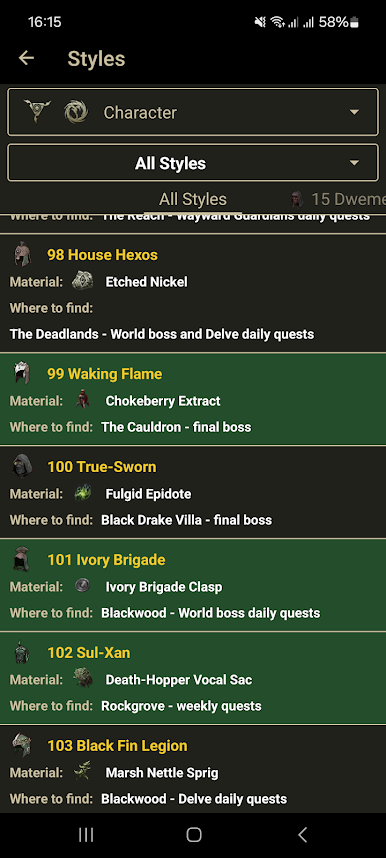
- Collections Log: Track learned styles and outfit pages, your caught fish, plus provisioning and furnishing recipes you’ve discovered.
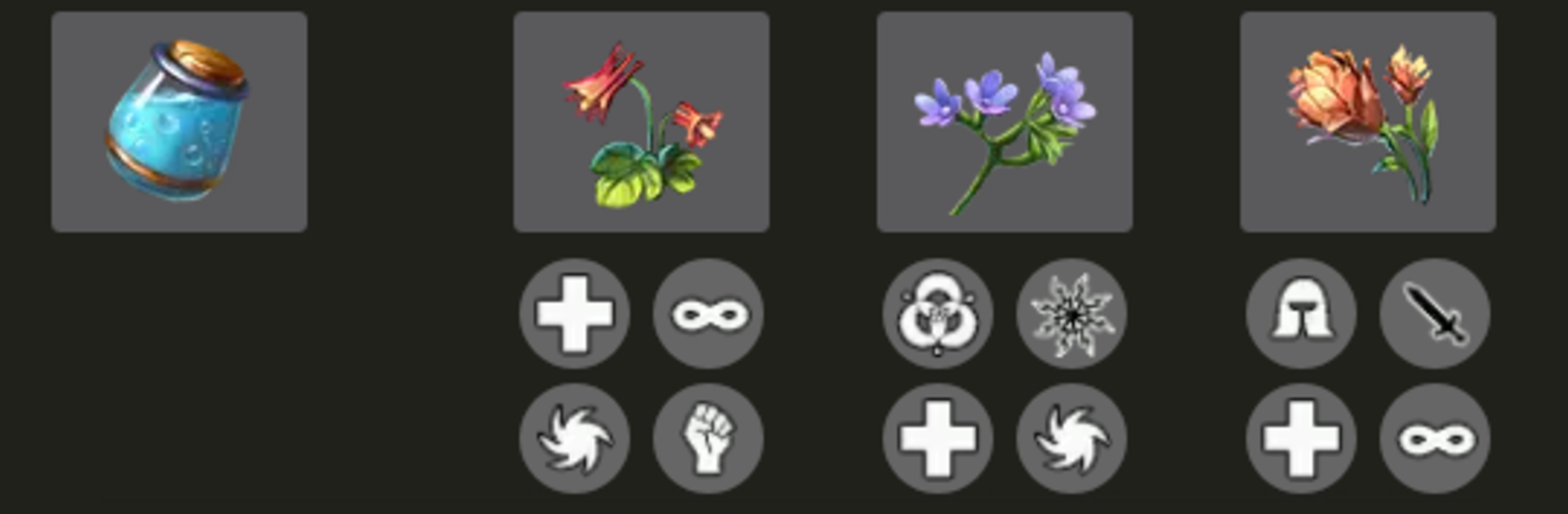
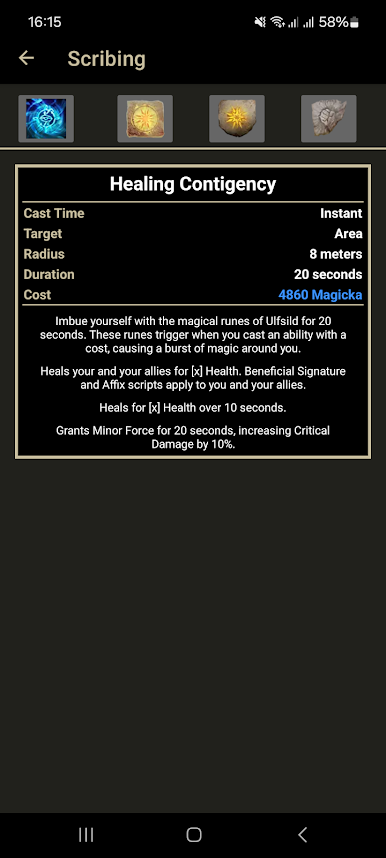
- Crafting Tools: Use the Alchemy and Crafting calculators to test combos before spending mats; see glyph effects and runestone pairings at a glance.
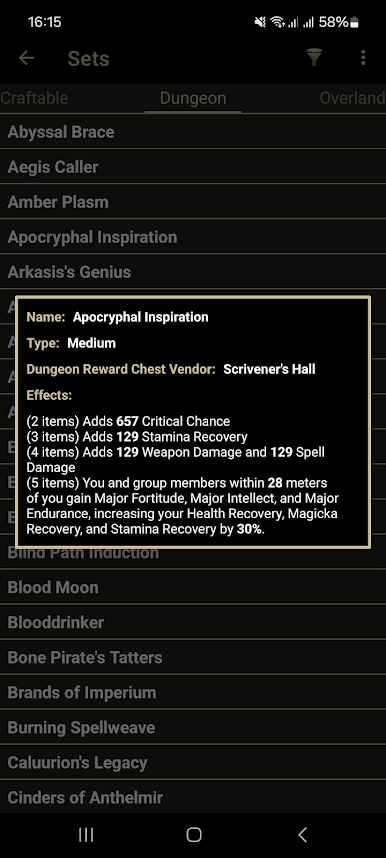
- Sets Library: Search through all item sets with full descriptions to compare bonuses without digging through wikis mid-dungeon.
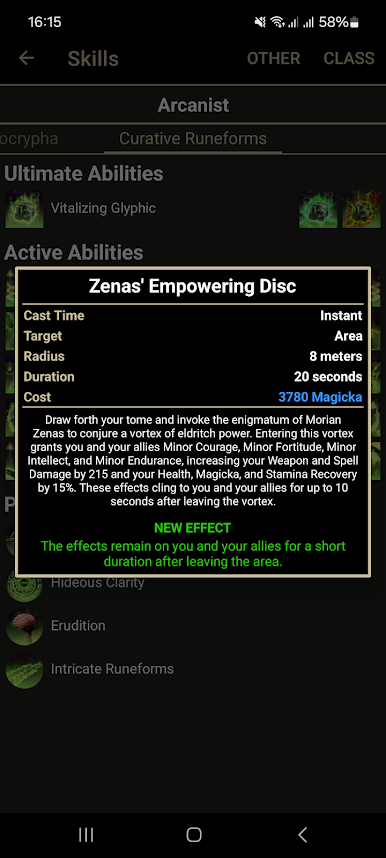
- Skills Reference: Quickly review skills and morphs, perfect for double-checking tooltips while theorycrafting.
- Mundus Stones Index: Scan every Mundus boon and pick the one that actually fits your build, not just the meta of the week.
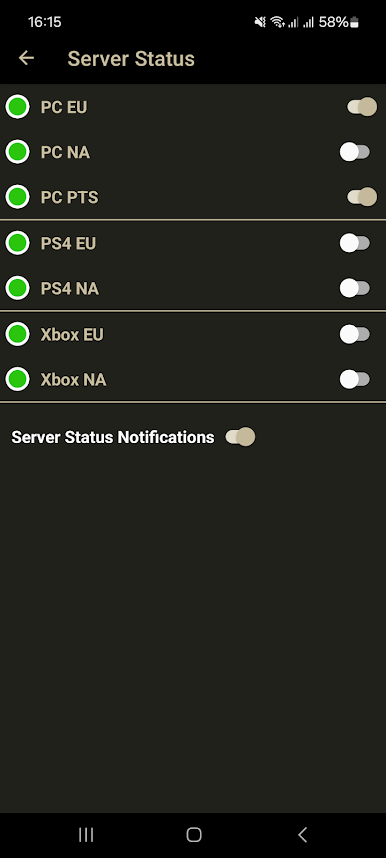
- Server Status Alerts: See real-time server status and get notifications when servers go down or come back online.
- Name Generator: Stuck on character creation? Roll from 23,000 first and last names for Tamriel-friendly ideas that don’t sound random.
Switch to BlueStacks and make the most of your apps on your PC or Mac.
Juega ESO Helper en la PC. Es fácil comenzar.
-
Descargue e instale BlueStacks en su PC
-
Complete el inicio de sesión de Google para acceder a Play Store, o hágalo más tarde
-
Busque ESO Helper en la barra de búsqueda en la esquina superior derecha
-
Haga clic para instalar ESO Helper desde los resultados de búsqueda
-
Complete el inicio de sesión de Google (si omitió el paso 2) para instalar ESO Helper
-
Haz clic en el ícono ESO Helper en la pantalla de inicio para comenzar a jugar

