


Ultimate EMF Detector Real Pro
Juega en PC con BlueStacks: la plataforma de juegos Android, en la que confían más de 500 millones de jugadores.

Página modificada el: Sep 1, 2025
Run Ultimate EMF Detector Pro on PC or Mac
What’s better than using Ultimate EMF Detector Pro by MRE Programming? Well, try it on a big screen, on your PC or Mac, with BlueStacks to see the difference.
About the App
Curious about what’s buzzing around you? Ultimate EMF Detector Pro by MRE Programming lets you turn your phone into a portable tool for picking up electromagnetic fields, right from your pocket. Whether you’re just playing around, interested in the science behind magnetism, or seeing if you can catch something a little more unusual, this Entertainment app gives you a ton of ways to check out what’s really out there.
App Features
-
Ad-Free Experience
No interruptions here—explore all the app’s tools without any pop-ups or ads getting in your way. -
Detailed Data Recording
Want to keep an eye on changes over time? With the built-in recorder, you can save your readings as a text file and look them over on your computer later. -
Custom Sound and Vibration Alerts
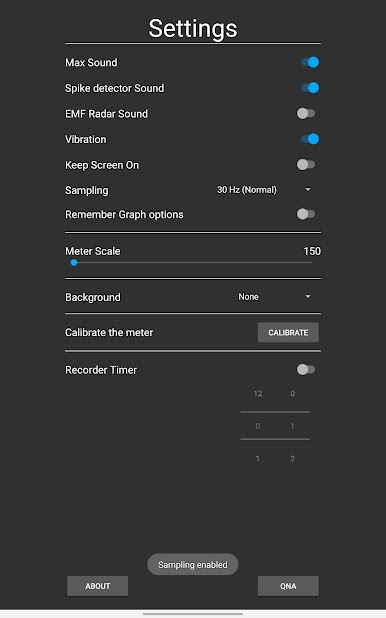
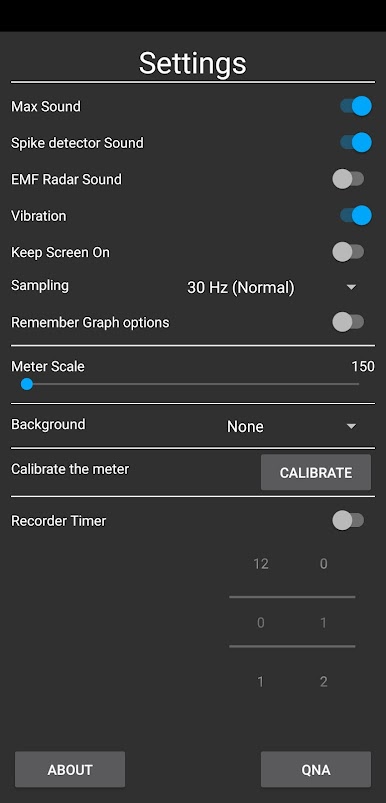
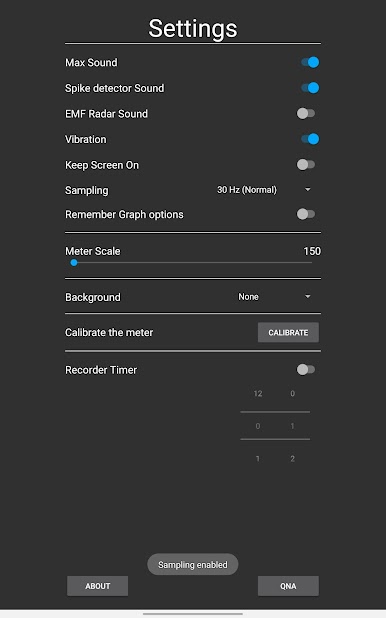
Get instant feedback with three alert sounds—Max, Spike, and Radar—and even a vibration option, so you never miss a change in your environment. -
Personalized Look
Mix things up with a handful of backgrounds and skins. You can make your detector match your style, or just keep things simple. -
Smart Measurement Options
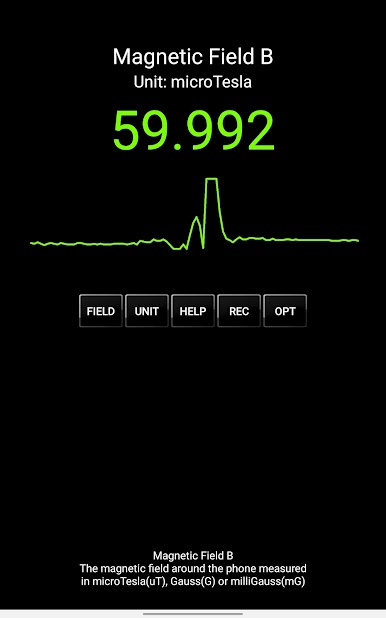
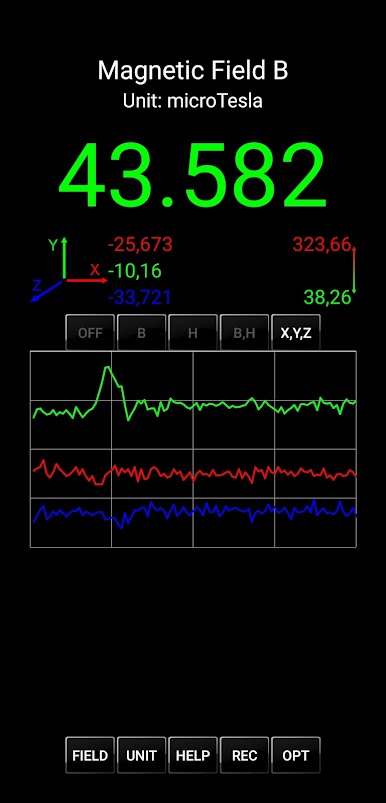
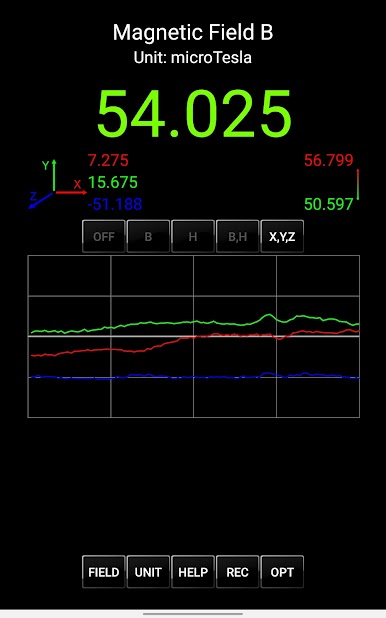
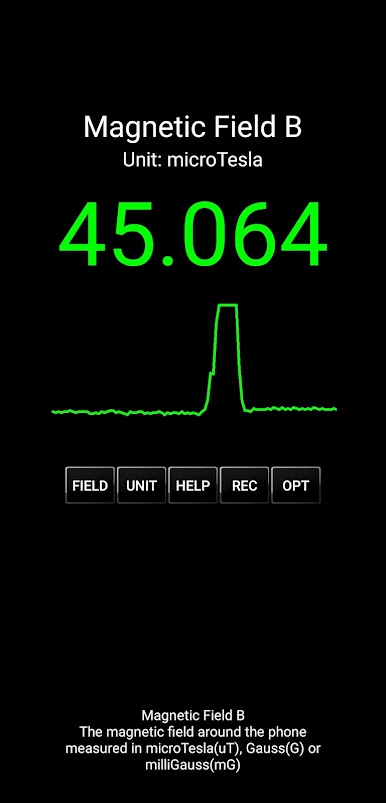
View the magnetic field in microTesla, Gauss, or milliGauss. You can even track the auxiliary field H for more advanced readings if you’re into the details. -
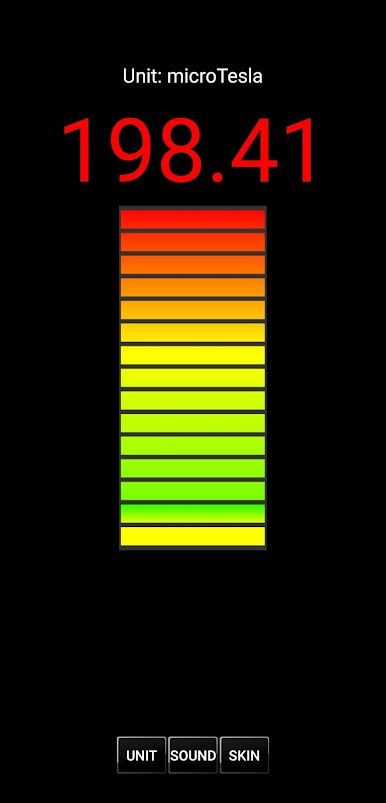
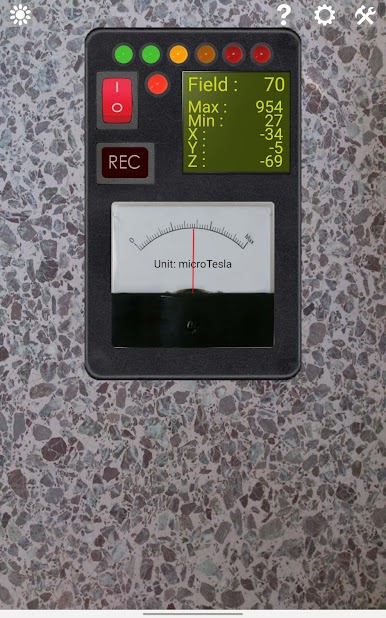
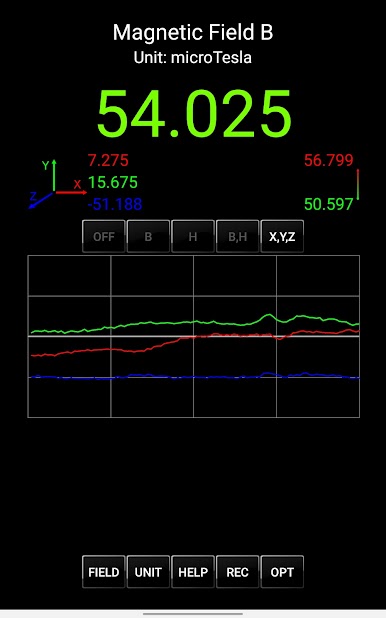
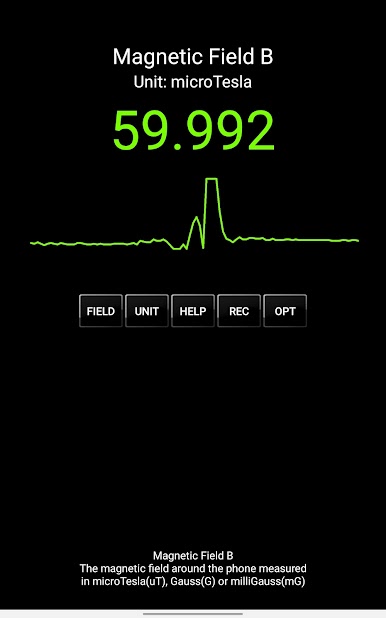
Live Graphs & Needle Meter
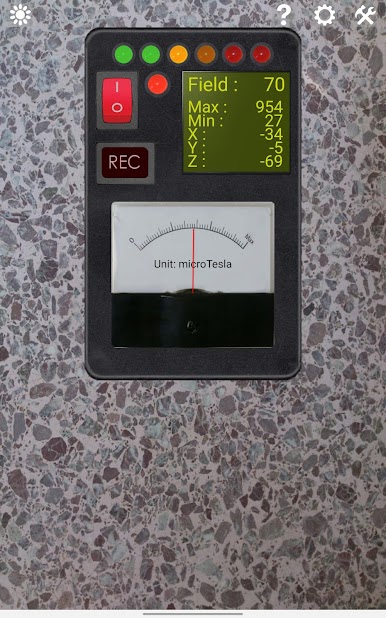
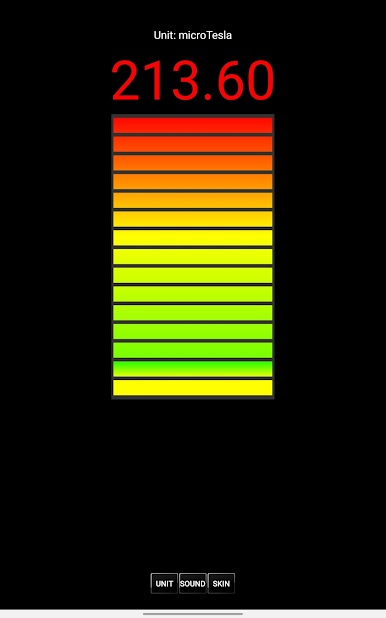
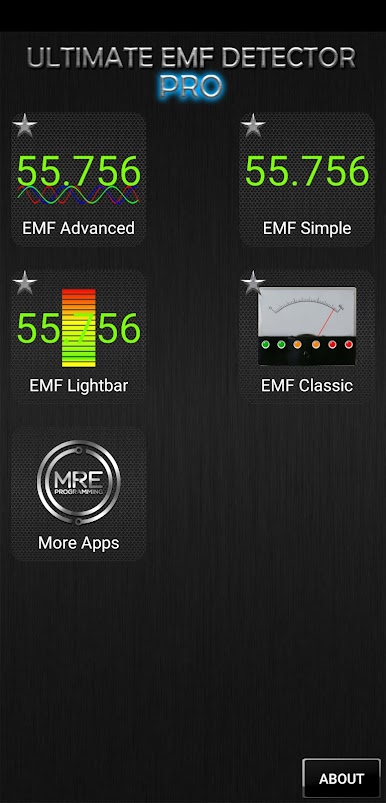
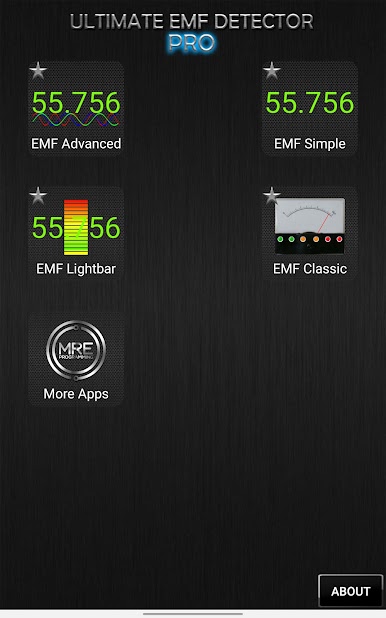
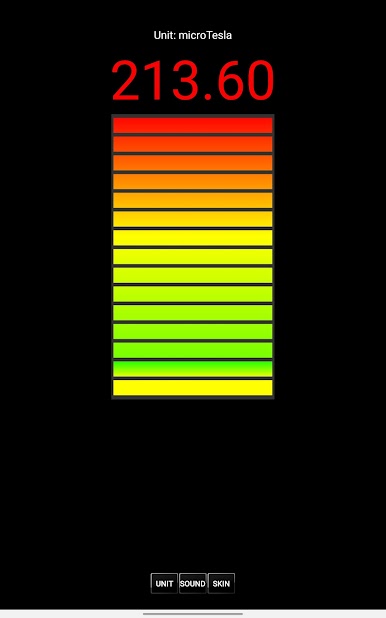
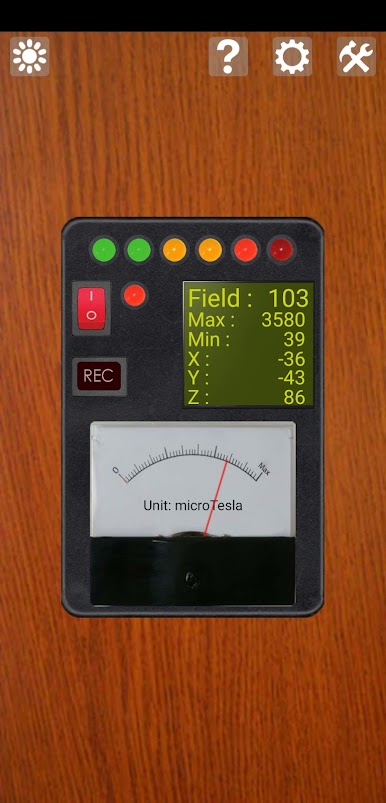
Watch electromagnetic changes in real time with option-filled graphs, classic needle meters, and LED indicators—it’s a bit like having a mini science lab right on your screen. -
Flexible Sampling & Settings
Adjust how often you want to sample readings, change units, or switch up the measurement range based on your needs. -
Multi-Purpose Use
Use it just for fun, to study natural magnetism, check out the earth’s geomagnetic field, or perhaps see if you notice anything unusual. Some folks even use it for a little ghost hunting.
Using Ultimate EMF Detector Pro is easy and hands-on. Just a quick tip: the app works best with phones that have a magnetic sensor. If your device doesn’t have one, you might not see any activity, so it’s worth checking first. And if you’re curious about a bigger view, running the app through BlueStacks can give you a unique experience on your computer screen.
Big screen. Bigger performance. Use BlueStacks on your PC or Mac to run your favorite apps.
Juega Ultimate EMF Detector Real Pro en la PC. Es fácil comenzar.
-
Descargue e instale BlueStacks en su PC
-
Complete el inicio de sesión de Google para acceder a Play Store, o hágalo más tarde
-
Busque Ultimate EMF Detector Real Pro en la barra de búsqueda en la esquina superior derecha
-
Haga clic para instalar Ultimate EMF Detector Real Pro desde los resultados de búsqueda
-
Complete el inicio de sesión de Google (si omitió el paso 2) para instalar Ultimate EMF Detector Real Pro
-
Haz clic en el ícono Ultimate EMF Detector Real Pro en la pantalla de inicio para comenzar a jugar

