

IP Tools: WiFi & Router Setup
Juega en PC con BlueStacks: la plataforma de juegos Android, en la que confían más de 500 millones de jugadores.

Página modificada el: Dec 4, 2025
Run IP Tools - Router Admin Setup & Network Utilities on PC or Mac
Upgrade your experience. Try IP Tools – Router Admin Setup & Network Utilities, the fantastic Tools app from MS International, from the comfort of your laptop, PC, or Mac, only on BlueStacks.
About the App
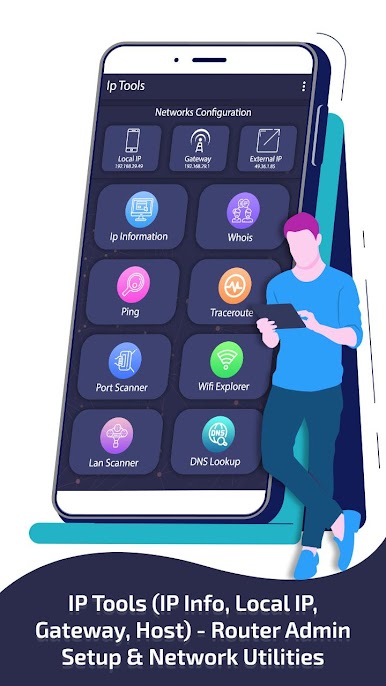
Need a way to get a clearer picture of what’s happening on your network? IP Tools – Router Admin Setup & Network Utilities, from MS International, puts a whole arsenal of network gadgets right in your pocket. Want to tweak your router settings, check your external IP, or just see who’s hogging your WiFi? This Tools app covers it all. With an easy-to-navigate interface and all the essentials bundled together, you can keep an eye on your connections and sort out issues before they cause headaches.
App Features
-
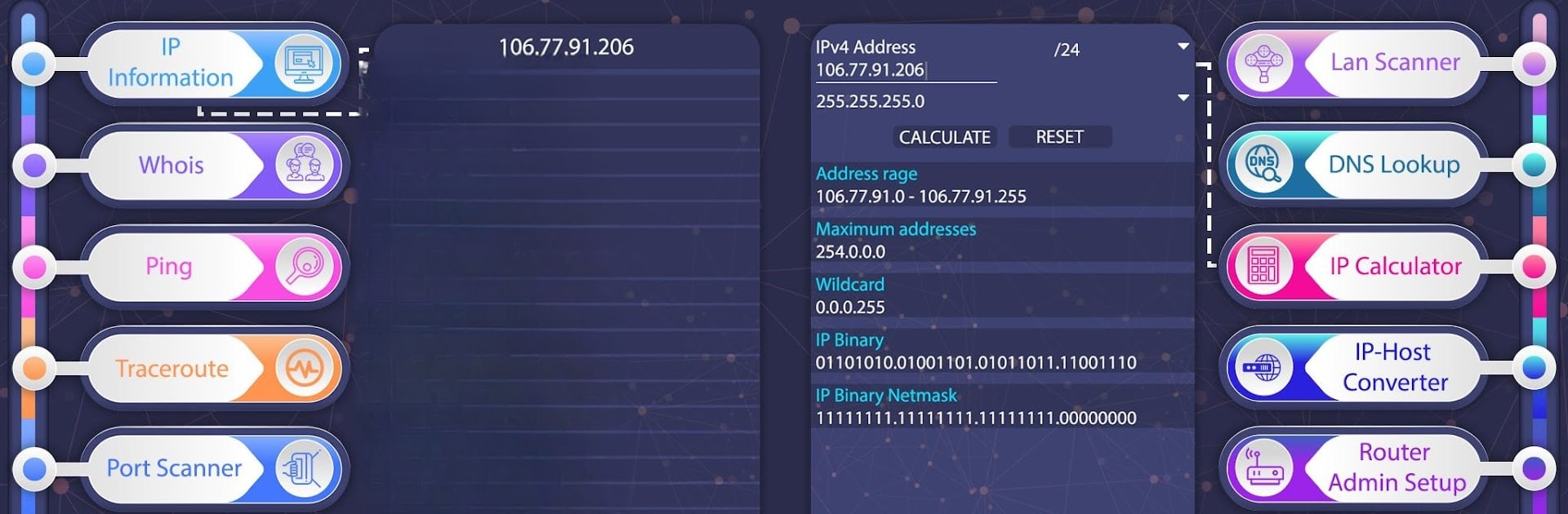
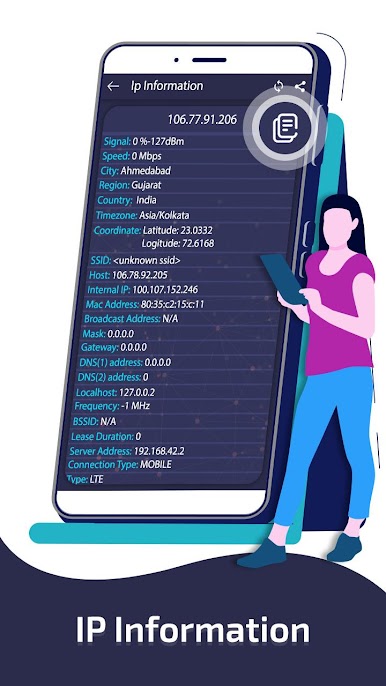
IP Info at a Glance
Instantly pull up details like your device’s IP address, MAC address, DNS servers, gateway data, and more. Want to see your external IP or where your network points to on a map? It’s all there, just a tap away. -
Router Admin Made Simple
Access your router’s admin panel without any fuss. Manage your router settings using default IPs like 192.168.1.1 or 192.168.0.1. Great for changing passwords, tweaking configs, or rebooting your network. -
Handy Ping & Traceroute Tools
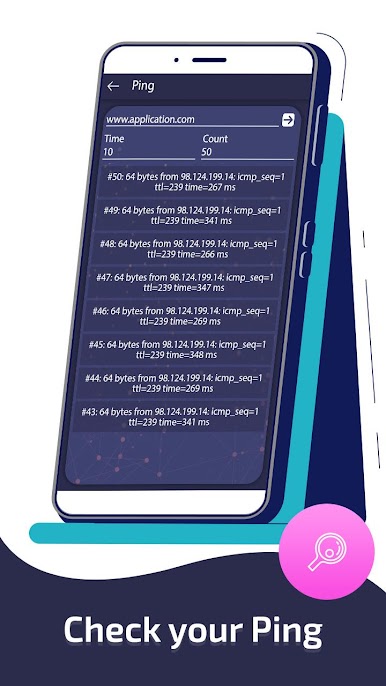
Quickly check your network speed or see the route data takes from your device to any website. Useful when you’re wondering if a connection issue is your end or theirs. -
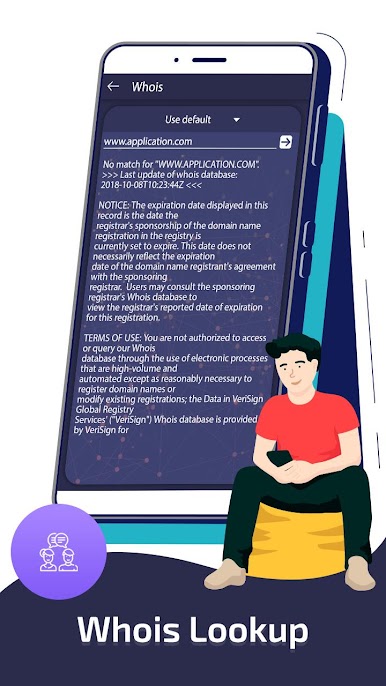
Whois and DNS Lookup
Curious about the owner behind a website? Or need the IP address for a domain? The Whois and DNS lookup tools dig up all those details fast. -
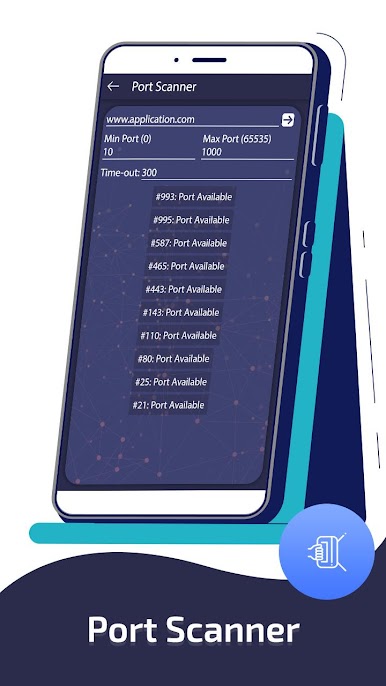
Find Open Ports with Port Scanner
Scan your network to see which ports are open. Whether you’re testing security or troubleshooting, you’ll know what’s accessible on your network. -
Reliable WiFi and LAN Scanners
Easily spot all nearby WiFi networks and check which devices are currently connected to your home WiFi—perfect if you suspect someone’s freeloading. -
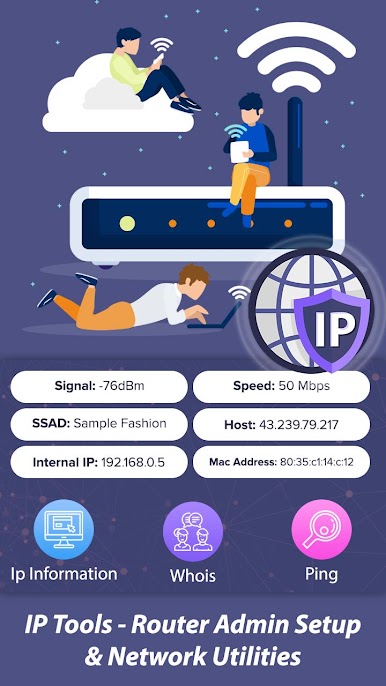
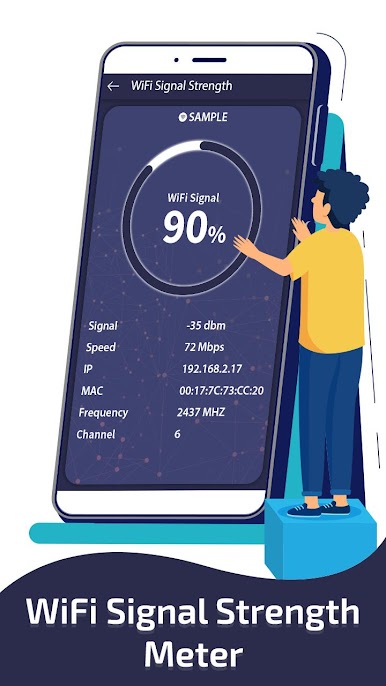
WiFi Signal Strength Meter
See the real-time strength of your WiFi connection, so you’ll know exactly where to sit for the best signal or which areas at home are network dead zones. -
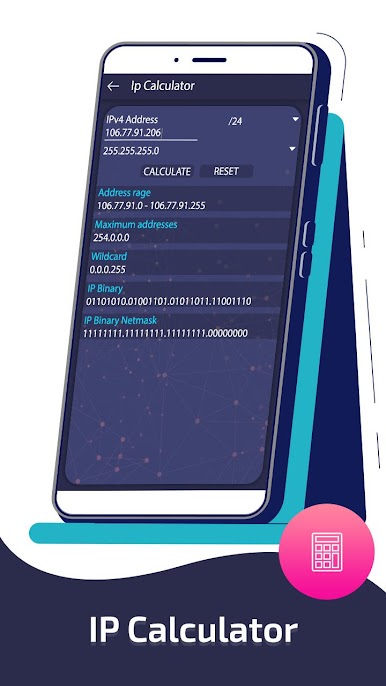
IP Calculator & Host Converter
Do you need to figure out the right subnet or turn a domain name into its IP address? These quick tools handle those calculations and conversions for you.
If you prefer using Android apps on a bigger screen, BlueStacks makes it easy to run IP Tools – Router Admin Setup & Network Utilities right from your PC. No need to be a tech expert, either—this app’s straightforward tools put you in control of your network.
Eager to take your app experience to the next level? Start right away by downloading BlueStacks on your PC or Mac.
Juega IP Tools: WiFi & Router Setup en la PC. Es fácil comenzar.
-
Descargue e instale BlueStacks en su PC
-
Complete el inicio de sesión de Google para acceder a Play Store, o hágalo más tarde
-
Busque IP Tools: WiFi & Router Setup en la barra de búsqueda en la esquina superior derecha
-
Haga clic para instalar IP Tools: WiFi & Router Setup desde los resultados de búsqueda
-
Complete el inicio de sesión de Google (si omitió el paso 2) para instalar IP Tools: WiFi & Router Setup
-
Haz clic en el ícono IP Tools: WiFi & Router Setup en la pantalla de inicio para comenzar a jugar

