


Video Maker & Slideshow Maker
Gioca su PC con BlueStacks: la piattaforma di gioco Android, considerata affidabile da oltre 500 milioni di giocatori.

Pagina modificata il: Aug 19, 2025
Play Video Maker: Photo Music Video on PC
At the same time, it is an AI photo editor based on deep learning. You can directly use the processed pictures as high-definition wallpapers, and it also supports enhancing image quality/color/contrast.
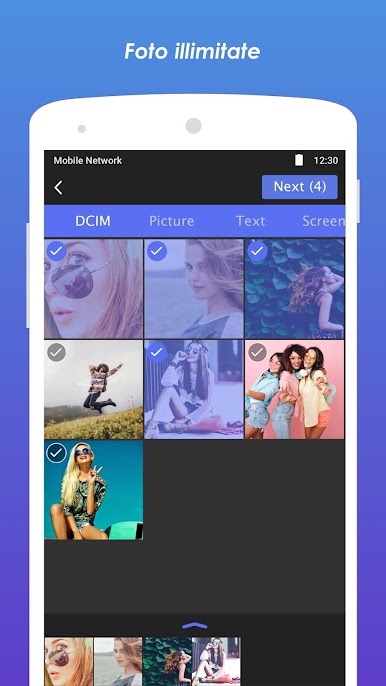
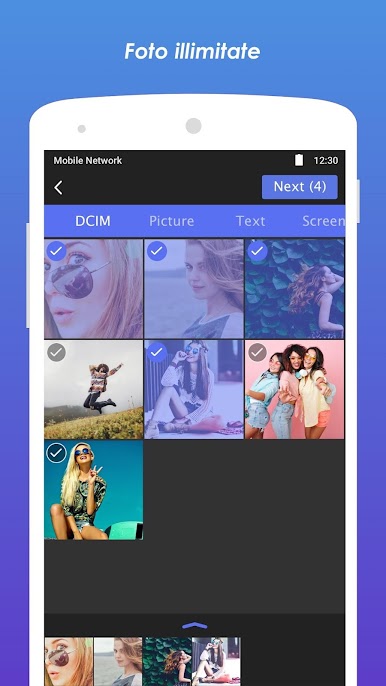
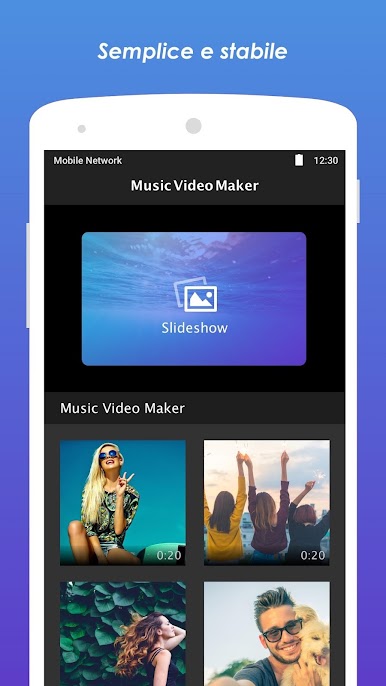
We provide thousands of music, just pick your unlimited photos, amazing slideshow video will be created. Also we have the awesome effects help you edit photo video. Supported Google Drive, so that you can save your video on cloud. Photos video maker pro with music.
Effects:
1. You can choose slideshow animations for your photos.
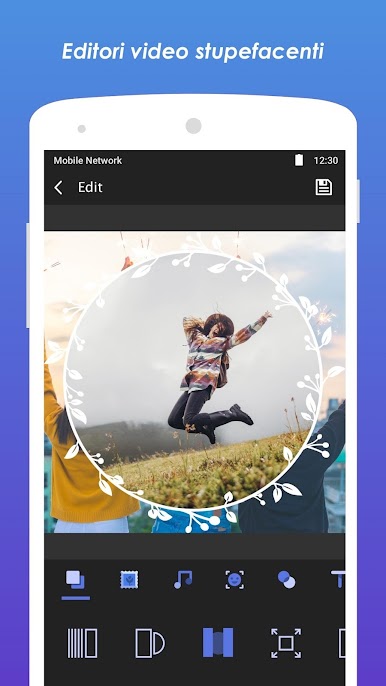
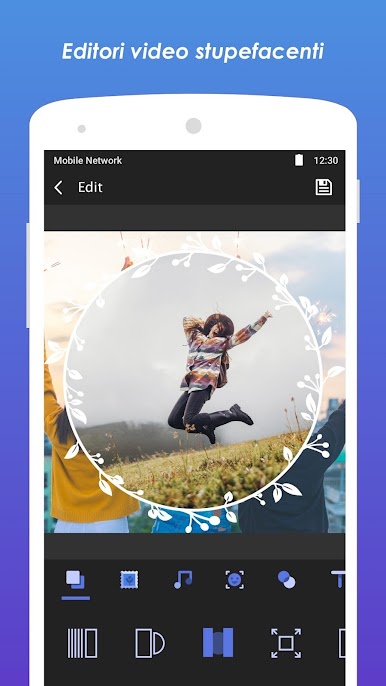
2. Photo frames can let your photos more catch eyes.
3. Backgroud music is totally free.
4. Rich music library to choose music to add to the video.
5. Cool photo filters is absolutely necessary for slideshow video.
6. Can add text to slideshow.
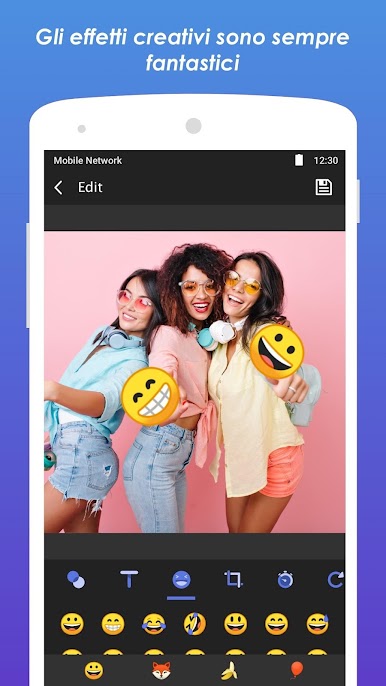
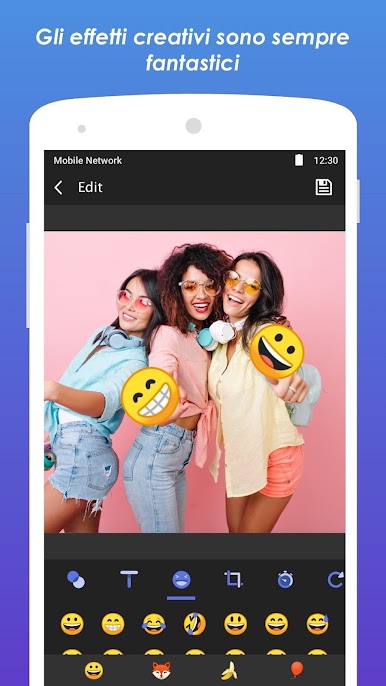
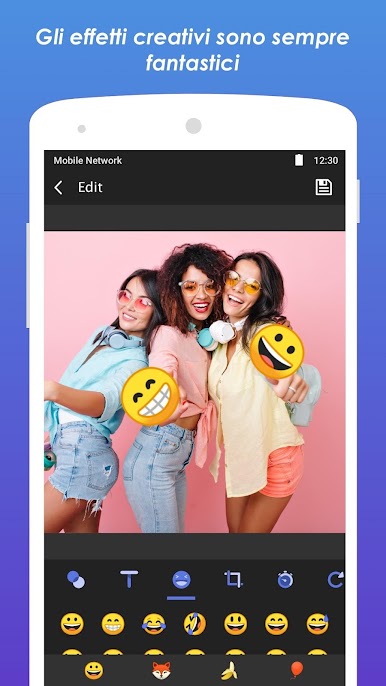
7. Sticks, emoji can make photo video more lively.
8. Animation duration.
9. Photo fit mode.
10. Photo rotation.
11. Music+Video: Add exclusive music to your videos
12. More photo video maker templates to choose from.
13. Extract mp3 from video.
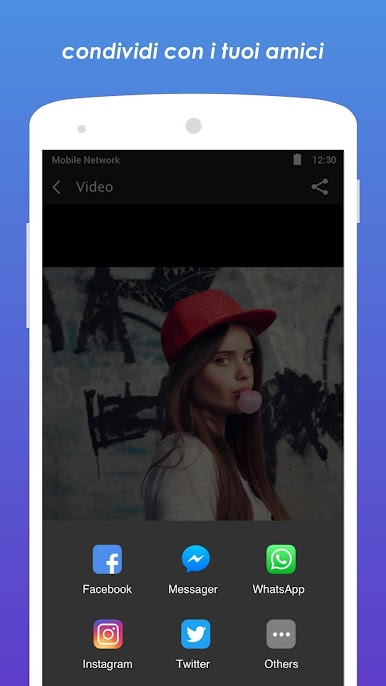
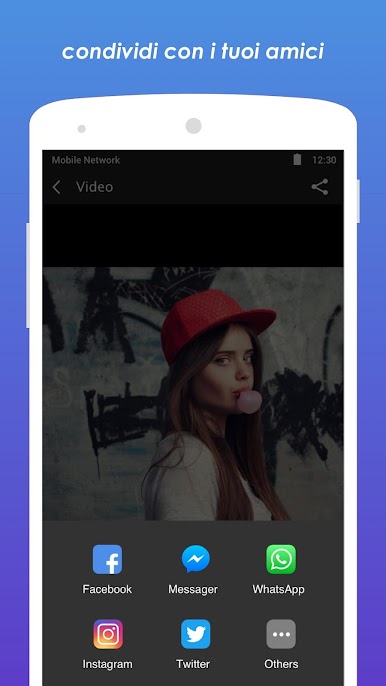
Don't forget to share your awesome videos on Youtube, Facebook, Instagram, Flipagram, VivaVideo and other social media networks.
If any question or Music Video Maker problem, please feel free to contact us via clock.remind@gmail.com.
Music Video Maker uses the following software:
- FFmpeg (http://ffmpeg.org) licensed under the LGPLv2.1 or later (http://www.gnu.org/licenses/old-licenses/lgpl-2.1.html)

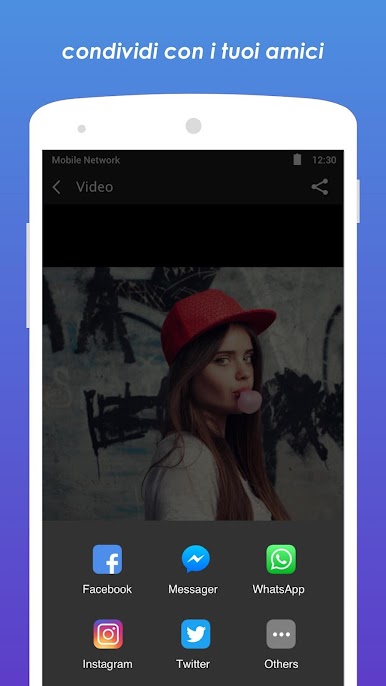
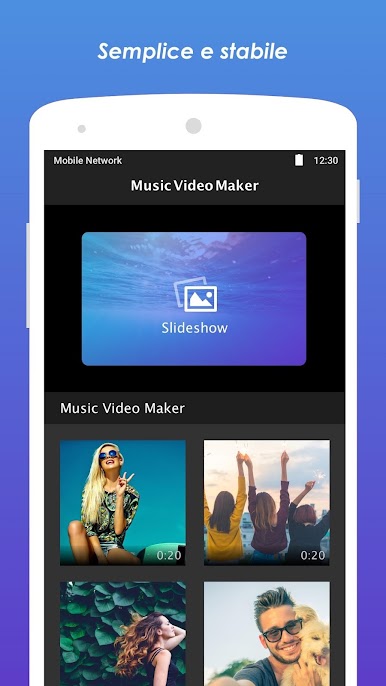
Gioca Video Maker & Slideshow Maker su PC. È facile iniziare.
-
Scarica e installa BlueStacks sul tuo PC
-
Completa l'accesso a Google per accedere al Play Store o eseguilo in un secondo momento
-
Cerca Video Maker & Slideshow Maker nella barra di ricerca nell'angolo in alto a destra
-
Fai clic per installare Video Maker & Slideshow Maker dai risultati della ricerca
-
Completa l'accesso a Google (se hai saltato il passaggio 2) per installare Video Maker & Slideshow Maker
-
Fai clic sull'icona Video Maker & Slideshow Maker nella schermata principale per iniziare a giocare

