


Notes Safe
Mainkan di PC dengan BlueStacks – platform Game-Game Android, dipercaya oleh lebih dari 500 juta gamer.

Play Notes Safe on PC
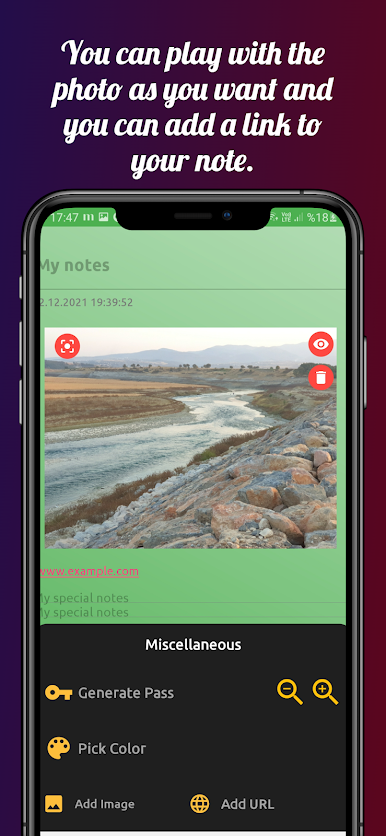
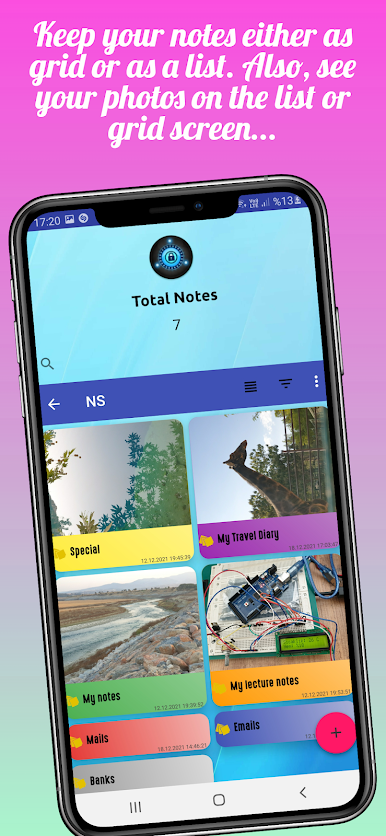
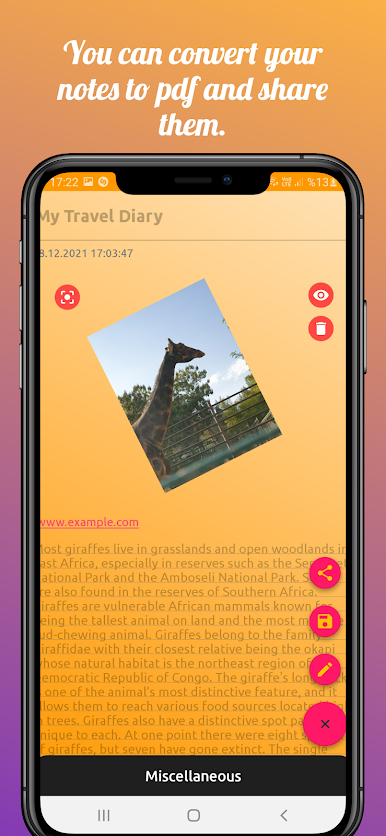
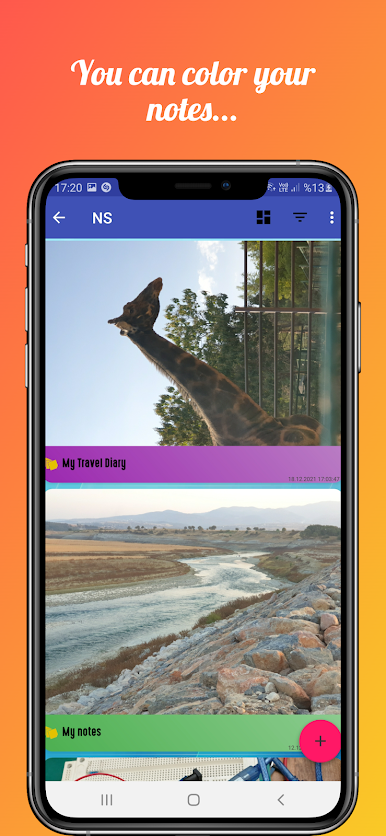
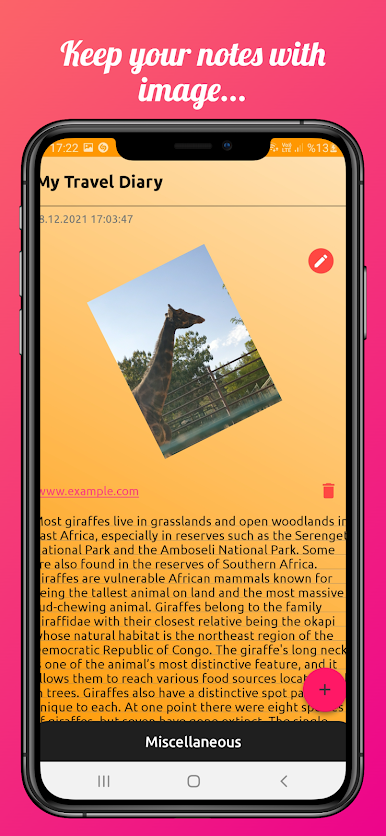
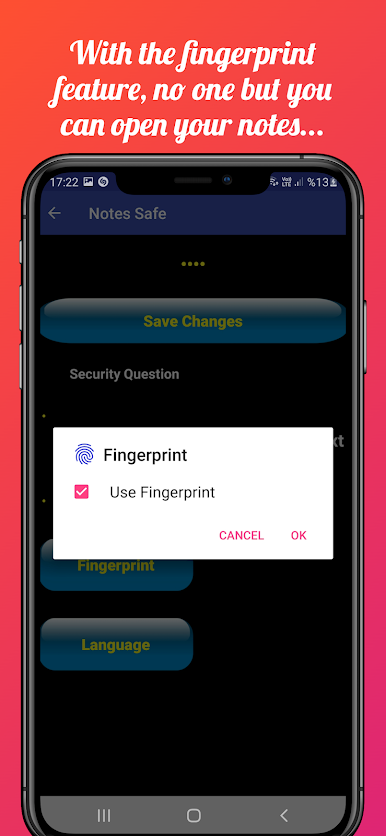
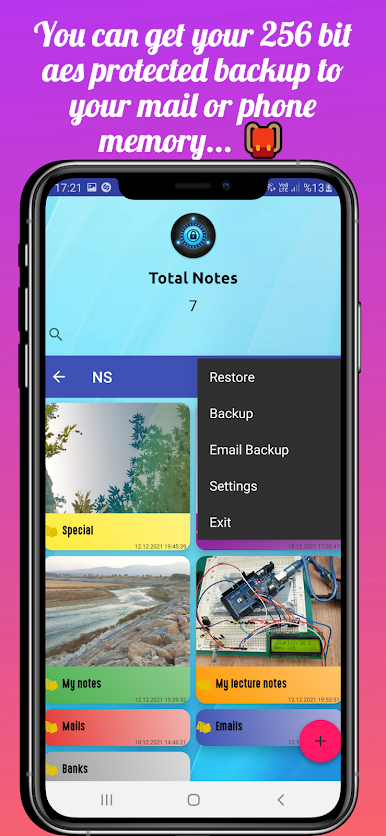
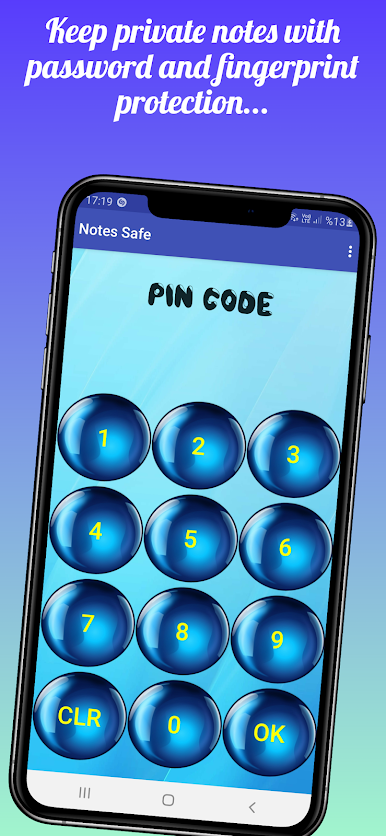
Then you can add secret notes. No Add this app. You can enter with your fingerprint in notes safe app.However you can search notes,backup database,restore database. You can color your notes and sort them by color. If you want you can add image notes and you can edit image. Also you can add url. You can view your notes as a list or as a grid. You can use notes safe as Notebook, safe note, Encrypted Notepad, Safe Notepad, Locked Notepad. However you can use it Safe Notes, Shopping list, Shopping notes and image notes. If you want you can use as Work list,Work notes, Lecture notes. Color notes provide you convenience.
Important:
"For your data security, we keep your passwords encrypted on your phone. We are not responsible for forgetting your password or security issue. Thank you for your understanding."

Mainkan Notes Safe di PC Mudah saja memulainya.
-
Unduh dan pasang BlueStacks di PC kamu
-
Selesaikan proses masuk Google untuk mengakses Playstore atau lakukan nanti
-
Cari Notes Safe di bilah pencarian di pojok kanan atas
-
Klik untuk menginstal Notes Safe dari hasil pencarian
-
Selesaikan proses masuk Google (jika kamu melewati langkah 2) untuk menginstal Notes Safe
-
Klik ikon Notes Safe di layar home untuk membuka gamenya

