


Trainz Simulator
Mainkan di PC dengan BlueStacks – platform Game-Game Android, dipercaya oleh lebih dari 500 juta gamer.

Ikhtisar
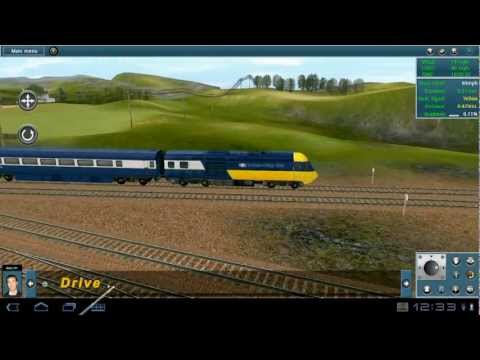
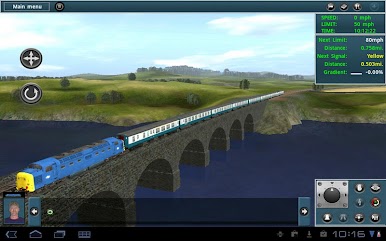
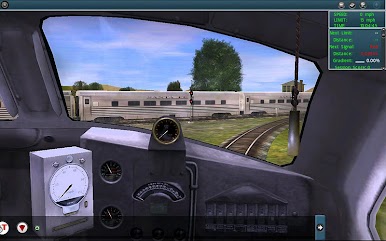
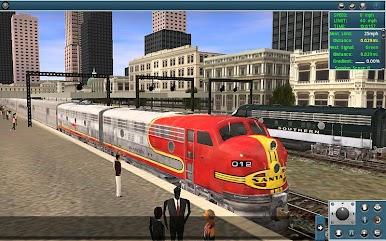
With Trainz custom built input system to get the most out of the touch functionality you’ll find driving Trains, laying tracks, creating layouts and completing scheduled tasks a breeze. Trainz Simulator THD is packed full of content, routes and sessions to give you the best Train experience on any mobile platform. Trainz Simulator THD is a world first for Android!
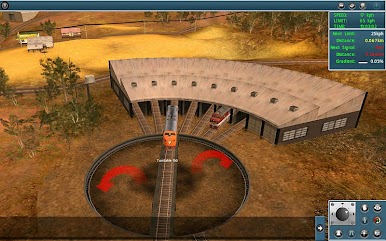
Trainz Simulator includes everything you need to build and operate your own dream railroad. You can build a fun layout in minutes, faithfully recreate a railroad from days gone by or develop a fully fledged prototypical route; the choice is yours.
• Touch input makes driving Trains, laying tracks, creating layouts and completing scheduled tasks easy.
• More Accessible! Take Trainz with you anytime, anywhere.
• Drive Loads of Trains.
• Operate a complete working rail line.
• Build and customize your own living railroad using our advanced route creation tool called “Surveyor”.
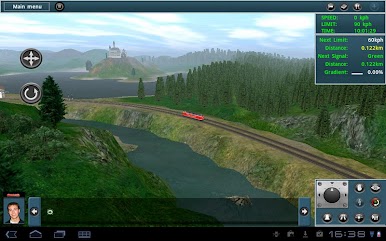
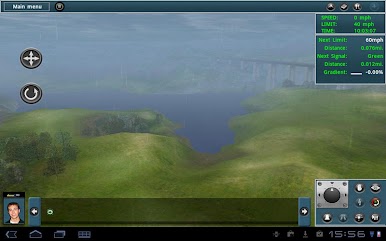
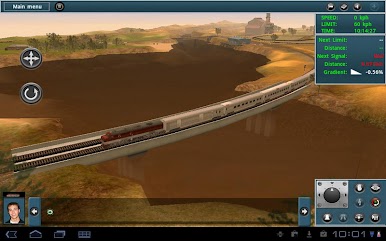
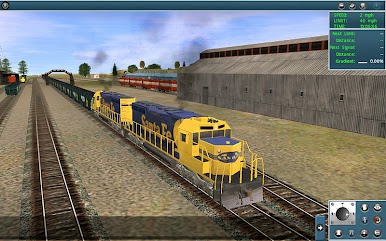
• Trainz Simulator THD offers advance visual effects such as lighting, weather effects, fog, higher detail Trains, beautiful water, increase performance and 2 new routes with all new sessions.
Previous Upgrades
*********************************
IMPROVED
- List scrolling functionality
- Accuracy for touch interface in Surveyor.
- Free Roaming View camera panning
- Save Session display the time of save.
- Scroll around Map View while in driver mode.
- Display hint windows in various parts of the game.
- Camera control toggled on/off.
- Thumbstick 'navigation' controls.
FIXED
- Camera Options for Tutorial 2.
- Sander icon displays correctly.
- Merging routes.
- Rail Yard sleep state.
- Sound burst before a session resumed or reloaded.
*********************************
Note: Unfortunately there are just so many Android devices in the market and suppliers update their specs all the time. We have to make the best judgment as to which devices will work with our product outside of our quality assurance. If you are experiencing issues on your device we would love to hear from you. Please contact support so we can attempt to resolve it.

Mainkan Trainz Simulator di PC Mudah saja memulainya.
-
Unduh dan pasang BlueStacks di PC kamu
-
Selesaikan proses masuk Google untuk mengakses Playstore atau lakukan nanti
-
Cari Trainz Simulator di bilah pencarian di pojok kanan atas
-
Klik untuk menginstal Trainz Simulator dari hasil pencarian
-
Selesaikan proses masuk Google (jika kamu melewati langkah 2) untuk menginstal Trainz Simulator
-
Klik ikon Trainz Simulator di layar home untuk membuka gamenya

