


Aprende las emociones
Juega en PC con BlueStacks: la plataforma de juegos Android, en la que confían más de 500 millones de jugadores.

Página modificada el: Jun 27, 2016
Play Lucky's Learn Emotions on PC or Mac
Lucky’s Learn Emotions brings the Educational genre to life, and throws up exciting challenges for gamers. Developed by Napko, this Android game is best experienced on BlueStacks, the World’s #1 app player for PC and Mac users.
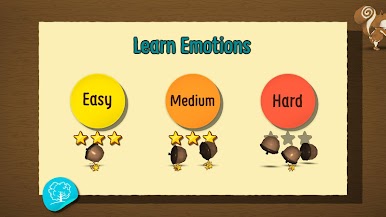
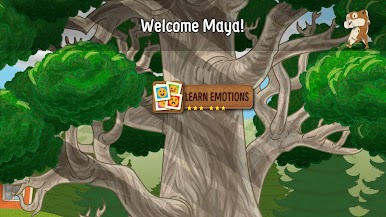
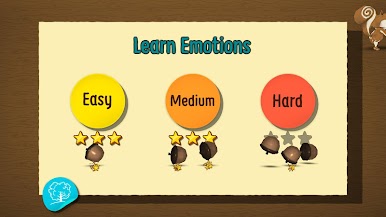
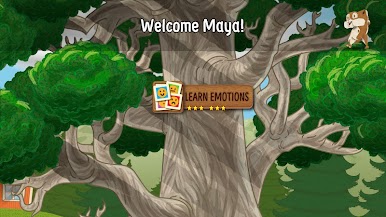
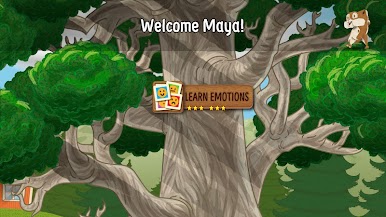
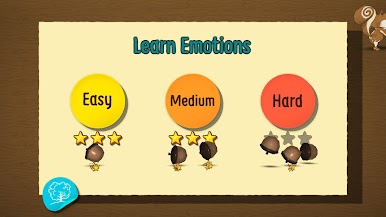
Lucky’s Learn Emotions feels like a calm little story time that turns into simple choices about feelings. Each scene sets up a real kid moment, like showing up at a birthday where everyone is new, then asks which emotion fits Lucky. The pace is slow and clear, the prompts are spoken, and nothing rushes anyone. The English narration is warm and TV-level polished, since it is Kerry McNally behind the voice, and there are options for Spanish, Finnish, and Arabic too. It is not trying to trick kids or pile on points. It just nudges them to notice faces, tone, and context, then name what that feeling probably is.
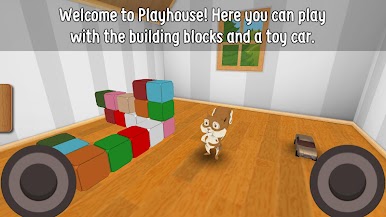
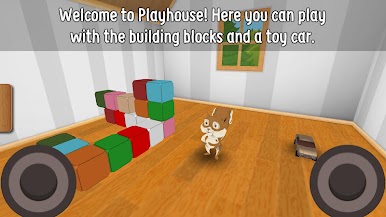
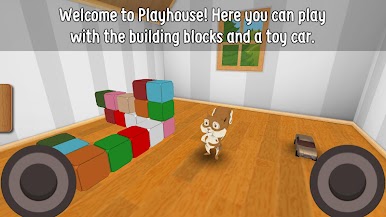
There is more to poke at than the stories. A small 3D playhouse lets players stack blocks or scoot a toy car around, and there is a coloring book with ten pages plus a blank canvas for free drawing. Creations can be saved right to the gallery for later. The whole thing is clean for kids, no ads, no purchases, no internet needed, and parents can set a play timer so sessions stay short. On PC with BlueStacks, the bigger screen makes the coloring and block stacking easier to handle, and the mouse gives nicer lines than a thumb. It stays friendly the whole time, nothing spooky or loud, just steady practice at naming emotions while doing little hands-on activities between prompts.
Get ready for a buttery smooth, high-performance gaming action only on BlueStacks.















Juega Aprende las emociones en la PC. Es fácil comenzar.
-
Descargue e instale BlueStacks en su PC
-
Complete el inicio de sesión de Google para acceder a Play Store, o hágalo más tarde
-
Busque Aprende las emociones en la barra de búsqueda en la esquina superior derecha
-
Haga clic para instalar Aprende las emociones desde los resultados de búsqueda
-
Complete el inicio de sesión de Google (si omitió el paso 2) para instalar Aprende las emociones
-
Haz clic en el ícono Aprende las emociones en la pantalla de inicio para comenzar a jugar

