


Tap Tile!
Juega en PC con BlueStacks: la plataforma de juegos Android, en la que confían más de 500 millones de jugadores.

Página modificada el: Sep 16, 2026
Juega Tap Tile! en PC
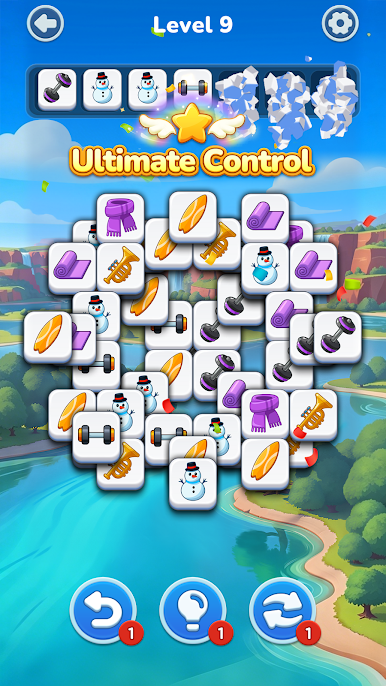
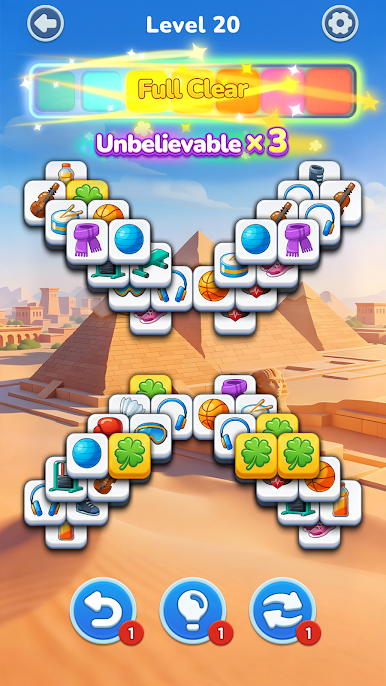
This addictive triple tile match game combines classic match 3 mechanics with peaceful visuals, making it perfect for unwinding anytime.
Simple & Addictive Tile Matching Gameplay
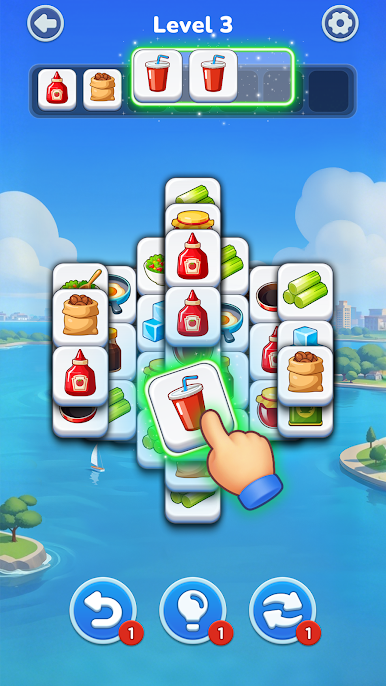
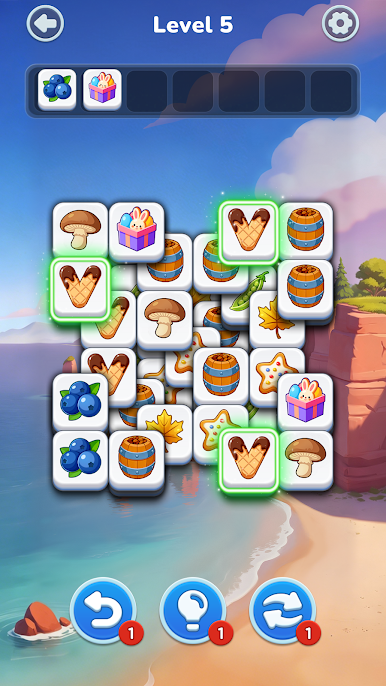
Tap to collect and match 3 identical tiles
Clear each board by solving relaxing tile puzzles
Plan your moves to complete challenging triple tile levels
Enjoy smooth and easy tile match game controls
Whether you love tile matching games, match 3 puzzles, or triple match challenges, Tap Tile! delivers a satisfying experience.
A Relaxing Puzzle Game for Everyday Play
Designed for players who enjoy calm tile puzzle games
Perfect for relaxing during breaks or quiet time
A stress-free match 3 game with smooth gameplay
Beautiful level backgrounds for a soothing experience
Tap Tile! is ideal for anyone looking for a relaxing tile match puzzle game.
Thousands of Levels to Explore
Play through thousands of unique tile match puzzles
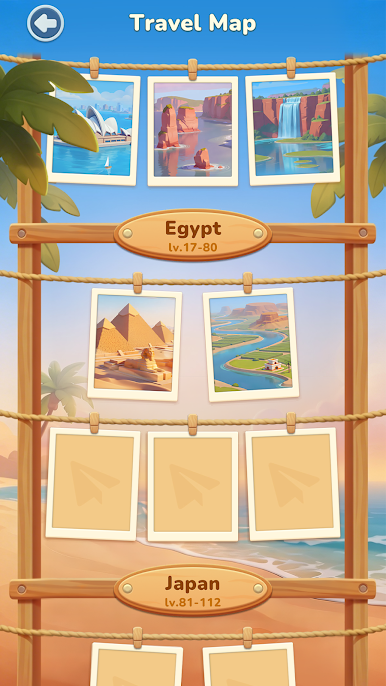
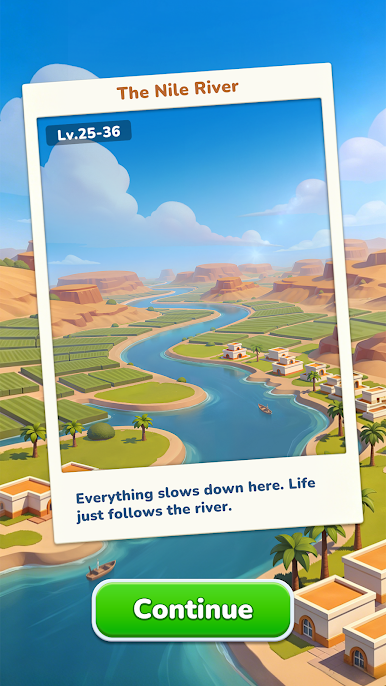
Each level features different scenic backgrounds
Gradually increasing difficulty for long-term fun
From easy puzzles to more advanced triple tile challenges, there is always something new.
Play Anytime, Anywhere
Fully playable offline – no internet required
Simple controls for all ages
Designed for easy and relaxing gameplay
Enjoy this tile puzzle game offline wherever you go.
Tap Tile! combines tile match gameplay, triple tile puzzles, and classic match 3 game mechanics into one relaxing experience.
Download Tap Tile! now and enjoy a relaxing tile match puzzle game with thousands of levels.
Juega Tap Tile! en la PC. Es fácil comenzar.
-
Descargue e instale BlueStacks en su PC
-
Complete el inicio de sesión de Google para acceder a Play Store, o hágalo más tarde
-
Busque Tap Tile! en la barra de búsqueda en la esquina superior derecha
-
Haga clic para instalar Tap Tile! desde los resultados de búsqueda
-
Complete el inicio de sesión de Google (si omitió el paso 2) para instalar Tap Tile!
-
Haz clic en el ícono Tap Tile! en la pantalla de inicio para comenzar a jugar

