


Nedis SmartLife
Juega en PC con BlueStacks: la plataforma de juegos Android, en la que confían más de 500 millones de jugadores.

Página modificada el: Sep 23, 2025
Play Nedis SmartLife on PC
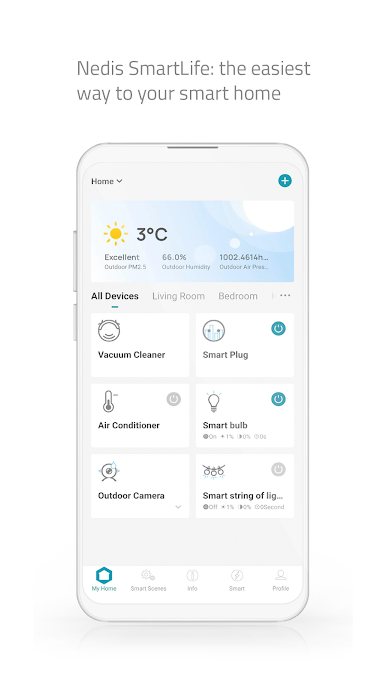
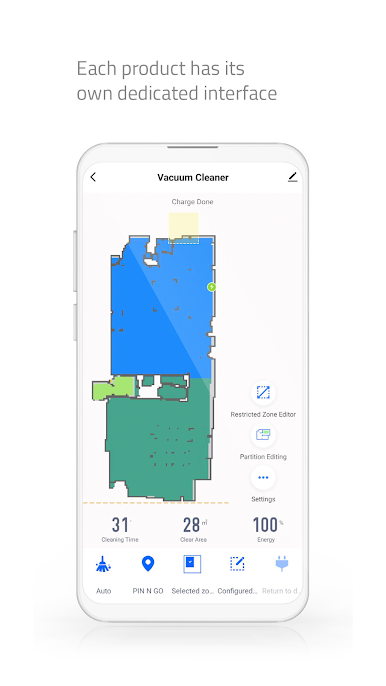
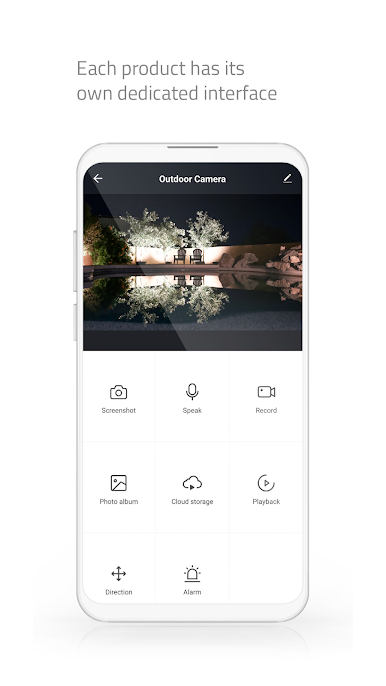
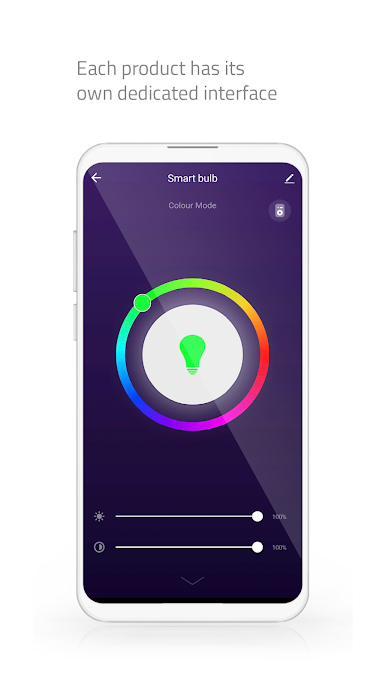
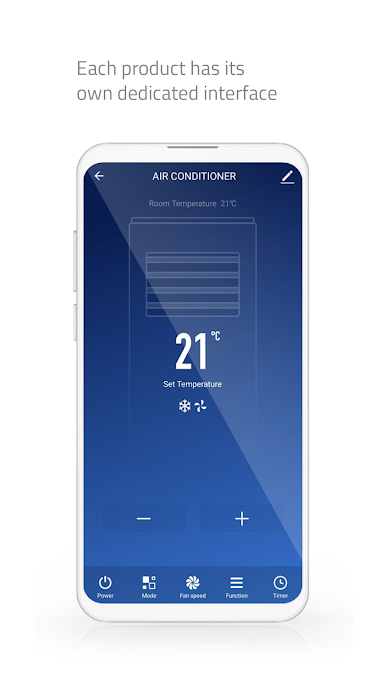
With the Nedis Smartlife app, you can easily set up, manage and control your lights, plugs, thermostats, cameras and other Nedis SmartLife devices, from anywhere and at any time. The app provides you with a centralized and user-friendly interface to manage all your smart devices, giving you the ability to create customized routines, set schedules and receive notifications. With Nedis Smartlife, you can turn your home into a smart home and enjoy the convenience and peace of mind that comes with it.
Features in the app:
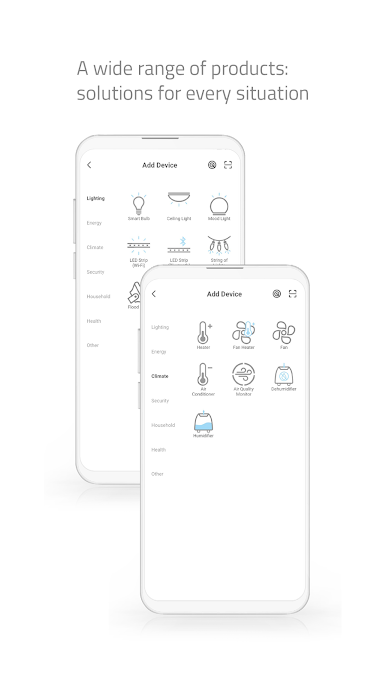
• Add devices from 4 main categories (security, energy, health and comfort) directly to your Wi-Fi network within seconds
• Control your smart devices from anywhere using one app.
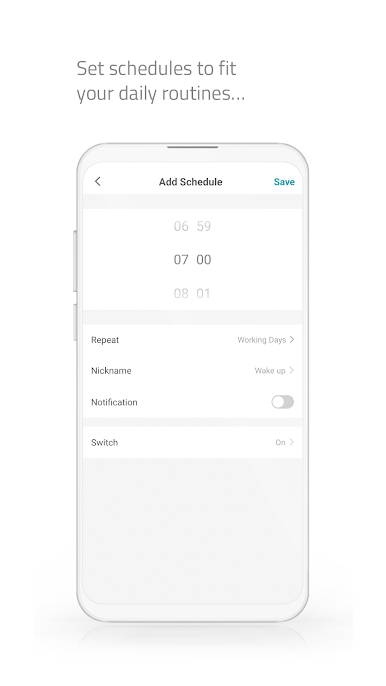
• Schedules to automatically run your devices during set times
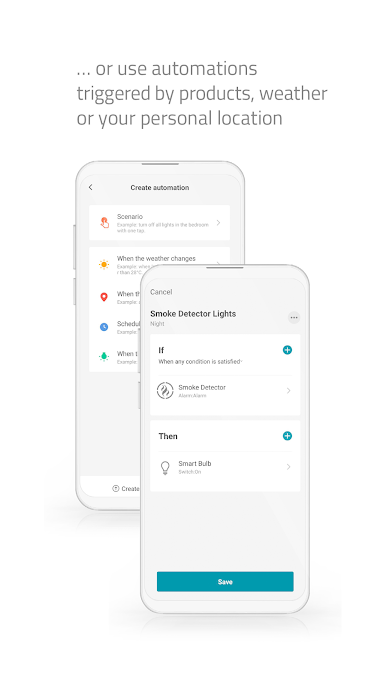
• Devices start/stop work automatically based on temperature, location and time
• Create smart scenarios and execute them automatically: Combine many of our products.
• Push notification to your phone, to ensure you are quickly informed
• Insight into your energy consumption
• Easily share controls between family members
• Voice control with Google Assistant and Amazon Alexa
• The Nedis SmartLife app works seamlessly with any smart home device powered by Tuya
Juega Nedis SmartLife en la PC. Es fácil comenzar.
-
Descargue e instale BlueStacks en su PC
-
Complete el inicio de sesión de Google para acceder a Play Store, o hágalo más tarde
-
Busque Nedis SmartLife en la barra de búsqueda en la esquina superior derecha
-
Haga clic para instalar Nedis SmartLife desde los resultados de búsqueda
-
Complete el inicio de sesión de Google (si omitió el paso 2) para instalar Nedis SmartLife
-
Haz clic en el ícono Nedis SmartLife en la pantalla de inicio para comenzar a jugar

