


TOPIK - 한국어능력시험
Juega en PC con BlueStacks: la plataforma de juegos Android, en la que confían más de 500 millones de jugadores.

Página modificada el: Nov 23, 2025
Run TOPIK - 한국어능력시험 on PC or Mac
Get freedom from your phone’s obvious limitations. Use TOPIK – 한국어능력시험, made by NextKhIT, a Education app on your PC or Mac with BlueStacks, and level up your experience.
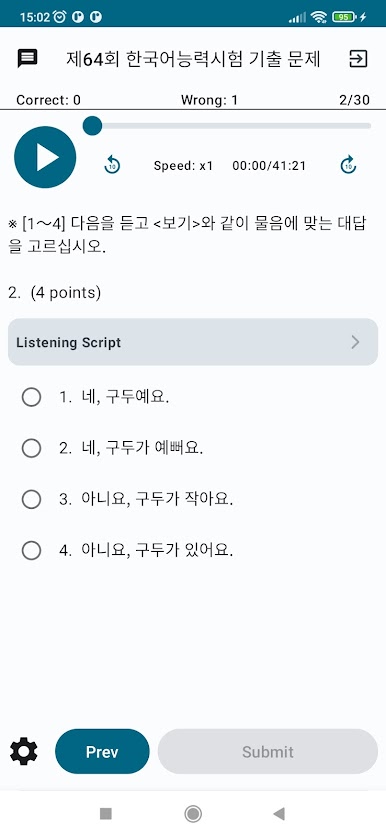
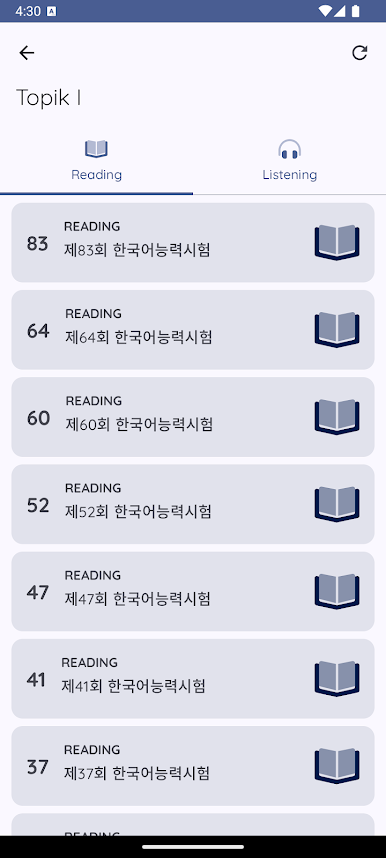
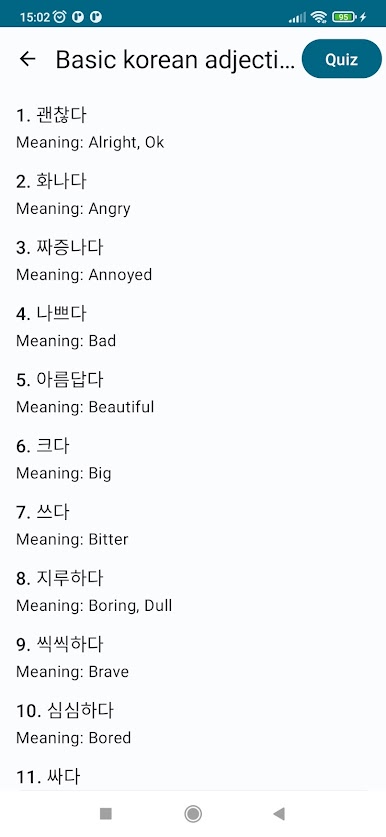
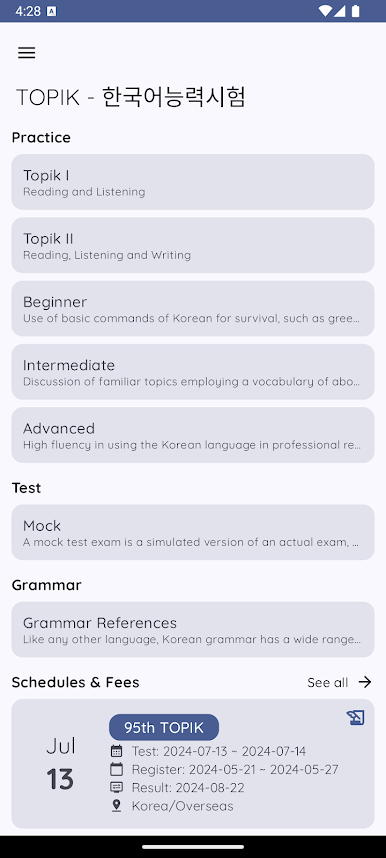
So with the TOPIK – 한국어능력시험 app, it’s all about helping you get ready for the real Korean language exam, but in a way that doesn’t feel stuffy or complicated. The app covers everything you’d probably want if you’re studying for TOPIK — reading, listening, writing, vocabulary — and splits everything up by level so you can jump right in wherever you’re at. There’s a big focus on basic words and common vocab, especially helpful if you’re just trying to get those essentials down. And after sifting through the study material, there are quizzes to check what you remember. It seems to work with both older and newer versions of the test, so if you’re practicing with materials from past years, that’s all in there.
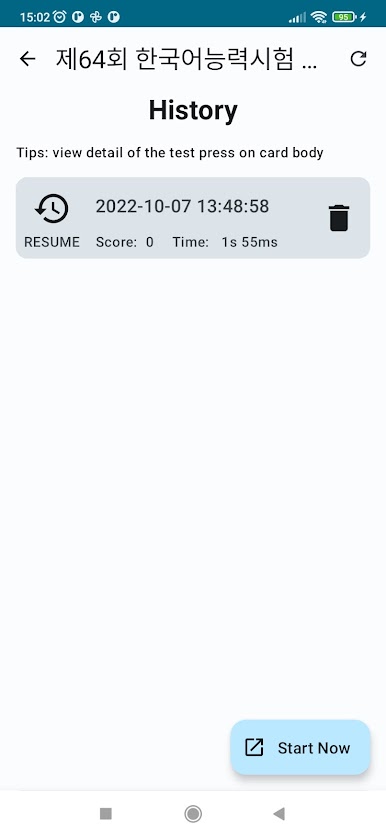
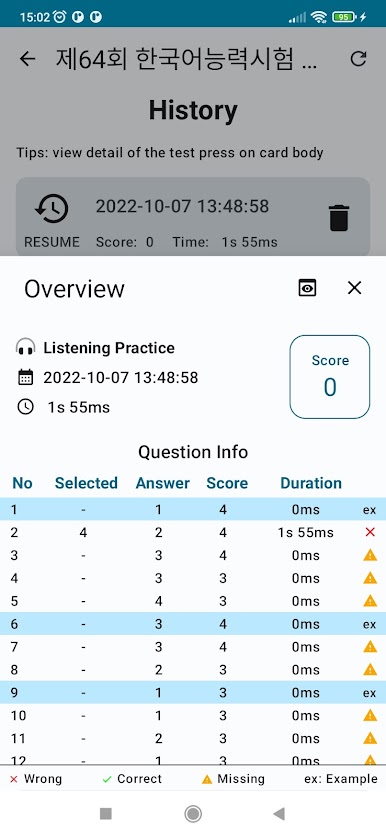
Nobody gets lost using this, since the layout is simple and there’s a choice between just practicing or taking a mini-test to see how you’d do. Plus, for folks who want to keep tabs on their progress, there’s a history thing that shows how you’ve done on past attempts, which makes tracking weak spots a bit easier. It’s also not just for English speakers — there’s Khmer support, which is a thoughtful touch. On PC with BlueStacks, things run a bit smoother, and you don’t have to worry about squinting at tiny text or fiddling with a phone keyboard, so you can really settle in and focus on the material. The whole thing feels pretty straightforward and chill, made for anyone who wants to build up their Korean in their own time.
BlueStacks brings your apps to life on a bigger screen—seamless and straightforward.
Juega TOPIK - 한국어능력시험 en la PC. Es fácil comenzar.
-
Descargue e instale BlueStacks en su PC
-
Complete el inicio de sesión de Google para acceder a Play Store, o hágalo más tarde
-
Busque TOPIK - 한국어능력시험 en la barra de búsqueda en la esquina superior derecha
-
Haga clic para instalar TOPIK - 한국어능력시험 desde los resultados de búsqueda
-
Complete el inicio de sesión de Google (si omitió el paso 2) para instalar TOPIK - 한국어능력시험
-
Haz clic en el ícono TOPIK - 한국어능력시험 en la pantalla de inicio para comenzar a jugar

