


Control parental de Nintendo…
Juega en PC con BlueStacks: la plataforma de juegos Android, en la que confían más de 500 millones de jugadores.

Página modificada el: Sep 23, 2025
Play Nintendo Switch Parental Cont… on PC
◆ A Nintendo Switch 2 or Nintendo Switch system is required to use this app.
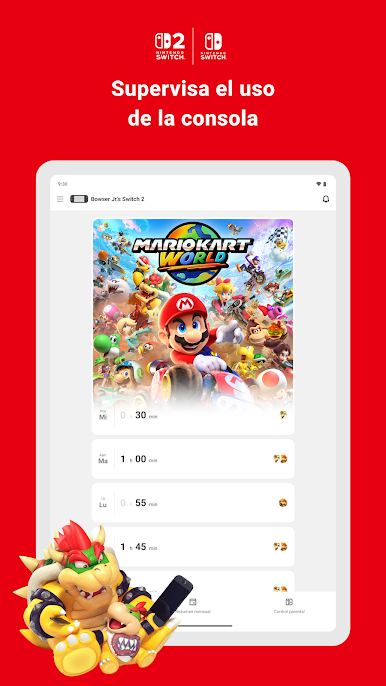
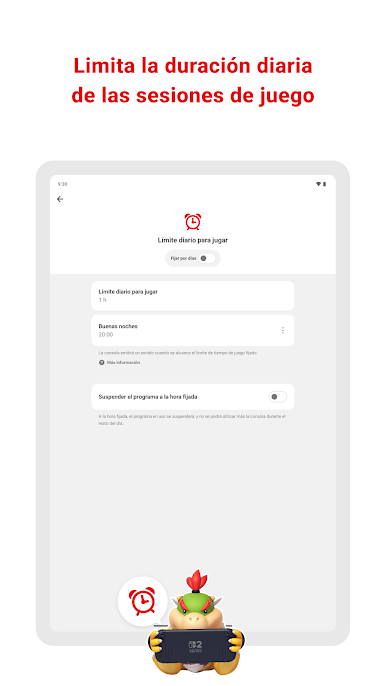
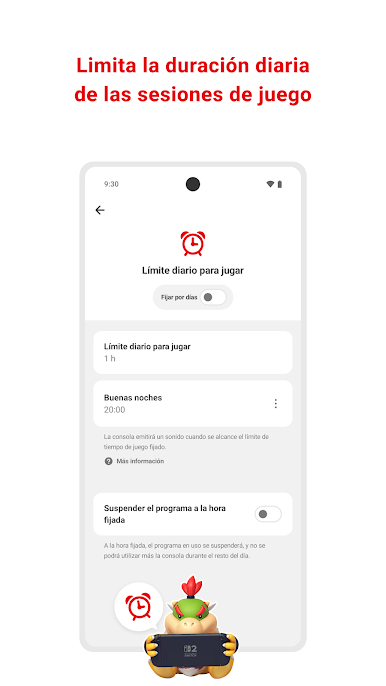
■ Set a daily play-time limit
You can set a timer for how long your child can play for each day. You can select different settings for each day of the week, and even set it so that the game is suspended on the system as soon as the play-time limit is reached.
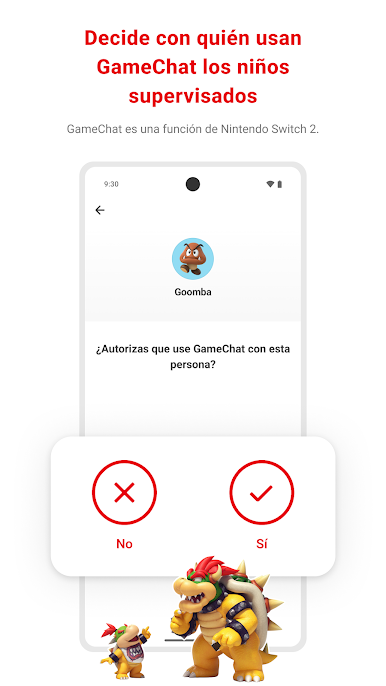
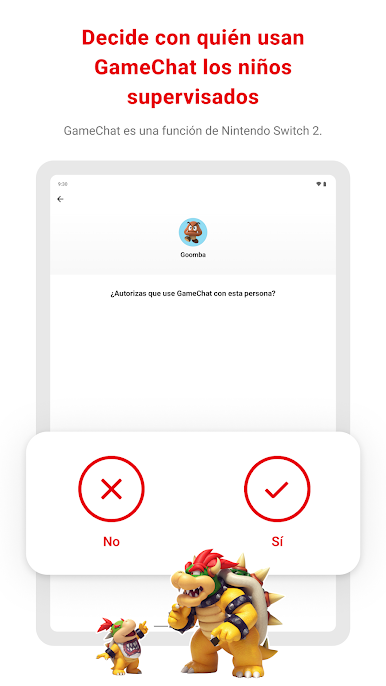
■ Manage your child's GameChat settings
If you allow your child to use GameChat, you can manage which friends they're approved to chat with and decide when they can use video chat.
◆ The GameChat feature can only be used on Nintendo Switch 2 systems.
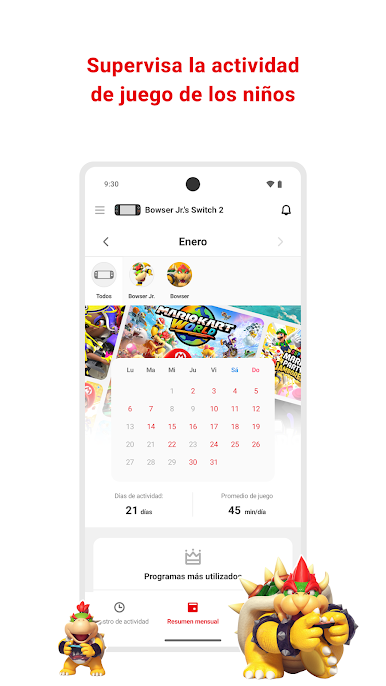
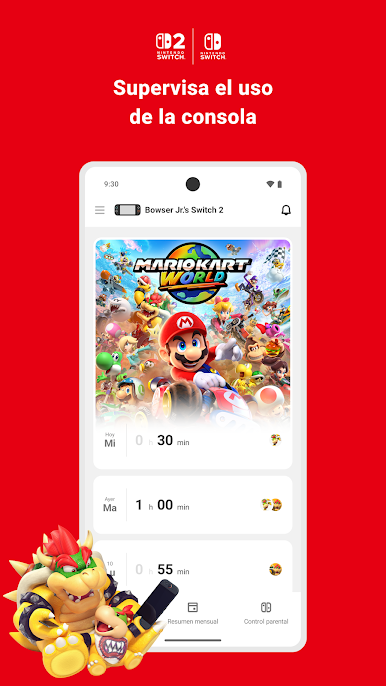
■ View your child's play activity
You can easily check which games your child plays and for how long. You'll also get a monthly overview of their gameplay activity.
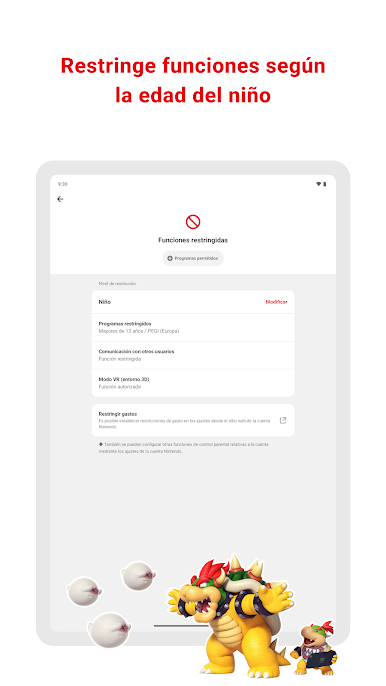
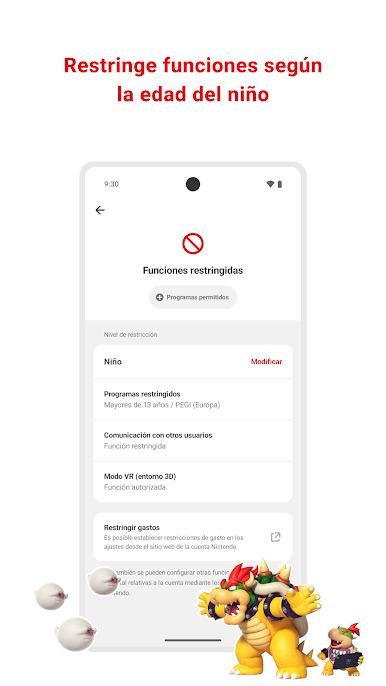
■ Set restrictions based on your child's age
You can set up age-based restrictions on the games your child can play and the features they can use.
Attention:
● To use the Nintendo Switch Parental Controls app, a parent or guardian (aged 18 or above) will need to have a Nintendo Account.
● Purchasing restrictions, including restrictions on purchasing products and services in Nintendo eShop, can be set up in the Nintendo Account settings.
● To make use of all of the features and settings available in the Nintendo Switch Parental Controls app, all linked Nintendo Switch 2 and Nintendo Switch systems need to be using the latest system version.
● For details about the GameChat feature, please visit support.nintendo.com.


Juega Control parental de Nintendo… en la PC. Es fácil comenzar.
-
Descargue e instale BlueStacks en su PC
-
Complete el inicio de sesión de Google para acceder a Play Store, o hágalo más tarde
-
Busque Control parental de Nintendo… en la barra de búsqueda en la esquina superior derecha
-
Haga clic para instalar Control parental de Nintendo… desde los resultados de búsqueda
-
Complete el inicio de sesión de Google (si omitió el paso 2) para instalar Control parental de Nintendo…
-
Haz clic en el ícono Control parental de Nintendo… en la pantalla de inicio para comenzar a jugar

