


ACR Phone
Gioca su PC con BlueStacks: la piattaforma di gioco Android, considerata affidabile da oltre 500 milioni di giocatori.

Pagina modificata il: Dec 15, 2025
Run ACR Phone on PC or Mac
Get freedom from your phone’s obvious limitations. Use ACR Phone, made by NLL APPS, a Communication app on your PC or Mac with BlueStacks, and level up your experience.
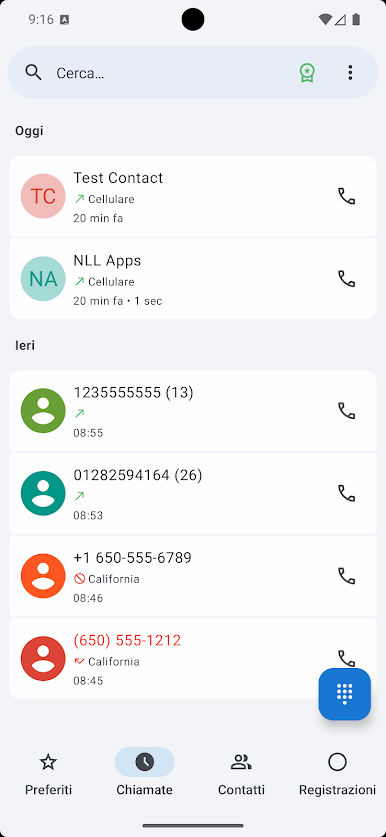
ACR Phone turns the regular dialer into something a lot more organized and a bit smarter. It’s got a clean look that feels easy on the eyes, and the option for a dark mode is nice if bright screens aren’t your thing. The app does a good job respecting privacy—nothing is shipped out of the phone, so there’s no need to stress about contacts or call logs ending up somewhere unexpected. Even if contacts access isn’t granted, most stuff still works smoothly.
One thing that stands out is the spam blocker. Instead of relying on random internet lists, it lets users create their own blocklist—either by picking numbers from call logs, typing them in, or grabbing them from contacts. There’s some real flexibility here with matching rules and scheduling when certain numbers get blocked. The call announcer comes in handy, too. Hearing who’s calling when headphones or Bluetooth are connected makes life a little easier, especially if the phone isn’t nearby. Adding notes to calls without fuss is there, and the backup tool lets call logs and contacts move between devices without headache.
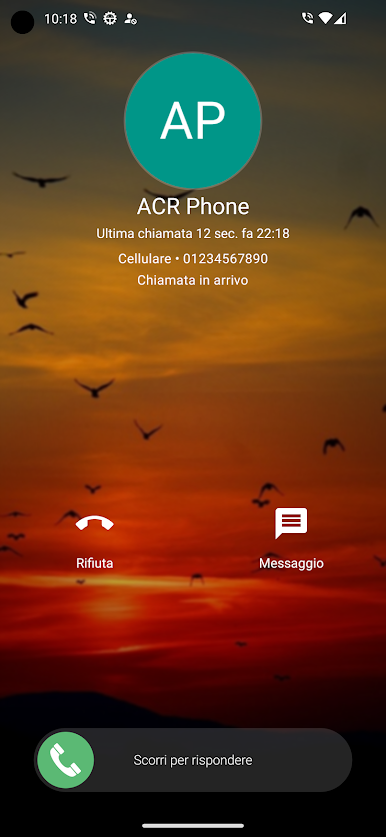
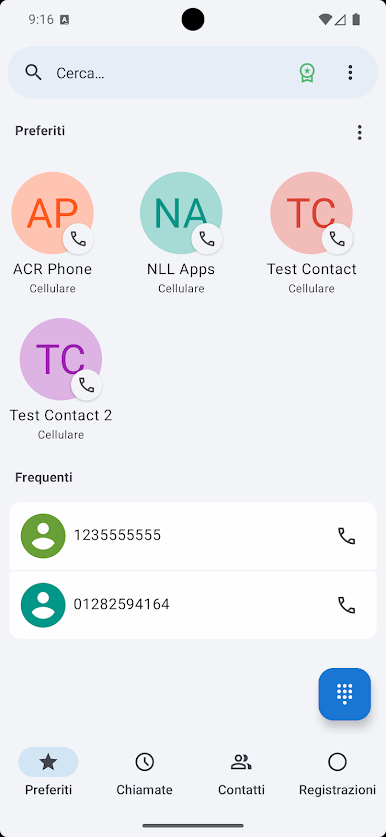
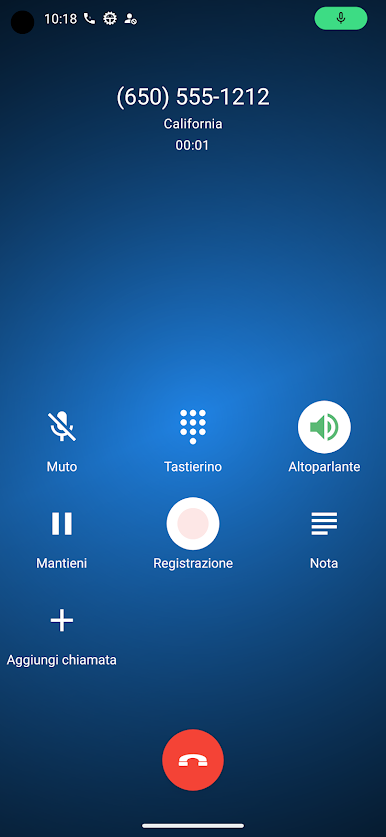
For anyone juggling two SIM cards, the dual SIM support feels pretty seamless. The app’s simple contact list speeds things up, and there’s even a little flair with customizable call screens—putting a photo or video for certain contacts is a neat touch. VoIP calls are built in for those who want them, and call recording is there too if the phone supports it, plus it can send stuff straight to the cloud or a server if needed. Visual voicemail and an auto-dialer for stubborn numbers round out a set of features that make calling and managing contacts practical and just a bit less annoying. Playing around with it on PC using BlueStacks adds extra clarity thanks to the bigger screen, making everything a lot easier to manage.
BlueStacks brings your apps to life on a bigger screen—seamless and straightforward.
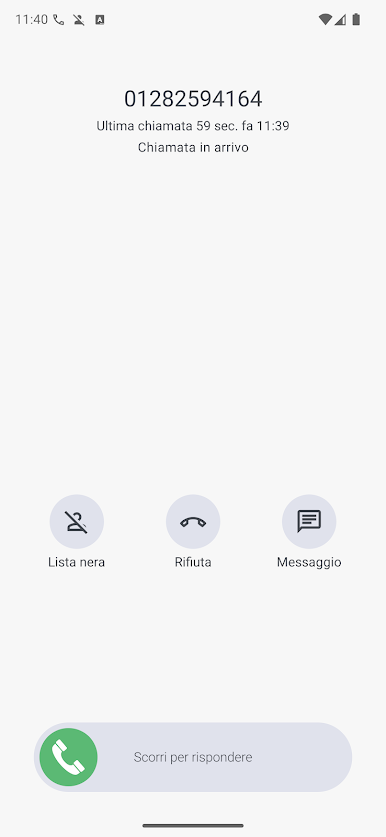
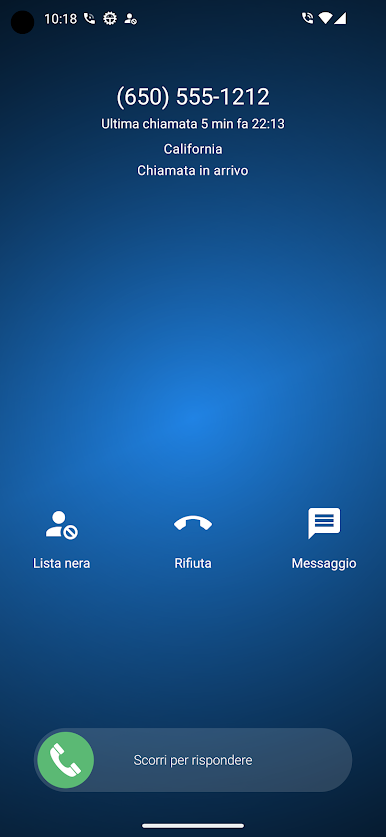
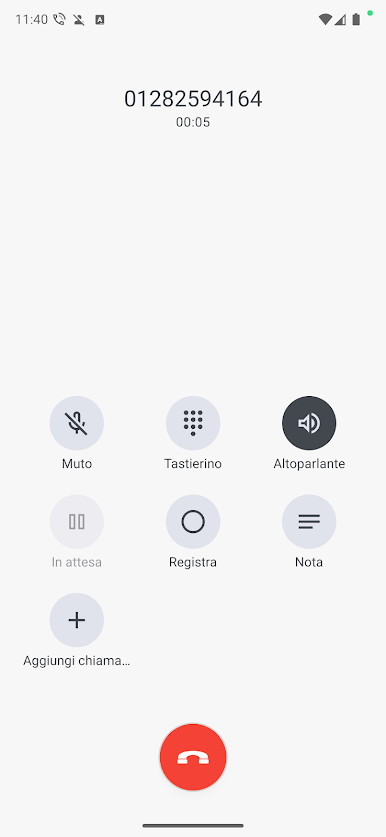
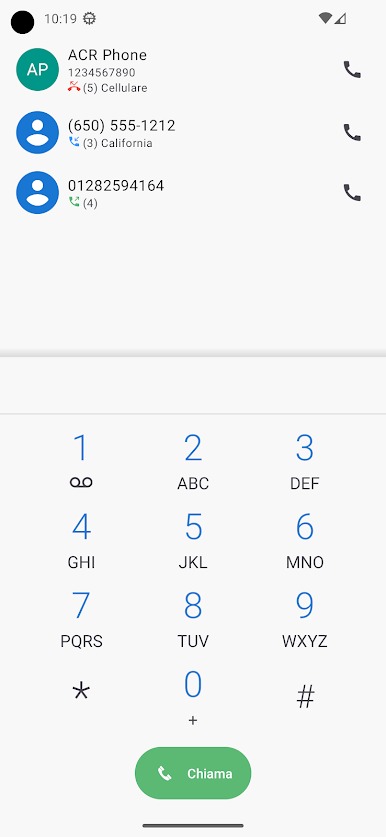
Gioca ACR Phone su PC. È facile iniziare.
-
Scarica e installa BlueStacks sul tuo PC
-
Completa l'accesso a Google per accedere al Play Store o eseguilo in un secondo momento
-
Cerca ACR Phone nella barra di ricerca nell'angolo in alto a destra
-
Fai clic per installare ACR Phone dai risultati della ricerca
-
Completa l'accesso a Google (se hai saltato il passaggio 2) per installare ACR Phone
-
Fai clic sull'icona ACR Phone nella schermata principale per iniziare a giocare

