


Cropwise Operations
Mainkan di PC dengan BlueStacks – platform Game-Game Android, dipercaya oleh lebih dari 500 juta gamer.

Play Cropwise Operations on PC
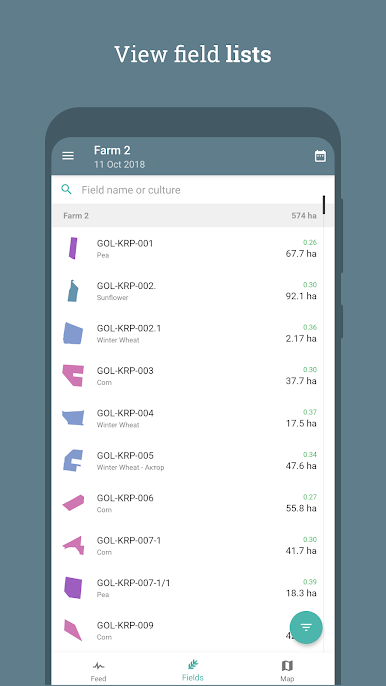
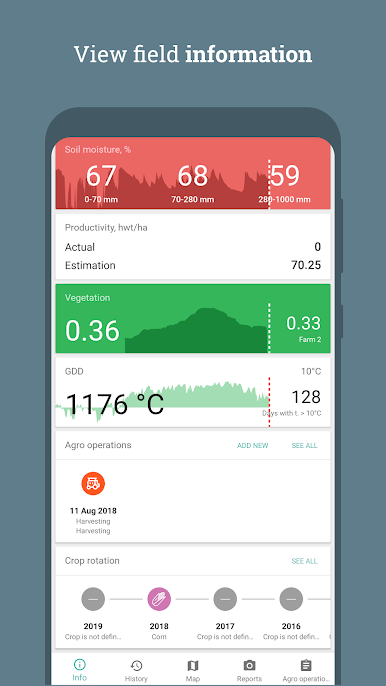
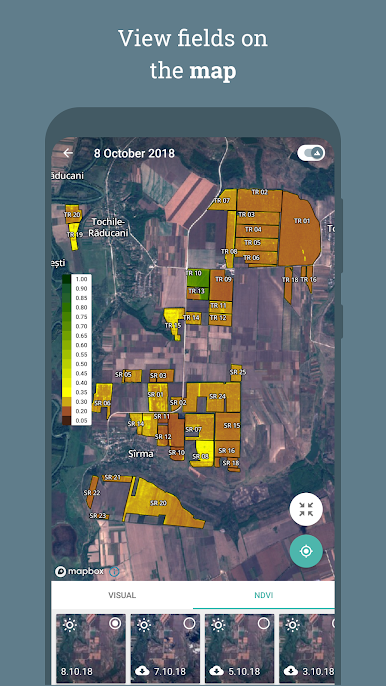
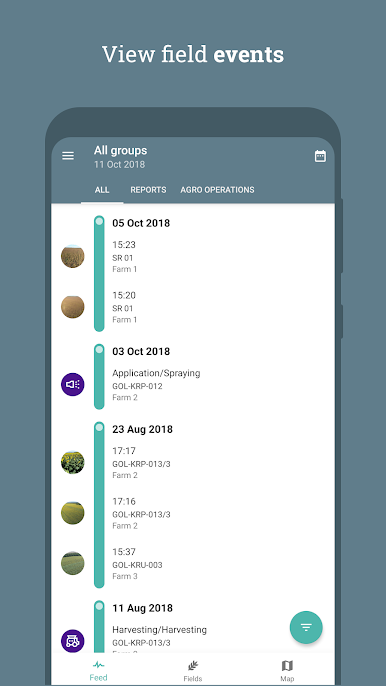
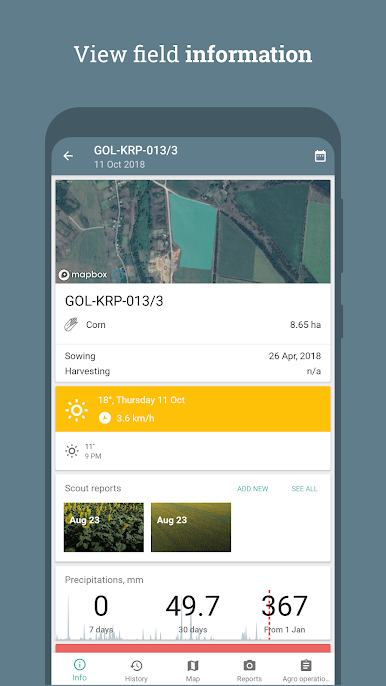
Cropwise Operations application was designed for agronomists and management of agricultural companies. It gives the access to main information about fields, satellite images, status of agricultural works, current weather data, field status reports, etc. Once synced, application could work offline, without Internet access.
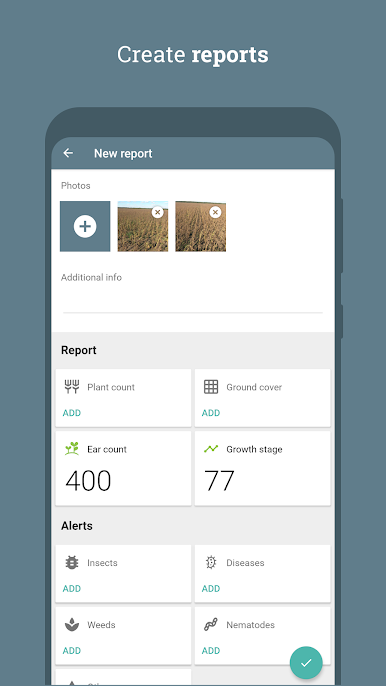
Also, Cropwise Operations application gives ability for agronomists to create reports for their fields (with photos and text notes) that could be synced with Cropwise Operations site.
Cropwise Operations application is free, but available only for Cropwise Operations Users (https://operations.cropwise.com). If you are interested in Cropwise Operations service — please, contact our sales managers (https://cropwise.com/operations).
Cropwise Operations main service functions:
— real-time vegetation monitoring;
— field zoning and problem area identification;
— fertiliser and seed distribution mapping;
— reporting and notification system;
— databank and historical information;
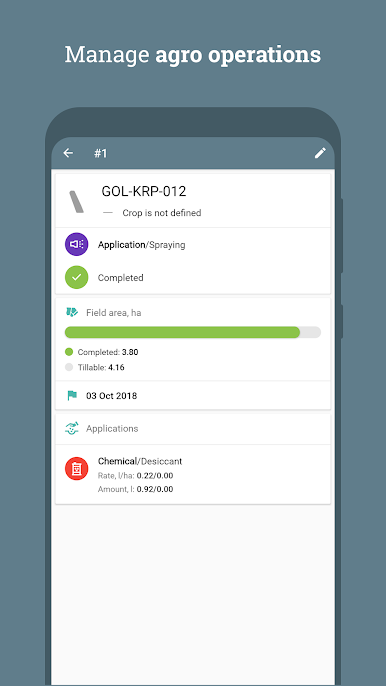
— integration with GPS monitoring system, monitoring of agri operations;
— productivity estimate;
— weather forecast and information.
Mainkan Cropwise Operations di PC Mudah saja memulainya.
-
Unduh dan pasang BlueStacks di PC kamu
-
Selesaikan proses masuk Google untuk mengakses Playstore atau lakukan nanti
-
Cari Cropwise Operations di bilah pencarian di pojok kanan atas
-
Klik untuk menginstal Cropwise Operations dari hasil pencarian
-
Selesaikan proses masuk Google (jika kamu melewati langkah 2) untuk menginstal Cropwise Operations
-
Klik ikon Cropwise Operations di layar home untuk membuka gamenya

