


OMRON HeartAdvisor
Juega en PC con BlueStacks: la plataforma de juegos Android, en la que confían más de 500 millones de jugadores.

Página modificada el: Feb 9, 2024
Play OMRON HeartAdvisor on PC
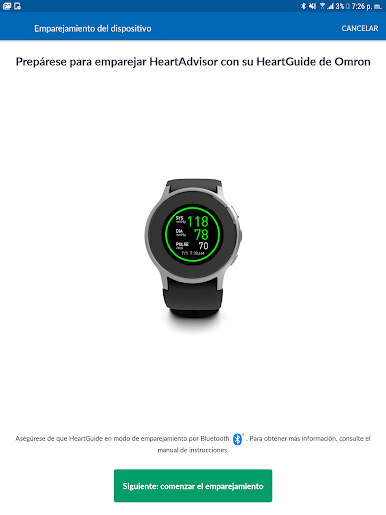
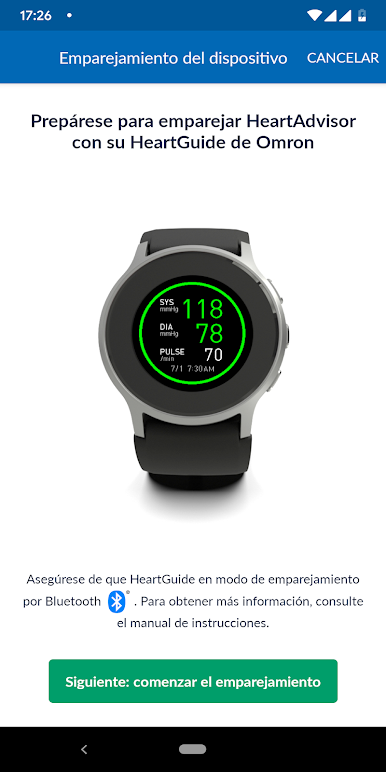
HeartGuide™ Wrist Blood Pressure Monitor (BP8000-M, BP8000-L)
Body Composition Monitor and Scale with Bluetooth (BCM-500)
TeleHealth Blood Pressure Monitor (HEM-9200T)
Note: The app will require SMS and Call Log permissions only for users of the HeartGuide™ device for messaging related notifications to work properly.
The OMRON® HeartAdvisor™ app is an important part of our Generation Zero mission to eliminate heart attacks and strokes forever. By monitoring your blood pressure every day, you can help make this vision a reality. Learn more at goingforzero.com.
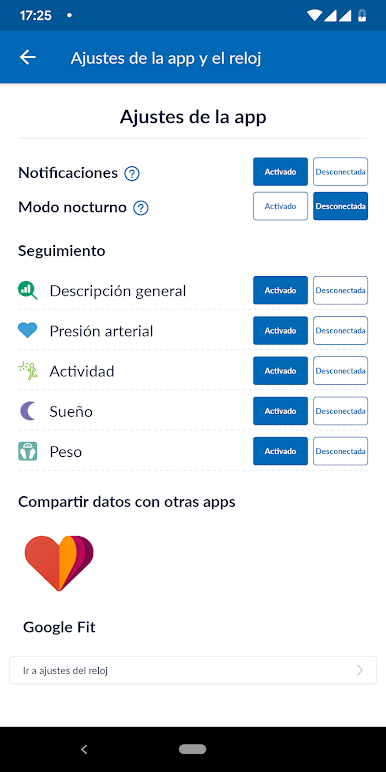
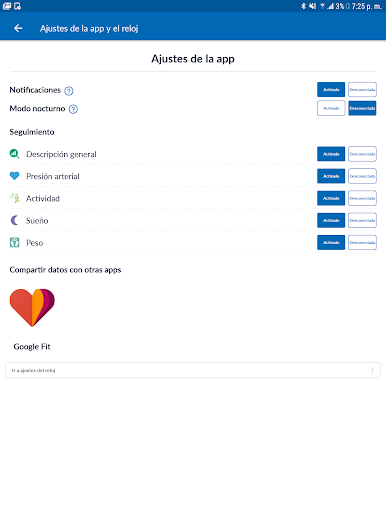
The OMRON HeartAdvisor app makes it easy to view and measure your blood pressure, activity, sleep and weight. You may also use the HeartAdvisor app to schedule reminders to manage any medication instruction from your doctor – all of which directly impact your heart health.
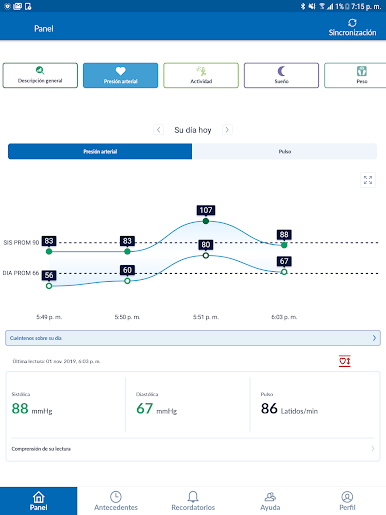
By syncing wirelessly to your smartphone or tablet, HeartAdvisor tracks your readings and daily measurements, providing you with simple, actionable insights into how to improve your health.
For a full list of compatible devices, visit OmronHealthcare.com/connected
• Easily sync your readings to your smartphone via Bluetooth®
• Share your progress by emailing readings to family, physicians, or other health care professionals
• Keep track of your health history by storing and saving unlimited readings
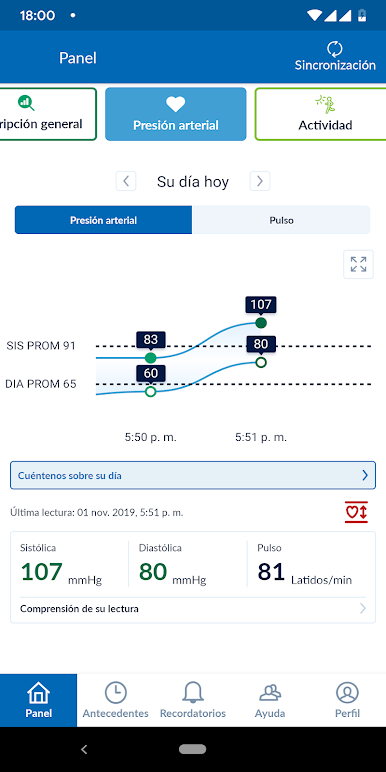
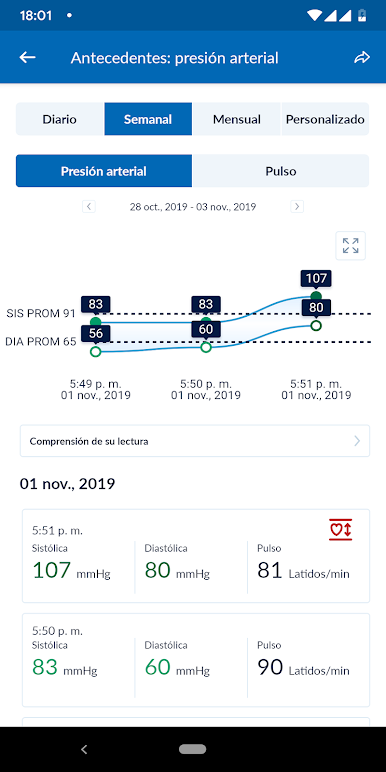
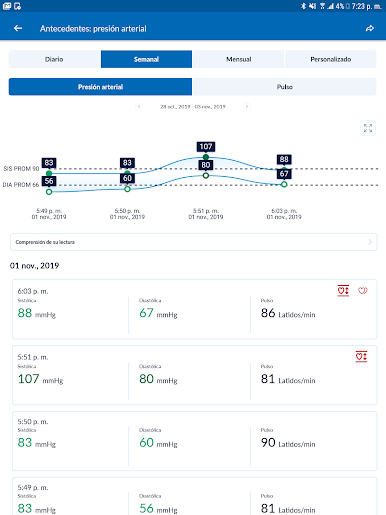
• Get a complete view of your blood pressure with systolic, diastolic and pulse readings
• Receive alerts when notable changes in blood pressure are detected (US only)
• Set physical activity goals and track your progress
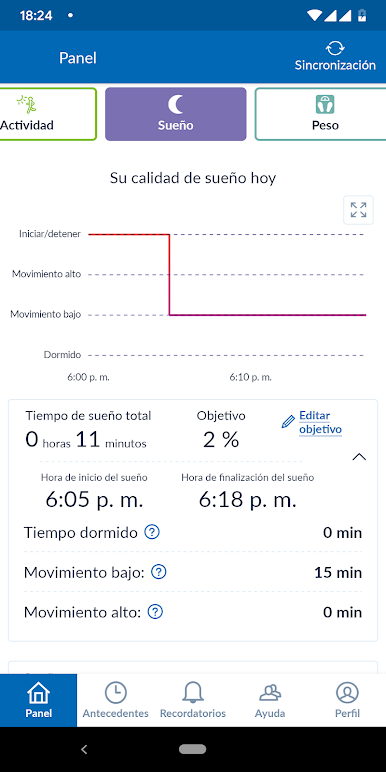
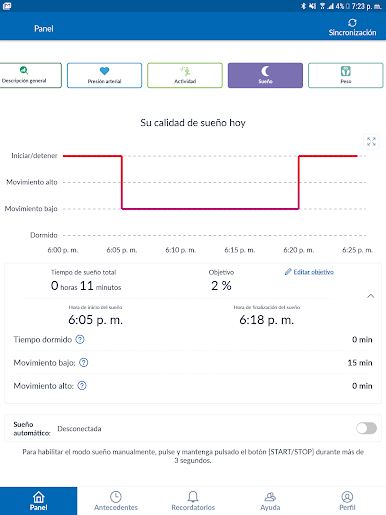
• Monitor the length and quality of your sleep
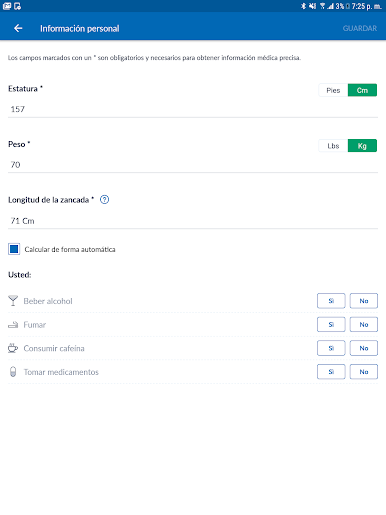
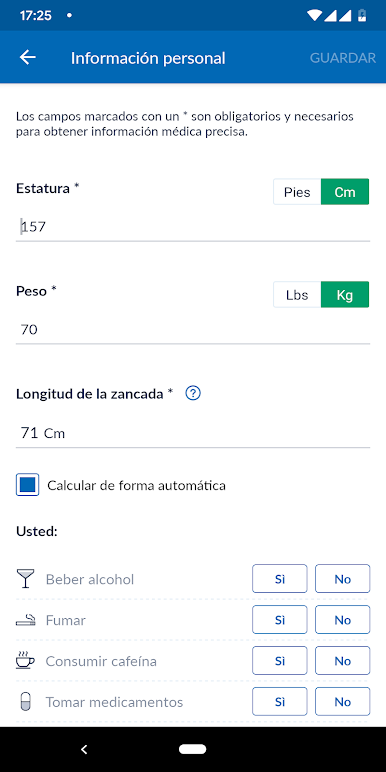
• Manage your weight and BMI (body mass index)
• Access historical data

Juega OMRON HeartAdvisor en la PC. Es fácil comenzar.
-
Descargue e instale BlueStacks en su PC
-
Complete el inicio de sesión de Google para acceder a Play Store, o hágalo más tarde
-
Busque OMRON HeartAdvisor en la barra de búsqueda en la esquina superior derecha
-
Haga clic para instalar OMRON HeartAdvisor desde los resultados de búsqueda
-
Complete el inicio de sesión de Google (si omitió el paso 2) para instalar OMRON HeartAdvisor
-
Haz clic en el ícono OMRON HeartAdvisor en la pantalla de inicio para comenzar a jugar

