


A+ VCE Player
Gioca su PC con BlueStacks: la piattaforma di gioco Android, considerata affidabile da oltre 500 milioni di giocatori.

Pagina modificata il: Apr 22, 2026
Panoramica
- Retake and Continue exams.
- Review marked and incomplete questions.
- Open VCE files directly from the Internet.
- Editable favorite remote places.
- Take a range of questions
- Take a random subset of all questions
- Take questions answered wrong a number of times
- Share exam scores
A+ VCE Player installs itself initially as a demo version but you may later unlock it to be fully functional by purchasing a one time in-app Upgrade. This will keep your files, settings and records untouched.
Also available in Google Play, the full version of A+ VCE, with no ads or in-app purchases

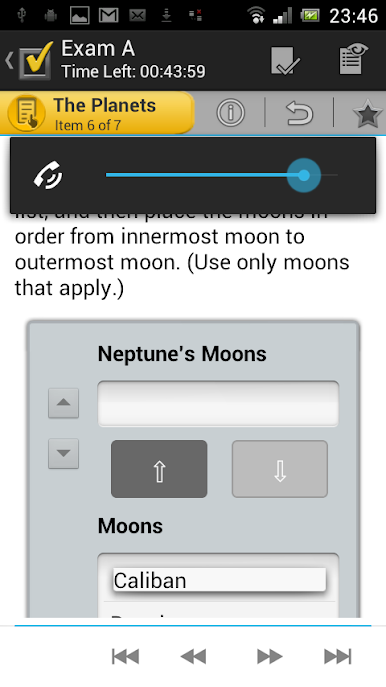
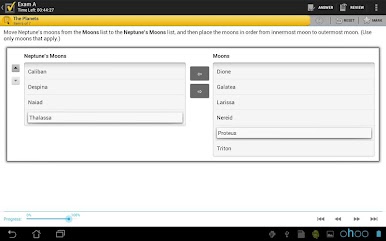
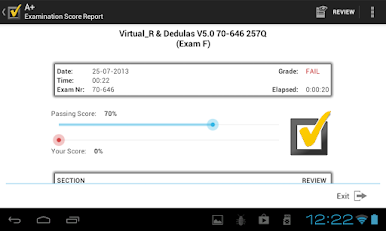

Gioca A+ VCE Player su PC. È facile iniziare.
-
Scarica e installa BlueStacks sul tuo PC
-
Completa l'accesso a Google per accedere al Play Store o eseguilo in un secondo momento
-
Cerca A+ VCE Player nella barra di ricerca nell'angolo in alto a destra
-
Fai clic per installare A+ VCE Player dai risultati della ricerca
-
Completa l'accesso a Google (se hai saltato il passaggio 2) per installare A+ VCE Player
-
Fai clic sull'icona A+ VCE Player nella schermata principale per iniziare a giocare

