


OnePageCRM - Simple CRM System
Gioca su PC con BlueStacks: la piattaforma di gioco Android, considerata affidabile da oltre 500 milioni di giocatori.

Pagina modificata il: Dec 4, 2025
Play OnePageCRM - Simple CRM System on PC
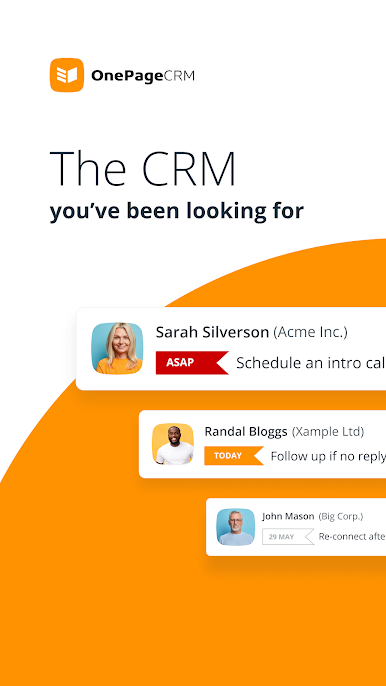
Built for consulting and professional services businesses, OnePageCRM adjusts to your needs and works as both—a personal CRM and a team collaboration tool.
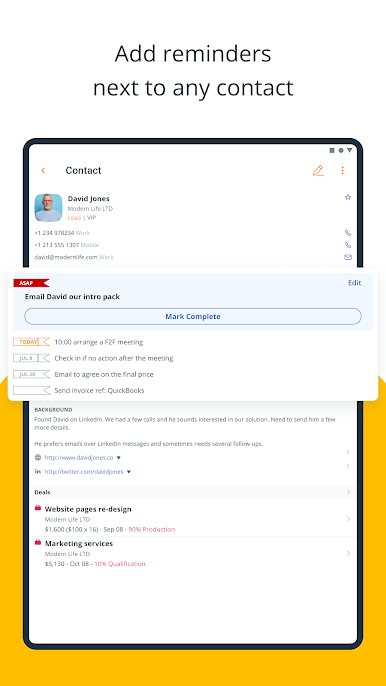
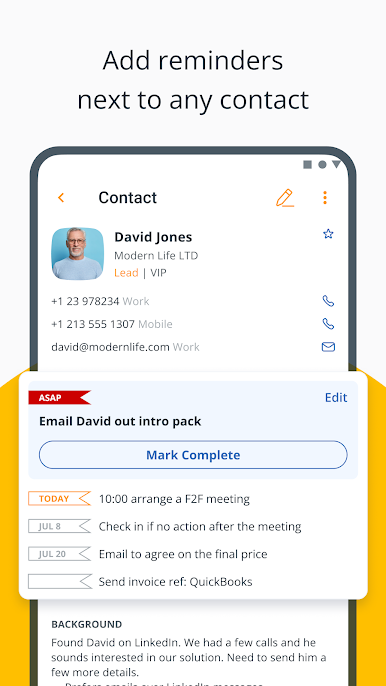
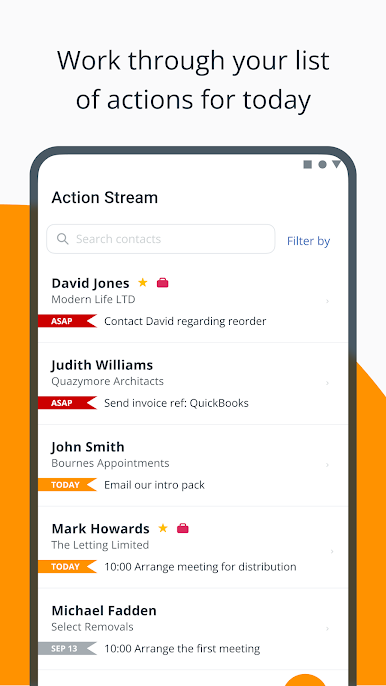
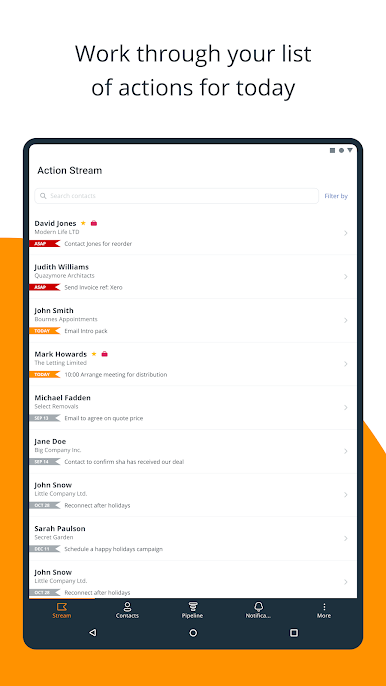
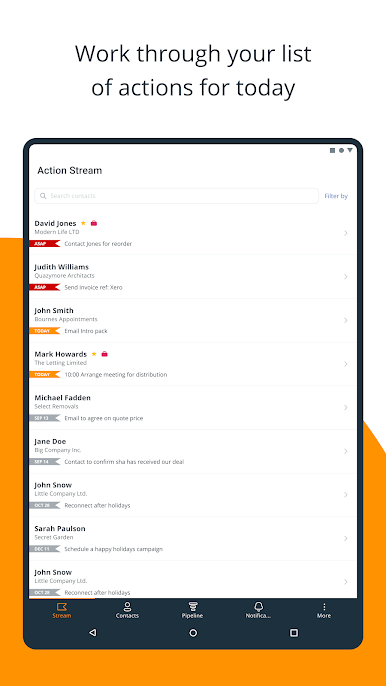
⚫ Set reminders to follow up and stay in touch
— Add follow-up reminders next to any contact
— Create a reusable list of consecutive actions
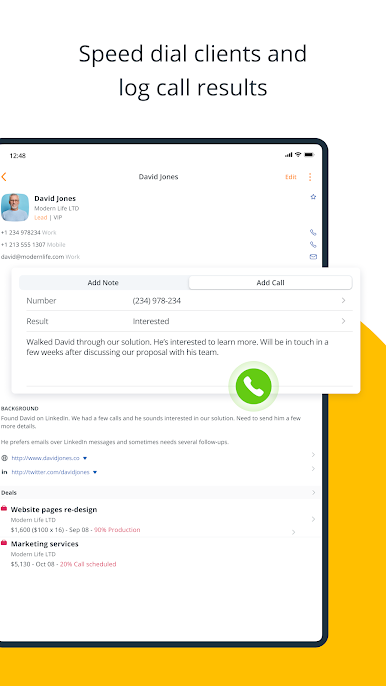
— Dial contacts straight from within your CRM
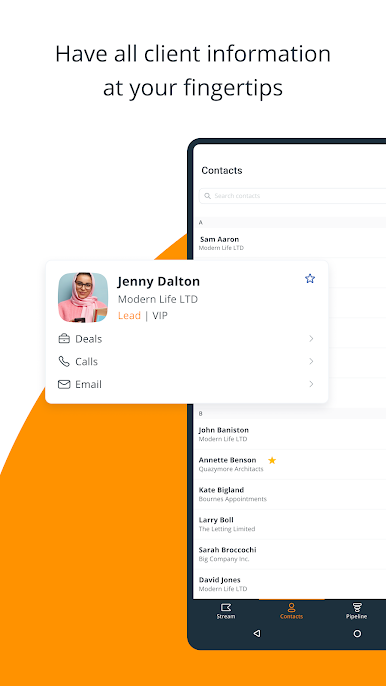
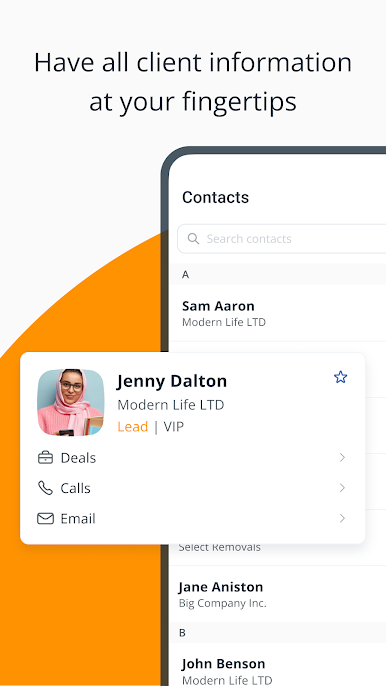
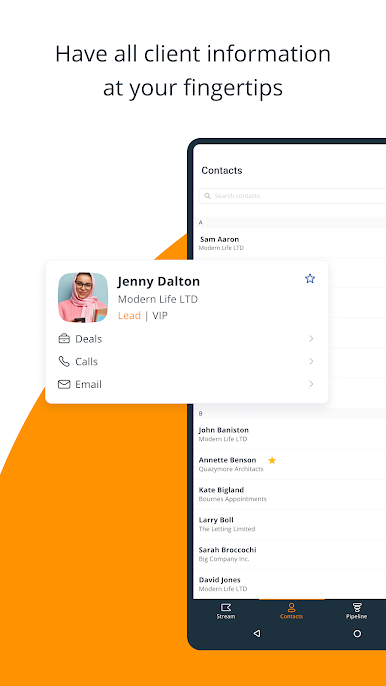
⚫ Keep complete client information within CRM
— Previous email conversations
— Call and meeting notes (with file attachments)
— Upcoming interactions, sales deals, and more
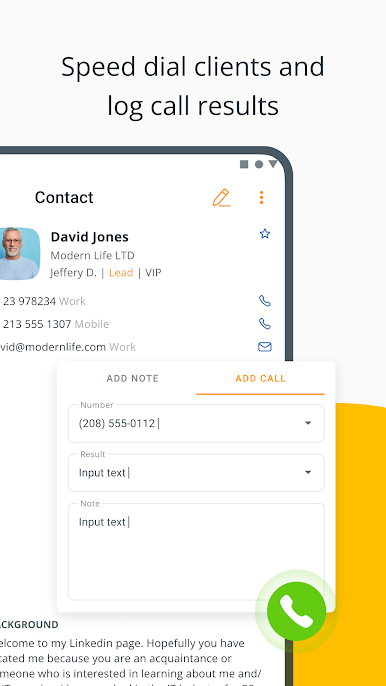
⚫ Call clients in just one click
— Connect your CRM to WhatsApp, Skype, Viber, FaceTime, etc.
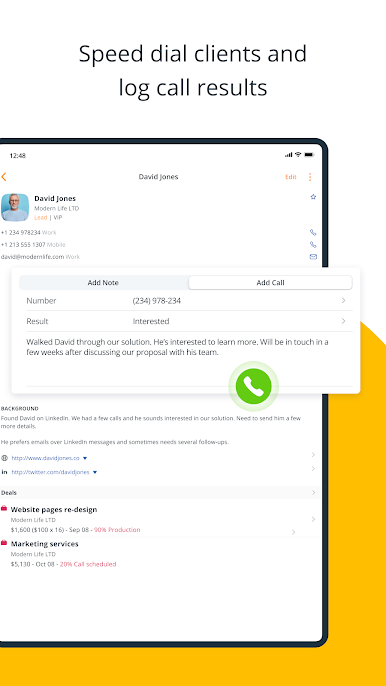
— Speed dial any contact from within your mobile CRM
— Add call results and notes with the voice-to-text feature
⚫ Send and store client emails
— Send emails without leaving OnePageCRM
— Automatically save a copy of these emails in your CRM
— See all previous email communication
⚫ Grow sales in a proactive way
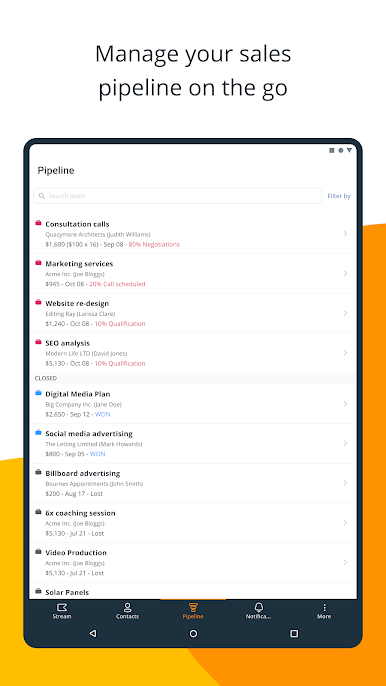
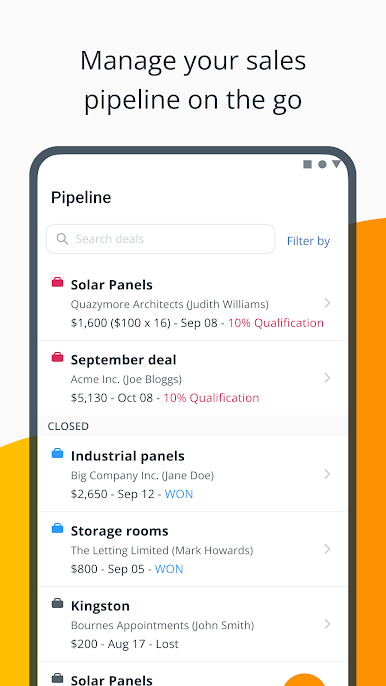
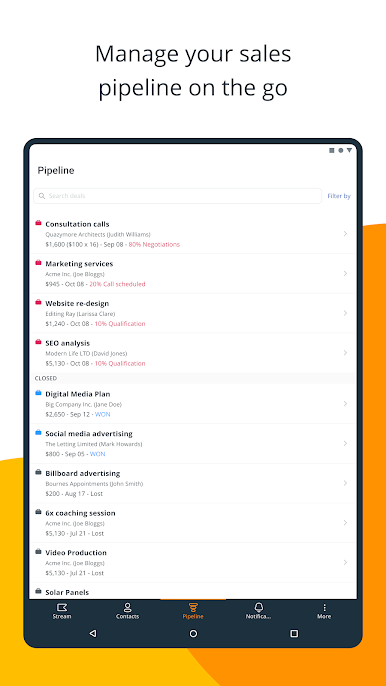
— Manage your sales pipeline on the go
— Create and update deals in a few clicks
— Add notes and attachments to any deal
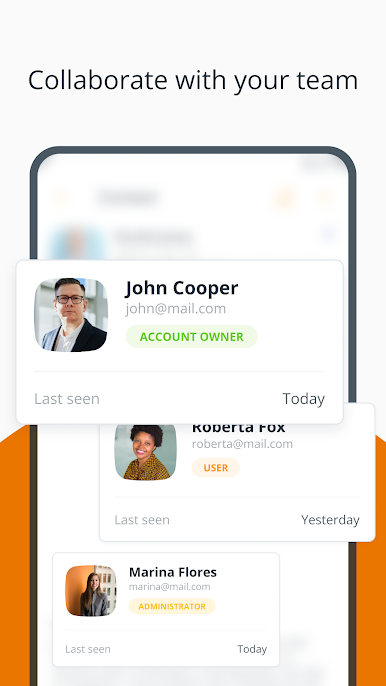
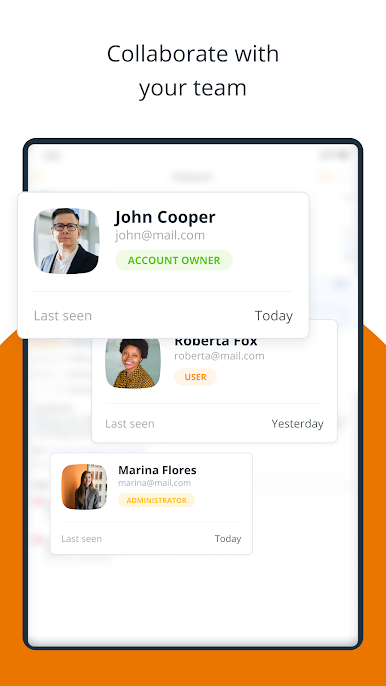
⚫ Keep the whole team aligned
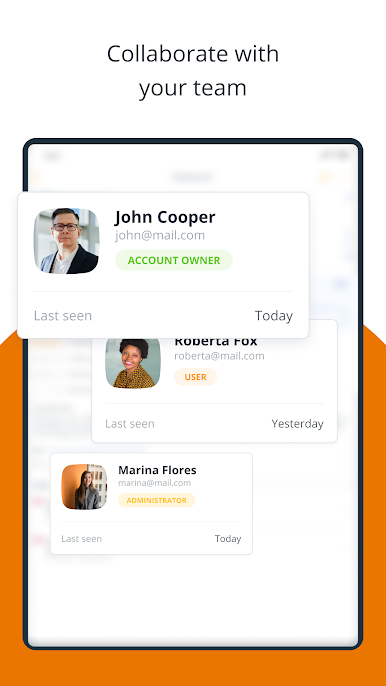
— Assign contacts to other team members
— @mention your teammates and notify them about changes
— Integrate with other business apps
CONTACT US
To use OnePageCRM on your mobile device, you need to create a OnePageCRM account first. Please go to www.onepagecrm.com for more information.
If you have any questions or comments, please contact us at support@onepagecrm.com. We’re always happy to help.

Gioca OnePageCRM - Simple CRM System su PC. È facile iniziare.
-
Scarica e installa BlueStacks sul tuo PC
-
Completa l'accesso a Google per accedere al Play Store o eseguilo in un secondo momento
-
Cerca OnePageCRM - Simple CRM System nella barra di ricerca nell'angolo in alto a destra
-
Fai clic per installare OnePageCRM - Simple CRM System dai risultati della ricerca
-
Completa l'accesso a Google (se hai saltato il passaggio 2) per installare OnePageCRM - Simple CRM System
-
Fai clic sull'icona OnePageCRM - Simple CRM System nella schermata principale per iniziare a giocare

