


OpenTable per Ristoranti
Gioca su PC con BlueStacks: la piattaforma di gioco Android, considerata affidabile da oltre 500 milioni di giocatori.

Pagina modificata il: Dec 8, 2025
Play OpenTable for Restaurants on PC
It is available for download for all OpenTable customers.
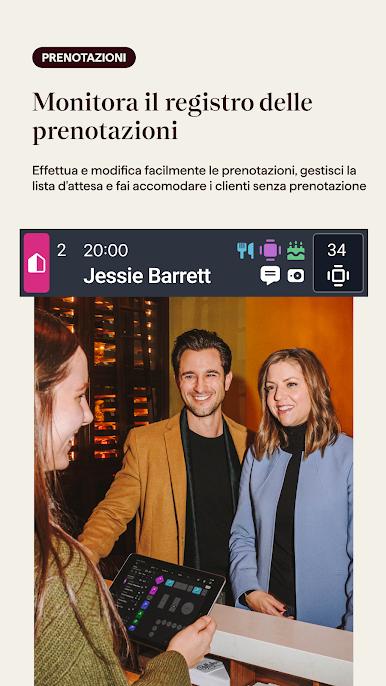
From an Android, OpenTable customers can stay connected to their restaurant from anywhere. The Owner app lets you check cover trends and stats, make and edit reservations, receive VIP push notifications, and more.
Note: This app is for restaurants using OpenTable. For information about OpenTable’s restaurant products and services, please visit https://restaurant.opentable.com/products/
If you want to book a reservation, please download the OpenTable diner app or go to https://www.opentable.com/mobile.


Gioca OpenTable per Ristoranti su PC. È facile iniziare.
-
Scarica e installa BlueStacks sul tuo PC
-
Completa l'accesso a Google per accedere al Play Store o eseguilo in un secondo momento
-
Cerca OpenTable per Ristoranti nella barra di ricerca nell'angolo in alto a destra
-
Fai clic per installare OpenTable per Ristoranti dai risultati della ricerca
-
Completa l'accesso a Google (se hai saltato il passaggio 2) per installare OpenTable per Ristoranti
-
Fai clic sull'icona OpenTable per Ristoranti nella schermata principale per iniziare a giocare

