

HEXA2
Gioca su PC con BlueStacks: la piattaforma di gioco Android, considerata affidabile da oltre 500 milioni di giocatori.

Pagina modificata il: Oct 29, 2025
Play HEXA2 on PC or Mac
Join millions to experience HEXA2, an exciting Arcade game from Paleblue. With BlueStacks App Player, you are always a step ahead of your opponent, ready to outplay them with faster gameplay and better control with the mouse and keyboard on your PC or Mac.
About the Game
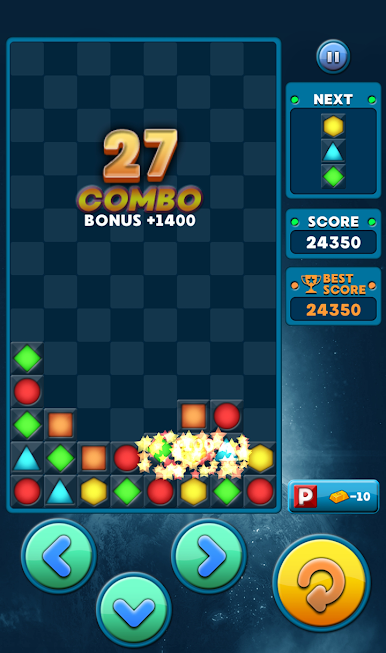
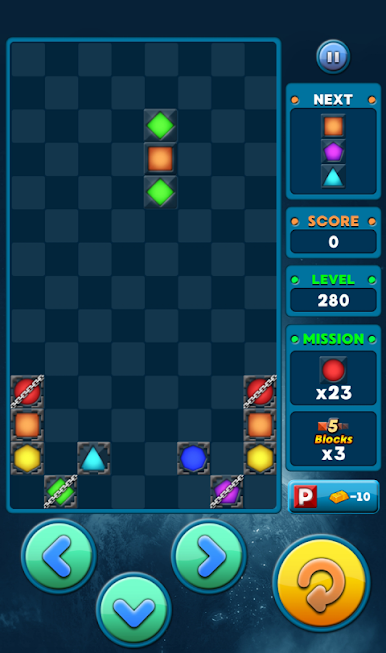
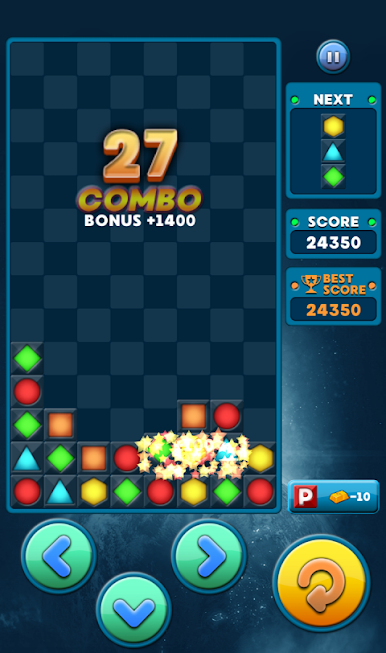
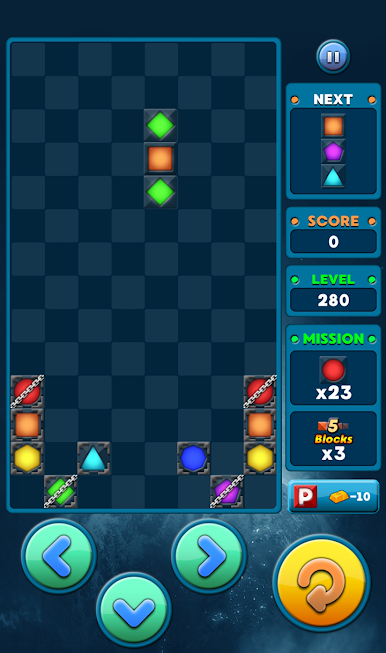
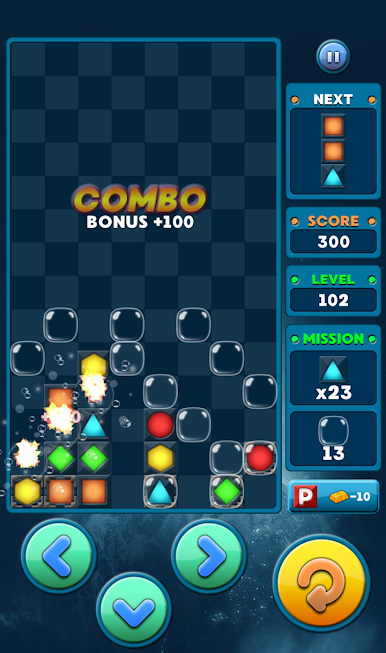
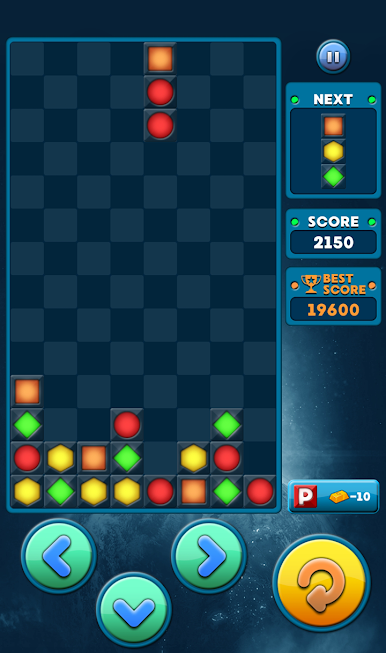
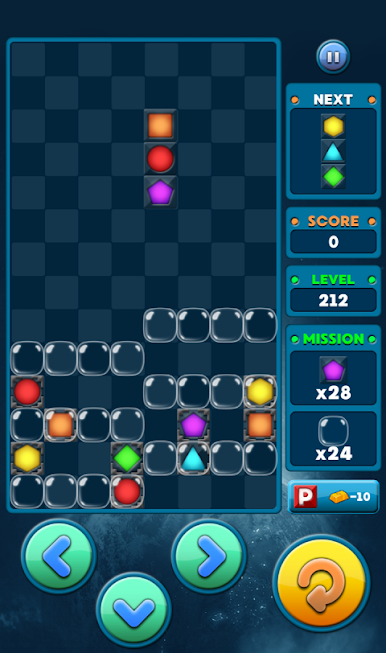
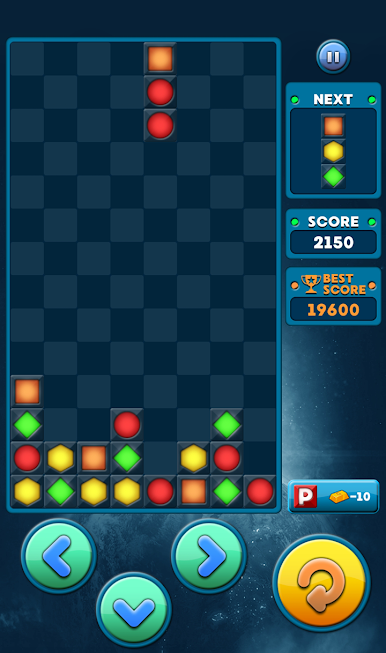
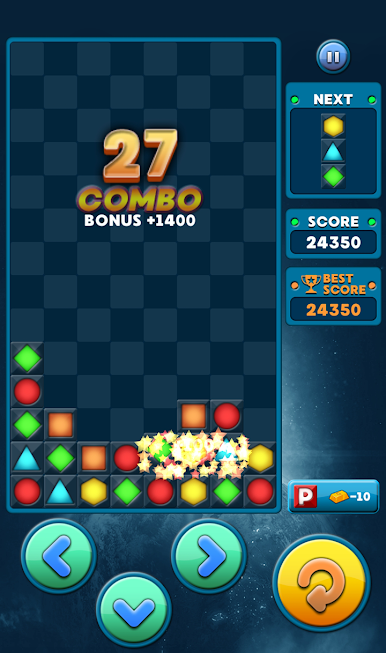
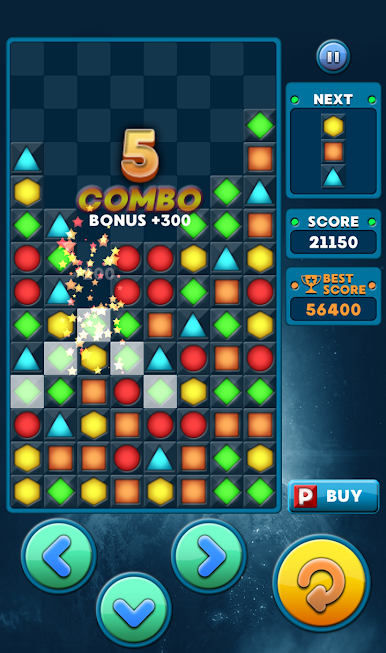
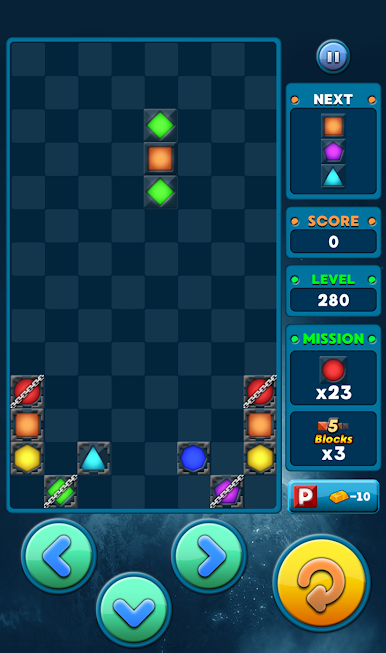
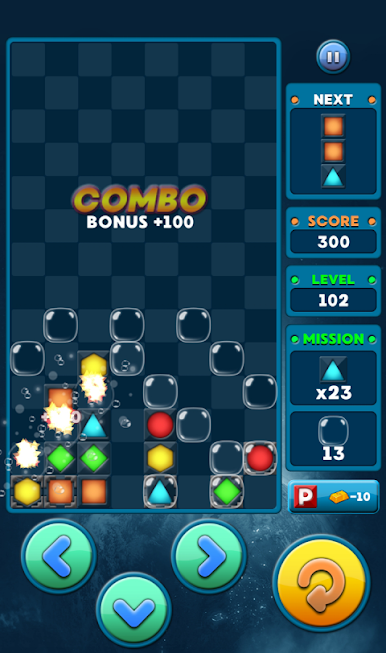
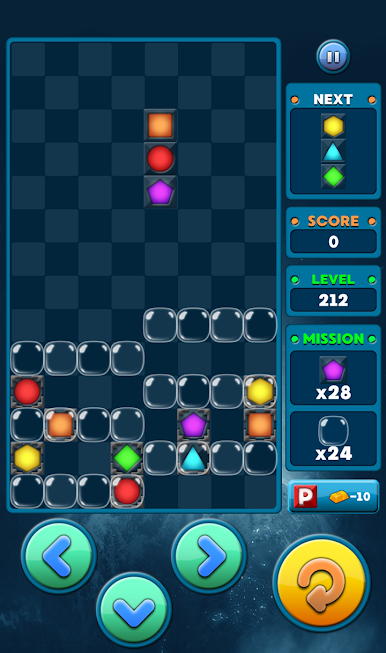
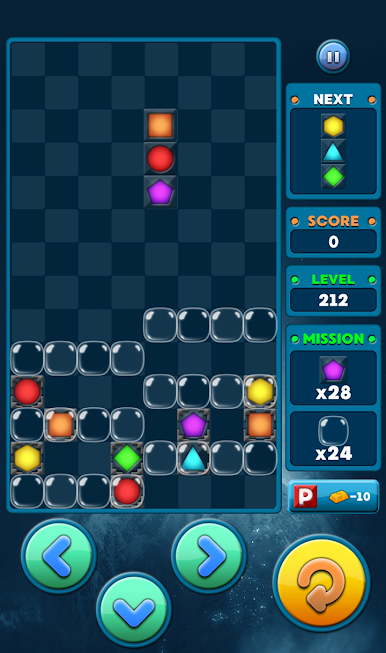
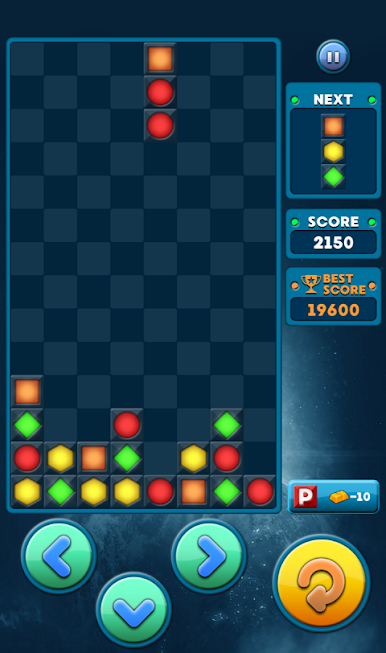
HEXA2 is an Arcade puzzler from Paleblue that turns simple block matching into a seriously satisfying habit. Match three or more pieces of the same color to clear the board, set up chain reactions, and chase bigger scores with smart placement. It’s easy to pick up, quick to play, and feels great on a phone—or on a larger screen with BlueStacks if you’re into that.
Game Features
- Hundreds of challenges: Work through a big stack of stages that start simple and grow into tricky, think-ahead puzzles.
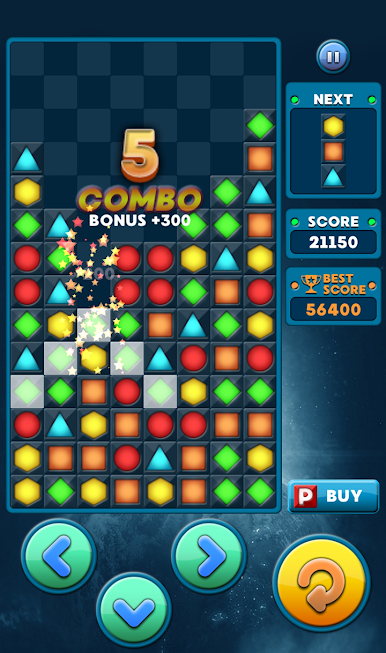
- Match in every direction: Line up blocks horizontally, vertically, or diagonally—if three or more touch, they pop.
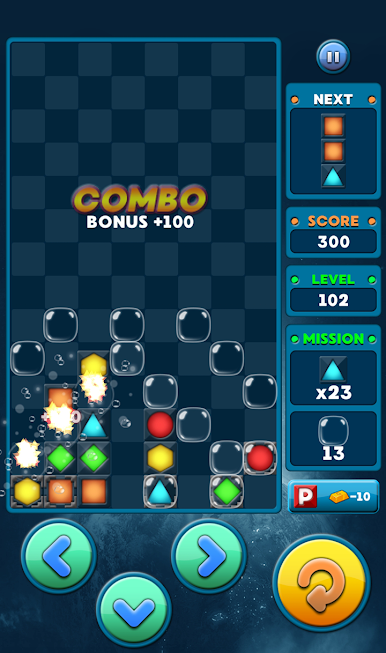
- Power Block payoff: Trigger a special block to wipe every piece of the same color it collides with, opening space for bold plays.
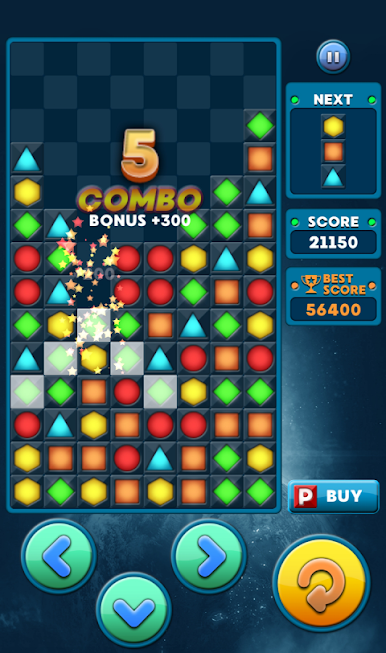
- Combo-friendly design: Clear multiple groups in a single move to rack up points and set the stage for satisfying cascades.
- Clean, classic feel: Bright colors, crisp effects, and a no-nonsense layout keep your focus on the puzzle.
- Quick controls: Tap and place pieces exactly where you want them—no fiddly menus, just straight to the next move.
- Play your way: Tackle a few levels on a break or grind through a longer session when you’re in the zone; it suits both.
Ready to top the leaderboard? We bet you do. Let precise controls and sharp visuals optimized on BlueStacks lead you to victory.

Gioca HEXA2 su PC. È facile iniziare.
-
Scarica e installa BlueStacks sul tuo PC
-
Completa l'accesso a Google per accedere al Play Store o eseguilo in un secondo momento
-
Cerca HEXA2 nella barra di ricerca nell'angolo in alto a destra
-
Fai clic per installare HEXA2 dai risultati della ricerca
-
Completa l'accesso a Google (se hai saltato il passaggio 2) per installare HEXA2
-
Fai clic sull'icona HEXA2 nella schermata principale per iniziare a giocare

