


Nambula - Lines Icon Pack
Juega en PC con BlueStacks: la plataforma de juegos Android, en la que confían más de 500 millones de jugadores.

Página modificada el: Jul 7, 2025
Play Nambula - Lines Icon Pack on PC
Interesting fact:
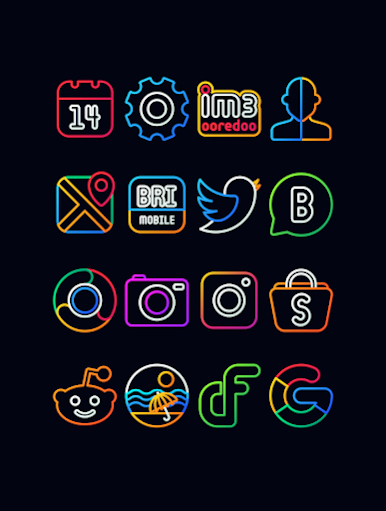
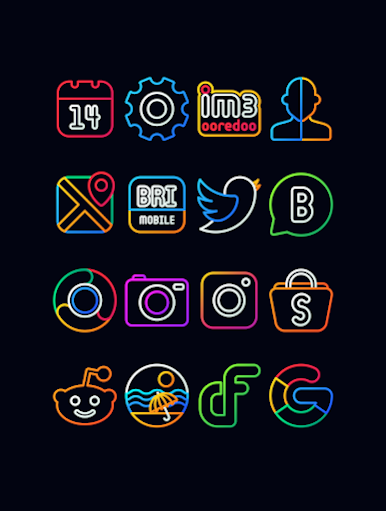
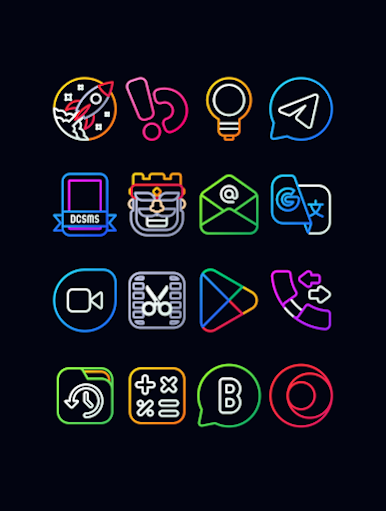
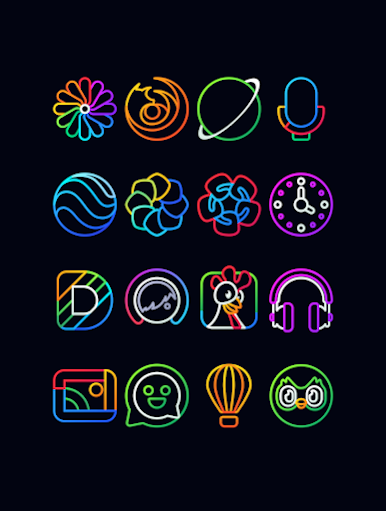
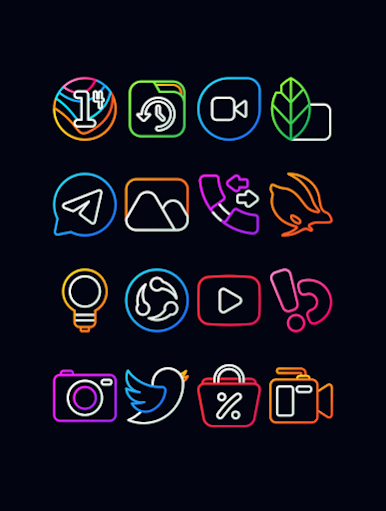
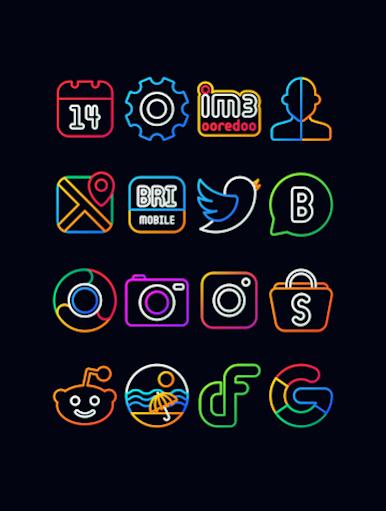
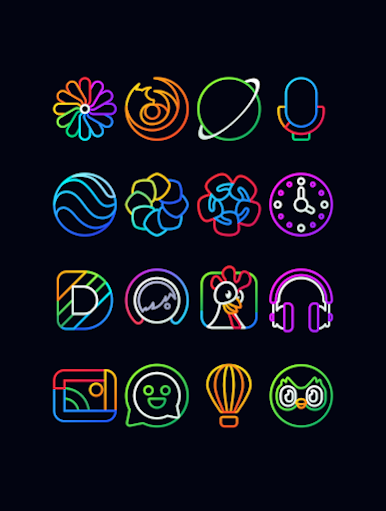
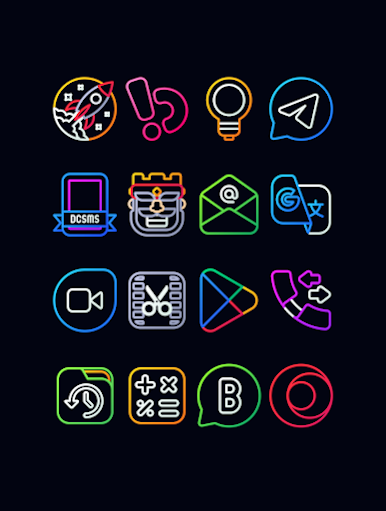
An average person check their mobile phone more than 50 times in a day. Nambula icon pack gives magnificent visual experience each and every time.
Why Choose Nambula Icon Pack over other Packs?
• 3000+ ICONS with HD 256x256 at size
• Frequent Updates
• Perfect Masking system
• Lots of alternative icon
An Appeal to the Users:
Feel free to send icon request for missing icons. I tried to fulfill every request but here is an appeal to the users Please send only those app icon
request which is used frequently and keep them on home screen not the one which used rarely and not used for a long time.
Things to remember:
A supported launcher is require to use this icon pack.
Check Out supported list and compatible launcher list Below.
Icon Pack Supported Launchers
Action Launcher
ADW Launcher
Apex Launcher
ABC Launcher
Atom Launcher
Aviate Launcher
CM Theme Engine
Evie Launcher
GO Launcher
Holo Launcher
Holo Launcher HD
LG Home
Lucid Launcher
M Launcher
Mini Launcher
Next Launcher
Nougat Launcher
Nova Launcher
One Plus Launcher
Smart Launcher
Solo Launcher
V Launcher
ZenUI Launcher
Zero Launcher
Icon Pack Supported Launchers not Included in Apply Section
Arrow Launcher
ASAP Launcher
Cobo Launcher
Flick Launcher
iTop Launcher
Launch by Quixey Launcher
KK Launcher
Line Launcher
Mesh Launcher
MN Launcher
New Launcher
Open Launcher
Peek Launcher
S Launcher
Z Launcher
Warnings: Before you Buy.
• Google Now Launcher do not support any icon packs.
Contact:
Email : gomo.panoto@gmail.com
Twitter: https://twitter.com/panoto_gomo
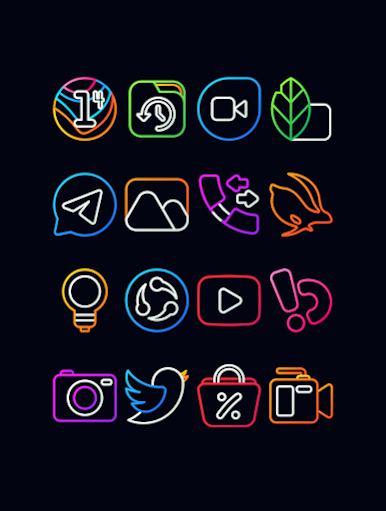
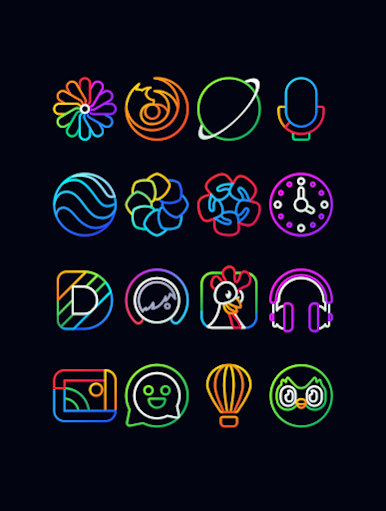
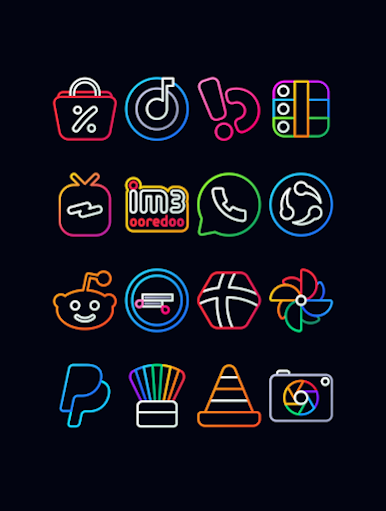
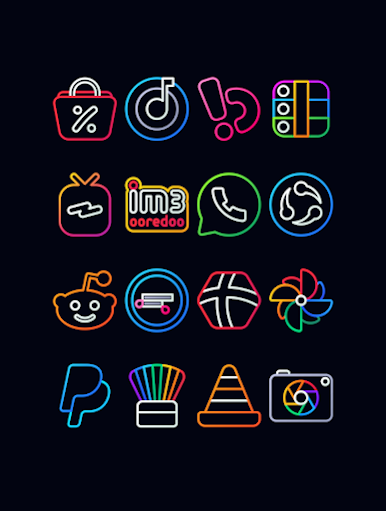
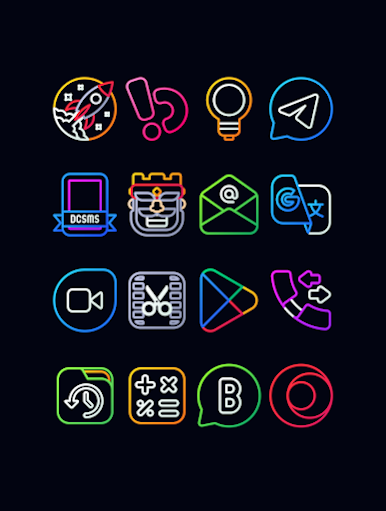
Juega Nambula - Lines Icon Pack en la PC. Es fácil comenzar.
-
Descargue e instale BlueStacks en su PC
-
Complete el inicio de sesión de Google para acceder a Play Store, o hágalo más tarde
-
Busque Nambula - Lines Icon Pack en la barra de búsqueda en la esquina superior derecha
-
Haga clic para instalar Nambula - Lines Icon Pack desde los resultados de búsqueda
-
Complete el inicio de sesión de Google (si omitió el paso 2) para instalar Nambula - Lines Icon Pack
-
Haz clic en el ícono Nambula - Lines Icon Pack en la pantalla de inicio para comenzar a jugar

