


DroidPass Password Manager
Gioca su PC con BlueStacks: la piattaforma di gioco Android, considerata affidabile da oltre 500 milioni di giocatori.

Pagina modificata il: Sep 30, 2025
Run DroidPass Password Manager on PC or Mac
Upgrade your experience. Try DroidPass Password Manager, the fantastic Productivity app from DroidApp BD, from the comfort of your laptop, PC, or Mac, only on BlueStacks.
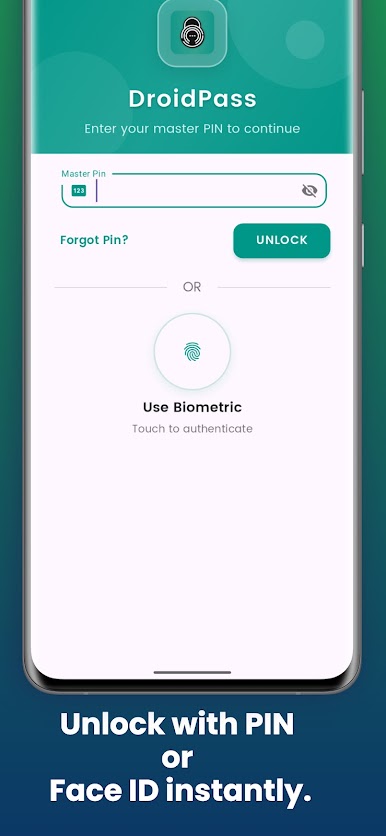
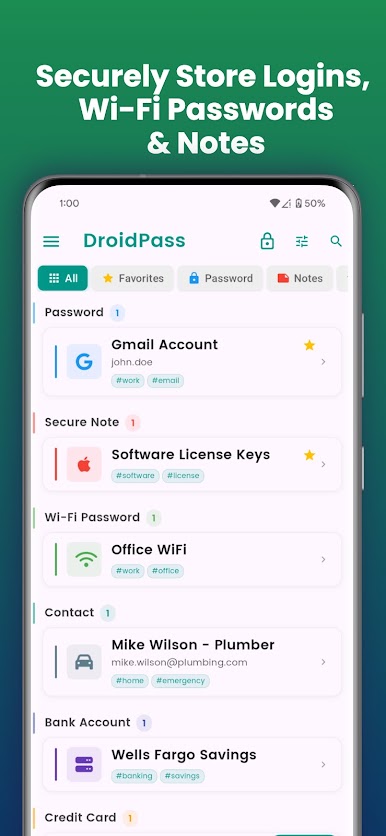
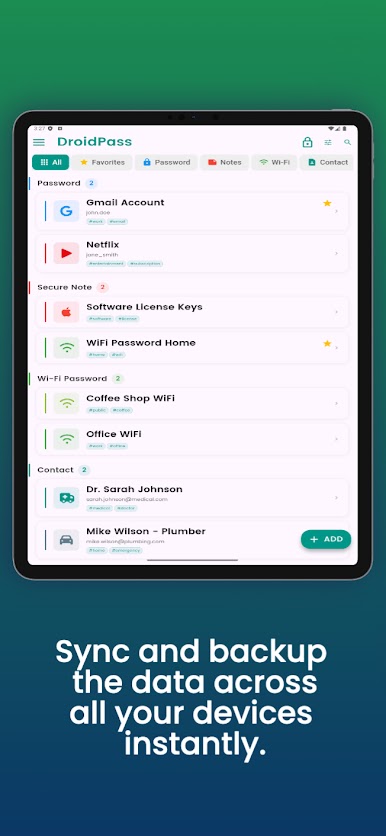
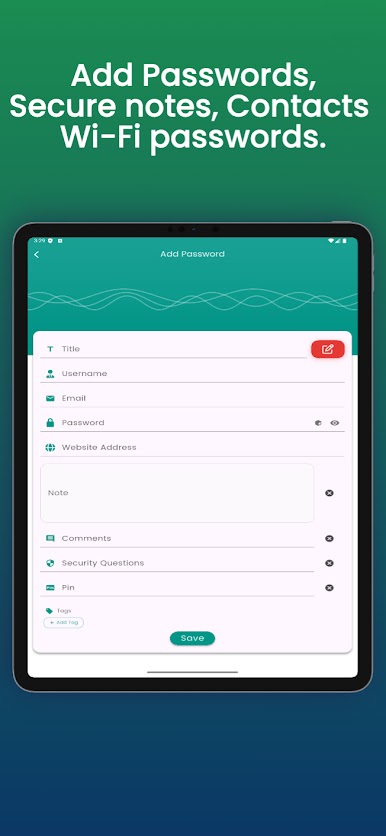
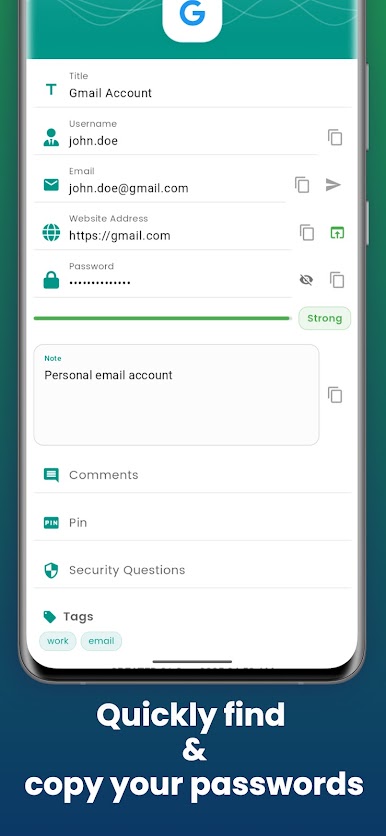
DroidPass feels like a tidy little vault for passwords and other private stuff, not flashy, just focused. Everything lives behind one master password, and the app leans on strong encryption so it stays locked down. On a PC with BlueStacks it behaves like a desktop app, the extra screen space helps, and typing long passwords or notes with a keyboard is way less tiring than on a phone. Sync keeps entries lined up across devices, so someone can add a login on mobile and see it show up on the computer without fiddling.
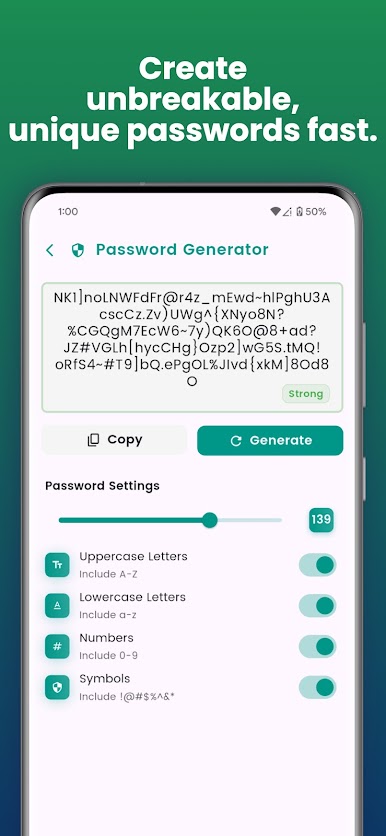
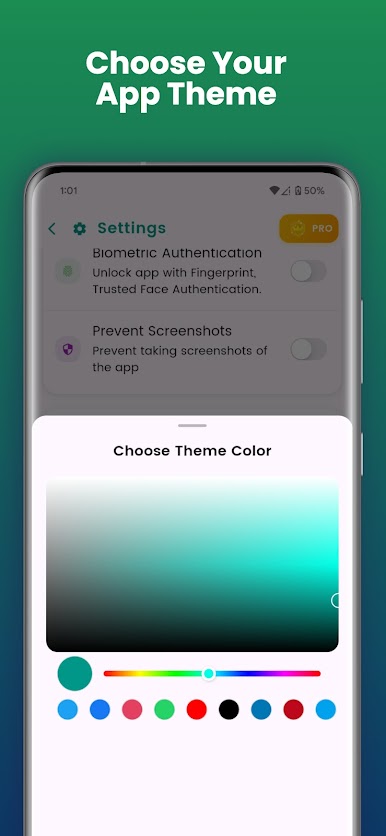
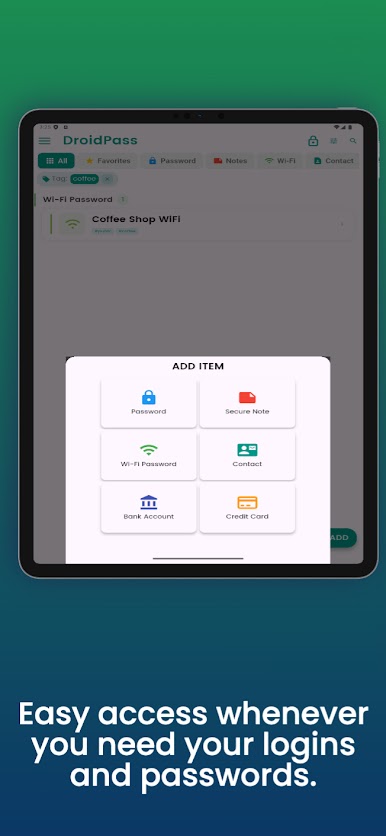
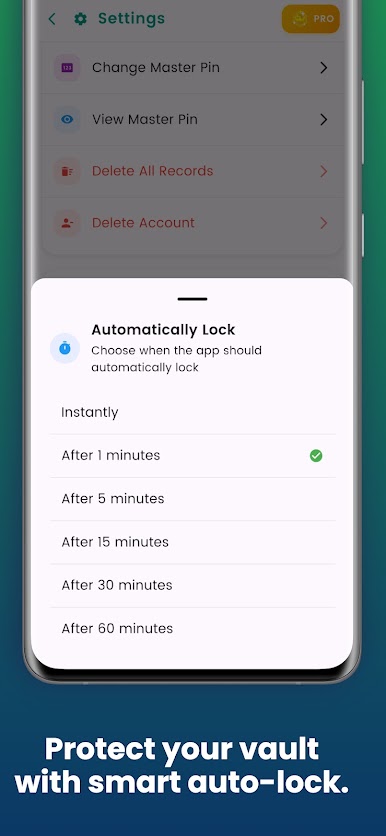
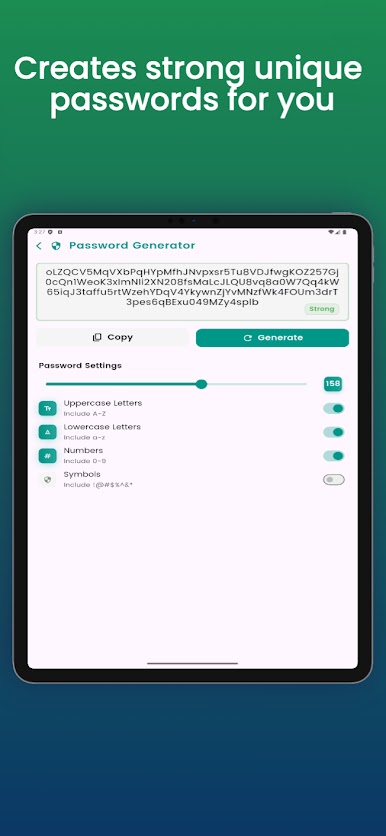
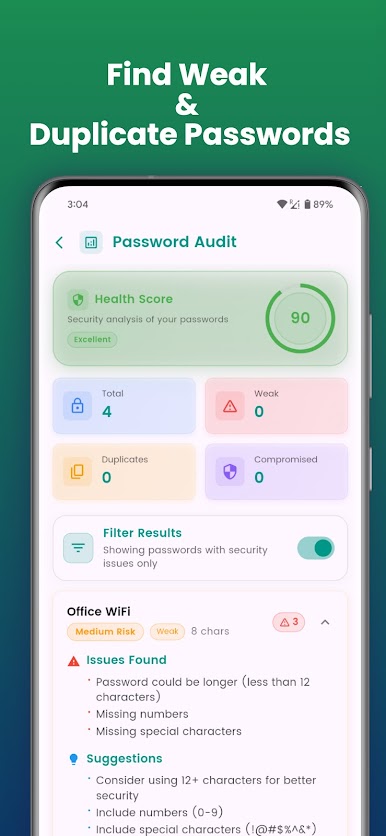
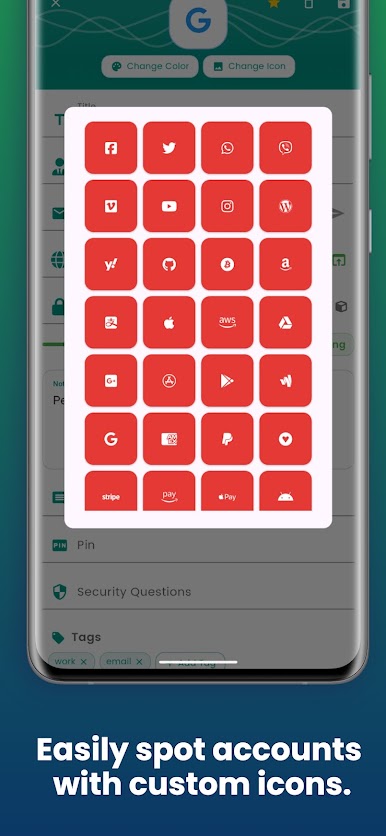
The feature set covers what most people expect and then a bit more. There is a flexible password generator with rules for length and characters. It stores logins, credit cards, bank accounts, Wi Fi info, notes, even contacts, then uses tags, filters, and favorites to keep big lists under control. A security check points out weak or reused passwords with simple recommendations. Auto lock kicks in after a time, and there is screenshot blocking, which can feel strict but does protect sensitive screens. Looks are adjustable with themes and a solid dark mode that is easy on the eyes at night. The paid tier adds biometric unlock on supported devices, unlimited entries, extra custom fields, more themes, and instant lock when the screen turns off. For anyone who wants a straightforward manager that stays organized and gets out of the way, this fits that lane well.
Ready to experience DroidPass Password Manager on a bigger screen, in all its glory? Download BlueStacks now.
Gioca DroidPass Password Manager su PC. È facile iniziare.
-
Scarica e installa BlueStacks sul tuo PC
-
Completa l'accesso a Google per accedere al Play Store o eseguilo in un secondo momento
-
Cerca DroidPass Password Manager nella barra di ricerca nell'angolo in alto a destra
-
Fai clic per installare DroidPass Password Manager dai risultati della ricerca
-
Completa l'accesso a Google (se hai saltato il passaggio 2) per installare DroidPass Password Manager
-
Fai clic sull'icona DroidPass Password Manager nella schermata principale per iniziare a giocare

