

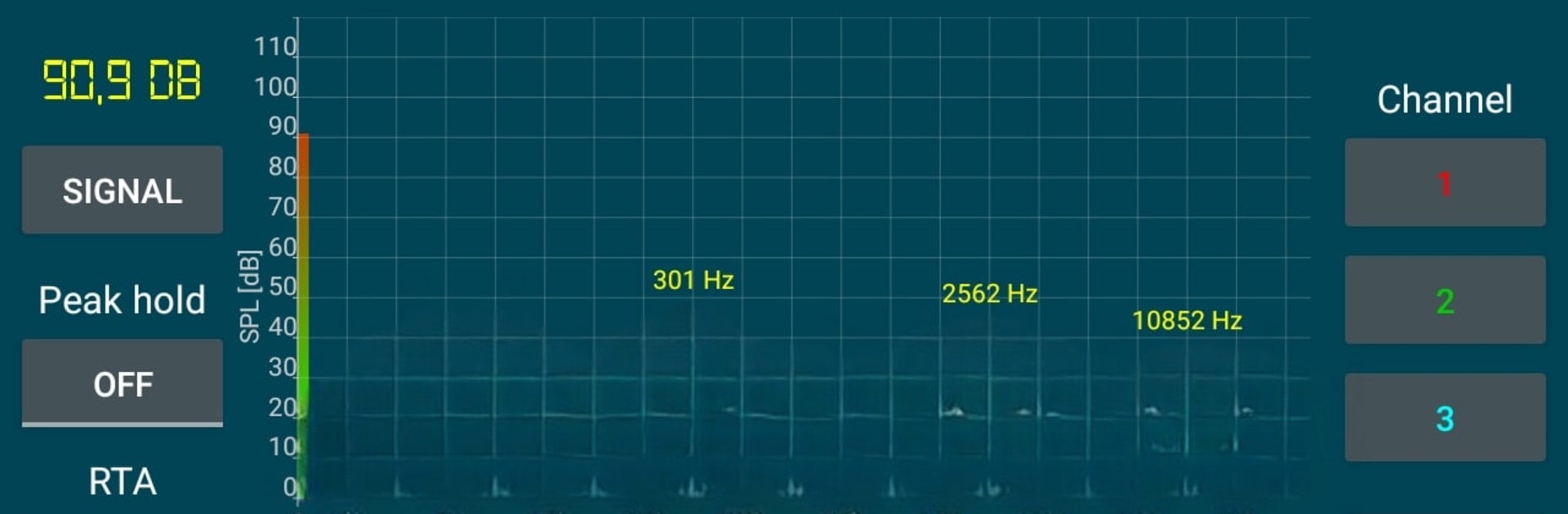
Penganalisis spektrum suara
Mainkan di PC dengan BlueStacks – platform Game-Game Android, dipercaya oleh lebih dari 500 juta gamer.

Run Sound Spectrum Analyzer on PC or Mac
Let BlueStacks turn your PC, Mac, or laptop into the perfect home for Sound Spectrum Analyzer, a fun Music & Audio app from PC Mehanik.
About the App
Ever wondered what all those sound waves around you actually look like? Sound Spectrum Analyzer from PC Mehanik gives you a front-row seat to the world of audio. Whether you’re a curious music enthusiast or need to check the noise levels in your space, this Music & Audio app puts a bunch of pro-level audio analysis tools right in your pocket. Just fire it up, and you’ll see sound come to life in real time—on your phone or even on BlueStacks.
App Features
-
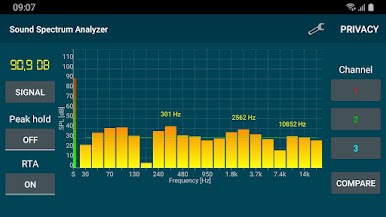
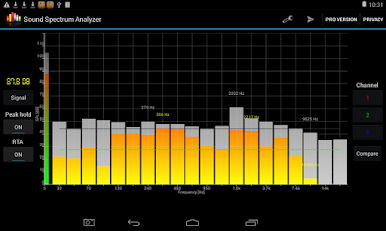
Real-Time Audio Visualization
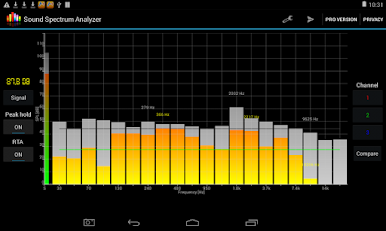
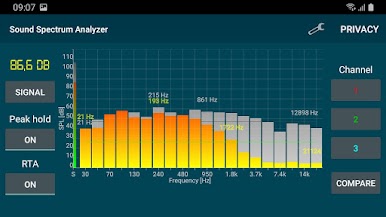
Watch as sounds unfold right before your eyes, with a live frequency spectrum analyzer powered by FFT. It’s like seeing what you hear, instantly. -
Noise Level Meter
Get accurate sound pressure level readings (SPL) in decibels—fantastic if you want to check how loud things really are, from whispers to wall-shaking bass, up to 150 dB. -
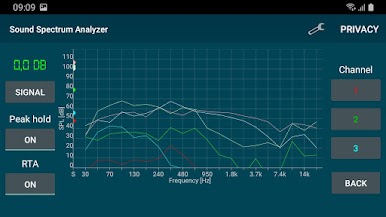
Multiple Channel Comparison
Curious about how different places or devices compare? The analyzer lets you monitor three separate channels and stack their readings side by side. -
Customizable Frequency Charts
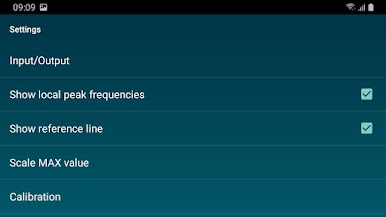
Tweak the scale, pin down peaks, or use a reference line for super-precise measurements. You can even spot local maximums at a glance. -
Frequency Generator with Noise Option
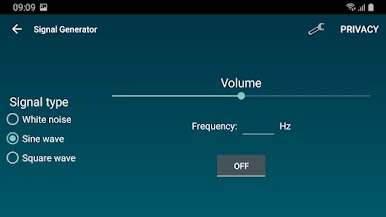
Generate test tones and noise to analyze speakers, headphones, or entire audio setups. It’s handy for hobbyists and sound nerds alike. -
Flexible Input/Output Choices
Move between Internal, AUX, or Bluetooth audio sources as you like (keep in mind, not every combo works on every device). -
Per-Band Calibration
Fine-tune each frequency band for deeper accuracy—so your readings match your needs, whether you’re testing a small speaker or a big sound system.
Eager to take your app experience to the next level? Start right away by downloading BlueStacks on your PC or Mac.
Mainkan Penganalisis spektrum suara di PC Mudah saja memulainya.
-
Unduh dan pasang BlueStacks di PC kamu
-
Selesaikan proses masuk Google untuk mengakses Playstore atau lakukan nanti
-
Cari Penganalisis spektrum suara di bilah pencarian di pojok kanan atas
-
Klik untuk menginstal Penganalisis spektrum suara dari hasil pencarian
-
Selesaikan proses masuk Google (jika kamu melewati langkah 2) untuk menginstal Penganalisis spektrum suara
-
Klik ikon Penganalisis spektrum suara di layar home untuk membuka gamenya

