


PDF Reader Pro - Reader&Editor
Juega en PC con BlueStacks: la plataforma de juegos Android, en la que confían más de 500 millones de jugadores.

Página modificada el: Sep 1, 2025
Play PDF Reader Pro - Reader&Editor on PC
PDF Reader Pro was recognized by G2 as High Performer in Customer Satisfaction in Winter 2023 for File Reader Software and was proud to be included in GetApp's 2022 Category Leaders Report for PDF Software.
Free download and get the all-in-one PDF office to view, comment, convert, edit, watermark, merge, encrypt, sign, fill form, and share PDF on your Android device now!
HIGHLIGHTS:
* Read PDFs with fast viewing engine and smooth navigation
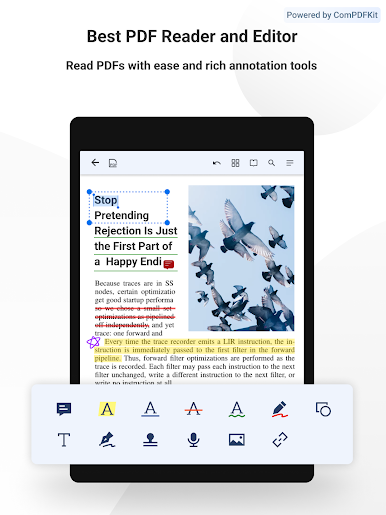
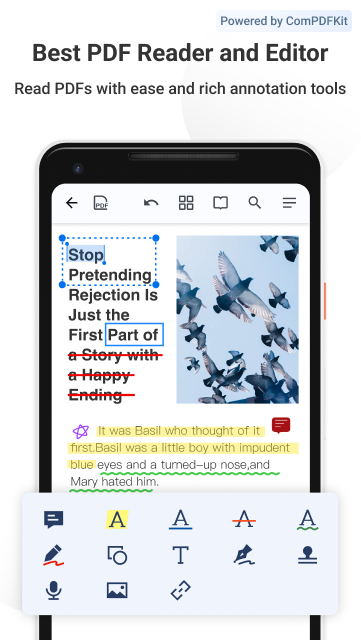
* Annotate PDF with highlight, underline, signatures, stamps, audios, links and more
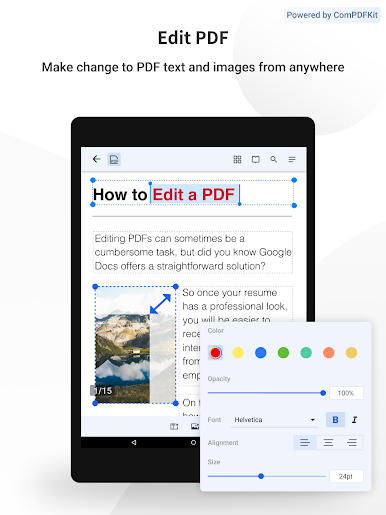
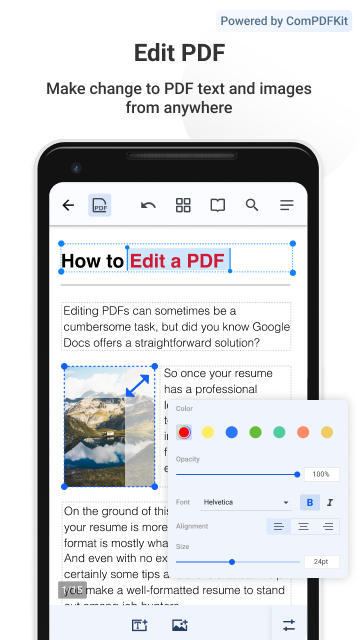
* Edit PDF text and images like Word. Fix typos with one click without converting the files
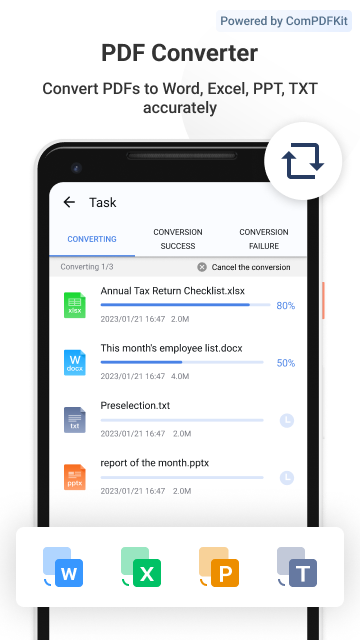
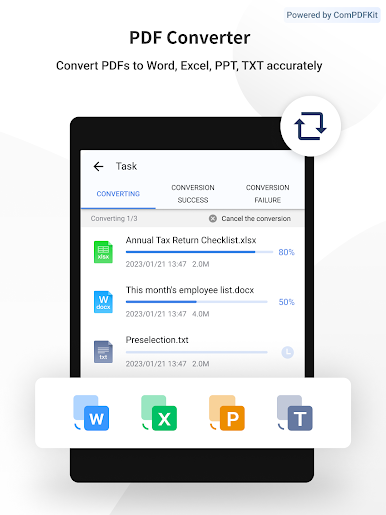
* Convert PDFs to Word, Excel, PPT or TXT with all your fonts and formatting preserved
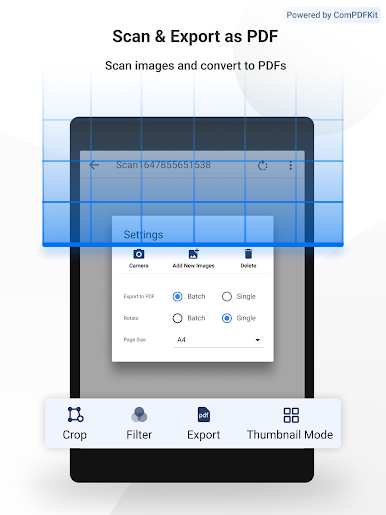
* Export PDF to images or images to PDF easily
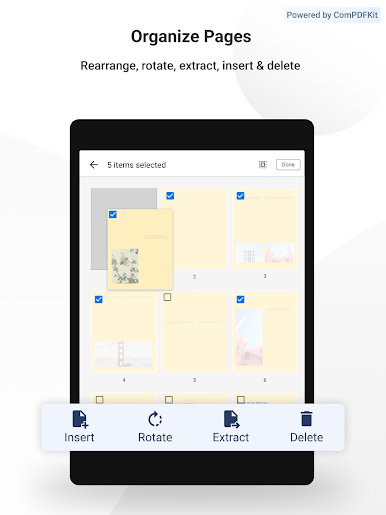
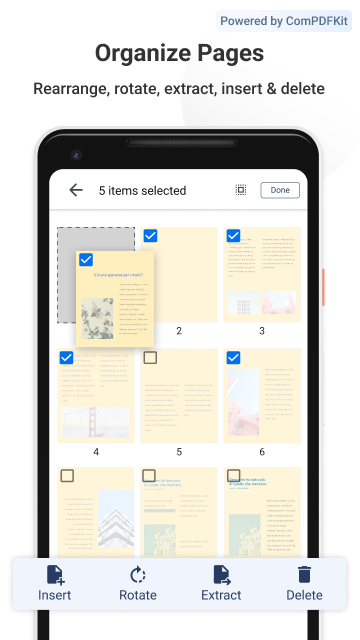
* Organize PDF pages freely, support to merge, extract, insert, reorder, rotate and delete PDF pages
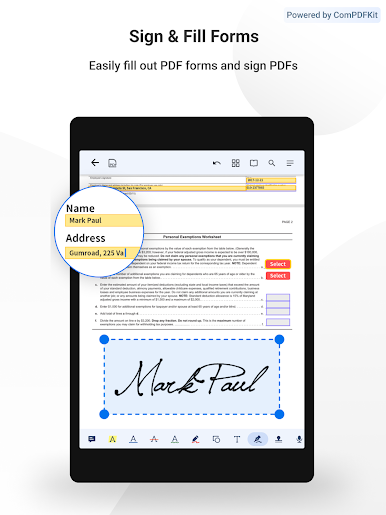
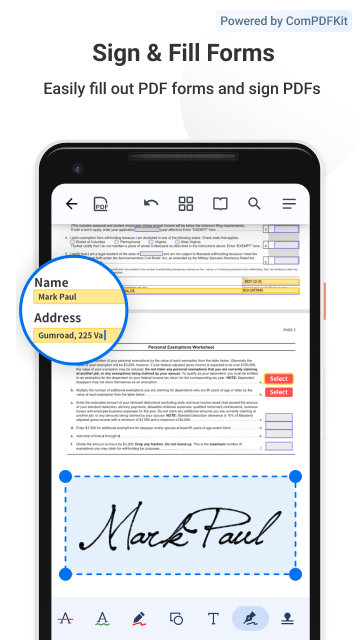
* Fill and sign any PDF forms with interactive fields
* Protect your PDFs with encryptions or text & image watermarks
* Organize your files to edit your folders & favorite folders or PDFs
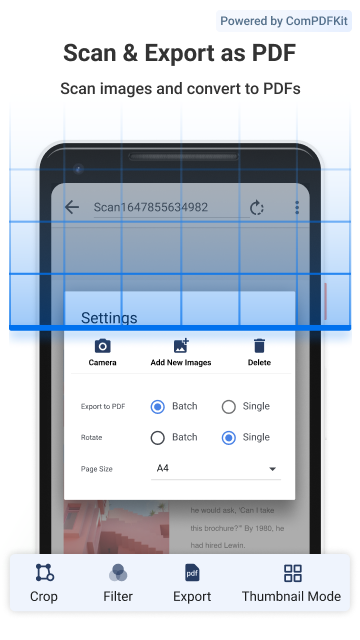
* Scan images, receipts and notes into PDFs with Mobile scanner
* Transfer files from PC to Android via WiFi Transfer
PDF Reader
· Read and work across multiple PDFs with multi-tab viewer
· Customizable background theme colors
· Different reading mode like single page, two page, and book modes
· Crop or full screen mode to fit small screens
· Jump to specific sections with outline / bookmark navigation
· Search text in your PDFs
· Print PDFs directly from your device with all annotations
PDF Annotator
· Markup PDFs with highlight, underline, squiggly, notes, freehand, etc
· Sign PDFs with handwritten and image signatures
· Insert images to PDFs
· Make audio notes to record sound
· Add hyperlinks to redirect to other destinations(URL, Email, Pages)
· Insert custom stamps like text and image stamps to secure your files
· Access to and see all annotations with the annotation summary
PDF Converter/Scanner/Creator
· Convert PDFs to Word, Excel, PPT, TXT without any restriction
· Convert PDF to images or images to PDF for a quick sharing
· Scan images, receipts, notes into PDFs with PDF Reader Pro
· Create PDF file from scanned images
PDF Editor
· Modify PDF text. Easily add, delete or edit the original text
· Change PDF images like cropping, replacing, rotating, deleting, resizing, etc.
· Reorganize pages, drag and drop to renumber and rearrange PDFs
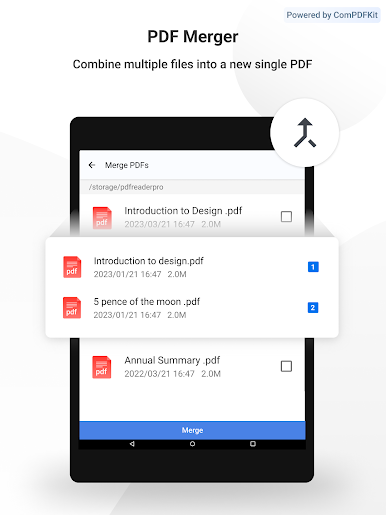
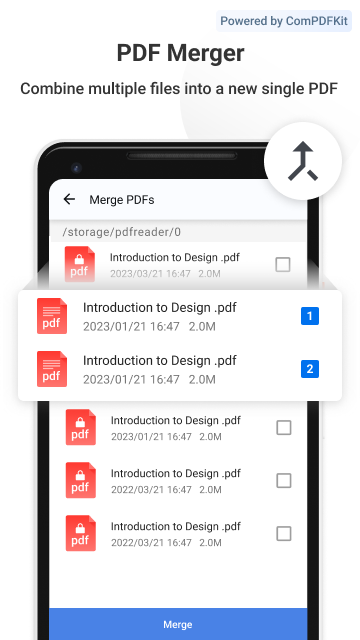
· Merge PDFs by combining multiple pages into a new PDF
· Split / extract pages from PDF
· Insert blank / ruled / music / squared pages to PDFs
· Rotate one or more pages casually
· Delete / remove pages from PDFs
Form Filler
· Work with static PDF forms created in Adobe Acrobat
· Fill out any PDF forms with interactive fields such as text fields, checkboxes, etc
· Fill out, save, and send PDF forms
PDF Security
· Encrypt to protect sensitive PDFs
· Add text or image watermarks to keep your PDFs safe
Organize/Manage Files
· Able to create, rename, delete folders to organize your files
· Customize your favorite folder and move, rename or cancel it
· Support to get files in SD card and USB flash disk
· Flatten PDFs to make the contents static
· Grid view shows thumbnail previews of PDFs
· Enable to read the Adobe & Foxit PDF files
Share
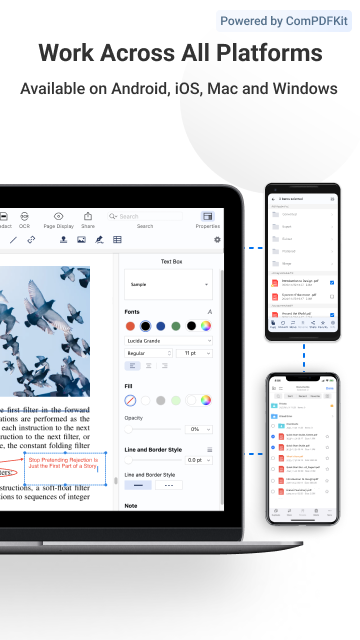
· Use WiFi Transfer to share files across devices
· Share files via email, bluetooth, message, etc
Support Various File Types
· MS Office documents(DOCX/DOC, XLSX/XLS, PPTX)
· Image files (PNG/JPG)
· Comic files (ePub)
· Text (TXT)
Pleasure to hear from your feedback via support@pdfreaderpro.com
or check out https://www.pdfreaderpro.com
Twitter - https://twitter.com/PDFReaderPro
Facebook - https://www.facebook.com/PDFProApp
Juega PDF Reader Pro - Reader&Editor en la PC. Es fácil comenzar.
-
Descargue e instale BlueStacks en su PC
-
Complete el inicio de sesión de Google para acceder a Play Store, o hágalo más tarde
-
Busque PDF Reader Pro - Reader&Editor en la barra de búsqueda en la esquina superior derecha
-
Haga clic para instalar PDF Reader Pro - Reader&Editor desde los resultados de búsqueda
-
Complete el inicio de sesión de Google (si omitió el paso 2) para instalar PDF Reader Pro - Reader&Editor
-
Haz clic en el ícono PDF Reader Pro - Reader&Editor en la pantalla de inicio para comenzar a jugar

