


Gallery - Photo Gallery Album
Juega en PC con BlueStacks: la plataforma de juegos Android, en la que confían más de 500 millones de jugadores.

Página modificada el: Oct 21, 2025
Play Gallery - Photo Gallery Album on PC
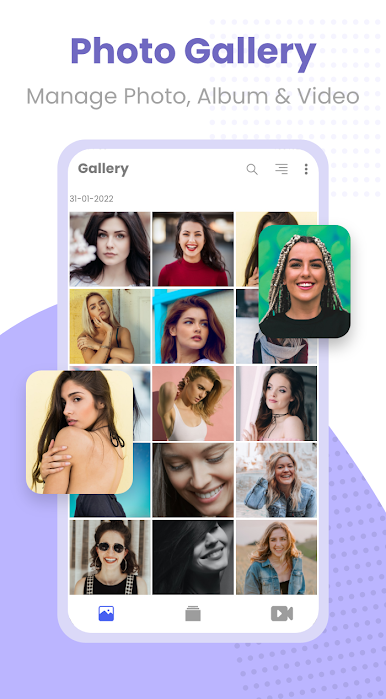
📸 Aesthetic and Intuitive Interface:
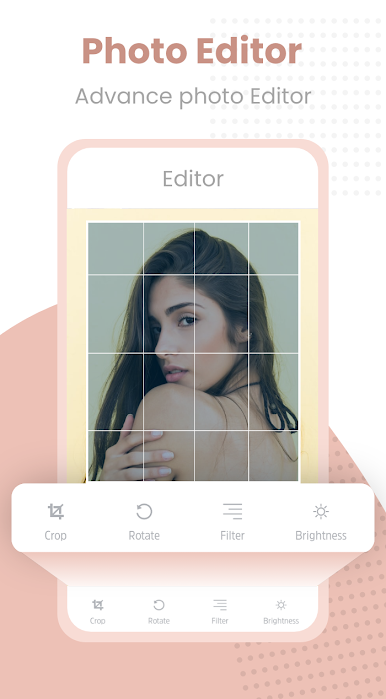
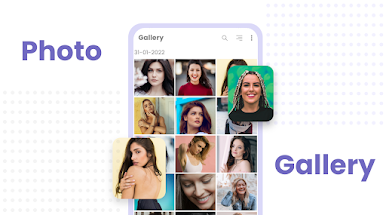
Browse through your photo collection effortlessly with our sleek and user-friendly interface. Our Gallery App provides a visually pleasing experience, allowing you to enjoy your memories in style.
🔍 Image Gallery:
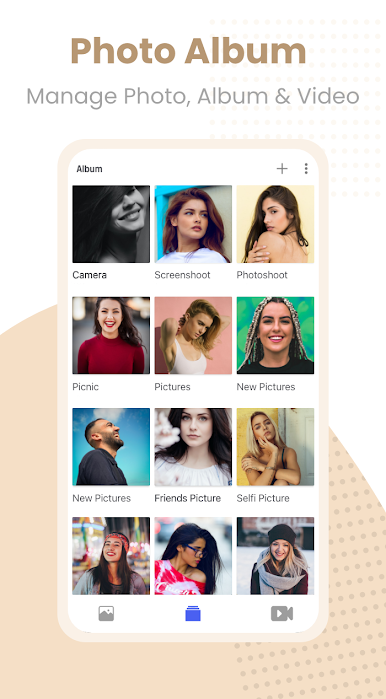
Organize your photos with ease using our advanced categorization and sorting options. Find specific images quickly, whether it's by date, location, or custom tags. Say goodbye to the endless scrolling!
🖼️ Photo Viewer:
Experience your photos in their full glory with our high-quality Photo Viewer. Zoom in, pan, and rotate to get a closer look at every detail. Swipe through your images seamlessly, creating a smooth and enjoyable viewing experience.
🎞️ Slideshow Maker:
Bring your photos to life by creating stunning slideshows. Choose from a variety of transition effects, add music, and customize the duration for a personalized touch. Share your captivating slideshows with friends and family.
🖼️ Collage Maker:
Unleash your creativity with our Collage Maker. Combine multiple photos into a beautiful collage and customize it with different layouts, borders, and backgrounds. Create unique compositions and showcase your artistic side.
☁️ Photo Backup and Cloud Storage:
Never lose your precious memories again. Our Gallery App offers seamless integration with cloud storage services, allowing you to safely back up your photos. Access your entire collection from any device, anywhere, and anytime.
🔒 Secure Photo Gallery:
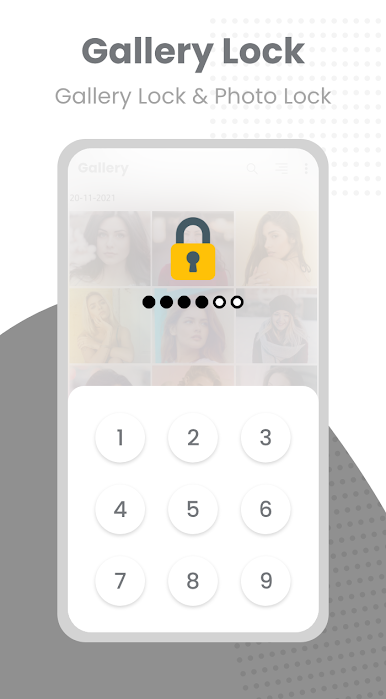
Protect your private photos with our secure gallery feature. Set up a passcode, PIN, or fingerprint lock to keep your sensitive images safe from prying eyes. Enjoy peace of mind knowing that your personal moments are secure.
Download our Gallery App now and unlock the full potential of your photo collection. It's time to organize, view, enhance, and share your memories effortlessly!
Juega Gallery - Photo Gallery Album en la PC. Es fácil comenzar.
-
Descargue e instale BlueStacks en su PC
-
Complete el inicio de sesión de Google para acceder a Play Store, o hágalo más tarde
-
Busque Gallery - Photo Gallery Album en la barra de búsqueda en la esquina superior derecha
-
Haga clic para instalar Gallery - Photo Gallery Album desde los resultados de búsqueda
-
Complete el inicio de sesión de Google (si omitió el paso 2) para instalar Gallery - Photo Gallery Album
-
Haz clic en el ícono Gallery - Photo Gallery Album en la pantalla de inicio para comenzar a jugar

