


Pipeliner CRM
Mainkan di PC dengan BlueStacks – platform Game-Game Android, dipercaya oleh lebih dari 500 juta gamer.

Play Pipeliner CRM on PC
Features:
› Contacts Management
› Accounts Management
› Leads Management
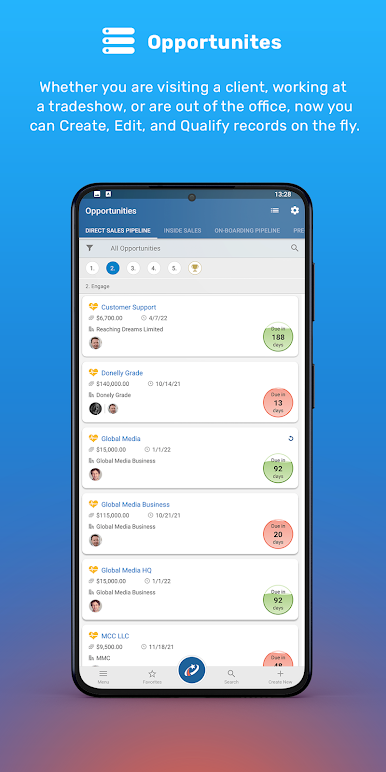
› Opportunities Management
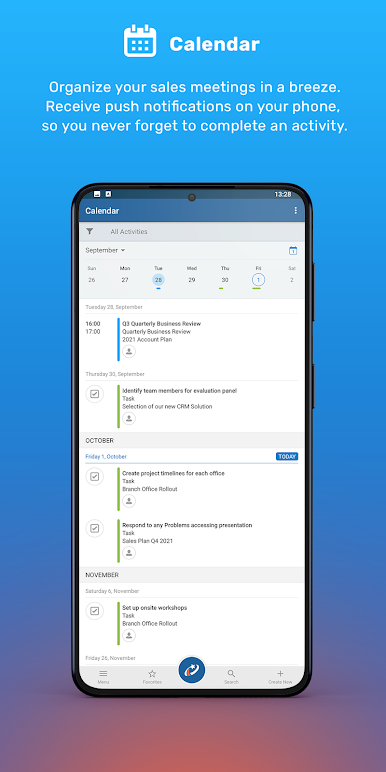
› Tasks Management
› Appointments Management
› Feeds
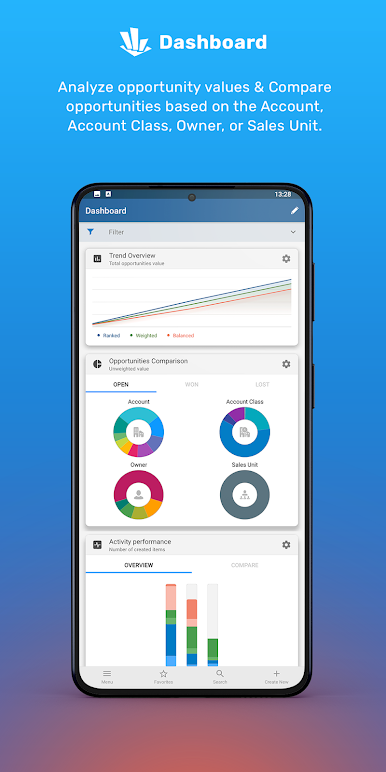
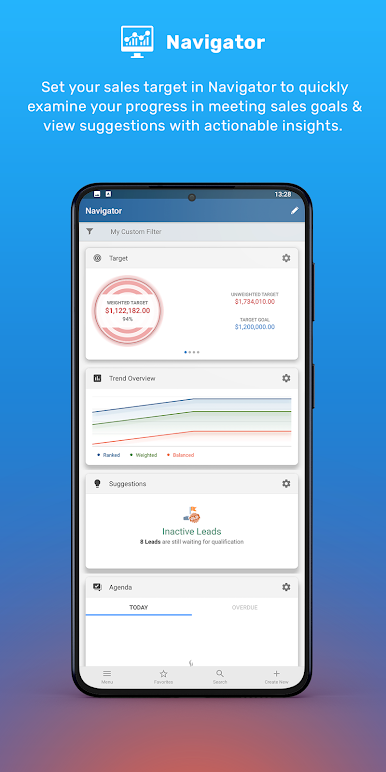
› Dashboards
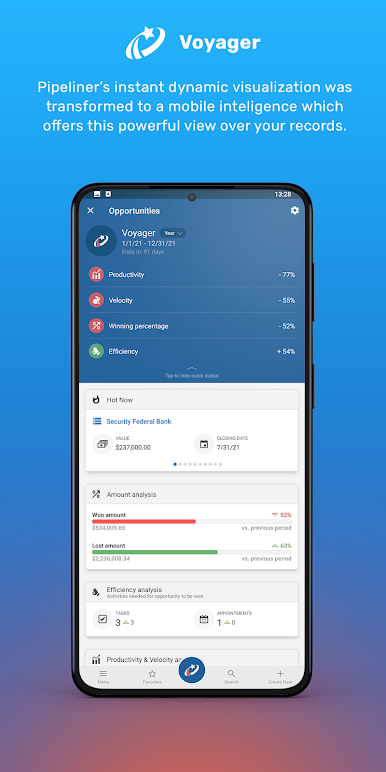
› Voyager Smart CRM AI
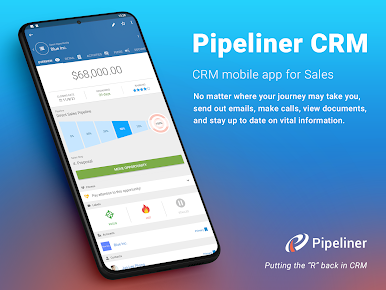
View all contacts, accounts, leads, opportunities, tasks, and appointments or feed messages--without switching between Pipeliner CRM and your Android device.
Pipeliner Mobile CRM for Android seamlessly integrates with the key features of your phone including:
› Logging your outbound call conversations as call activities in Pipeliner CRM.
› Planning your customer visits on the interactive map.
› Making calls to, or text messaging or emailing your contacts and accounts.
For a more detailed picture, one click takes you directly to a visual representation of Pipeliner CRM, from which you can drill down into CRM data.
Pipeliner CRM Mobile App for Android requires a subscription to Pipeliner CRM, and is seamlessly integrated with Pipeliner CRM Starter, Business and Enterprise versions.

Mainkan Pipeliner CRM di PC Mudah saja memulainya.
-
Unduh dan pasang BlueStacks di PC kamu
-
Selesaikan proses masuk Google untuk mengakses Playstore atau lakukan nanti
-
Cari Pipeliner CRM di bilah pencarian di pojok kanan atas
-
Klik untuk menginstal Pipeliner CRM dari hasil pencarian
-
Selesaikan proses masuk Google (jika kamu melewati langkah 2) untuk menginstal Pipeliner CRM
-
Klik ikon Pipeliner CRM di layar home untuk membuka gamenya

