


Puzzles
Juega en PC con BlueStacks: la plataforma de juegos Android, en la que confían más de 500 millones de jugadores.

Página modificada el: Jan 18, 2025
Play Jigsaw Puzzle on PC or Mac
Join millions to experience Jigsaw Puzzle, an exciting Puzzle game from WL Pixign Games. With BlueStacks App Player, you are always a step ahead of your opponent, ready to outplay them with faster gameplay and better control with the mouse and keyboard on your PC or Mac.
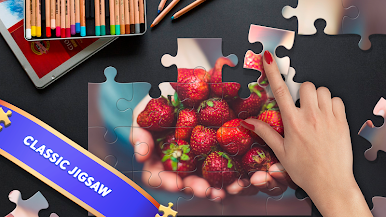
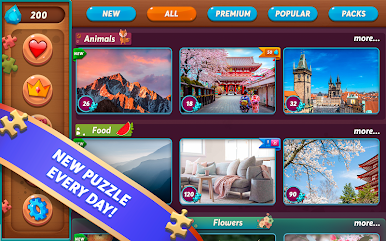
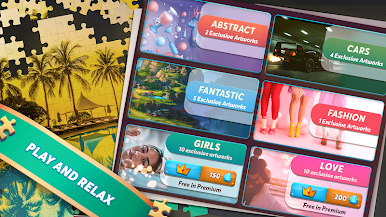
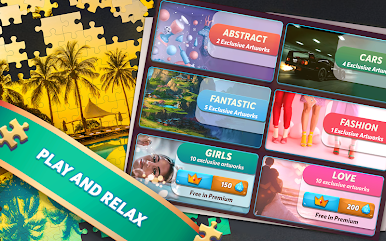
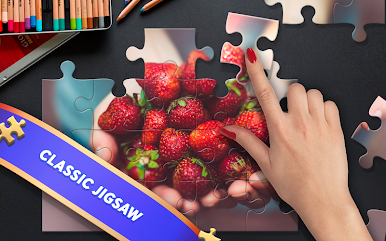
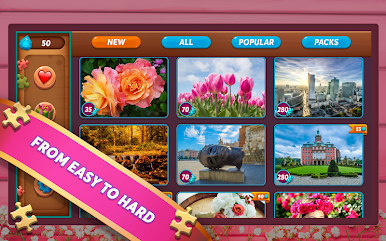
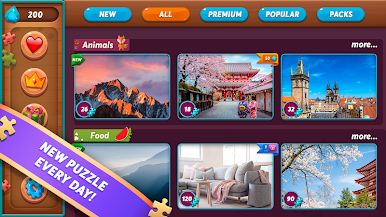
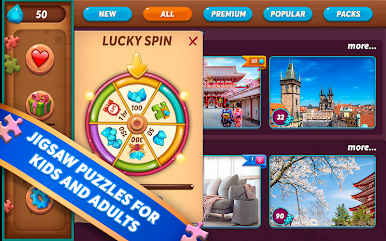
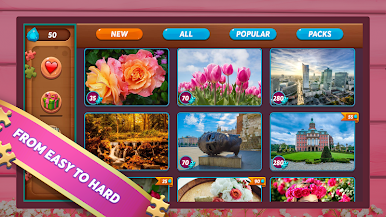
This one is a straight jigsaw app that feels like laying out pieces on a big table, minus the mess. It throws a big library of crisp HD pictures at you, with themes all over the place: animals, cities, nature, flowers, people. Pick an image, pick how many pieces you want, and the whole tone shifts from a quick five minute brain refresh to a real sit-down puzzle. The daily puzzle is nice because there is always something new to solve without hunting around. It is low pressure, no tricky gimmicks, just a clean board and pieces that are easy to drag around. Good for kids or adults, and it works well for a shared screen moment since everyone can point out where that one odd corner goes. If the day is busy, fewer pieces. If there is time to spare, crank it up and let it eat an evening.
On PC with BlueStacks, it feels better than on a phone because the pieces are larger and a mouse makes fine movement simple. Sorting pieces along the edges is quicker when there is more room. The app is light and loads fast, so it does not feel like a big system hog. There is no fuss about accounts or complicated menus, just in, pick a picture, build. The puzzels do not overstay their welcome, and the daily drip keeps the habit alive without nagging.
Slay your opponents with your epic moves. Play it your way on BlueStacks and dominate the battlefield.



Juega Puzzles en la PC. Es fácil comenzar.
-
Descargue e instale BlueStacks en su PC
-
Complete el inicio de sesión de Google para acceder a Play Store, o hágalo más tarde
-
Busque Puzzles en la barra de búsqueda en la esquina superior derecha
-
Haga clic para instalar Puzzles desde los resultados de búsqueda
-
Complete el inicio de sesión de Google (si omitió el paso 2) para instalar Puzzles
-
Haz clic en el ícono Puzzles en la pantalla de inicio para comenzar a jugar

