


Planday Employee Scheduling
Juega en PC con BlueStacks: la plataforma de juegos Android, en la que confían más de 500 millones de jugadores.

Página modificada el: Dec 5, 2025
Play Planday Employee Scheduling on PC
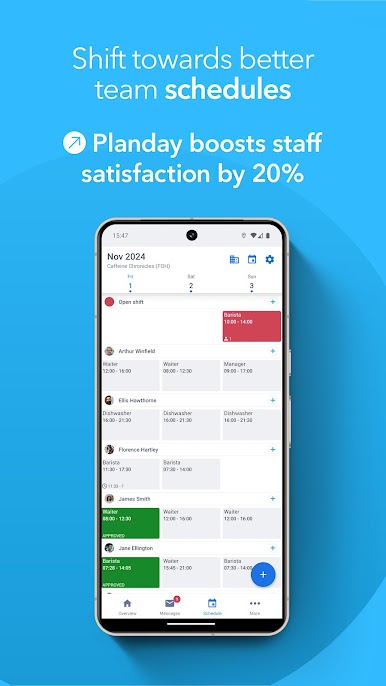
📆 Detailed schedules: View shift details at a glance
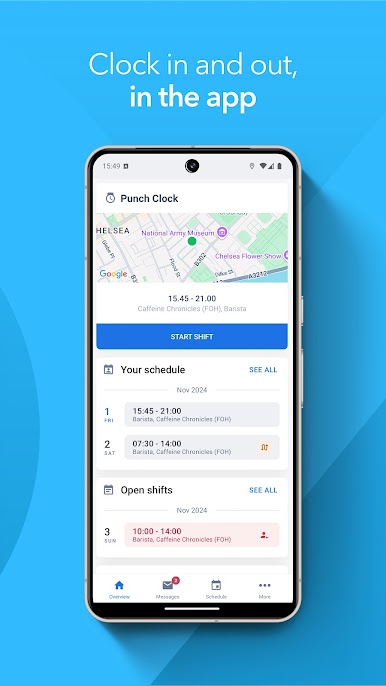
🕒 Time tracking: Clock in directly on the app
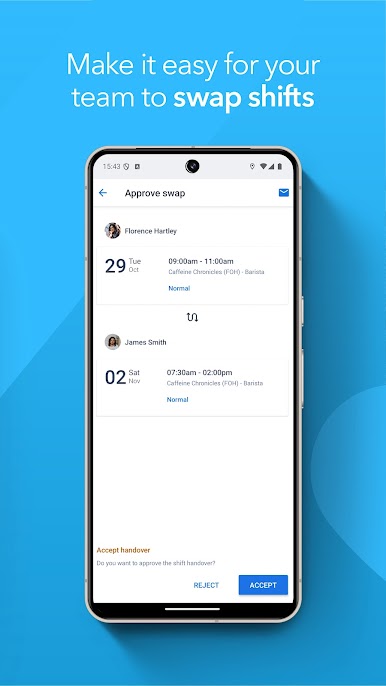
🔁 Shift swaps: Easily hand over or swap shifts
🙌 Availability: Managers can view staff preferences
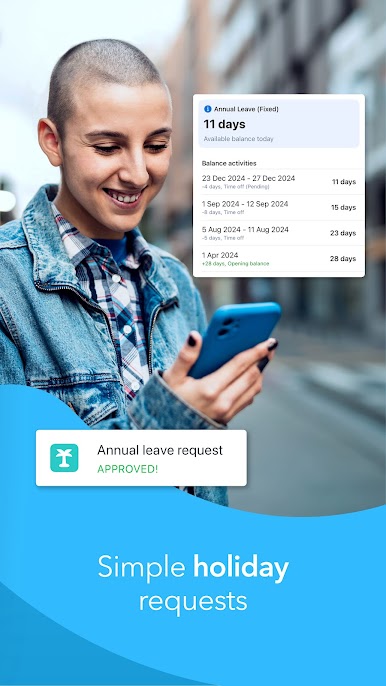
🌴 Time off: Request vacation right in the app
💬 Messaging: Send quick messages to coworkers
Ready to bring Planday to your team? Download the app and start your free trial!
Juega Planday Employee Scheduling en la PC. Es fácil comenzar.
-
Descargue e instale BlueStacks en su PC
-
Complete el inicio de sesión de Google para acceder a Play Store, o hágalo más tarde
-
Busque Planday Employee Scheduling en la barra de búsqueda en la esquina superior derecha
-
Haga clic para instalar Planday Employee Scheduling desde los resultados de búsqueda
-
Complete el inicio de sesión de Google (si omitió el paso 2) para instalar Planday Employee Scheduling
-
Haz clic en el ícono Planday Employee Scheduling en la pantalla de inicio para comenzar a jugar

