

Juego de Simulador de Camiones
Juega en PC con BlueStacks: la plataforma de juegos Android, en la que confían más de 500 millones de jugadores.

Página modificada el: Oct 17, 2025
Play Oil Truck Simulator Driving 3D on PC or Mac
Step into the World of Oil Truck Simulator Driving 3D, a thrilling Simulation game from the house of K Zee Games. Play this Android game on BlueStacks App Player and experience immersive gaming on PC or Mac.
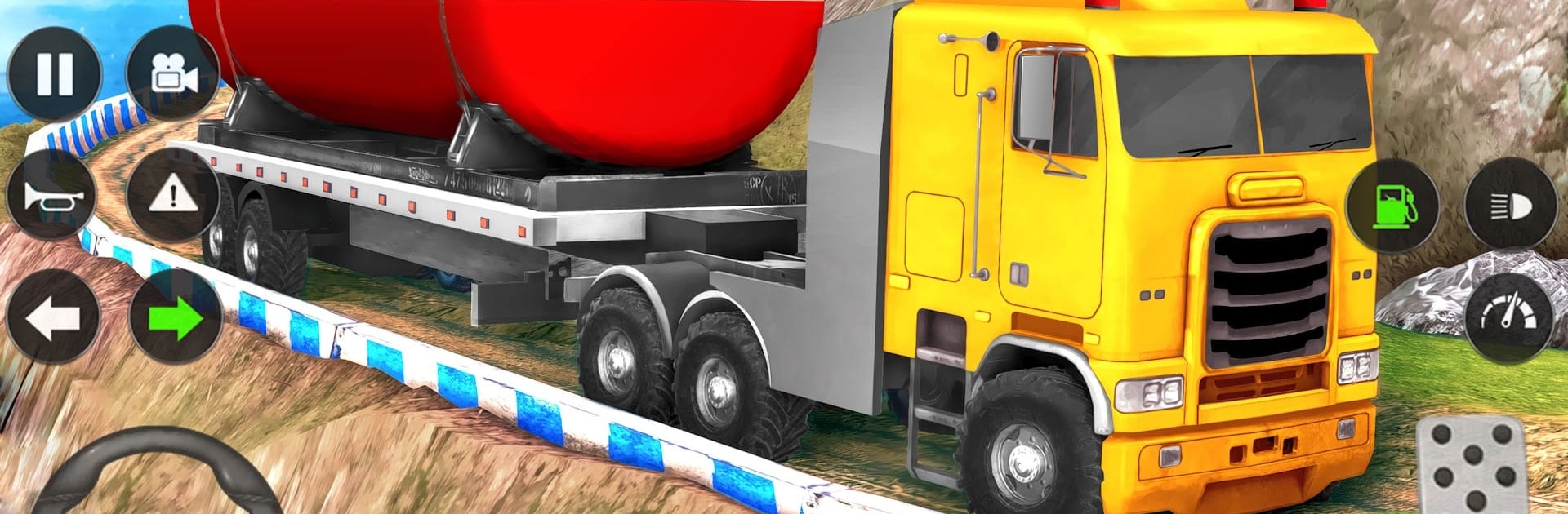
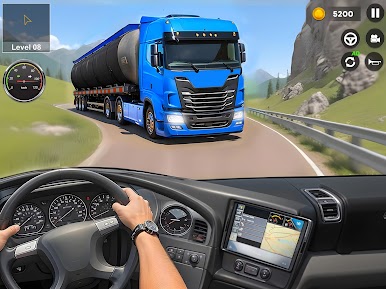
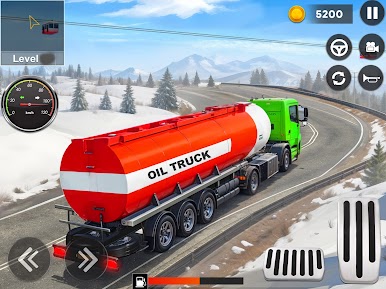
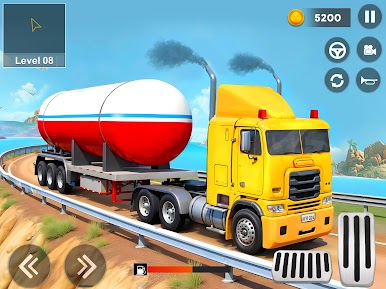
Oil Truck Simulator Driving 3D lets players take on the job of hauling big oil tankers and cargo trucks through some pretty rough, bumpy roads. It’s one of those driving games that isn’t just about going fast—it’s more about handling a giant vehicle over tricky offroad paths, making tight turns, dealing with hills, and not tipping the whole thing over. The goal’s simple enough: move cargo between cities or out-of-the-way spots without damaging it, and sometimes just getting parked in a small area is half the challenge. There’s a handful of trucks to pick from, and each one feels a little different, which makes swapping between them interesting as you go through the missions.
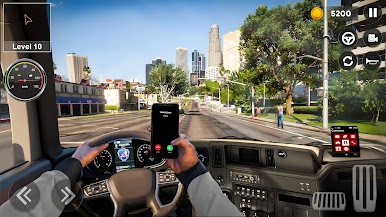
The whole thing feels a lot smoother if it’s played on a PC, especially with BlueStacks. The controls aren’t complicated, though bigger screens definitely help when navigating winding roads and steep slopes. The levels throw in different tasks and routes, so it doesn’t really get repetitive fast—one moment it’s weaving through narrow hillside paths, next it’s just focusing on parking that huge truck in a tiny lot. Visuals are clear enough to spot what’s ahead, with some nice scenery along the way. Anyone looking for a break from racing games and wanting to test their patience and driving focus might find something to stick with here. There’s a steady climb in what the game asks, but nothing that forces you to rush—just a chance to see how well you can handle one of those huge rigs without messing up a delivery.
Slay your opponents with your epic moves. Play it your way on BlueStacks and dominate the battlefield.
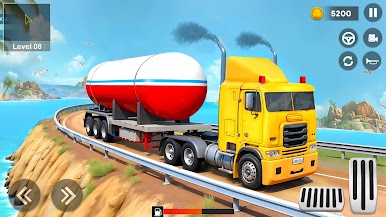
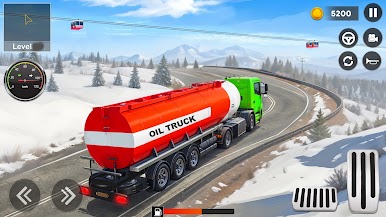
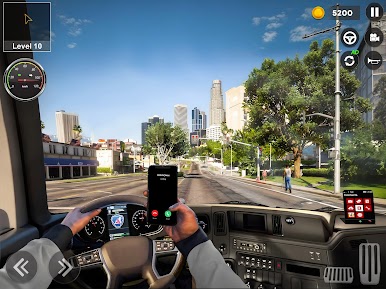
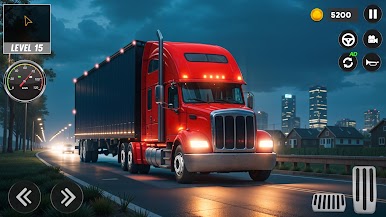
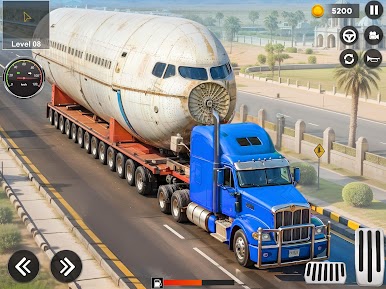
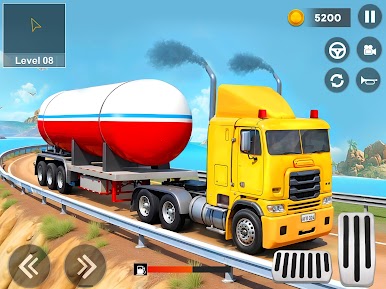
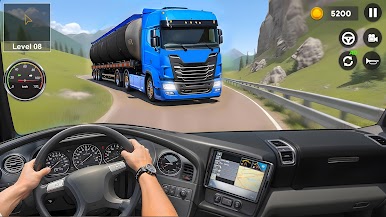
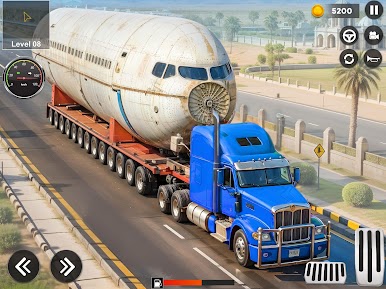
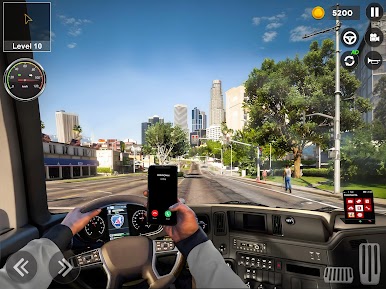
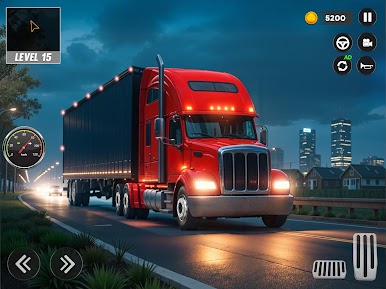
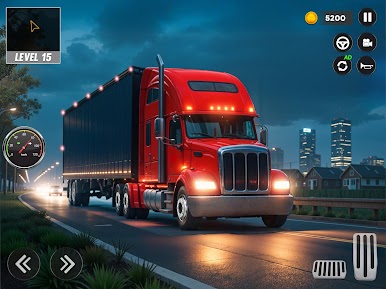
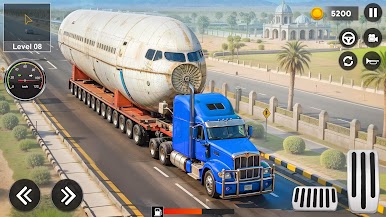
Juega Juego de Simulador de Camiones en la PC. Es fácil comenzar.
-
Descargue e instale BlueStacks en su PC
-
Complete el inicio de sesión de Google para acceder a Play Store, o hágalo más tarde
-
Busque Juego de Simulador de Camiones en la barra de búsqueda en la esquina superior derecha
-
Haga clic para instalar Juego de Simulador de Camiones desde los resultados de búsqueda
-
Complete el inicio de sesión de Google (si omitió el paso 2) para instalar Juego de Simulador de Camiones
-
Haz clic en el ícono Juego de Simulador de Camiones en la pantalla de inicio para comenzar a jugar

