

Fórmula Racing: Juego Rápido
Juega en PC con BlueStacks: la plataforma de juegos Android, en la que confían más de 500 millones de jugadores.

Página modificada el: Oct 14, 2025
Play Formula Car Racing: Speed Game on PC or Mac
Join millions to experience Formula Car Racing: Speed Game, an exciting Racing game from Play 10. With BlueStacks App Player, you are always a step ahead of your opponent, ready to outplay them with faster gameplay and better control with the mouse and keyboard on your PC or Mac.
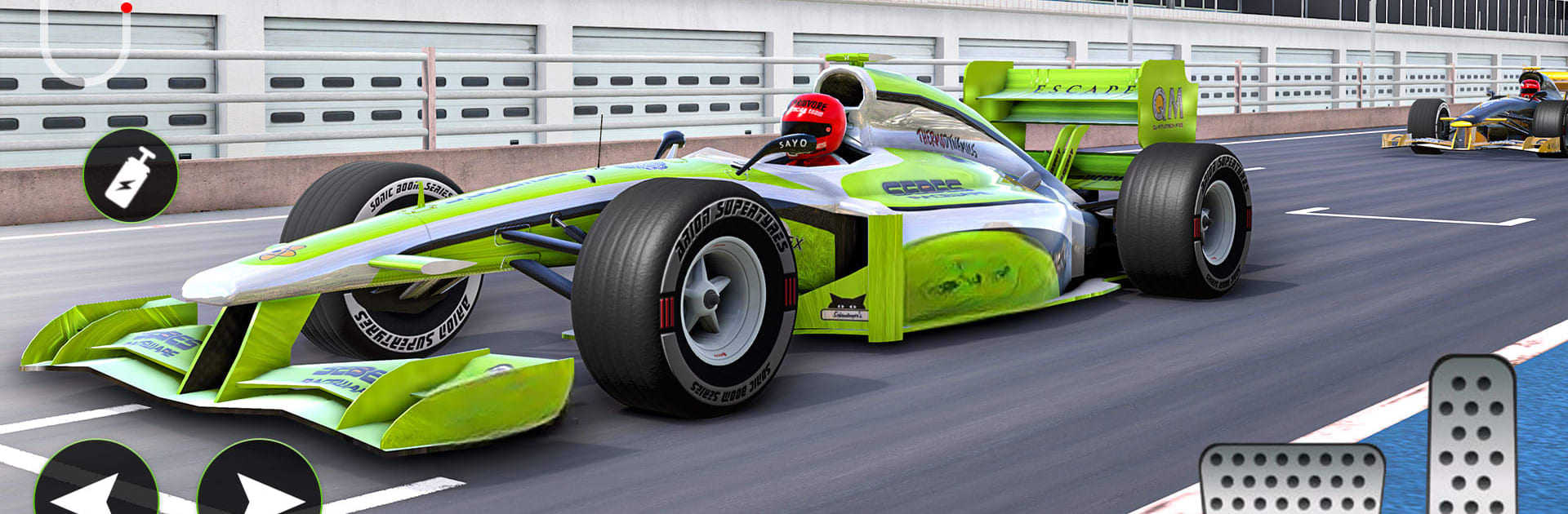
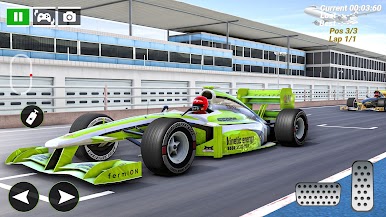
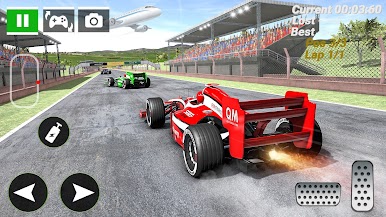
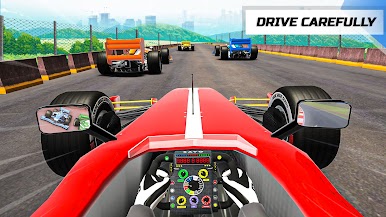
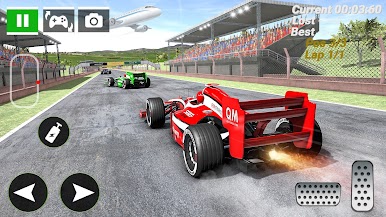
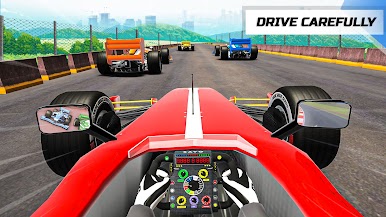
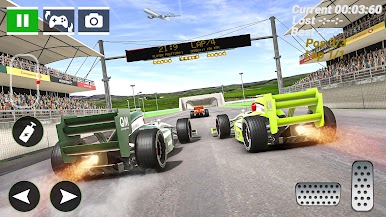
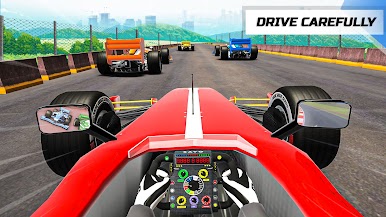
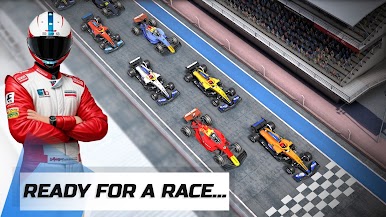
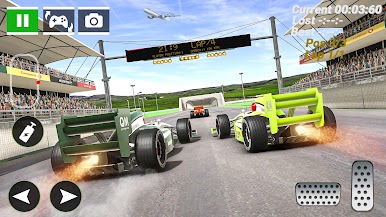
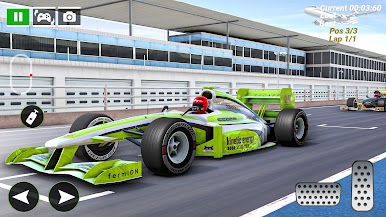
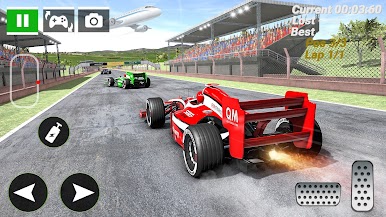
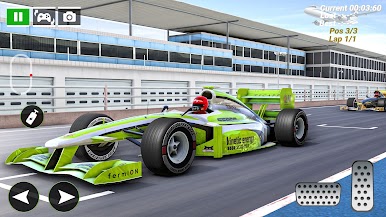
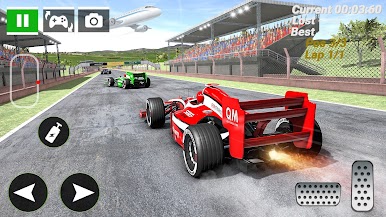
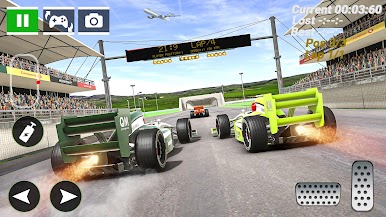
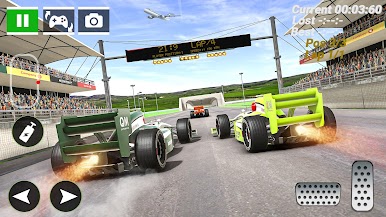
Formula Car Racing: Speed Game feels like a quick, no-fuss racer that still lets players chase clean lines and split-second timing. It throws a mix of full races, time trials, and a drag mode where hitting perfect shifts is the whole game. The handling leans toward fast and responsive, with enough weight to make tight turns and hairpins feel good when the braking point is right. Nitro gives that extra kick on the straights, and using it just after a corner actually matters. Tracks jump between city circuits, desert stretches, mountains, and proper race layouts, so learning where to brake and where to send it becomes the fun loop.
There is a light garage vibe too. Cars can be upgraded for speed, acceleration, handling, and nitro, and players can throw on new liveries and wheels so the grid does not look all the same. Controls are simple and adjustable, from tilt to touch, and on PC through BlueStacks the keyboard mapping makes steering and gear taps feel sharp, which helps in drag races and those twitchy chicanes. The graphics are clean and bright, speed comes across well, and the game runs fine without internet, so it is an easy hop-in for a quick session. Events stack into little championships with rewards that unlock more cars, so there is always a reason to go back and try to shave a few tenths off a lap.
Ready to top the leaderboard? We bet you do. Let precise controls and sharp visuals optimized on BlueStacks lead you to victory.
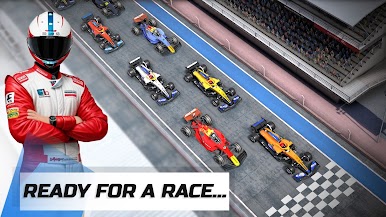
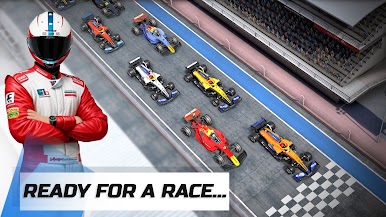
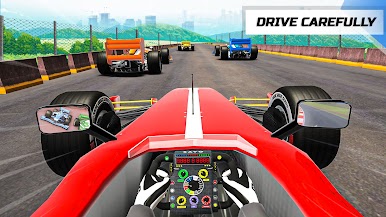
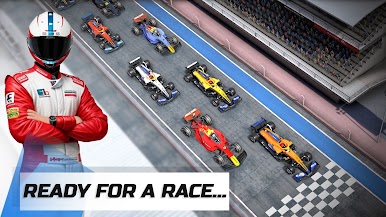
Juega Fórmula Racing: Juego Rápido en la PC. Es fácil comenzar.
-
Descargue e instale BlueStacks en su PC
-
Complete el inicio de sesión de Google para acceder a Play Store, o hágalo más tarde
-
Busque Fórmula Racing: Juego Rápido en la barra de búsqueda en la esquina superior derecha
-
Haga clic para instalar Fórmula Racing: Juego Rápido desde los resultados de búsqueda
-
Complete el inicio de sesión de Google (si omitió el paso 2) para instalar Fórmula Racing: Juego Rápido
-
Haz clic en el ícono Fórmula Racing: Juego Rápido en la pantalla de inicio para comenzar a jugar

