

Multi Level Car Parking 6
Juega en PC con BlueStacks: la plataforma de juegos Android, en la que confían más de 500 millones de jugadores.

Página modificada el: Oct 13, 2025
Play Multi Level Car Parking 6 on PC or Mac
From the innovators and creators at Play With Games, Multi Level Car Parking 6 is another fun addition to the World of Racing games. Go beyond your mobile screen and play it bigger and better on your PC or Mac. An immersive experience awaits you.
About the Game
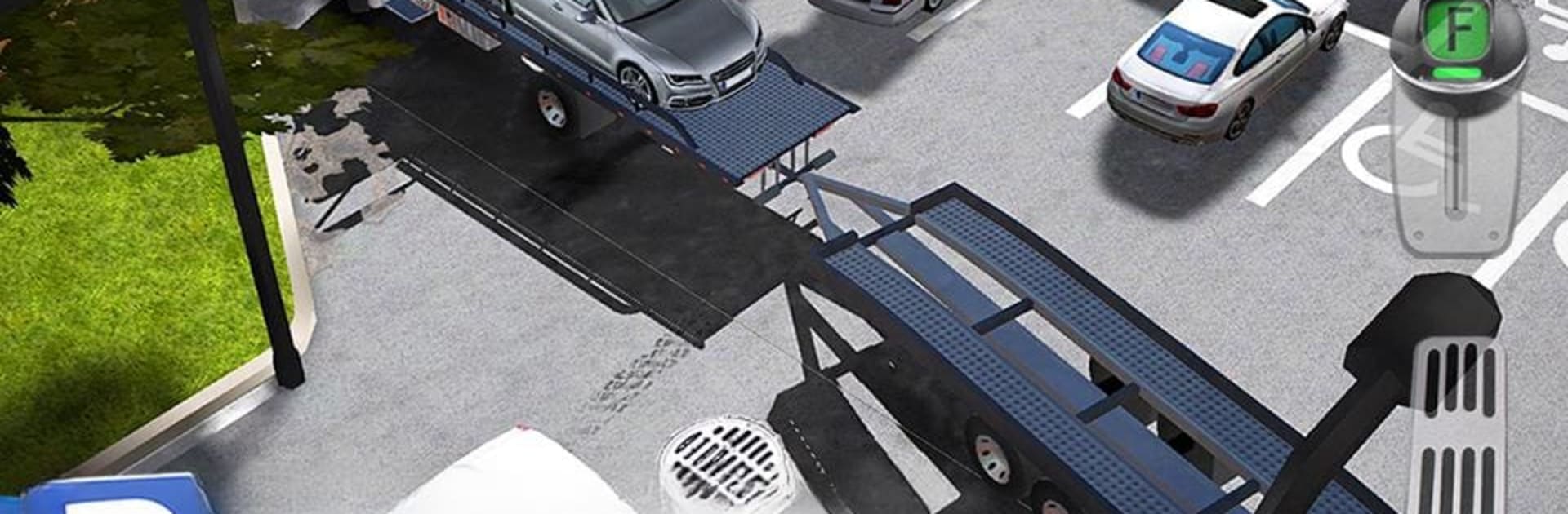
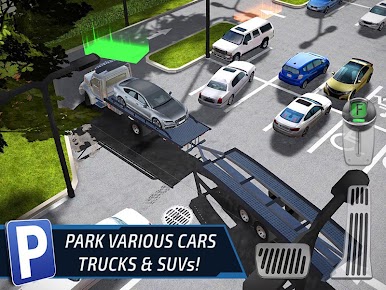
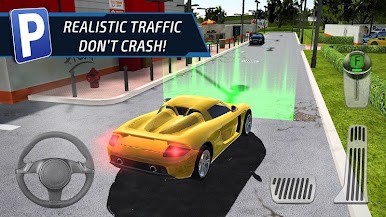
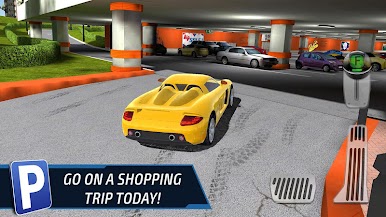
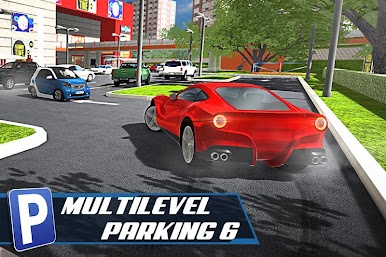
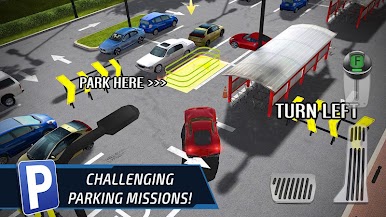
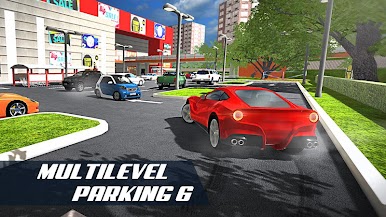
Ever wondered how you’d handle a crowded, multi-floor parking lot? Multi Level Car Parking 6 from Play With Games throws you right into the thick of it. Behind the wheel of everything from sports cars to garbage trucks, you’ll test your patience, reflexes, and precision across fifty tricky parking challenges set in a bustling shopping mall. If you think parallel parking downtown is tough, wait till you try squeezing past moving traffic and ramps with a delivery van!
Game Features
-
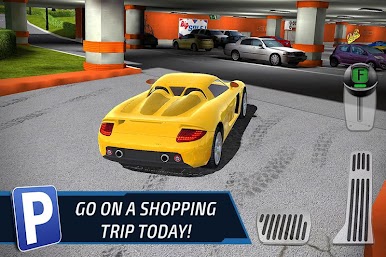
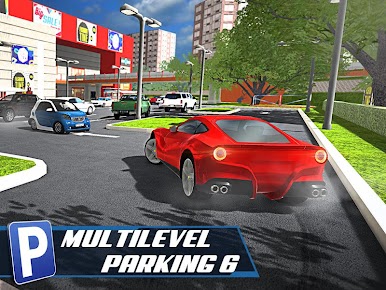
Explore a Realistic Shopping Mall:
Navigate a detailed, lively mall environment, packed with everyday sights like busy shoppers, parked cars, and unpredictable traffic. -
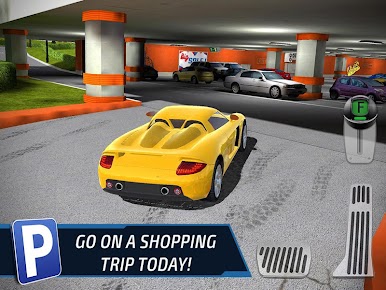
Master Multi-Level Parking Lots:
Find your way through stacked parking decks, weaving around tight corners, ramps, barriers, and sudden drop-offs as you hunt for your spot. -
Wide Range of Vehicles:
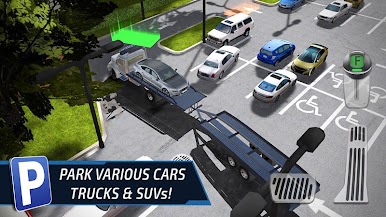
Not just cars—expect to maneuver everything from flashy supercars to family sedans, chunky pickups, even utility vehicles like tow and garbage trucks. -
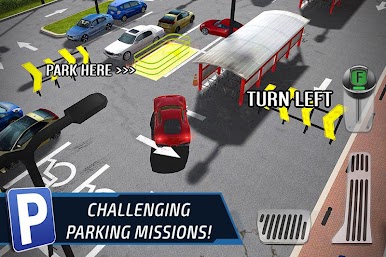
Challenging Missions:
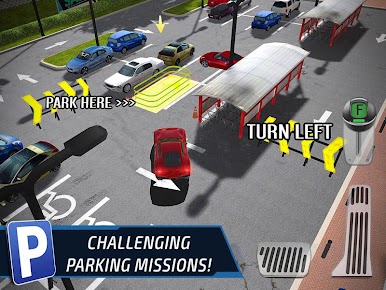
There’s a whopping 50 unique parking scenarios to conquer, each dialing up the difficulty. One moment you’re backing into a tight slot, next you’re threading a bulky truck past impatient traffic. -
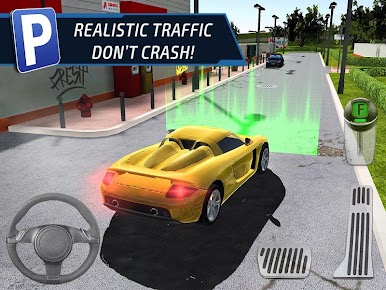
Real Traffic Dynamics:
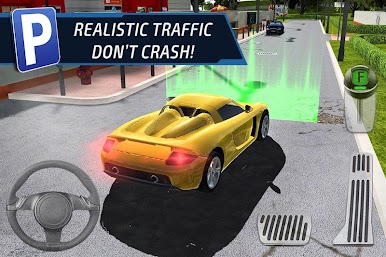
You’re not alone. Other drivers are trying to park too, so keep your wits about you as you dodge obstacles and moving cars. -
Flexible Play with BlueStacks:
If you want a new angle on the action, you’ll find Multi Level Car Parking 6 plays smoothly with BlueStacks, letting you use keyboard or gamepad controls for a little more finesse behind the wheel.
Ready to top the leaderboard? We bet you do. Let precise controls and sharp visuals optimized on BlueStacks lead you to victory.

Juega Multi Level Car Parking 6 en la PC. Es fácil comenzar.
-
Descargue e instale BlueStacks en su PC
-
Complete el inicio de sesión de Google para acceder a Play Store, o hágalo más tarde
-
Busque Multi Level Car Parking 6 en la barra de búsqueda en la esquina superior derecha
-
Haga clic para instalar Multi Level Car Parking 6 desde los resultados de búsqueda
-
Complete el inicio de sesión de Google (si omitió el paso 2) para instalar Multi Level Car Parking 6
-
Haz clic en el ícono Multi Level Car Parking 6 en la pantalla de inicio para comenzar a jugar

