


Find The Differences : Spot it
Gioca su PC con BlueStacks: la piattaforma di gioco Android, considerata affidabile da oltre 500 milioni di giocatori.

Pagina modificata il: Oct 20, 2025
Play Find The Differences : Spot it on PC
FEATURES:
• Offline games, no Wi-Fi connection and internet connection are required!
• Support both phones and tablets
• Single-Player game
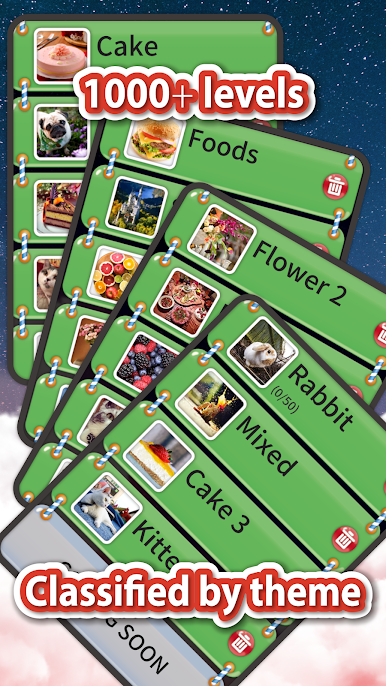
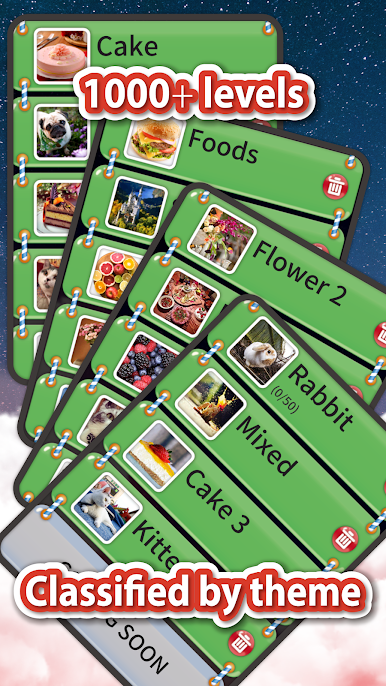
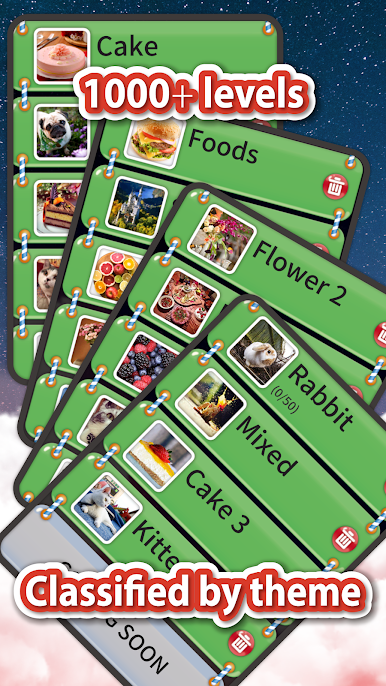
• 1000+ levels all unlocked!
• Without time limit
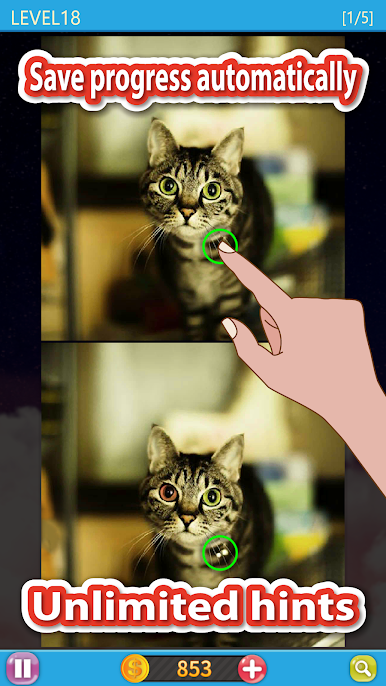
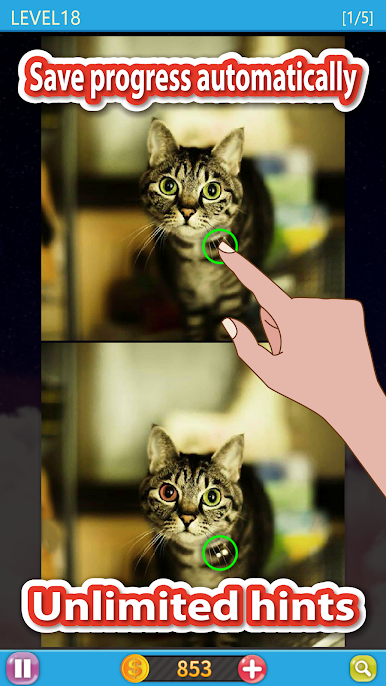
• ZOOM to help you find the difference more easy!
• HD pictures for phones and tablets
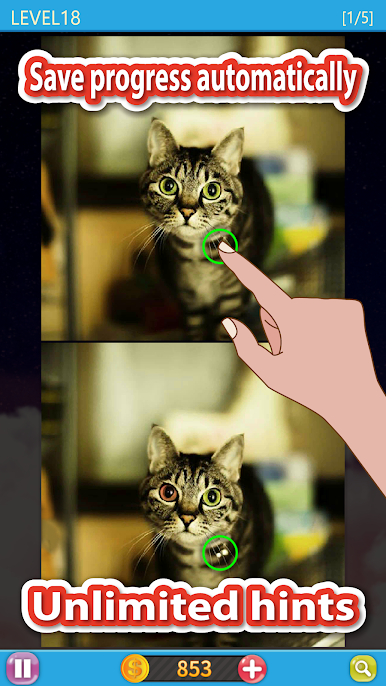
• Save the progress of the game automatically!
• Unlimited hints!
Try it now!
If you have any suggestions or comments, please feel free to contact us.
Email:pureplaystudio@gmail.com









Gioca Find The Differences : Spot it su PC. È facile iniziare.
-
Scarica e installa BlueStacks sul tuo PC
-
Completa l'accesso a Google per accedere al Play Store o eseguilo in un secondo momento
-
Cerca Find The Differences : Spot it nella barra di ricerca nell'angolo in alto a destra
-
Fai clic per installare Find The Differences : Spot it dai risultati della ricerca
-
Completa l'accesso a Google (se hai saltato il passaggio 2) per installare Find The Differences : Spot it
-
Fai clic sull'icona Find The Differences : Spot it nella schermata principale per iniziare a giocare

