Country Capitals and Currency

Country Capitals and Currency

Edukasi | Praveen Yuva

Mainkan di PC dengan BlueStacks – platform Game-Game Android, dipercaya oleh lebih dari 500 juta gamer.

Halaman Dimodifikasi Aktif: Dec 27, 2024

Run Country Capitals and Currency on PC or Mac

Upgrade your experience. Try Country Capitals and Currency, the fantastic Education app from Praveen Yuva, from the comfort of your laptop, PC, or Mac, only on BlueStacks.

About the App

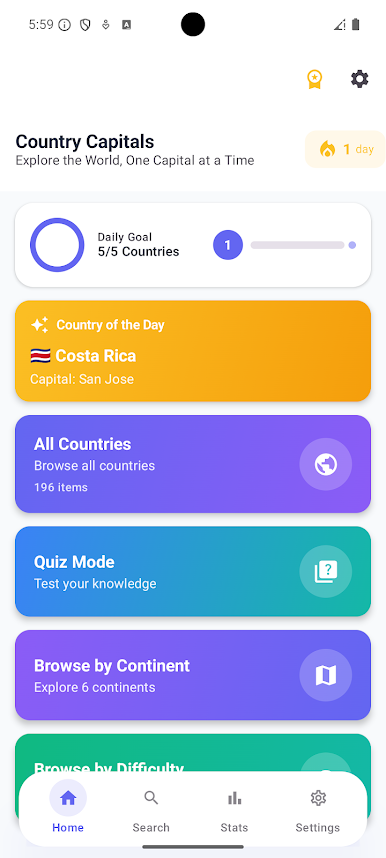
Curious about the world and love quick facts? Country Capitals and Currency makes it easy to browse key details about every nation and quiz yourself along the way. This Education app from Praveen Yuva keeps things simple, fast, and fun—perfect for casual learning or serious prep. Prefer a bigger screen? It works smoothly with BlueStacks, too.

App Features

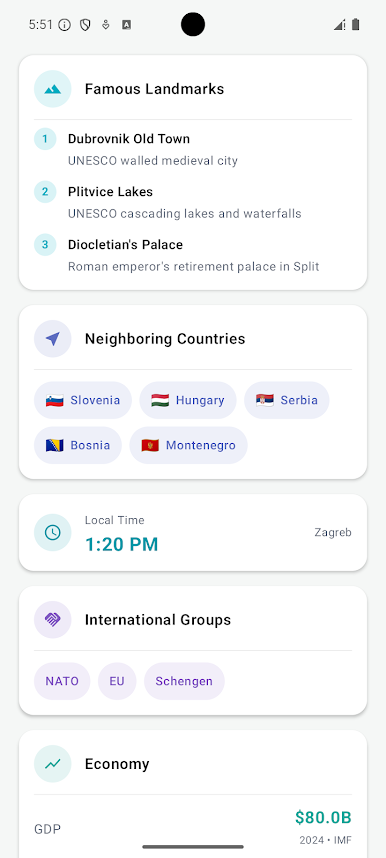
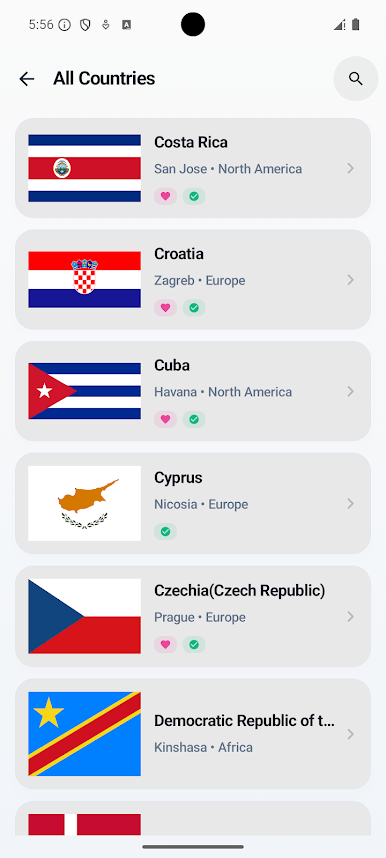
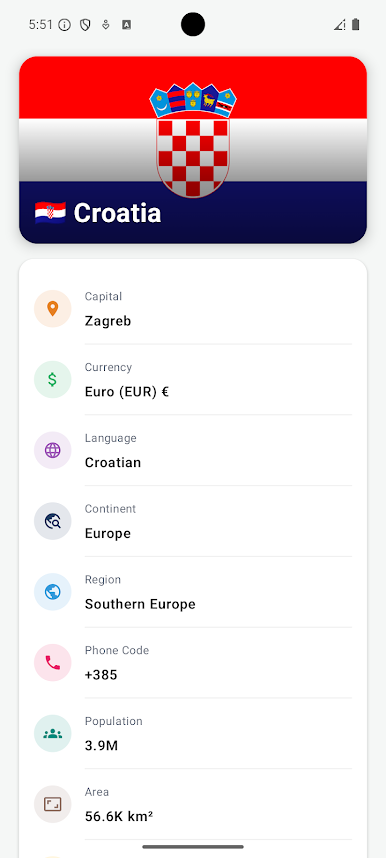
  • World facts in one place: Check a country’s capital, currency, flag, population, area, languages, calling code, internet domain, and continent without digging around.
  • Works offline: No connection? No problem. Explore and quiz yourself anywhere, anytime.
  • Lightweight build: A small app that opens fast and stays snappy, even on older phones.
  • Quick search: Type a few letters to find any country instantly.
  • Continent browsing: Scan countries by region to learn geographically and spot patterns faster.
  • Save favorites: Mark countries you want to revisit—great for study sets or travel planning.
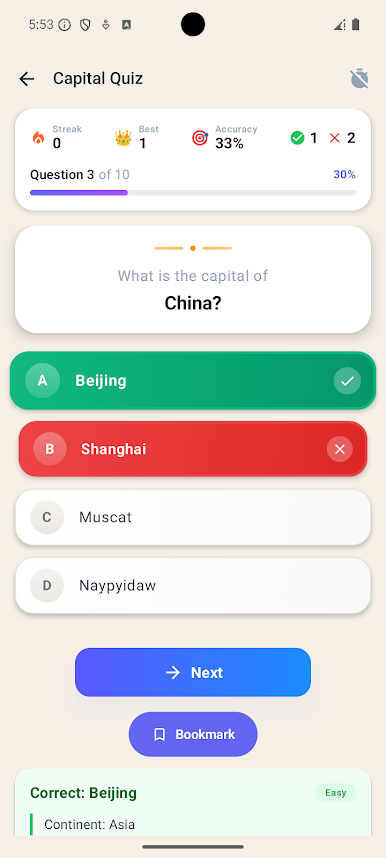
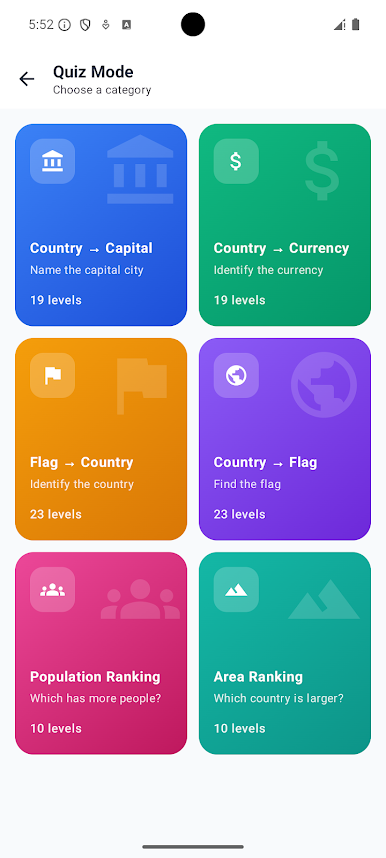
  • Country Quiz: Match country names with their capitals and more to sharpen recall.
  • Currency Quiz: Test how well you know the money used around the globe.
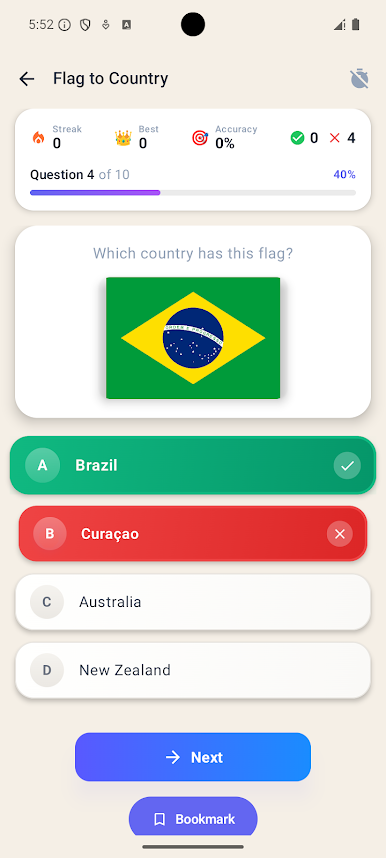
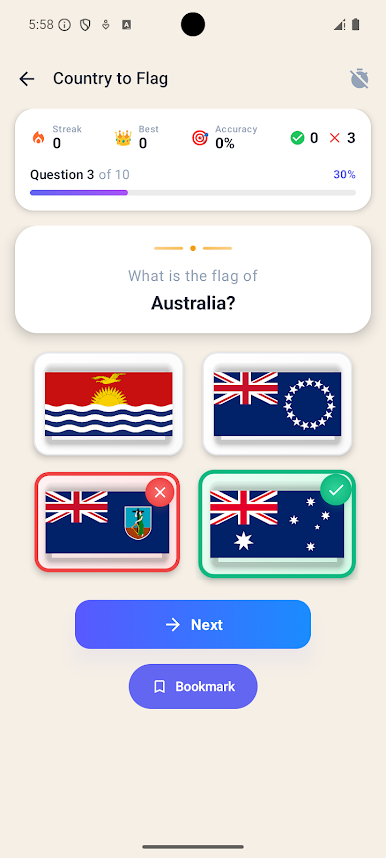
  • Flag Quiz: Identify flags at a glance and learn visual cues that stick.
  • Guess the Country: A fun challenge mode where clues lead you to the right answer.
  • Learn your way: Mix browsing with quizzes to turn world facts into long-term memory.

BlueStacks gives you the much-needed freedom to experience your favorite apps on a bigger screen. Get it now.

Mainkan Country Capitals and Currency di PC Mudah saja memulainya.

  • Unduh dan pasang BlueStacks di PC kamu

  • Selesaikan proses masuk Google untuk mengakses Playstore atau lakukan nanti

  • Cari Country Capitals and Currency di bilah pencarian di pojok kanan atas

  • Klik untuk menginstal Country Capitals and Currency dari hasil pencarian

  • Selesaikan proses masuk Google (jika kamu melewati langkah 2) untuk menginstal Country Capitals and Currency

  • Klik ikon Country Capitals and Currency di layar home untuk membuka gamenya

Tonton Video