


Inventory Management Premium
Gioca su PC con BlueStacks: la piattaforma di gioco Android, considerata affidabile da oltre 500 milioni di giocatori.

Pagina modificata il: Nov 25, 2023
Run Inventory Management Premium on PC or Mac
Get freedom from your phone’s obvious limitations. Use Inventory Management Premium, made by Enigmex Technologies, a Productivity app on your PC or Mac with BlueStacks, and level up your experience.
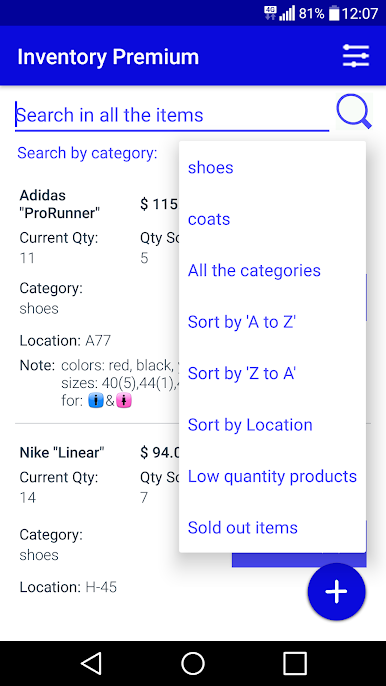
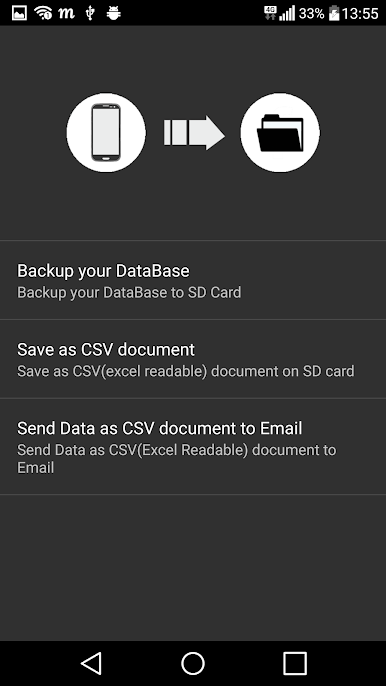
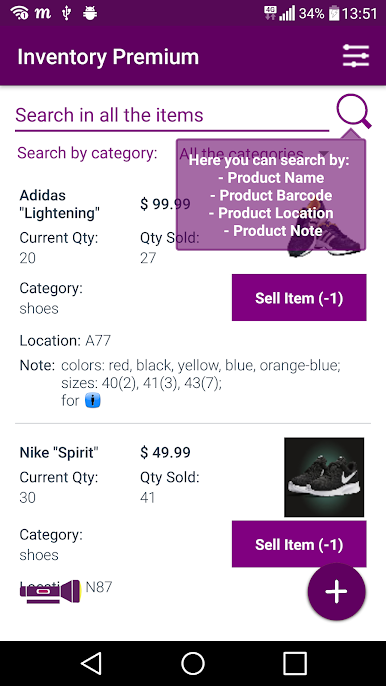
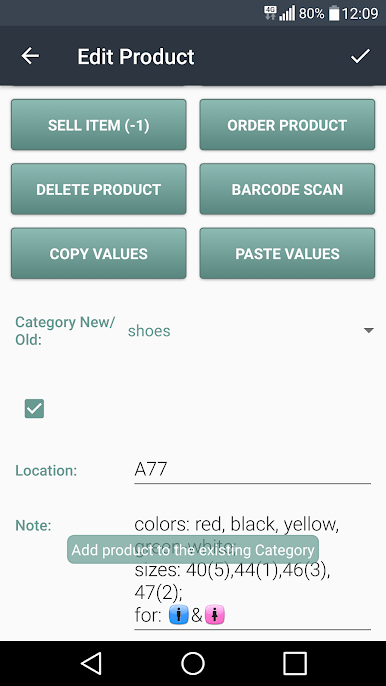
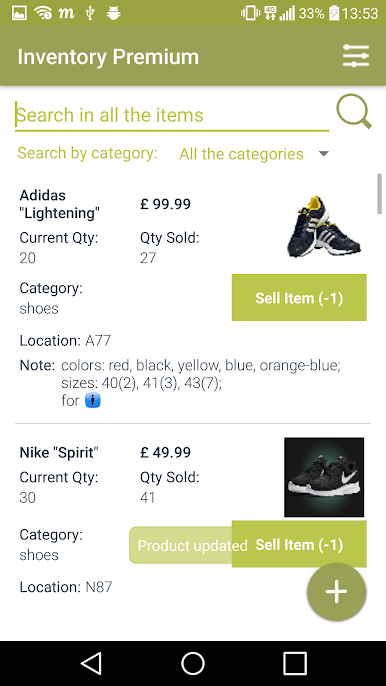
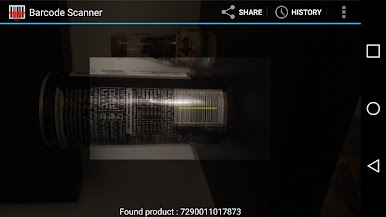
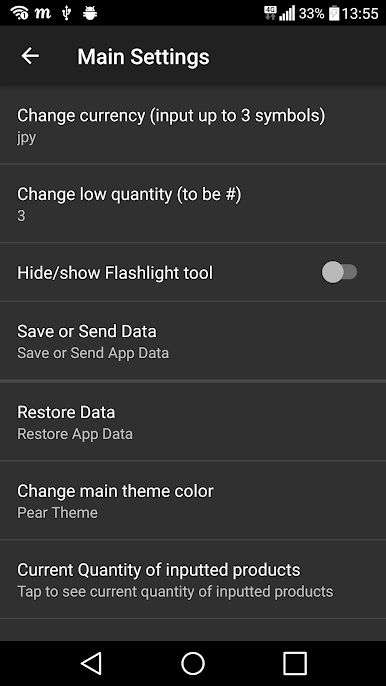
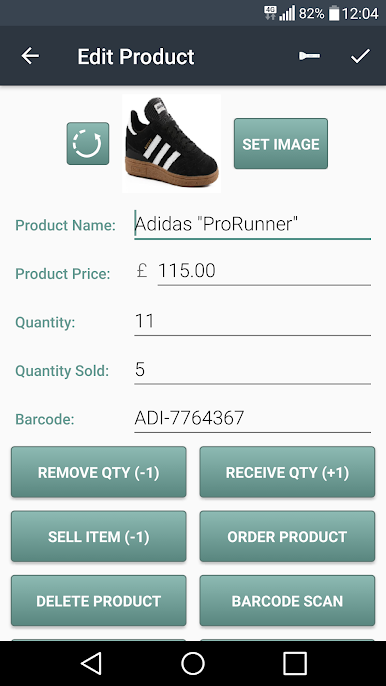
Inventory Management Premium is a no-nonsense tool that keeps stock tracking simple and calm. Add a product with the big plus button, fill what matters, and move on. It supports the basics people actually use day to day, like Product Name, Product Image, Product Price, Product Quantity, Product Quantity Sold, Product Barcode, Product Location, and Product Notes. The search field is quick, so a few letters and there it is. Currency can be switched if pricing needs to match a region. There is a barcode scanner for faster entry and edits, and when someone taps into an item’s editor, there is a shortcut to send a message to the supplier, which is handy when something is low or missing. The whole thing runs ad-free, which makes it feel clean and focused.
On a PC through BlueStacks, it is even more comfortable. Typing names, prices, and longer notes with a keyboard is faster, and a bigger screen makes it easier to scroll a longer catalog without squinting. The layout is plain in a good way, like a friendly spreadsheet with pictures, not a complicated back office system. It tracks what is on hand and what has been sold without forcing anyone into complex reports. People who want heavy accounting probably will not find it here. It is more about quick cataloging, clean edits, easy scans, and knowing exactly what is sitting on the shelf right now.
Switch to BlueStacks and make the most of your apps on your PC or Mac.
Gioca Inventory Management Premium su PC. È facile iniziare.
-
Scarica e installa BlueStacks sul tuo PC
-
Completa l'accesso a Google per accedere al Play Store o eseguilo in un secondo momento
-
Cerca Inventory Management Premium nella barra di ricerca nell'angolo in alto a destra
-
Fai clic per installare Inventory Management Premium dai risultati della ricerca
-
Completa l'accesso a Google (se hai saltato il passaggio 2) per installare Inventory Management Premium
-
Fai clic sull'icona Inventory Management Premium nella schermata principale per iniziare a giocare

