


Stickers Emojis WAStickerApps
Juega en PC con BlueStacks: la plataforma de juegos Android, en la que confían más de 500 millones de jugadores.

Página modificada el: Jul 18, 2024
Juega Stickers Emojis WAStickerApps en PC
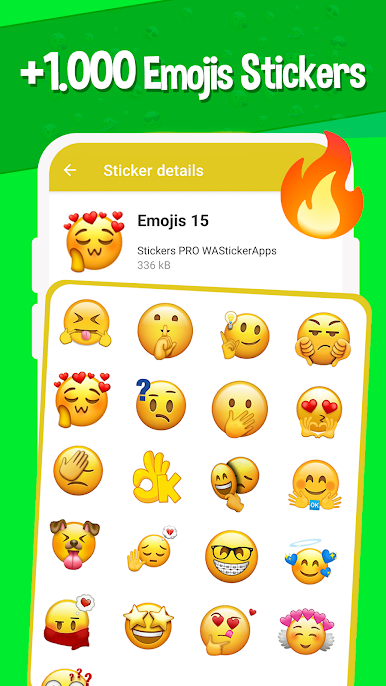
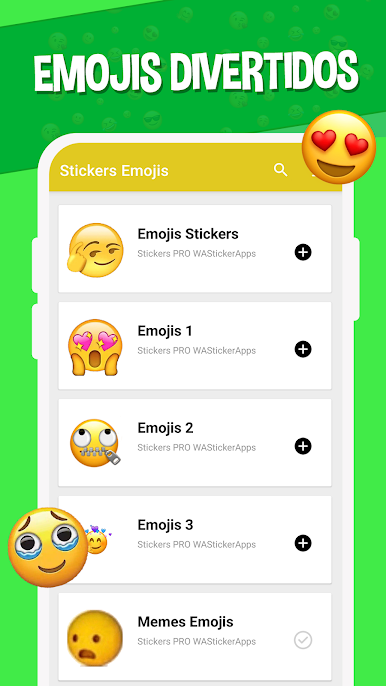
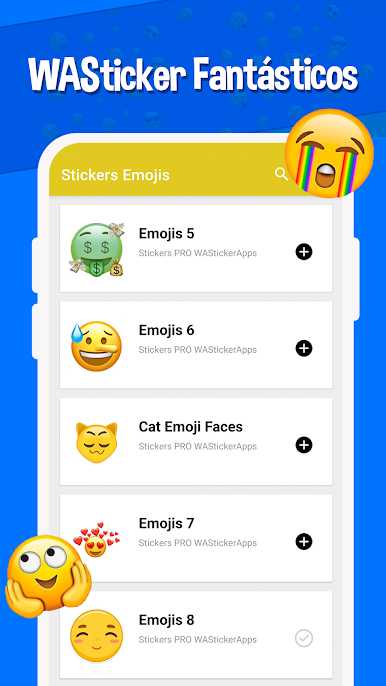
Hemos recopilado una gran colección de WA stickers de emojis para WhatsApp con las caras más graciosas y divertidas. Nuestra aplicación es totalmente gratuita y todos los wasticker y emojis están disponibles para descargar de manera inmediata!
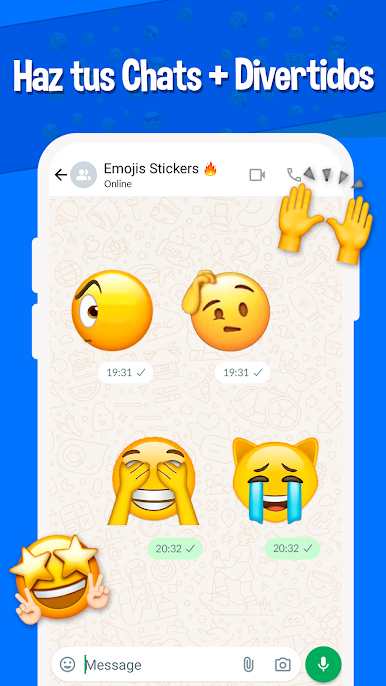
Haz que tus chats de WhatsApp destaquen! Nuestra aplicación está repleta de stickers de emojis (WASticker Apps) creativos y originales que se adaptan a cualquier situación o estado de ánimo.
Si quieres enviar una respuesta simpática, un saludo cariñoso o una reacción divertida, tenemos los WAstickers perfectos. ¡Deja que tus stickers hablen por ti!
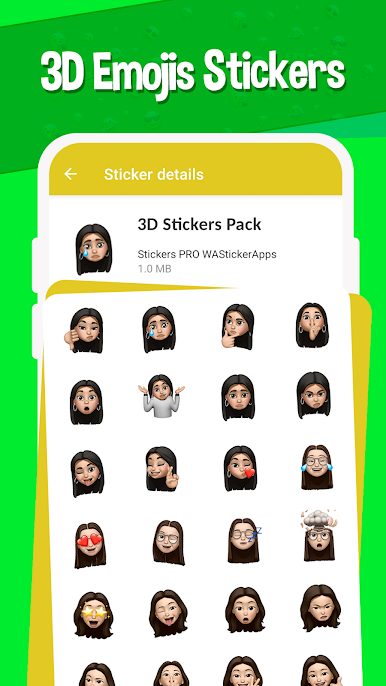
En ella encontrarás una gran variedad de stickers emoji y los mejores WA stickerapps de emojis 3D. 😱
Disfruta de los mejores packs de stickers para WhatsApp para que puedas enviar a tus amigos cientos de emojis animados.
🔥 NUESTROS PAQUETES más ESPECIALES: 🔥
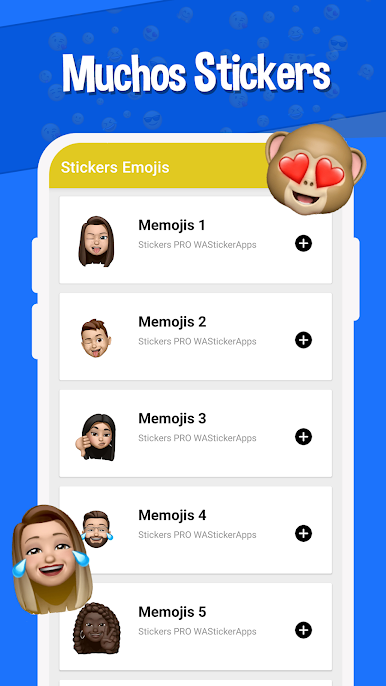
🎭 Stickers de memojis variados y de caras de animales
💥 Wasticker con estilo stickers 3D
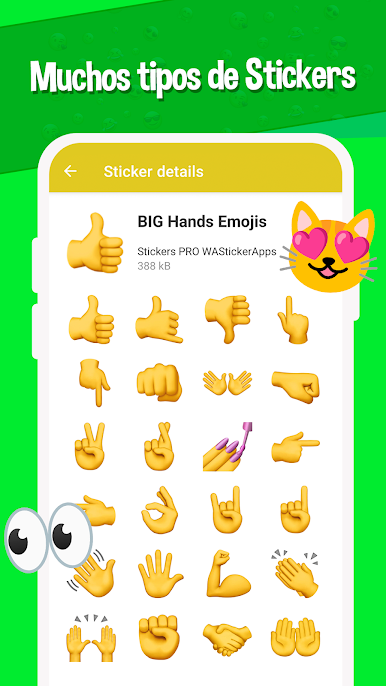
😎 Emojis gigantes clásicos
💖 Emojis de amor fantásticos para enamorados
😃 Emoticones en forma de stickers
🏆 FUNCIONES FANTÁSTICAS: 🏆
👆 Añade los paquetes con solo un TOQUE
🌟 Agrega los paquetes a FAVORITOS para añadir más tarde
✅ Sin cargos ocultos, todos los packs son LIBRES
🆕 Agregamos CONSTANTEMENTE nuevo contenido
💡 Cómo USAR nuestra app? ❓
Nuestra interfaz es muy intuitiva y fácil de usar para agregar los wastickers a WhatsApp. Simplemente elige el paquete de stickers que más te guste, añádelo a WhatsApp con un solo toque y listo! Empieza a usar tus nuevos stickers de emojis de inmediato en todas tus conversaciones. Es muy fácil!
Recuerda mantener la app actualizada para recibir todos los futuros packs de stickers, constantemente agregamos nuevos.
Nos encanta escuchar a nuestros usuarios, por lo que cualquier comentario, crítica o sugerencia es bienvenida, nos ayuda a agregar los mejores stickers posibles. Puedes enviarnos un email a través de la sección contacto.
🌟 ¡Gracias por usar nuestra app! 🌟
Juega Stickers Emojis WAStickerApps en la PC. Es fácil comenzar.
-
Descargue e instale BlueStacks en su PC
-
Complete el inicio de sesión de Google para acceder a Play Store, o hágalo más tarde
-
Busque Stickers Emojis WAStickerApps en la barra de búsqueda en la esquina superior derecha
-
Haga clic para instalar Stickers Emojis WAStickerApps desde los resultados de búsqueda
-
Complete el inicio de sesión de Google (si omitió el paso 2) para instalar Stickers Emojis WAStickerApps
-
Haz clic en el ícono Stickers Emojis WAStickerApps en la pantalla de inicio para comenzar a jugar

