

Quién usa mi WiFi?
Juega en PC con BlueStacks: la plataforma de juegos Android, en la que confían más de 500 millones de jugadores.

Página modificada el: Jul 3, 2025
Run Network Scanner - IP scanner - Who uses my WiFi on PC or Mac
Multitask effortlessly on your PC or Mac as you try out Network Scanner – IP scanner – Who uses my WiFi, a Tools app by Zoltán Pallagi on BlueStacks.
About the App
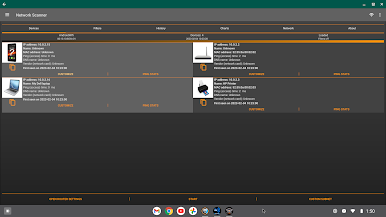
Ever wondered who’s connected to your WiFi or just want to keep tabs on your home network? Network Scanner – IP scanner – Who uses my WiFi, from Zoltán Pallagi, gives you a clear view of what’s happening on your connection. This handy Tools app scans your network and reveals every device that pops up, so you always know who—and what—is hooked up. Whether you’re troubleshooting or just feeling a bit nosy, you’ll find plenty of features to make network monitoring simple and even a little fun.
App Features
-
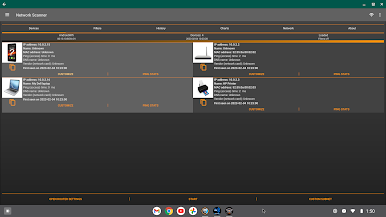
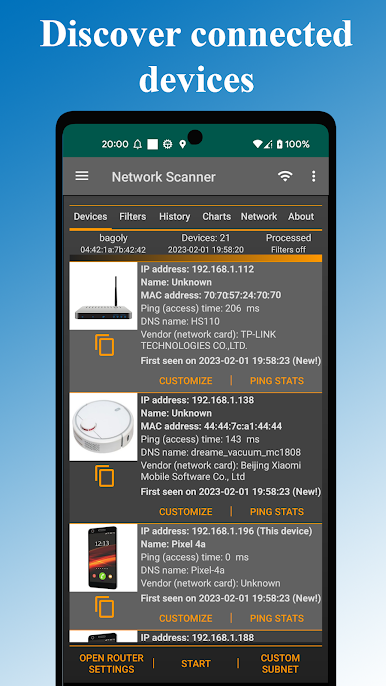
See Who’s On Your WiFi
Instantly spot every device using your network. No more mystery guests or freeloaders hogging your bandwidth. -
IP & Host Scanning
Dive deep and discover every connected gadget—phones, laptops, printers—you name it, the app finds it with just a tap. -
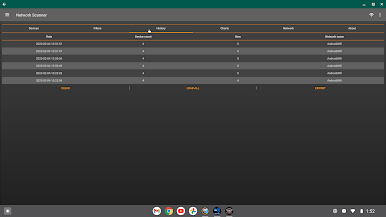
View Your Scan History
Curious about past connections? Easily replay older scans and check out which devices were on your WiFi in the past. -
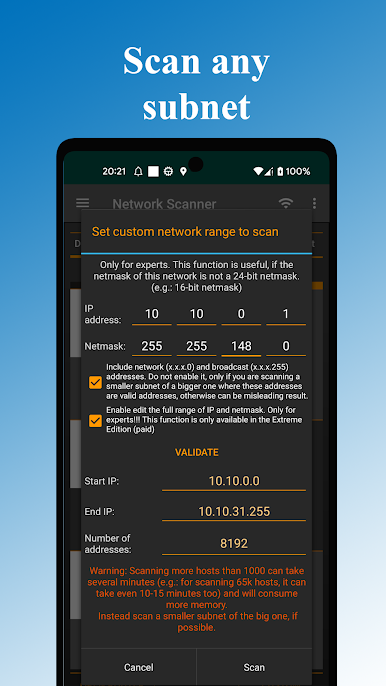
Customizable Network Scans
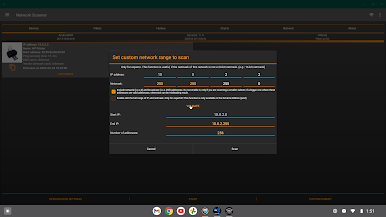
Pick your own network range, change the netmask, or let the app handle the details; you have total control over what gets scanned. -
Edit Device Info
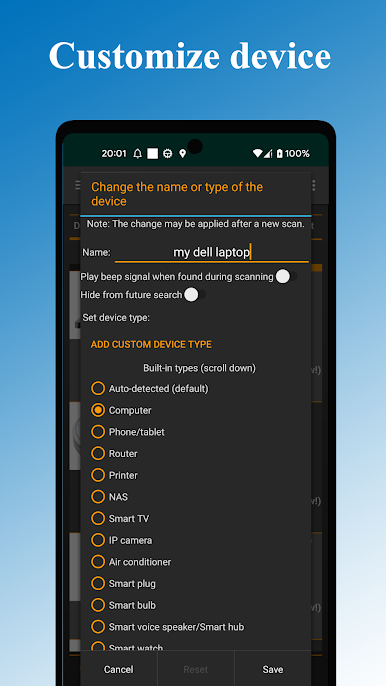
Give that odd IP a recognizable name or label device types for easier tracking—organization is a breeze. -
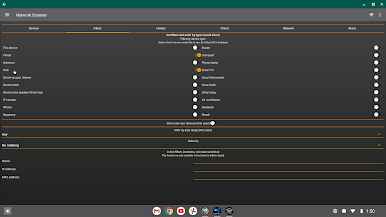
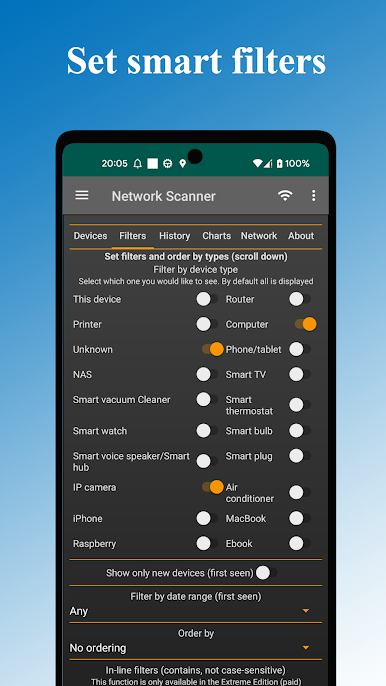
Smart Filtering
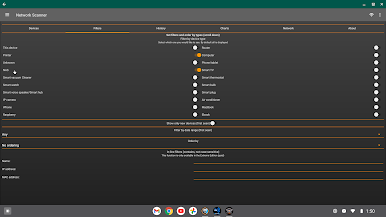
Sort devices by name, type, or even when they accessed your network. Filters help you zero in on just what you’re looking for. -
Spot New Connections
Whenever something fresh pops up on your WiFi, this feature highlights it so nothing sneaks by unnoticed. -
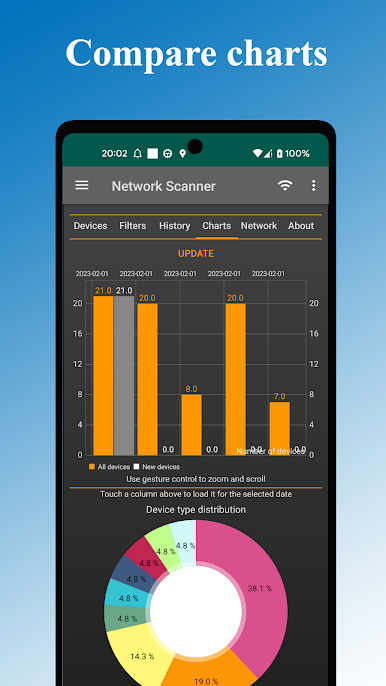
Data Visualization
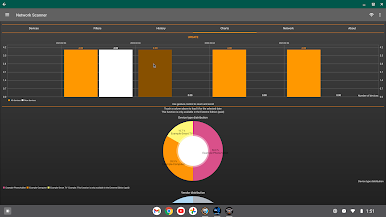
Generate simple charts showing device types or other stats, making your network info easy to understand at a glance. -
Database Export Option
Want to save your scan data or analyze it elsewhere? Just export everything and you’re set. -
Ping Devices Easily
Got a suspicious host or a stubborn device? Ping it directly from the app to test connectivity in seconds.
And if you prefer managing your network from your desktop, Network Scanner – IP scanner – Who uses my WiFi also works smoothly with BlueStacks.
Ready to experience Network Scanner – IP scanner – Who uses my WiFi on a bigger screen, in all its glory? Download BlueStacks now.
Juega Quién usa mi WiFi? en la PC. Es fácil comenzar.
-
Descargue e instale BlueStacks en su PC
-
Complete el inicio de sesión de Google para acceder a Play Store, o hágalo más tarde
-
Busque Quién usa mi WiFi? en la barra de búsqueda en la esquina superior derecha
-
Haga clic para instalar Quién usa mi WiFi? desde los resultados de búsqueda
-
Complete el inicio de sesión de Google (si omitió el paso 2) para instalar Quién usa mi WiFi?
-
Haz clic en el ícono Quién usa mi WiFi? en la pantalla de inicio para comenzar a jugar

