


Resume Star - PDF CV Maker App
Juega en PC con BlueStacks: la plataforma de juegos Android, en la que confían más de 500 millones de jugadores.

Página modificada el: Sep 6, 2025
Play Resume Star - PDF CV Maker App on PC
***** Full-featured app with no ads *****
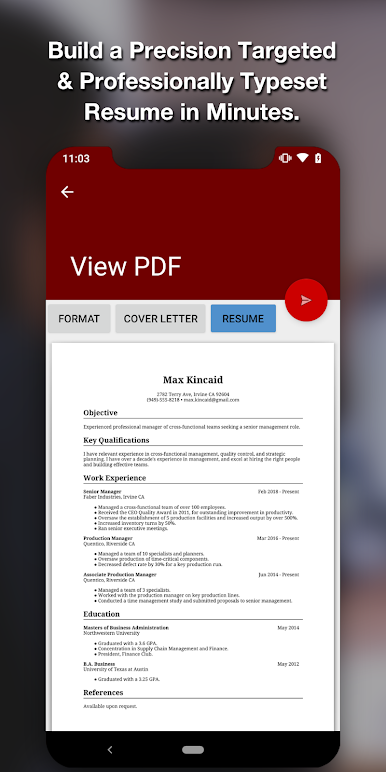
BUILD A PROFESSIONAL RESUME IN MINUTES
Resume Star creates professional resumes using industry best practices:
- Using a battle-tested template with complete sections.
- Using the right fonts (did you know that many fonts don't appear the same on Mac and PC?).
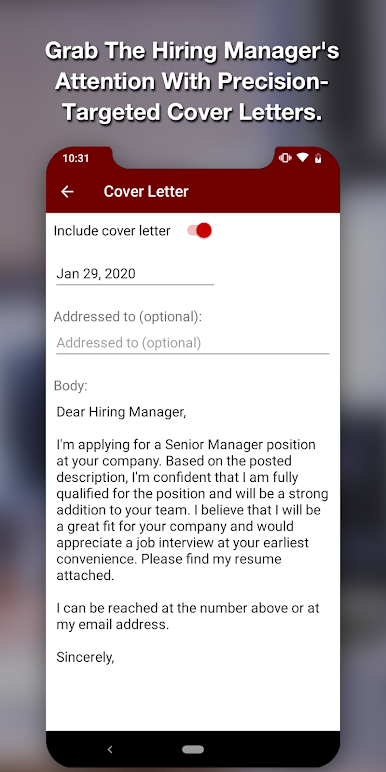
- Including a targeted and properly addressed cover letter for each company.
- Avoiding gaudy colors and styles that send the wrong message.
HONORWARE: SCORE THAT INTERVIEW, OR PAY US NOTHING!
There are many resume apps out there. Resume Star is different. Download it for free and use it unrestricted. Pay us only when you get the interview.
That's right, this is not a cut-down, limited free edition. It's the FULL-FEATURED App, and the best one you can buy. There are no annoying ads, or gotcha limits on creating and sending resumes. It has everything you need to score that interview.
Use the secure in-app purchase to pay us only when we've earned it.
Instead of you taking a risk in trusting an unknown App, we'll trust you instead. How's that for a change?
If you like this way of buying Apps based on the honor system, please be sure to let us know in a review.
GET TO THE NEXT LEVEL, FAST
Resume Star is fine tuned to produce resumes that get the hiring manager's attention (in the right way), and get you in the door.
People are using Resume Star to get jobs every day. We're confident it can help you too.
Resume Star has a full feature set with everything you need:
- Creates cross-platform compatible PDF resumes
- Email resumes directly
- Export to 3rd party Apps such as Dropbox to upload
- Create unlimited resumes, tailored for each company
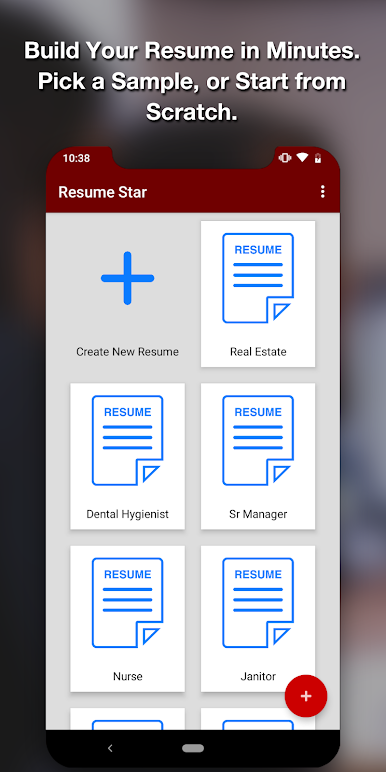
- 10 professionally drafted examples provide a starting point, or inspiration
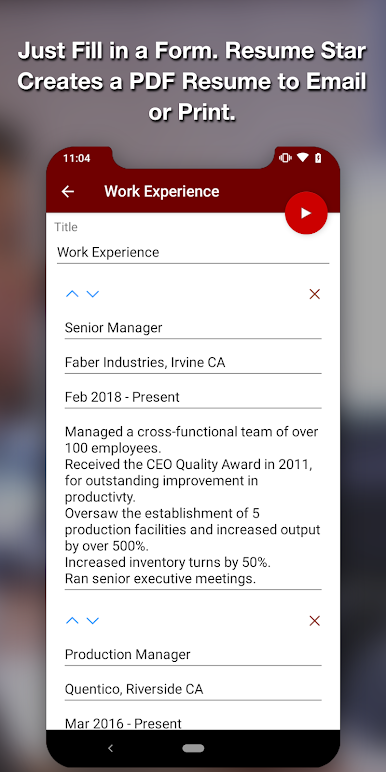
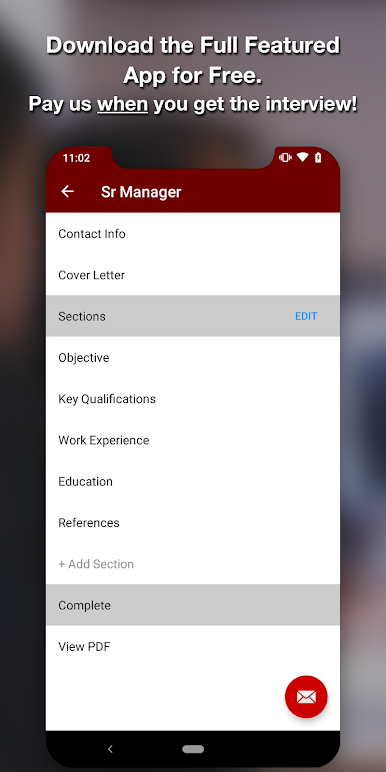
- Use pre-defined sections or create custom ones
- Rearrange sections to suit your needs
- Create a specific cover letter for each company, properly addressed
- Integrated spell check helps avoid typos
- Optional fine adjustments to text and margin sizes to fit the page
BONUS GUIDE
Also check out the in-depth guide, How to Score That interview With a Precision Targeted Resume. It's full of tips and tricks to get the most out of Resume Star.
It's included free for all Resume Star users. Access it from the options menu.
APPS YOU'LL LOVE
At Qrayon, we love building Apps that you'll find useful and actually enjoy to use. We hope that Resume Star helps, even in its small way, towards you getting your dream job.
If you like it, please be sure to let us know. We love to hear success stories. Oh, and do tell your friends about us too!
All the best in your journey,
-- The App Makers @ Qrayon.
Juega Resume Star - PDF CV Maker App en la PC. Es fácil comenzar.
-
Descargue e instale BlueStacks en su PC
-
Complete el inicio de sesión de Google para acceder a Play Store, o hágalo más tarde
-
Busque Resume Star - PDF CV Maker App en la barra de búsqueda en la esquina superior derecha
-
Haga clic para instalar Resume Star - PDF CV Maker App desde los resultados de búsqueda
-
Complete el inicio de sesión de Google (si omitió el paso 2) para instalar Resume Star - PDF CV Maker App
-
Haz clic en el ícono Resume Star - PDF CV Maker App en la pantalla de inicio para comenzar a jugar

