


Black Launcher - Battery King
Juega en PC con BlueStacks: la plataforma de juegos Android, en la que confían más de 500 millones de jugadores.

Página modificada el: Oct 20, 2025
Play Black Launcher - Battery King on PC
A few of the features:
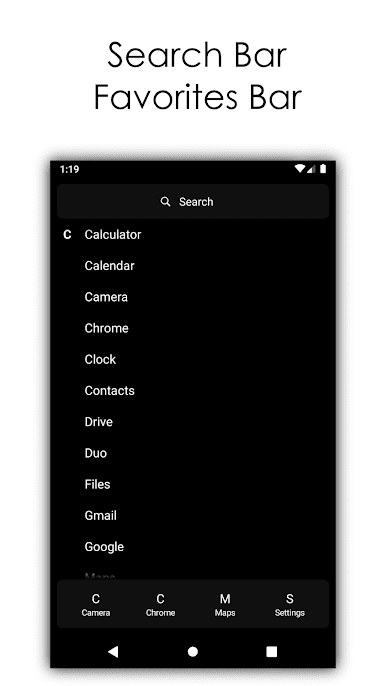
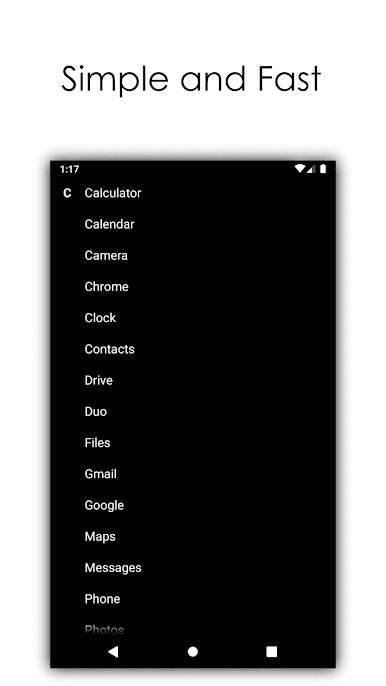
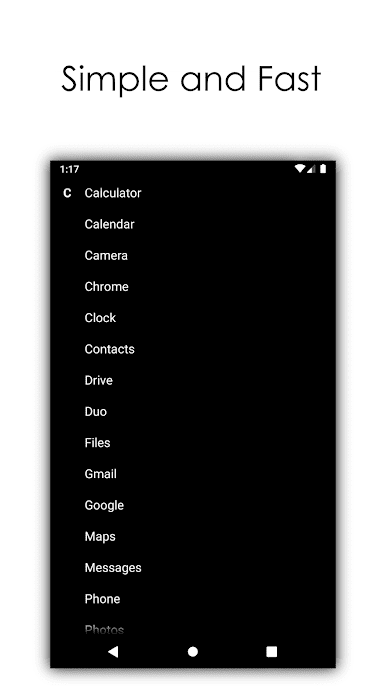
- black design for great battery life on LED (AMOLED) displays
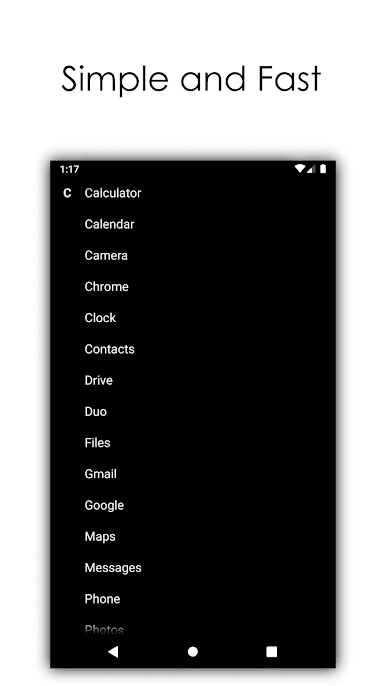
- extremely small size of the app
- very simple design without the not needed clutter
- handy menu for easy uninstall of apps
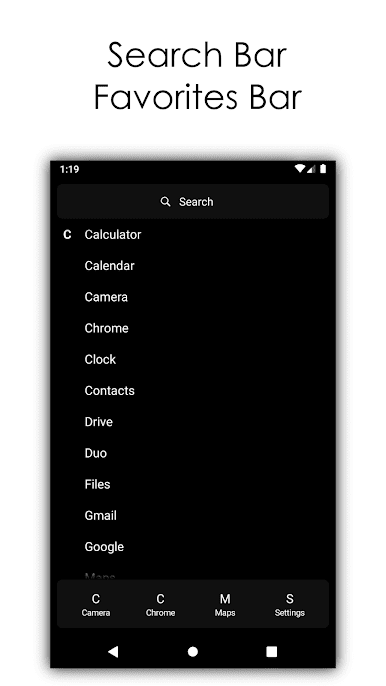
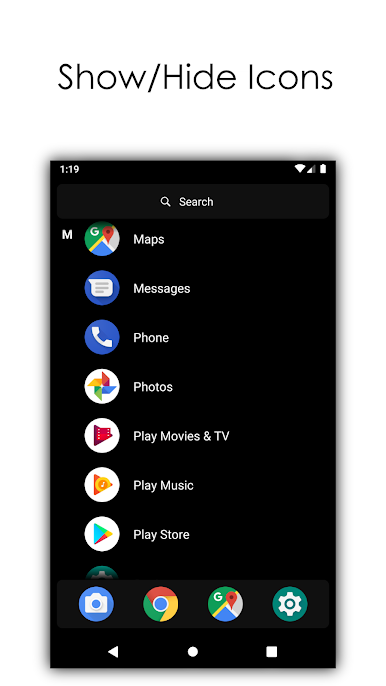
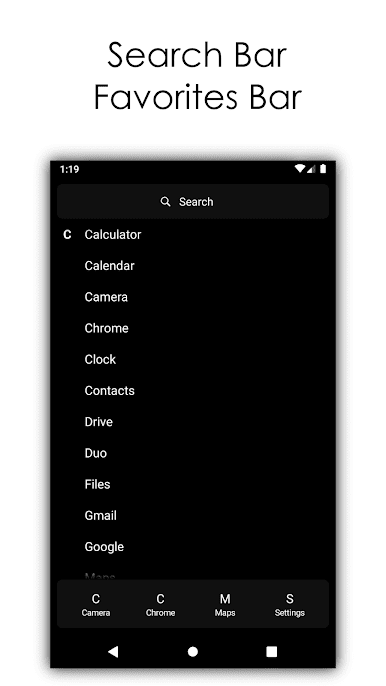
- four quick access apps by your choise
- two text sizes
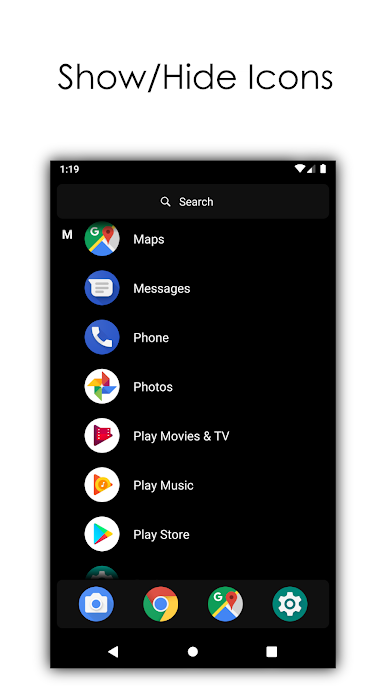
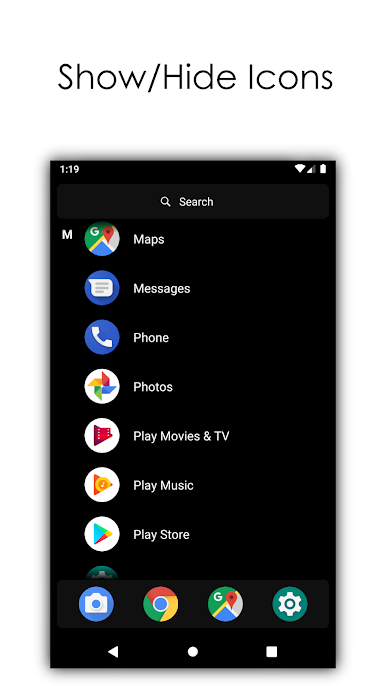
- show/hide icons
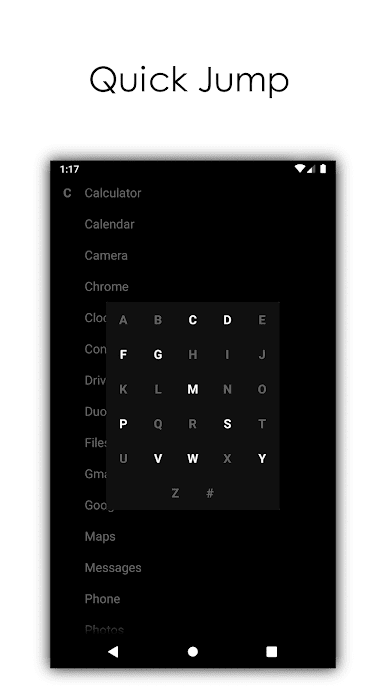
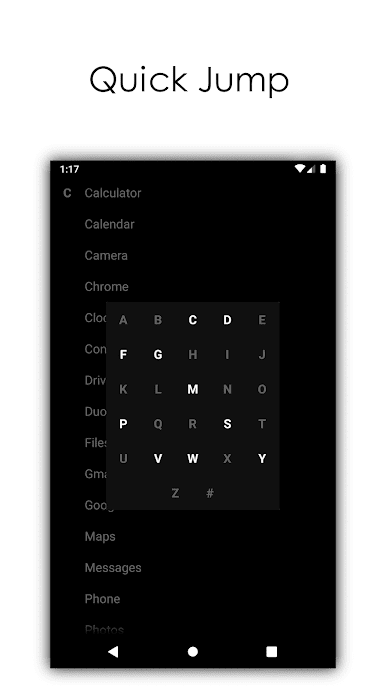
- quick jump to letter
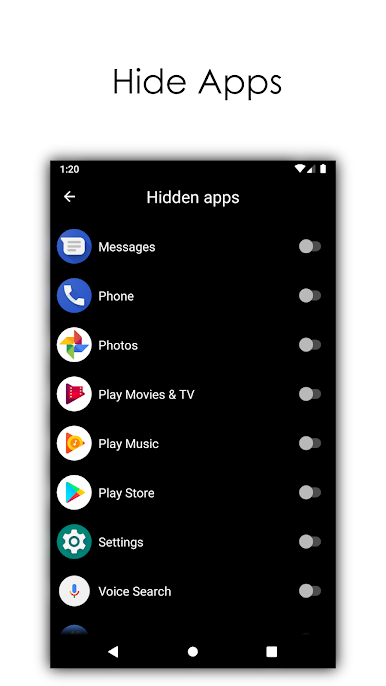
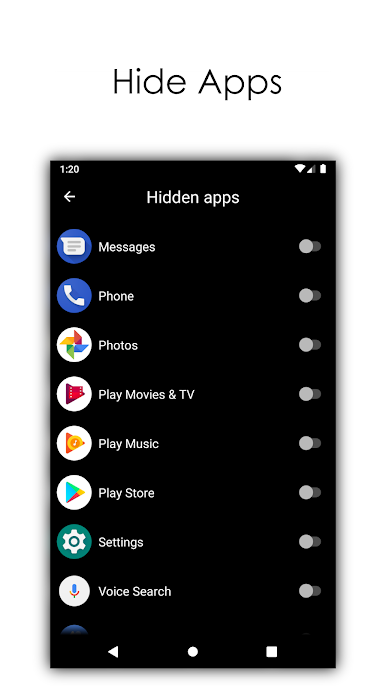
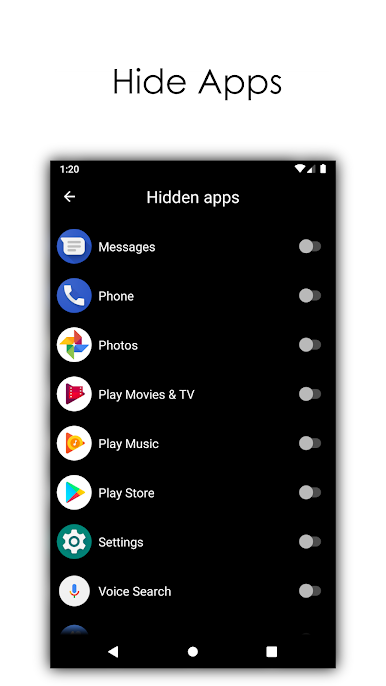
- hide apps
- search bar
Maybe you are asking why this app exist? Many people want to distract themselves from the colorful icons and cluttered screens. This launcher will help those people to simplify their device. And because of the black design the launcher will help your battery to last longer than ever before.
We are listening to all the feedback and we will continue to improve the launcher constantly. Give your suggestions on the developer's mail: yohohoasakura@gmail.com

Juega Black Launcher - Battery King en la PC. Es fácil comenzar.
-
Descargue e instale BlueStacks en su PC
-
Complete el inicio de sesión de Google para acceder a Play Store, o hágalo más tarde
-
Busque Black Launcher - Battery King en la barra de búsqueda en la esquina superior derecha
-
Haga clic para instalar Black Launcher - Battery King desde los resultados de búsqueda
-
Complete el inicio de sesión de Google (si omitió el paso 2) para instalar Black Launcher - Battery King
-
Haz clic en el ícono Black Launcher - Battery King en la pantalla de inicio para comenzar a jugar

