

Raid Heroes: Total War
Mainkan di PC dengan BlueStacks – platform Game-Game Android, dipercaya oleh lebih dari 500 juta gamer.

Play Raid Heroes: Total War on PC or Mac
From the innovators and creators at Persona Game Studio, Raid Heroes: Total War is another fun addition to the World of Role Playing games. Go beyond your mobile screen and play it bigger and better on your PC or Mac. An immersive experience awaits you.
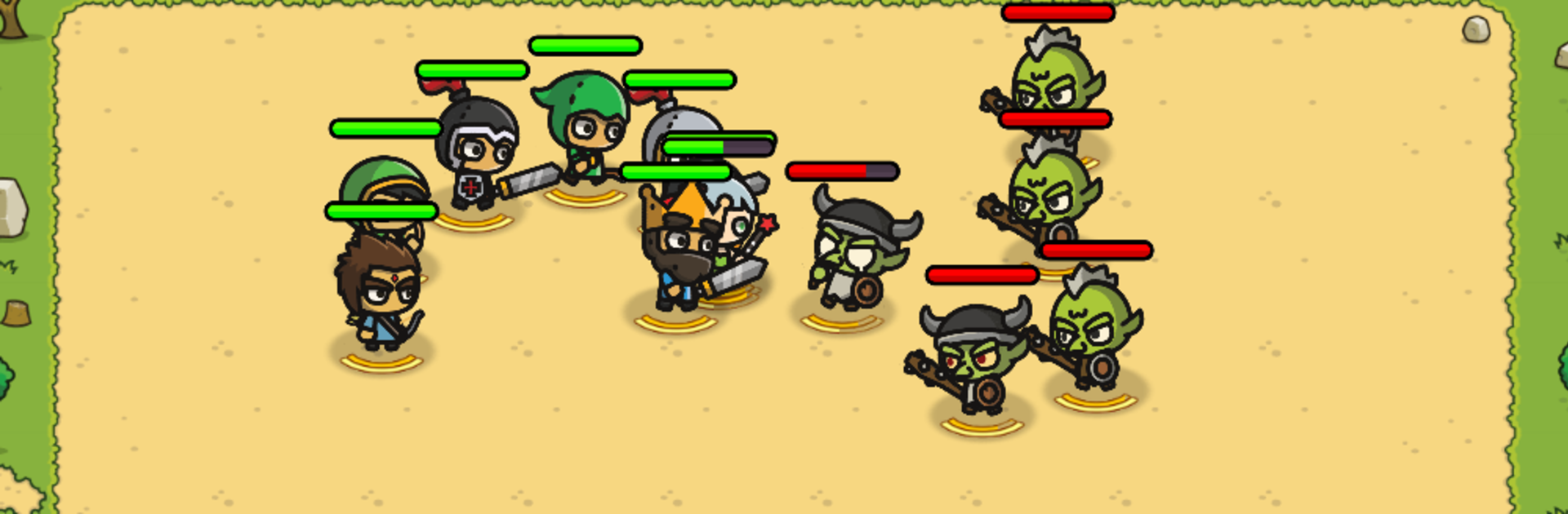
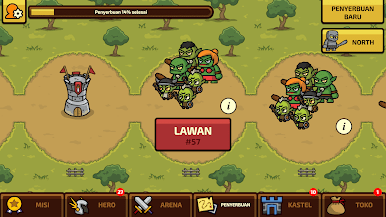
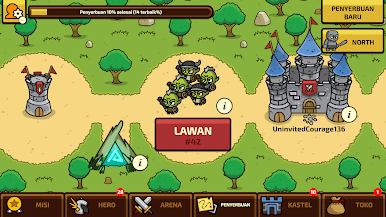
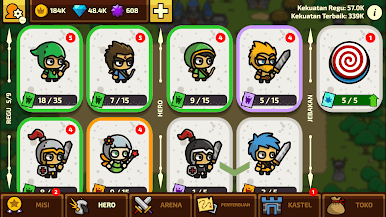
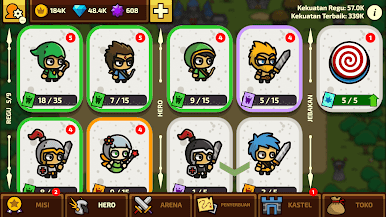
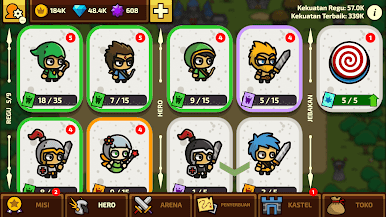
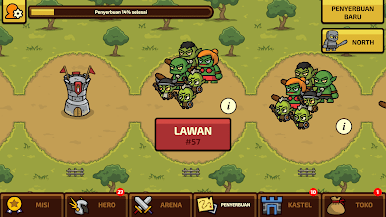
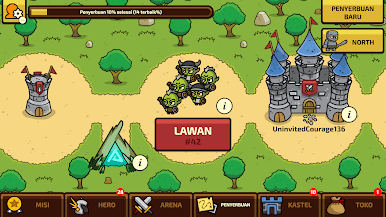
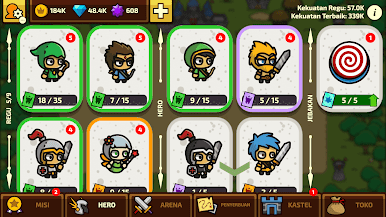
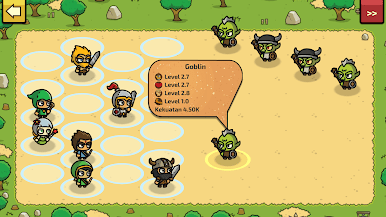
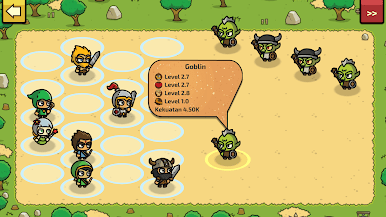
Raid Heroes: Total War is one of those games where you’re juggling a bunch of fun stuff at once. You’ve got a squad of different heroes to choose from — like the classic knight or archer, even a ninja or king, which keeps things from feeling samey. There’s this ongoing fight against a bunch of enemies, not just zombies or goblins, but also pirates and assassins popping up to mess with your plans. Upgrading gear is pretty satisfying too — you’ll unlock and tinker with weapons and random artifacts that actually change what your heroes can do, like tossing in a Bible along with the usual swords and bows, which is just… unexpected in a good way.
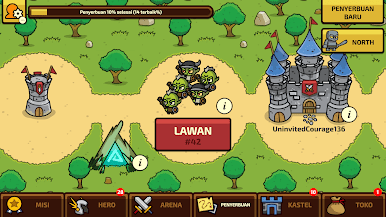
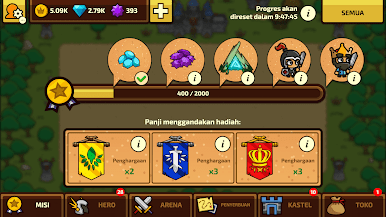
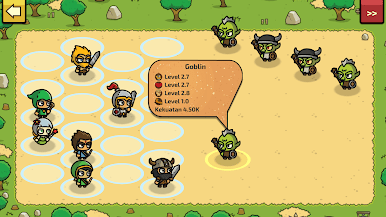
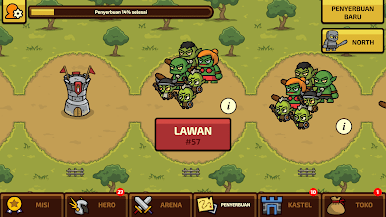
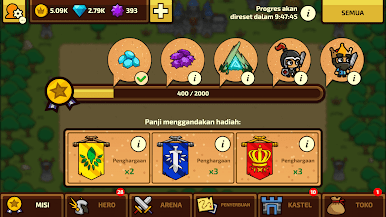
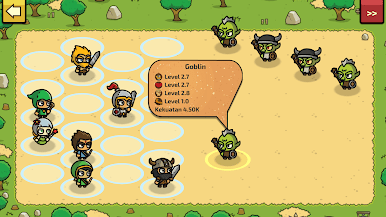
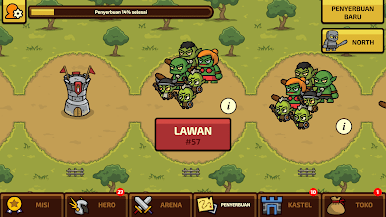
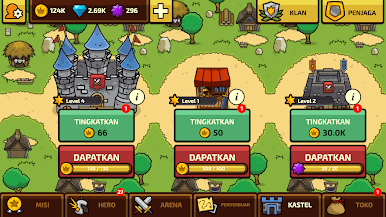
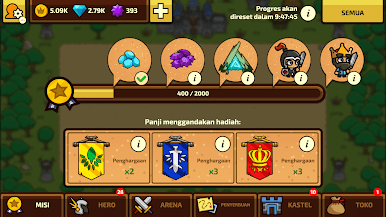
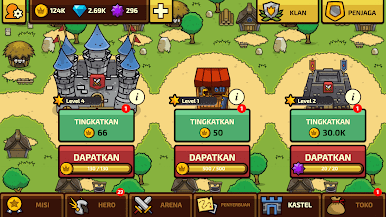
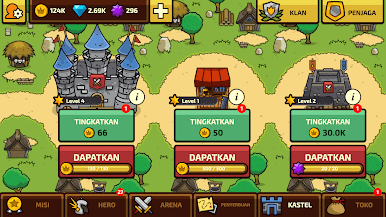
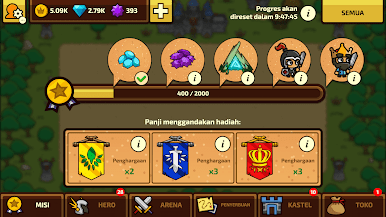
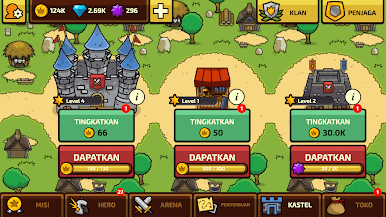
Battles play out automatically, but there’s still plenty to fiddle with between fights. You work on building up your own castle and keeping it safe from raids, while also eyeing other players’ towns to attack. The PVP arena gets competitive, and clan features are a nice touch if you like teaming up for big fights. There’s a campaign to work through, rewards to grab, and a steady loop of upgrades that make your team stronger each time. On PC with BlueStacks, it actually runs smoother and controls are a bit easier since you’re not stuck on a small screen. Overall it’s a mix of RPG, strategy, and those idle battler games, but with enough quirky touches and options that it doesn’t feel generic or repetitive. Definitely suits anyone who likes a bit of building, light strategy, and collecting a bunch of heroes without needing to micromanage every second.
Start your journey now. Download the game on BlueStacks, invite your friends, and march on a new adventure.

Mainkan Raid Heroes: Total War di PC Mudah saja memulainya.
-
Unduh dan pasang BlueStacks di PC kamu
-
Selesaikan proses masuk Google untuk mengakses Playstore atau lakukan nanti
-
Cari Raid Heroes: Total War di bilah pencarian di pojok kanan atas
-
Klik untuk menginstal Raid Heroes: Total War dari hasil pencarian
-
Selesaikan proses masuk Google (jika kamu melewati langkah 2) untuk menginstal Raid Heroes: Total War
-
Klik ikon Raid Heroes: Total War di layar home untuk membuka gamenya

