


Three Kingdoms: World Conquest
Play on PC with BlueStacks – the Android Gaming Platform, trusted by 500M+ gamers.

Page Modified on: Mar 11, 2026
Play Three Kingdoms: World Conquest on PC or Mac
Explore a whole new adventure with Three Kingdoms: World Conquest, a Strategy game created by RASTAR GAMES HK. Experience great gameplay with BlueStacks, the most popular gaming platform to play Android games on your PC or Mac.
About the Game
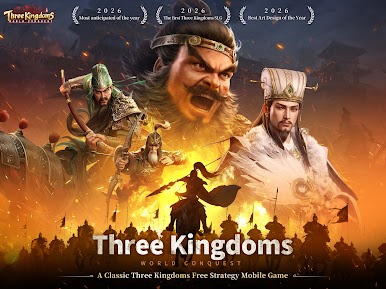
Three Kingdoms: World Conquest is a Strategy epic that puts you right in the thick of massive, real-time clashes across ancient China. You’re drawing routes, springing ambushes, and steering entire armies as the map shifts with weather, seasons, and enemy plans. Prefer a bigger screen and crisp controls? It plays comfortably on BlueStacks too.
Game Features
-
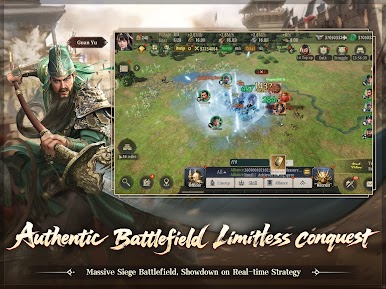
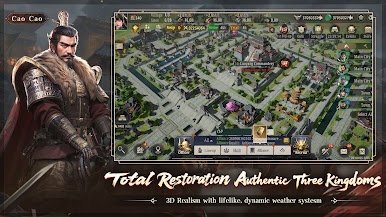
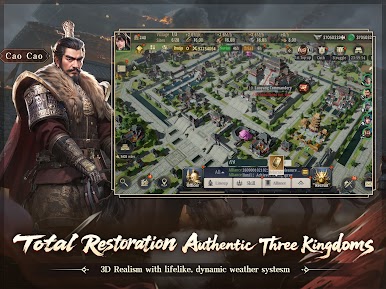
Living 3D Battlefield: March across true-to-history terrain, watch seasons roll in, and fight under rain or sunshine with detailed architecture and striking visuals that make every engagement feel grounded.
-
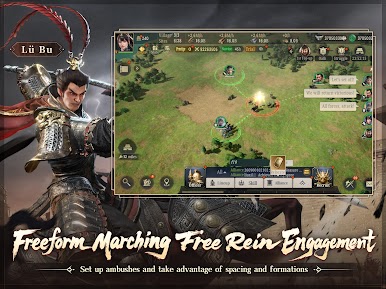
Real-Time Maneuvers: Plot custom paths, set up pincer attacks, pull off evasive moves, and coordinate multiple legions at once. No static reports—see the action unfold with every clash and volley.
-
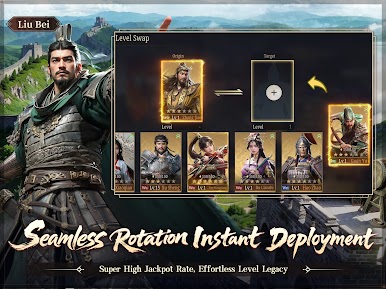
Legendary Officers, Instantly Fielded: Recruit over 100 iconic figures like Guan Yu, Lü Bu, Cao Cao, and Liu Bei. Swap officers and skills on the fly without slogging through levels, and enjoy player-friendly summon rates that keep roster building exciting.
-
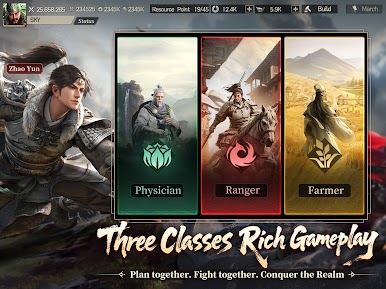
Three Classes, One War Plan: Mix the strengths of Ranger, Physician, and Farmer. Scout and harass, keep troops fighting fit, and fuel campaigns with smart resource play—then sync with allies for coordinated pushes.
-
Smarter Systems, Less Grind: Let auto-recruitment, healing, and scheduled operations handle the busywork so you can focus on the big brain moves: timing, positioning, and alliance strategy.
-
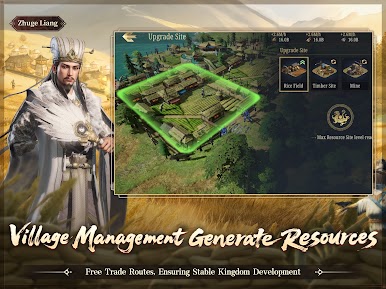
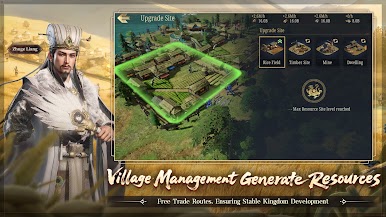
Build a Thriving Domain: Set up self-sufficient villages, specialize production, and run trade routes. From domestic tasks to treasure hunts and farm life, your economy becomes the backbone of every conquest.
-
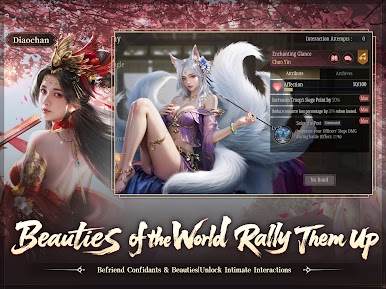
Stories, Puzzles, and Companions: Meet famed confidantes, take on challenge stages for valuable spoils, and unwind with lighter activities like lantern riddles between campaigns.
Start playing Three Kingdoms: World Conquest on BlueStacks and get a smoother, more comfortable PC or Mac setup.






Play Three Kingdoms: World Conquest on PC. It’s easy to get started.
-
Download and install BlueStacks on your PC
-
Complete Google sign-in to access the Play Store, or do it later
-
Look for Three Kingdoms: World Conquest in the search bar at the top right corner
-
Click to install Three Kingdoms: World Conquest from the search results
-
Complete Google sign-in (if you skipped step 2) to install Three Kingdoms: World Conquest
-
Click the Three Kingdoms: World Conquest icon on the home screen to start playing

