

Mike V: Skateboard Party
Juega en PC con BlueStacks: la plataforma de juegos Android, en la que confían más de 500 millones de jugadores.

Página modificada el: Nov 11, 2025
Play Mike V: Skateboard Party on PC or Mac
Explore a whole new adventure with Mike V: Skateboard Party, a Sports game created by Maple Media LLC.. Experience great gameplay with BlueStacks, the most popular gaming platform to play Android games on your PC or Mac.
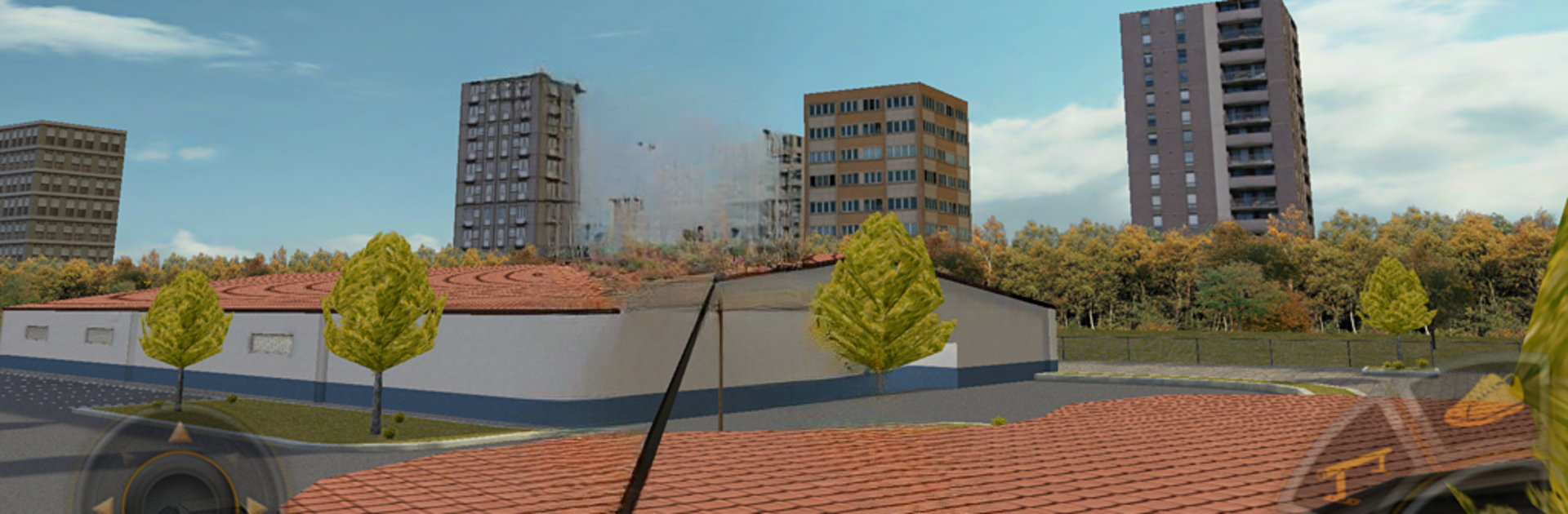
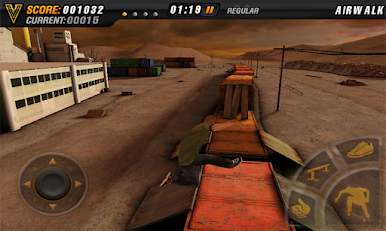
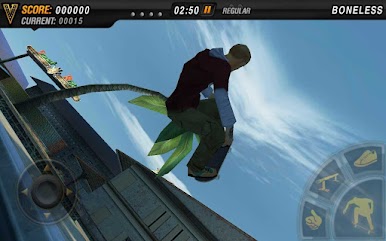
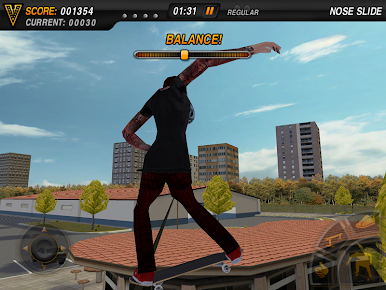
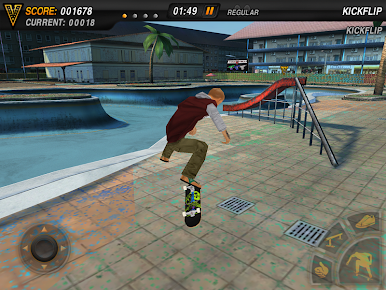
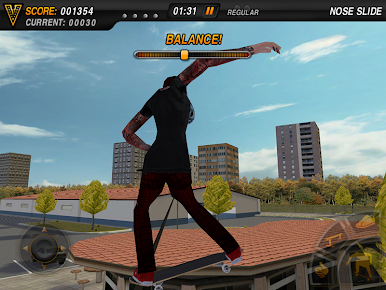
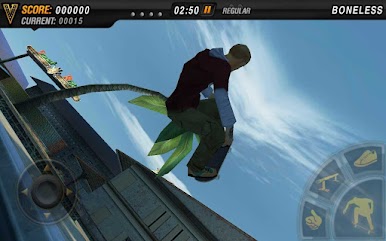
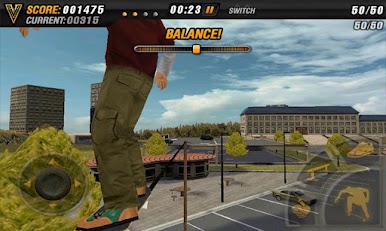
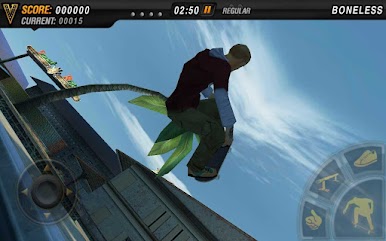
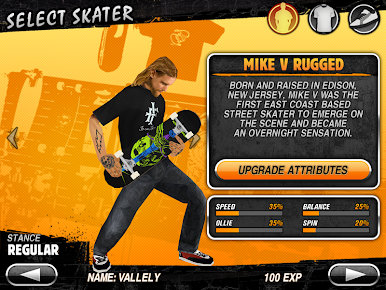
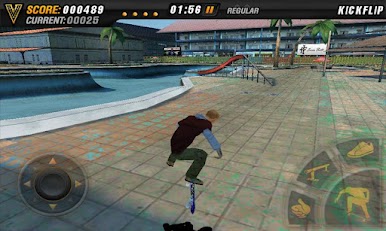
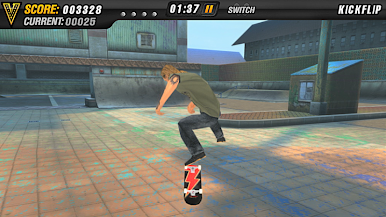
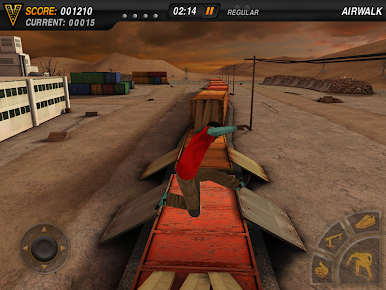
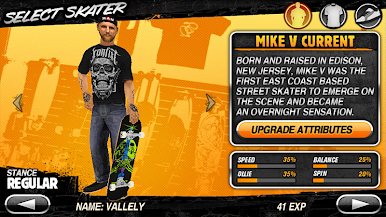
So, Mike V: Skateboard Party is one of those skateboarding games that’s easy to get into but has enough depth that there’s always something new to try. It drops you straight into a bunch of skate parks where you can mess around with different tricks, and it’s got a bunch of skaters you can pick from. There are a bunch of ways to tweak your character, swapping out shoes, boards, wheels—there are real skate brands in there too, so fans might spot some familiar names. The main thing is learning all the different moves. There are a ton to pick up, and the game nudges you along with some tutorials if you feel lost at first.
Controls feel smooth, and they’re pretty flexible—you can rearrange the buttons to fit your play style, use analog or even tilt controls if you want. It actually looks pretty sharp, especially running it on PC with BlueStacks, so you see all the detail in the parks and the skaters’ outfits, which is a nice touch. The game throws achievement challenges at you, and you unlock new areas and gear as you go, but if you just want to cruise around and practice for a while, there’s a free skate mode too. There’s a good variety in the parks and lots of weird lines to discover once you get the hang of linking tricks. It’s got a straightforward vibe—no big story or drama, just pulling off sweet combos, unlocking stuff, and customizing your gear. Plus, the music is actually pretty solid; it fits right in with the whole skateboarding thing. Overall, it’s not too heavy or competitive, more like a chill spot to try new tricks and see what weird combos you can land.
Make your gaming sessions memorable with precise controls that give you an edge in close combats and visuals that pop up, bringing every character to life.

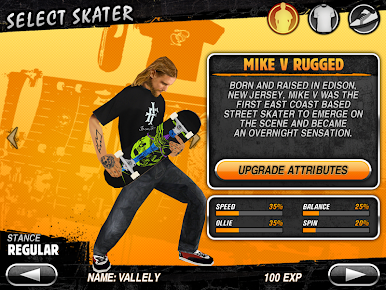
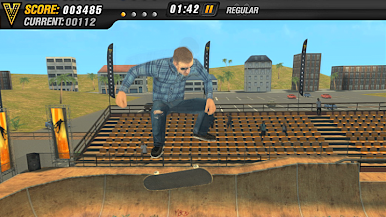
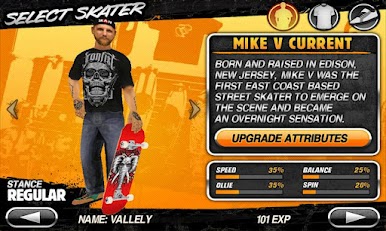
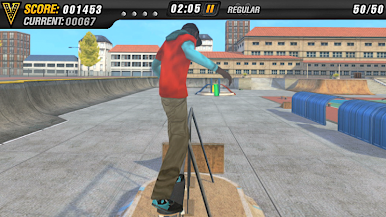
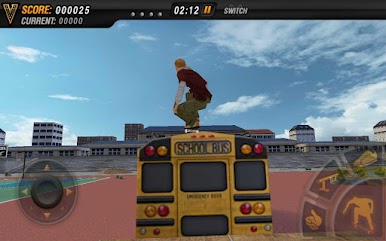
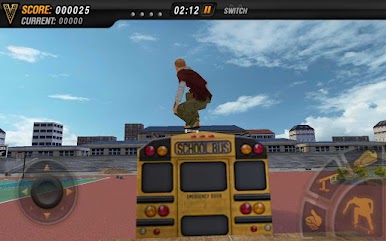


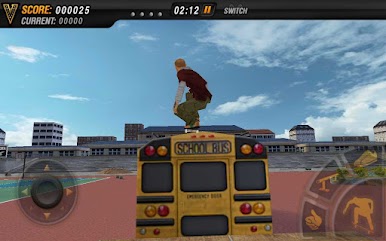
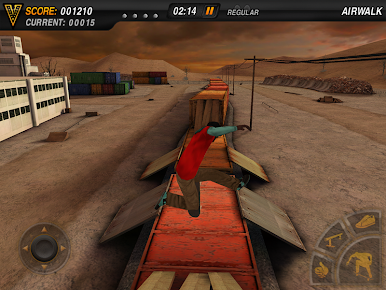


Juega Mike V: Skateboard Party en la PC. Es fácil comenzar.
-
Descargue e instale BlueStacks en su PC
-
Complete el inicio de sesión de Google para acceder a Play Store, o hágalo más tarde
-
Busque Mike V: Skateboard Party en la barra de búsqueda en la esquina superior derecha
-
Haga clic para instalar Mike V: Skateboard Party desde los resultados de búsqueda
-
Complete el inicio de sesión de Google (si omitió el paso 2) para instalar Mike V: Skateboard Party
-
Haz clic en el ícono Mike V: Skateboard Party en la pantalla de inicio para comenzar a jugar

