


RICOH360 Tours
Juega en PC con BlueStacks: la plataforma de juegos Android, en la que confían más de 500 millones de jugadores.

Página modificada el: Oct 7, 2025
Juega RICOH360 Tours en PC
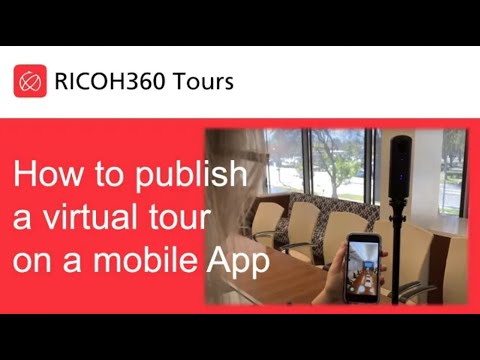
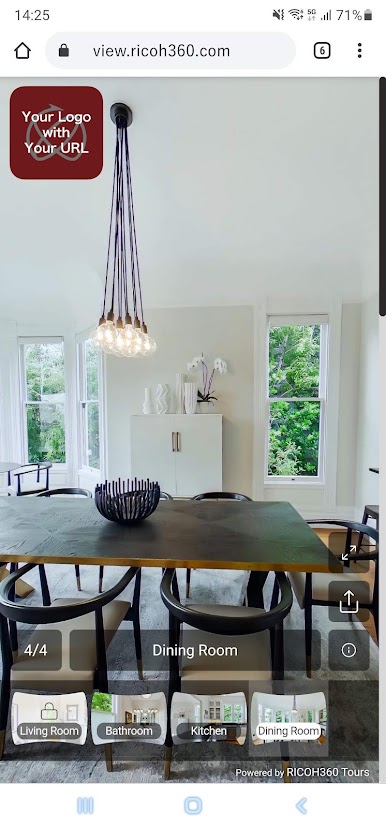
Setup, capture and have your listing online instantly. Once complete, tours can be linked to your listing website or shared on social media.
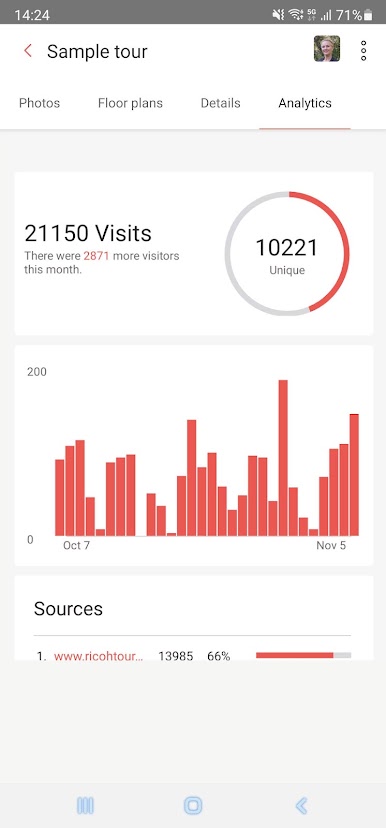
What's more, you can see the buyer engagement and customer metrics that other platforms don't make available to you.
Product features at a glance:
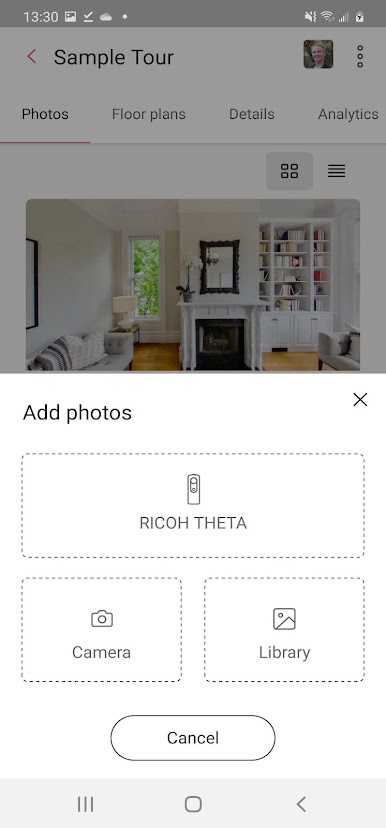
• Supports RICOH THETA Z1, X, V, SC2 and S cameras
• Connects via Wi-Fi for remote control operation
• Instant one click high-quality 360° images
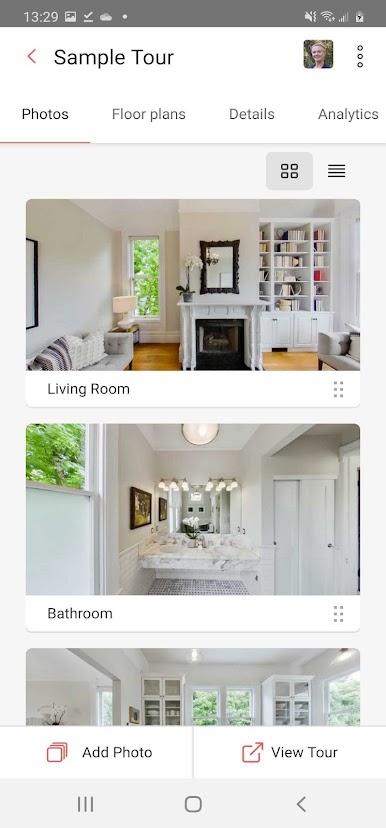
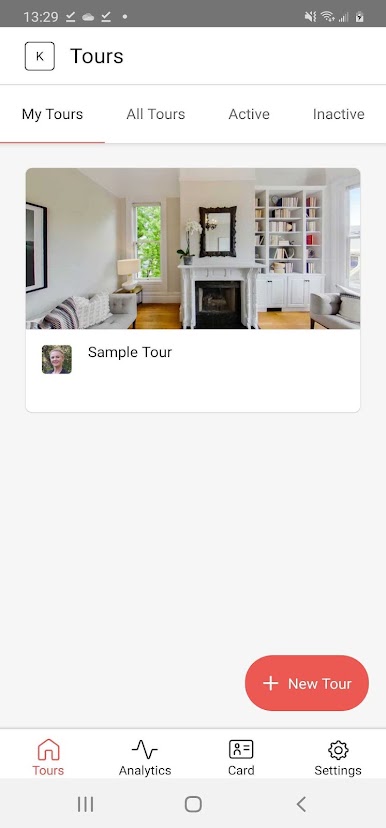
• Capture, label and complete tours on-the-go
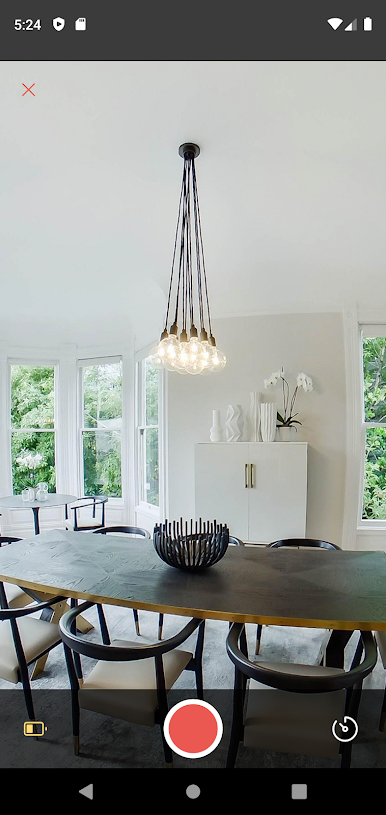
• Full screen image preview during capture
• Smartphone album 2D image picker
• Auto HDR recording for high-resolution images on RICOH THETA
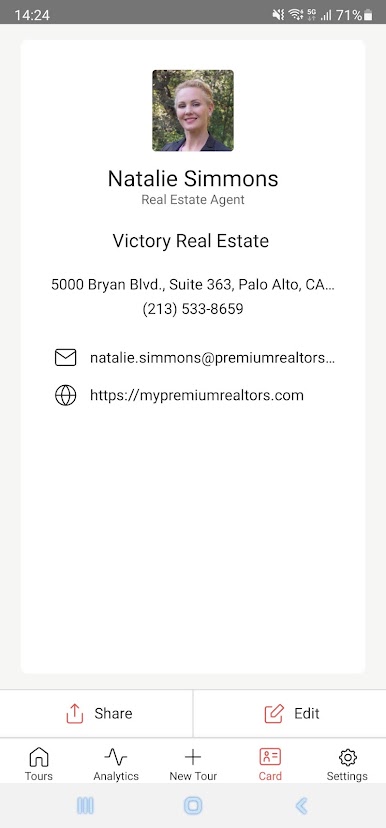
• Agent contact information and profile picture
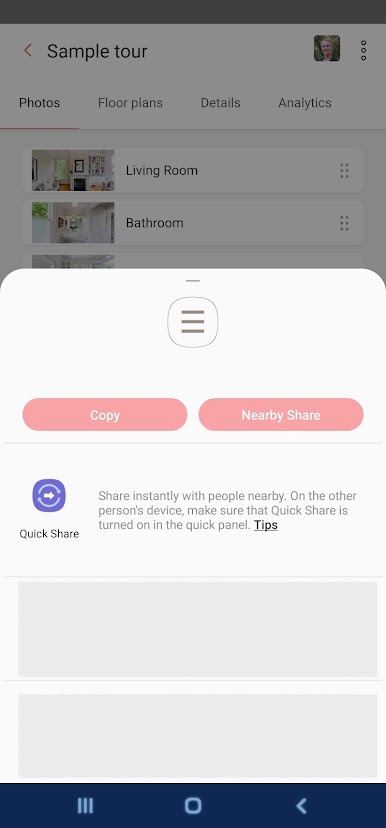
• Shareable links on social media and email
Invest in the tool that matters. Engage buyers, impress sellers and learn more about your customers. Get started with your free trial today.
Juega RICOH360 Tours en la PC. Es fácil comenzar.
-
Descargue e instale BlueStacks en su PC
-
Complete el inicio de sesión de Google para acceder a Play Store, o hágalo más tarde
-
Busque RICOH360 Tours en la barra de búsqueda en la esquina superior derecha
-
Haga clic para instalar RICOH360 Tours desde los resultados de búsqueda
-
Complete el inicio de sesión de Google (si omitió el paso 2) para instalar RICOH360 Tours
-
Haz clic en el ícono RICOH360 Tours en la pantalla de inicio para comenzar a jugar

