


Paint Puzzle
Gioca su PC con BlueStacks: la piattaforma di gioco Android, considerata affidabile da oltre 500 milioni di giocatori.

Pagina modificata il: Dec 15, 2025
Panoramica
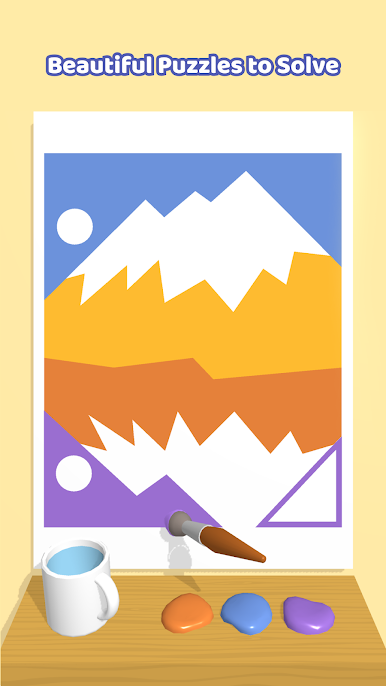
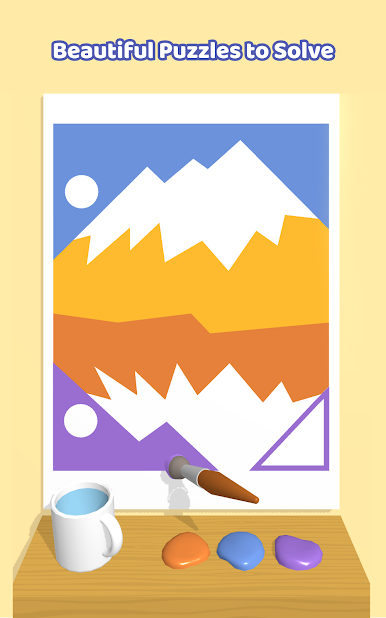
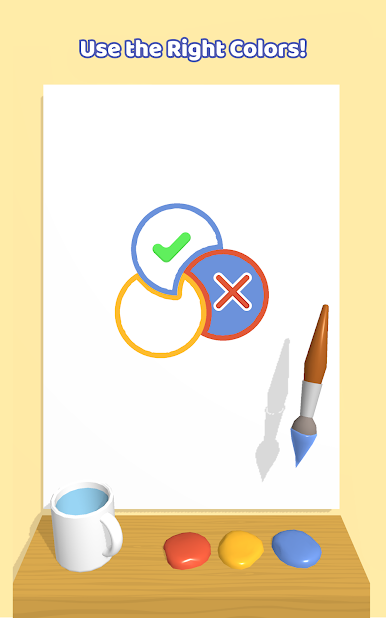
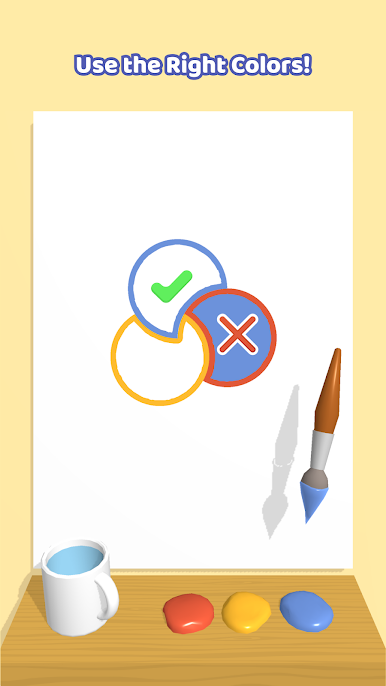
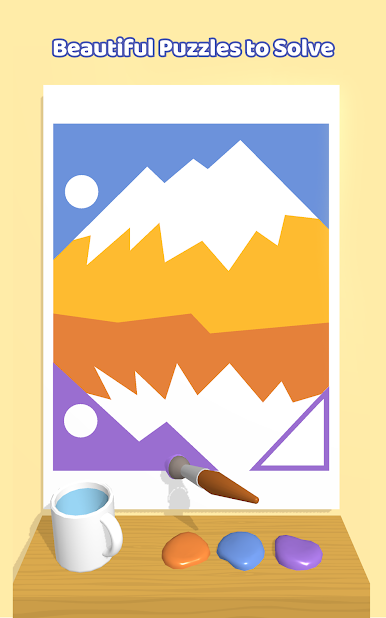
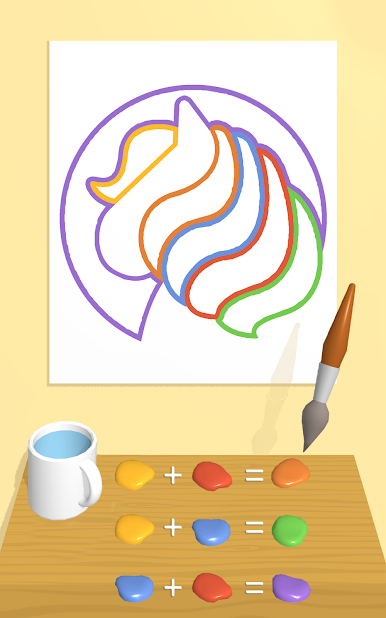
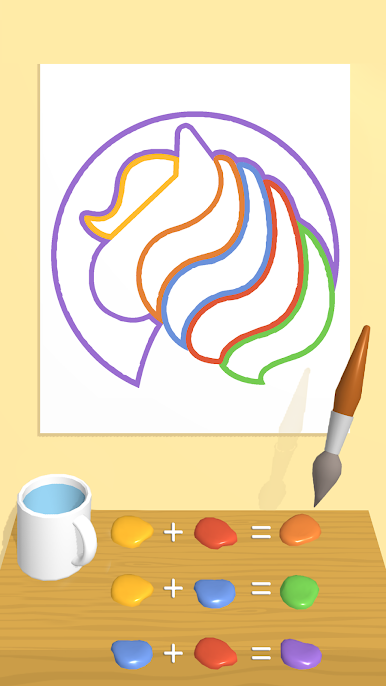
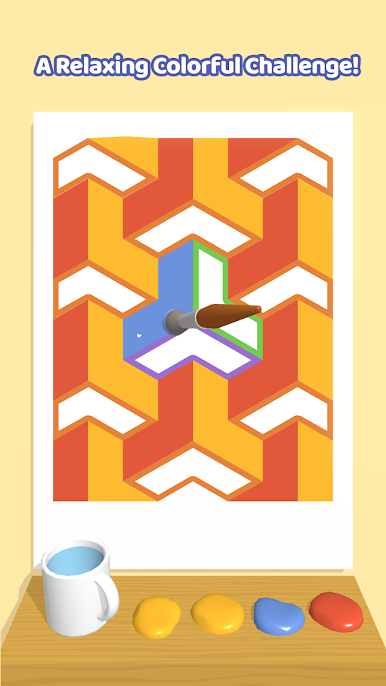
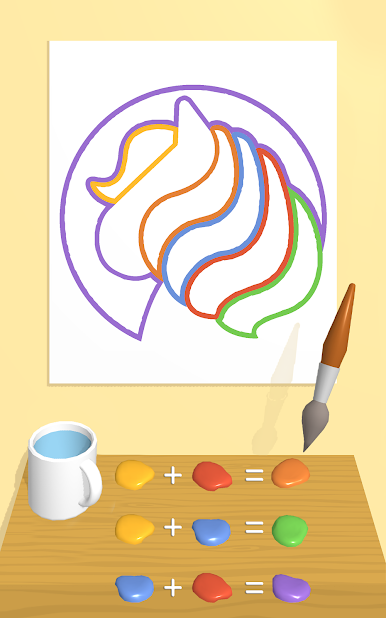
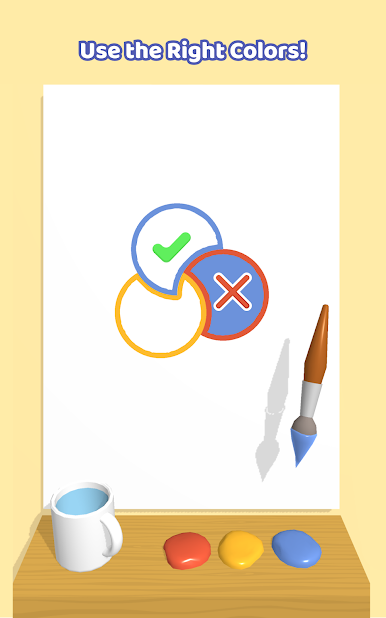
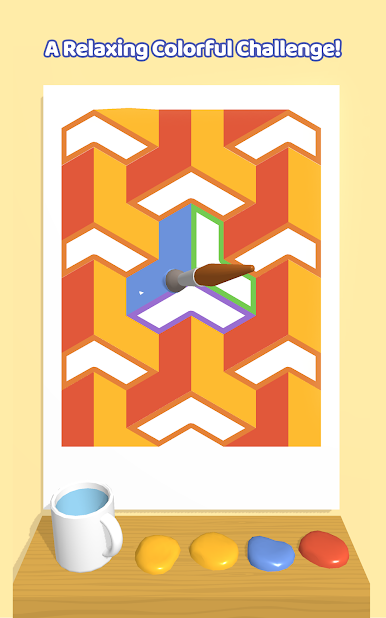
Stay focused though as the colors are limited! Sometimes you’ll need to use your brush to mix the paints together and get the correct color combination. Can you remember how to make purple? Green? Orange? There’s a handy mug to clean your brush as you work, but once you’ve changed the color of the paint there’s no going back!
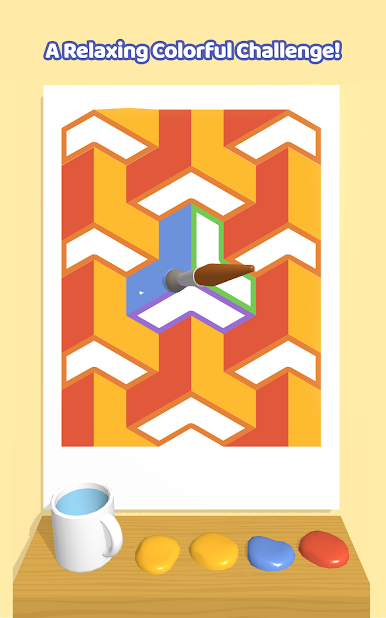
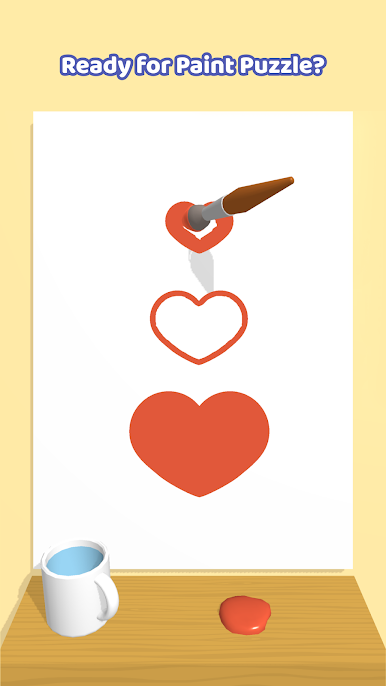
With loads of fun levels, cute animations and satisfying scenes to paint, you can let your creative juices run wild with Paint Puzzle!


Gioca Paint Puzzle su PC. È facile iniziare.
-
Scarica e installa BlueStacks sul tuo PC
-
Completa l'accesso a Google per accedere al Play Store o eseguilo in un secondo momento
-
Cerca Paint Puzzle nella barra di ricerca nell'angolo in alto a destra
-
Fai clic per installare Paint Puzzle dai risultati della ricerca
-
Completa l'accesso a Google (se hai saltato il passaggio 2) per installare Paint Puzzle
-
Fai clic sull'icona Paint Puzzle nella schermata principale per iniziare a giocare

