


Angry Birds Match 3
Juega en PC con BlueStacks: la plataforma de juegos Android, en la que confían más de 500 millones de jugadores.

Página modificada el: Mar 1, 2026
Juega Angry Birds Match 3 en PC
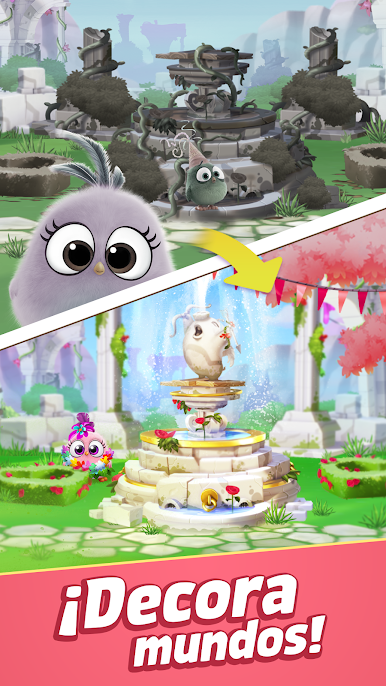
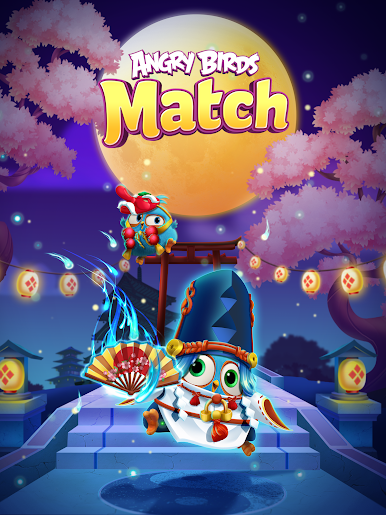
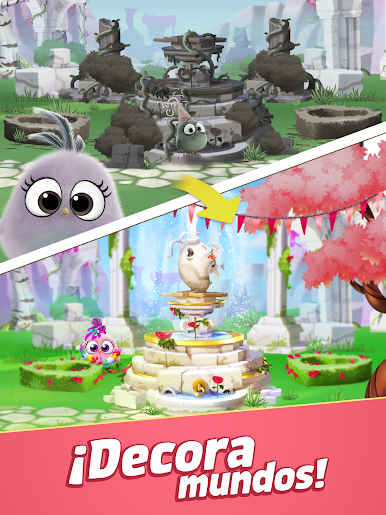
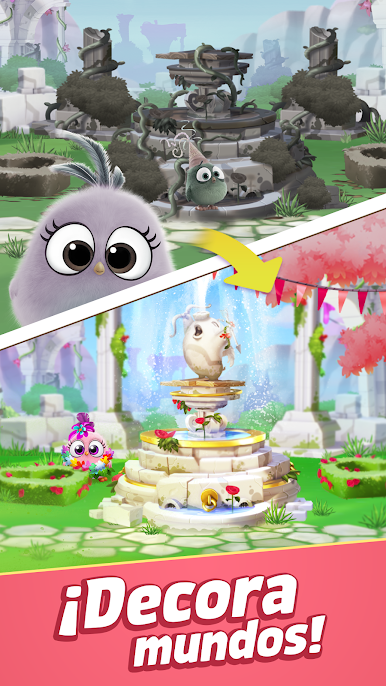
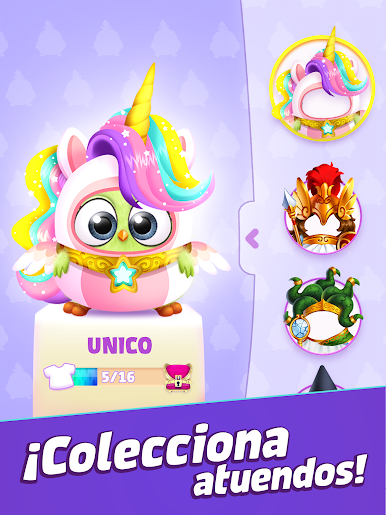
¡Decora escenas, gana nuevos atuendos y viste a los polluelos para expresar tu estilo!
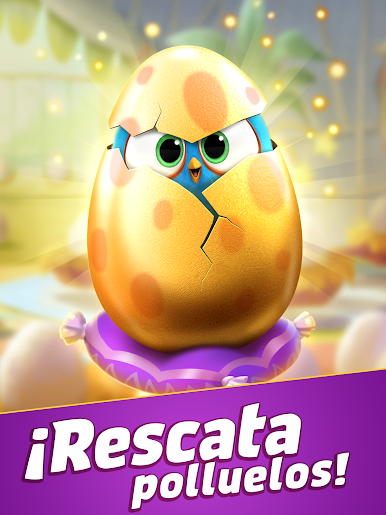
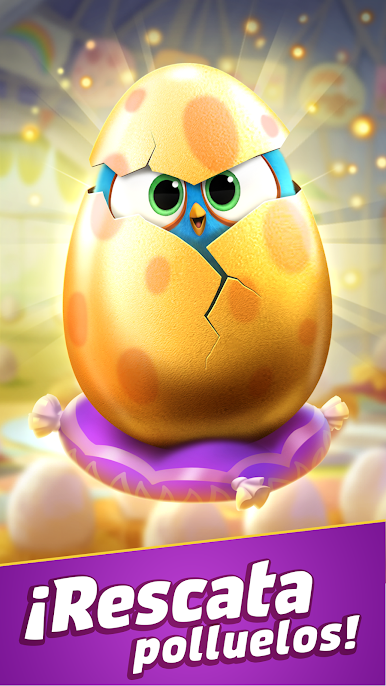
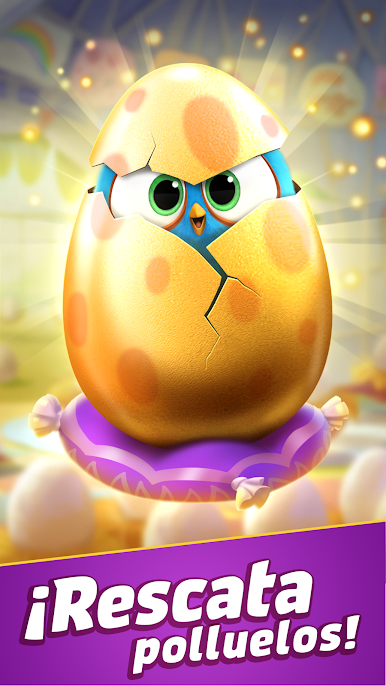
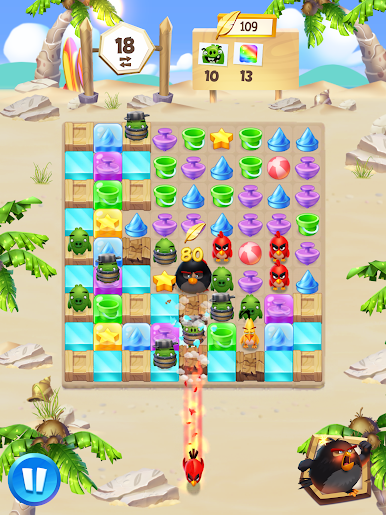
Supera niveles para ayudar a rescatar a los polluelos de los cerdos y haz crecer tu bandada de adorables polluelos, ¡te están esperando!
Características:
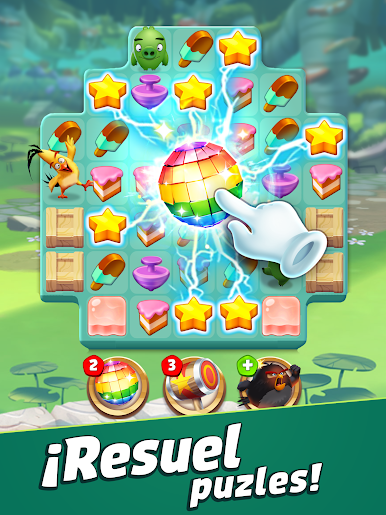
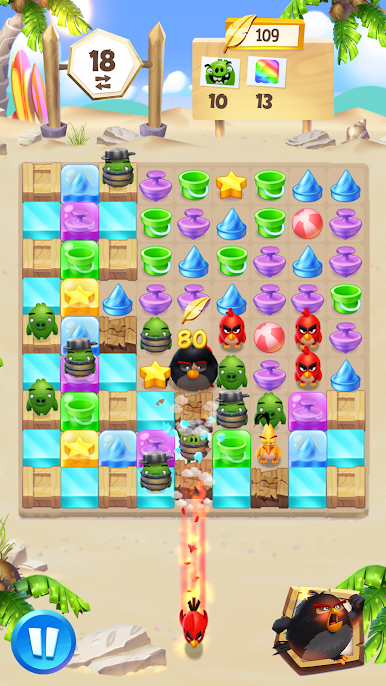
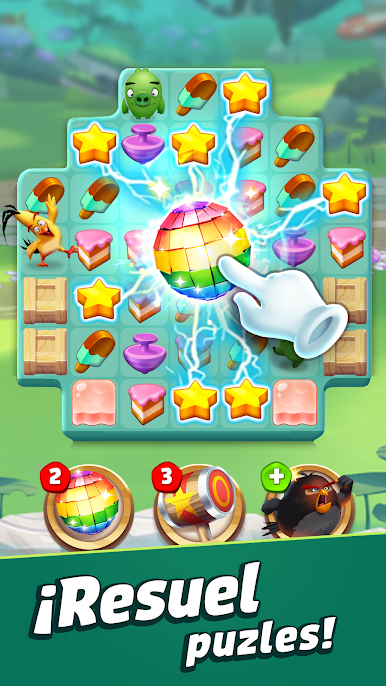
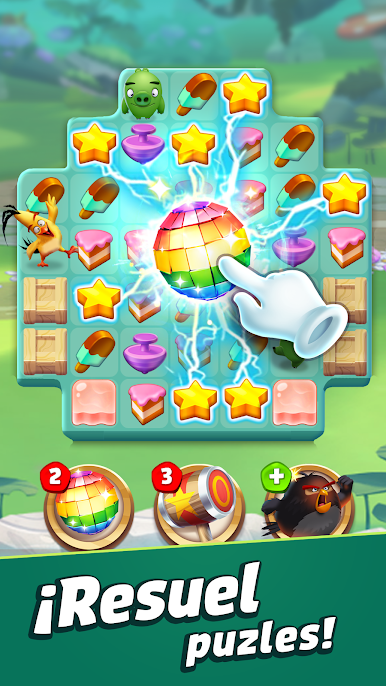
🍦Juego de combinaciones único y entretenido con puzles desafiantes
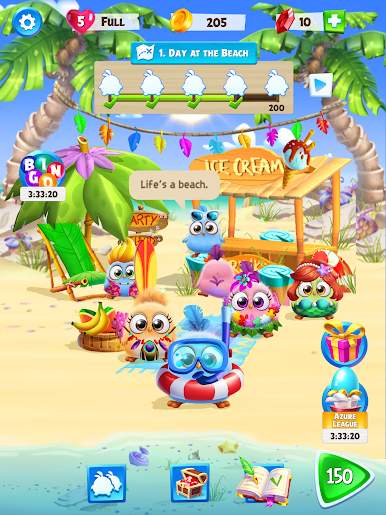
🍩Reúne polluelos adorables y desbloquea nuevos mundos para que los puedan explorar
🍫Combina 4 o más elementos para que salgan los GRANDES PÁJAROS: ¡Red, Bomb y Chuck!
🍒Decora escenas encontrando nuevos objetos para entretener a tu bandada
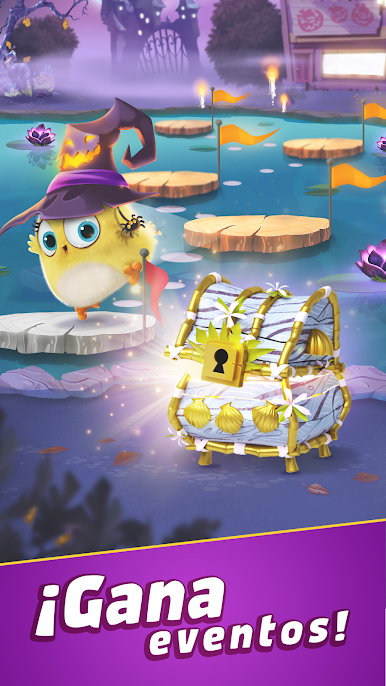
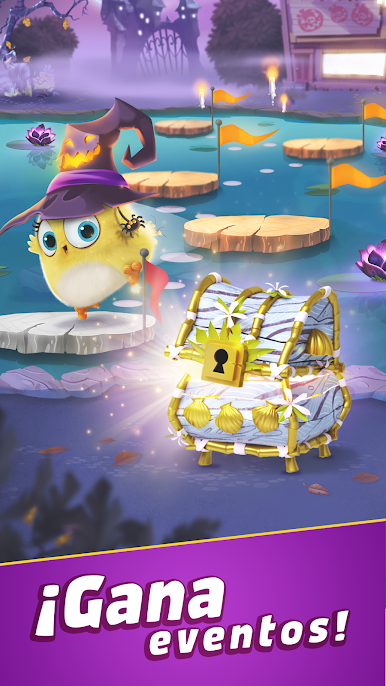
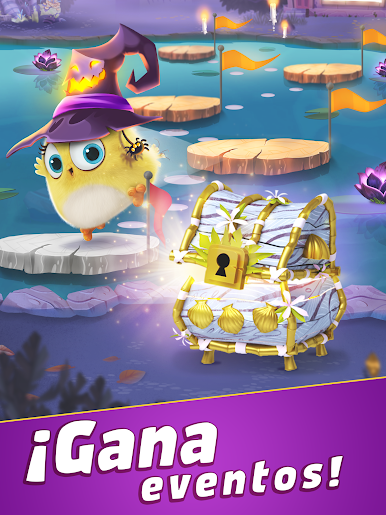
🧁¡Participa en eventos temáticos especiales durante todo el año!
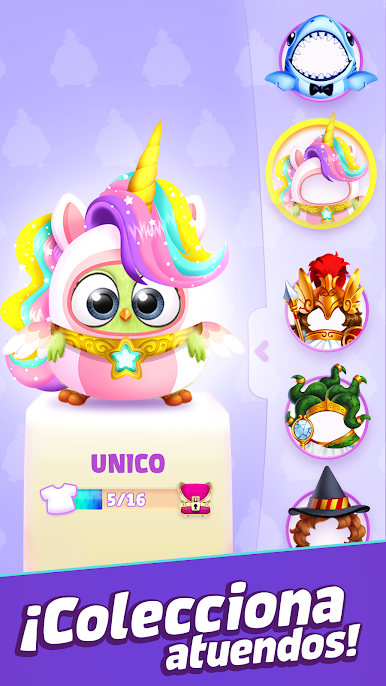
🍭Visita a tus polluelos para probarte nuevos atuendos ¡o simplemente para saludarlos!
😍Atención: Niveles críticos de adorabilidad.
--------------------------------------------
Actualizamos el juego de forma periódica para, por ejemplo, añadir funcionalidades y contenido o arreglar errores y otros problemas técnicos. Ten en cuenta que el juego puede no funcionar correctamente si no se ha instalado la última versión. Si no tienes instalada la última versión, Rovio no se hace responsable del posible mal funcionamiento del juego.
⭐️¿Necesitas ayuda? ¡Visita nuestras páginas de asistencia o envíanos un mensaje! https://support.rovio.com/
❤️🧡💛💚💙💜 Dale a Me gusta en Facebook: https://www.facebook.com/angrybirdsmatch
--------------------------------------------
Angry Birds Match es completamente gratuito, pero hay disponibles compras opcionales en la aplicación.
Condiciones de uso: https://www.rovio.com/terms-of-service
Política de privacidad: https://www.rovio.com/privacy
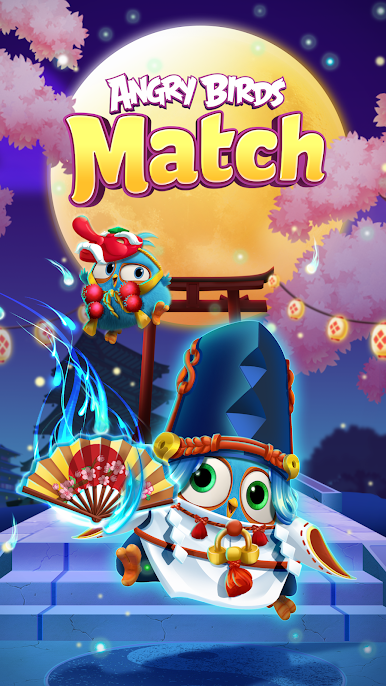
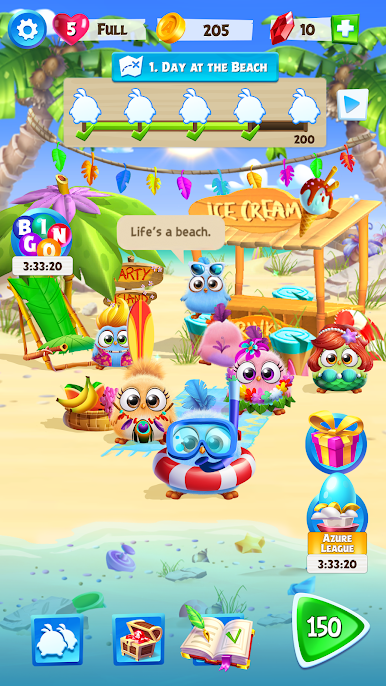
Juega Angry Birds Match 3 en la PC. Es fácil comenzar.
-
Descargue e instale BlueStacks en su PC
-
Complete el inicio de sesión de Google para acceder a Play Store, o hágalo más tarde
-
Busque Angry Birds Match 3 en la barra de búsqueda en la esquina superior derecha
-
Haga clic para instalar Angry Birds Match 3 desde los resultados de búsqueda
-
Complete el inicio de sesión de Google (si omitió el paso 2) para instalar Angry Birds Match 3
-
Haz clic en el ícono Angry Birds Match 3 en la pantalla de inicio para comenzar a jugar

