


CCC Photobooth for Android TV
Gioca su PC con BlueStacks: la piattaforma di gioco Android, considerata affidabile da oltre 500 milioni di giocatori.

Pagina modificata il: Sep 29, 2025
Play CCC Photobooth for Android TV on PC
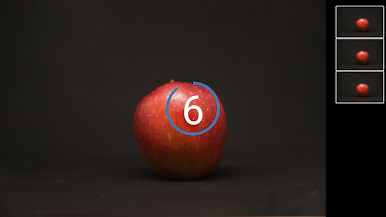
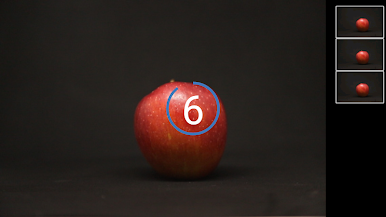
* change countdown with left/right buttons
* change number of captures with up/down buttons
* start/stop capturing with center button
List of supported cameras:
Sony
Sony cameras that have the 'Smart Remote Control' app, like Alpha 6300.
Important: update 'Smart Remote Control' on your camera before using this.
To update open 'PlayMemories Camera Apps' and select 'Smart Remote Control' from the list of apps.
Nikon
* Most DSLR cameras that support wifi, like D5300 or D7200
* Newer cameras from the Z Series, like Nikon Z50, Z6 (II) and Z7 (II)
* Snapbridge cameras with firmware update that unlocks the wifi menu on the camera, like D850 with Firmware 1.10
* Superzoom cameras, like Nikon P900
Canon
* DSLR cameras with wifi, like Canon 5D Mark IV
* DSLR cameras with wifi adapter, like 7D Mark II using W-E1
* M-Series, like Canon EOS M10




Gioca CCC Photobooth for Android TV su PC. È facile iniziare.
-
Scarica e installa BlueStacks sul tuo PC
-
Completa l'accesso a Google per accedere al Play Store o eseguilo in un secondo momento
-
Cerca CCC Photobooth for Android TV nella barra di ricerca nell'angolo in alto a destra
-
Fai clic per installare CCC Photobooth for Android TV dai risultati della ricerca
-
Completa l'accesso a Google (se hai saltato il passaggio 2) per installare CCC Photobooth for Android TV
-
Fai clic sull'icona CCC Photobooth for Android TV nella schermata principale per iniziare a giocare

