


Indie - Editor video estetico
Gioca su PC con BlueStacks: la piattaforma di gioco Android, considerata affidabile da oltre 500 milioni di giocatori.

Pagina modificata il: Aug 4, 2021
Run Indie - Aesthetic Video Editor on PC or Mac
Why limit yourself to your small screen on the phone? Run Indie – Aesthetic Video Editor, an app by ryzenrise, best experienced on your PC or Mac with BlueStacks, the world’s #1 Android emulator.
About the App
Looking to bring a bit more sparkle—or maybe a retro touch—to your photos and videos? Indie – Aesthetic Video Editor makes that super easy. Whether you’re going for those vintage 90s VHS vibes, some glitzy glitter effects, or just want your pics to stand out on your feed, Indie is packed with everything you need to create a look that’s all your own. If you’ve ever wished your camera could do more or wanted to experiment with bold visual filters, this app’s got you covered.
App Features
-
Ultra-Clear Camera
Skip the basic camera apps. Indie lets you snap photos and record videos with built-in filters and effects, so what you see is exactly what you get—crisp, clear, and loaded with personality. -
Unique Visual Effects
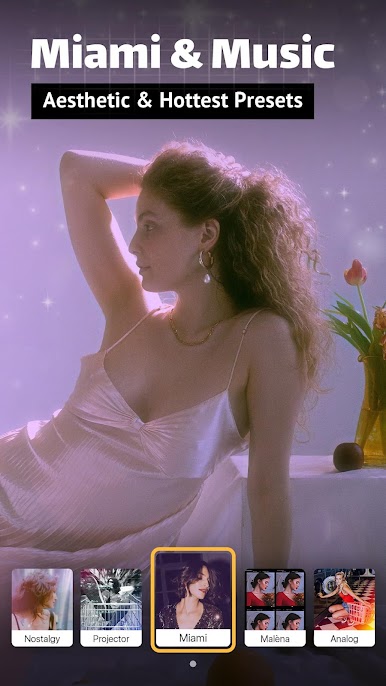
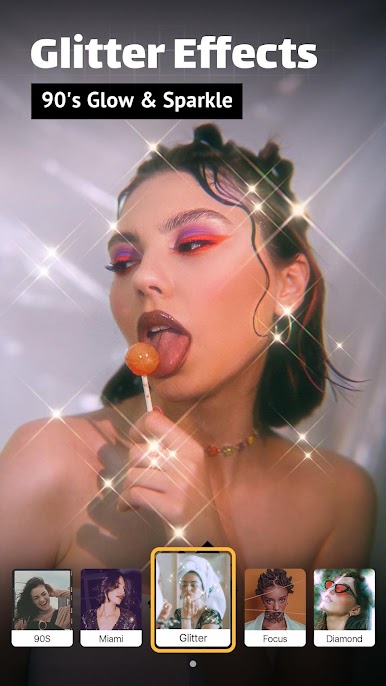
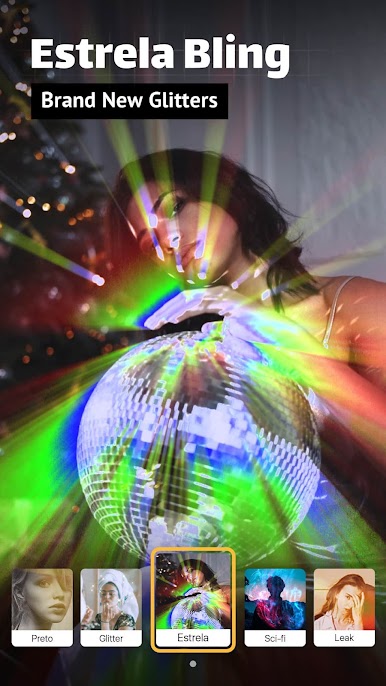
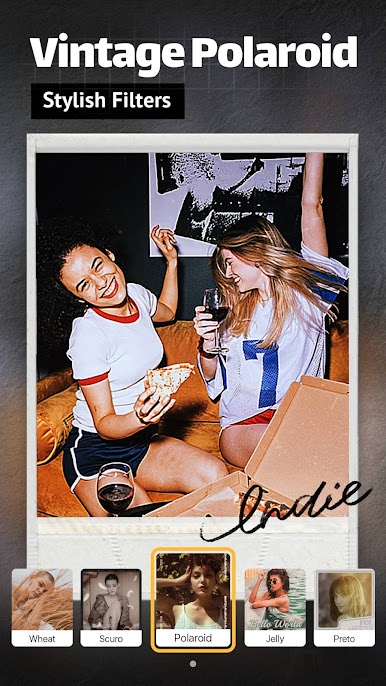
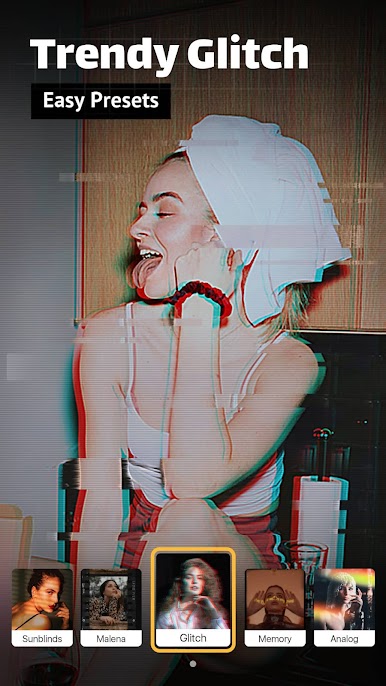
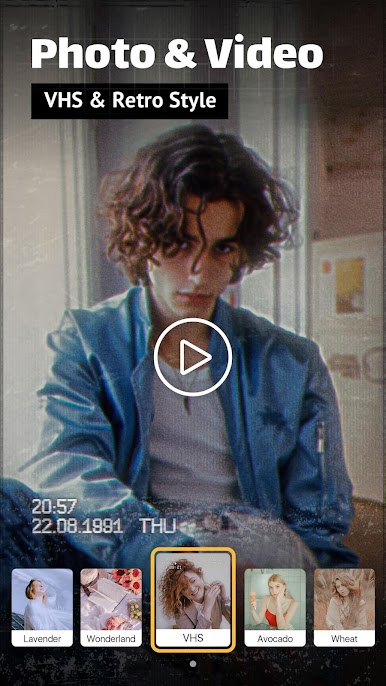
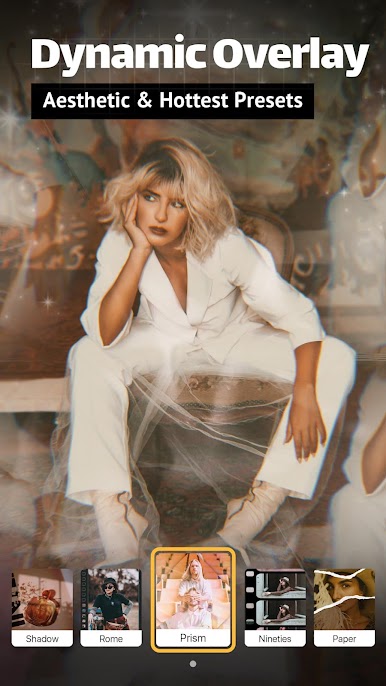
Want your video to shimmer or rock a purple Miami glow? Set your own level of glitter, try a leak-light lomo look, or make your photos look like old-school Polaroids. There’s even a throwback VHS effect for total retro flair. -
Aesthetic Filters
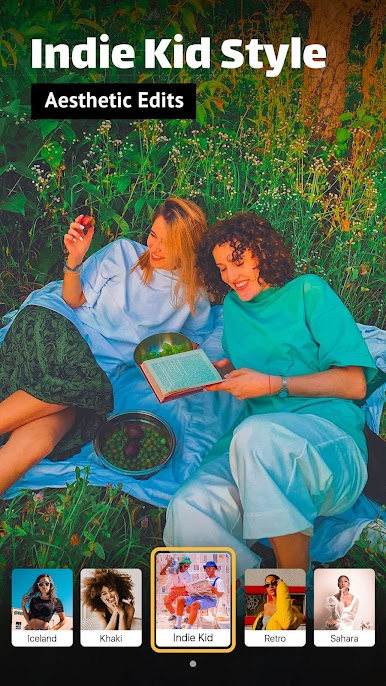
You’ll find over 100 Instagram-style presets ready to give your posts a fresh look. New filters arrive regularly, influenced by what’s trending and what users are asking for. -
Exclusive Music & Sound
Jazz up your edits with music tracks found only in Indie. It’s simple to pair your visuals with the perfect sound, making your videos really pop. -
Easy Social Media Cropping
Resize your creations fast so they’re just right for Instagram, YouTube, Facebook, or WhatsApp. No guesswork or weird cropping here, just ready-to-share stories and photos.
Want to try Indie – Aesthetic Video Editor from ryzenrise with an even bigger screen? You can use BlueStacks to keep those creative juices flowing on your computer, too.
Ready to experience Indie – Aesthetic Video Editor on a bigger screen, in all its glory? Download BlueStacks now.
Gioca Indie - Editor video estetico su PC. È facile iniziare.
-
Scarica e installa BlueStacks sul tuo PC
-
Completa l'accesso a Google per accedere al Play Store o eseguilo in un secondo momento
-
Cerca Indie - Editor video estetico nella barra di ricerca nell'angolo in alto a destra
-
Fai clic per installare Indie - Editor video estetico dai risultati della ricerca
-
Completa l'accesso a Google (se hai saltato il passaggio 2) per installare Indie - Editor video estetico
-
Fai clic sull'icona Indie - Editor video estetico nella schermata principale per iniziare a giocare

