


SafetyNet
Juega en PC con BlueStacks: la plataforma de juegos Android, en la que confían más de 500 millones de jugadores.

Página modificada el: Jan 13, 2025
Run SafetyNet on PC or Mac
Upgrade your experience. Try SafetyNet, the fantastic Tools app from Predictive Solutions, from the comfort of your laptop, PC, or Mac, only on BlueStacks.
About the App
SafetyNet, brought to you by Predictive Solutions, makes it easier for teams to stay on top of workplace safety. Instead of scrambling after an incident, you can spot trouble before it even starts. This is the go-to companion for folks looking to track, report, and analyze safety observations while out on the job—so your team’s always in the loop and a step ahead. If you’re already a Predictive Solutions customer, it’ll slot right into your routine, whether you’re managing inspections from your phone or on a bigger screen with BlueStacks.
App Features
-
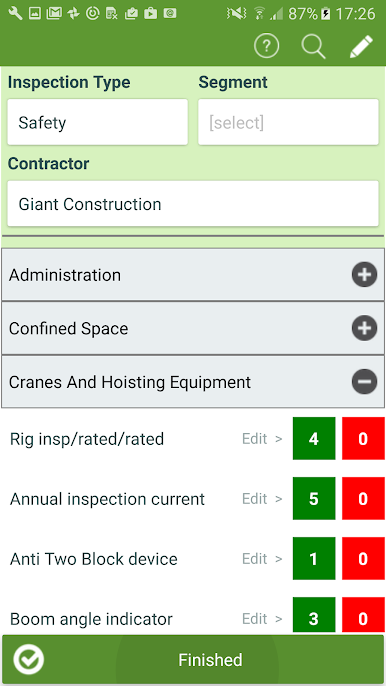
Custom-Fit Inspections
Personalize SafetyNet to match your company’s safety standards—whether it’s custom checklists, locations, or specific crew members, you’re in control. -
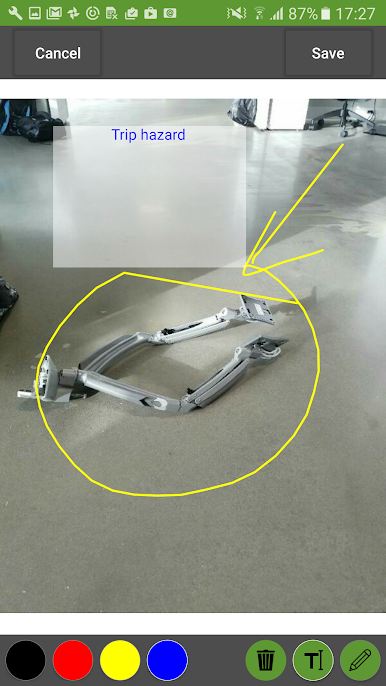
Detailed Reporting
While you’re walking a job site, jot down comments, mark severity levels, or snap quick photos to capture all the details that matter. -
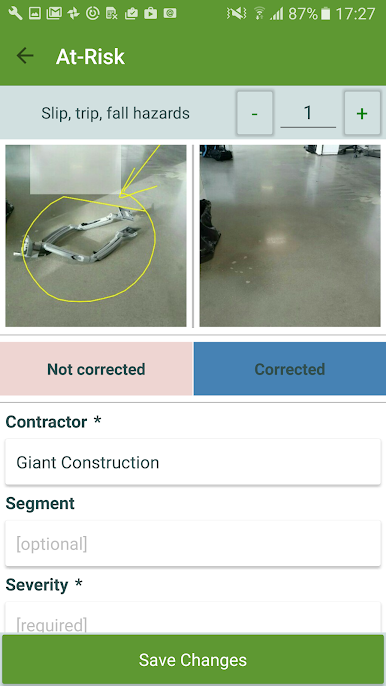
Easy Follow-Up and Accountability
Flag anything that needs another look, assign tasks, set due dates, and keep everyone clear on who’s handling what. -
One-Tap Syncing
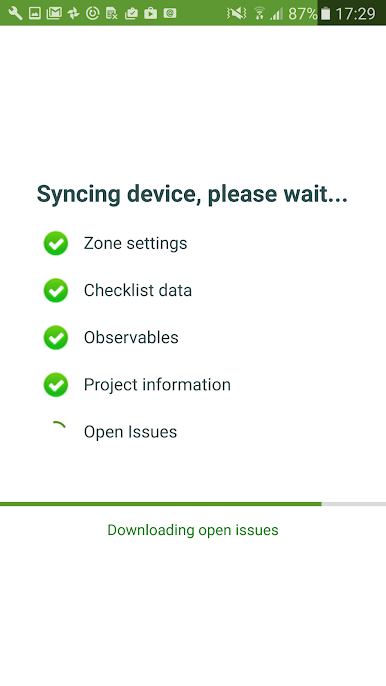
Done with your inspection? Upload observations with a single tap, so everything stays updated and your data’s available for further review right away. -
Real-Time Feedback
Give or receive instant feedback on the quality of safety data as it comes in, making sure information stays sharp and useful. -
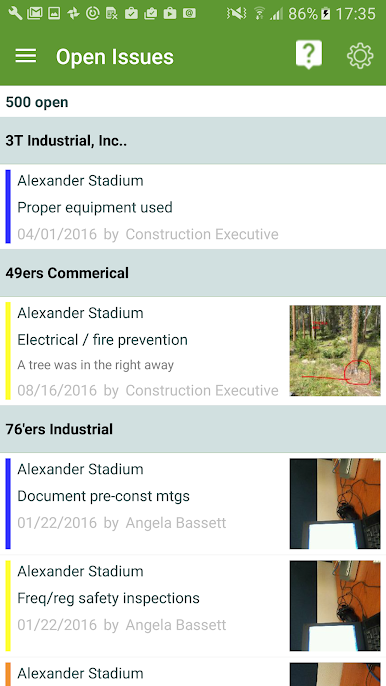
Open Issue Tracking
Keep tabs on unresolved items—no more losing track of open issues among stacks of paperwork. You’ll see what needs attention and can follow up until things are squared away. -
Predictive Analytics Integration
All your on-site data syncs up with SafetyNet’s powerful web application, letting advanced analytics help you spot trends and potential risks—before they become problems.
BlueStacks gives you the much-needed freedom to experience your favorite apps on a bigger screen. Get it now.
Juega SafetyNet en la PC. Es fácil comenzar.
-
Descargue e instale BlueStacks en su PC
-
Complete el inicio de sesión de Google para acceder a Play Store, o hágalo más tarde
-
Busque SafetyNet en la barra de búsqueda en la esquina superior derecha
-
Haga clic para instalar SafetyNet desde los resultados de búsqueda
-
Complete el inicio de sesión de Google (si omitió el paso 2) para instalar SafetyNet
-
Haz clic en el ícono SafetyNet en la pantalla de inicio para comenzar a jugar

