


المكتبة البرمجية
Mainkan di PC dengan BlueStacks – platform Game-Game Android, dipercaya oleh lebih dari 500 juta gamer.

Run المكتبة البرمجية on PC or Mac
What’s better than using المكتبة البرمجية by كوداتي Codeaty? Well, try it on a big screen, on your PC or Mac, with BlueStacks to see the difference.
About the App
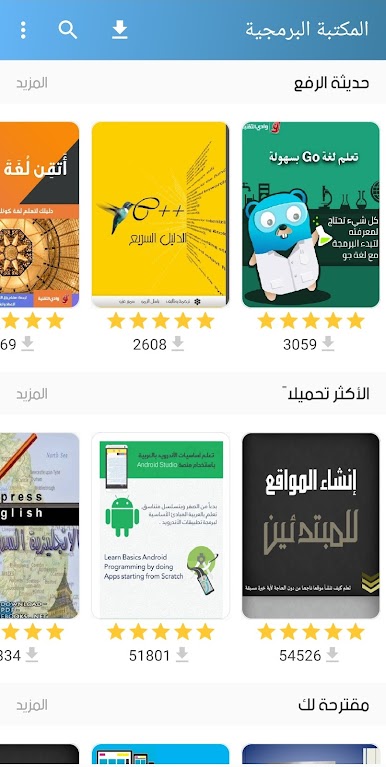
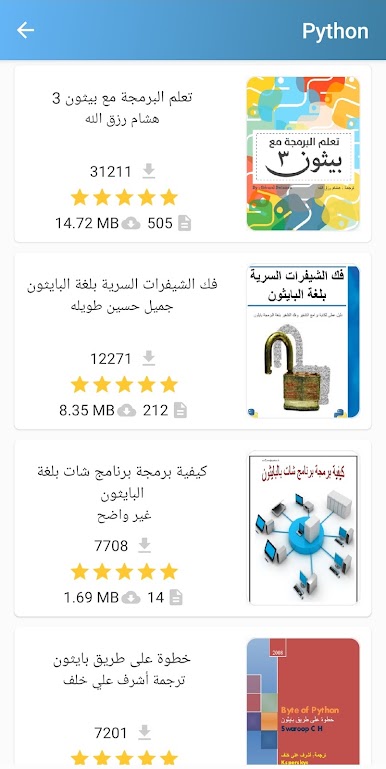
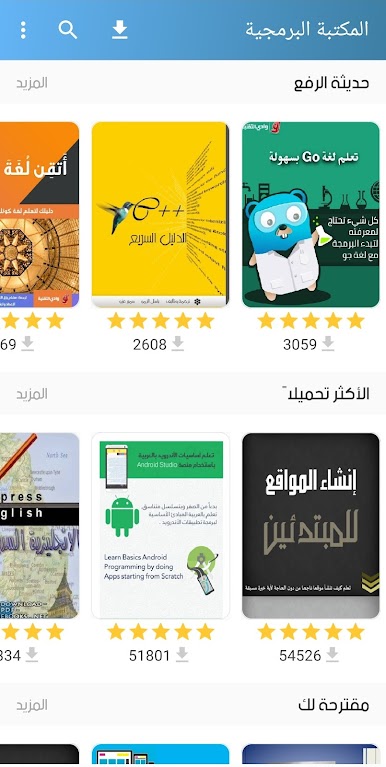
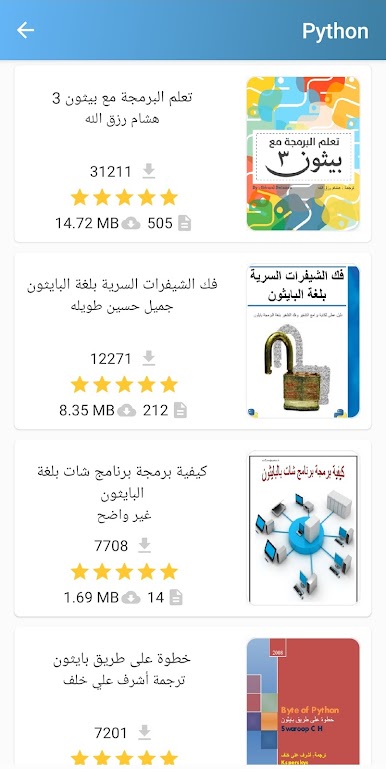
If you’re looking for an easy way to access a huge library of programming books in Arabic, المكتبة البرمجية from كوداتي Codeaty might be just what you need. This Education app is designed for anyone who wants to dive into coding, tech, or computer science, all from their phone or tablet. Whether you’re a total beginner or a curious developer brushing up on new languages, you’ll find organized resources, fresh content, and a pretty smooth reading experience. And if you prefer your study sessions on a larger display, giving it a go with BlueStacks is always an option.
App Features
-
Direct Downloads
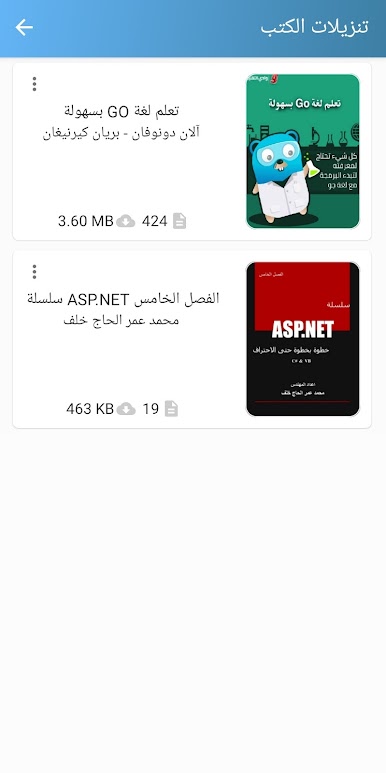
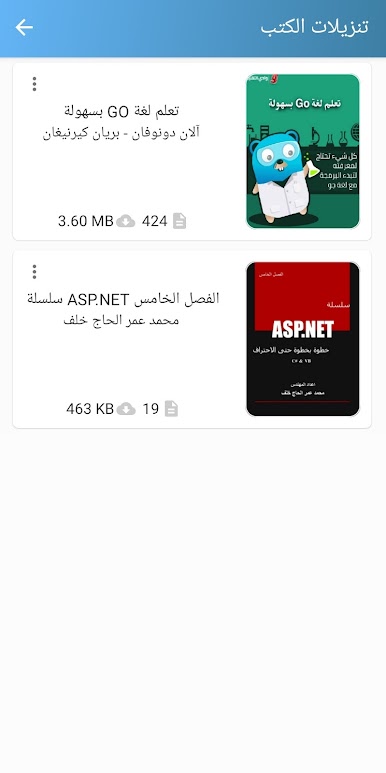
Grab any book right from المكتبة البرمجية — no third-party sites, no hunting for links, just a tap and you’re good to go. -
Clean, Simple Design
The interface is neat and easy to navigate, so you spend more time learning and less time figuring out where things are. -
Instant Notifications
Want to know the moment a new programming or tech book drops? You’ll get notified as soon as something new gets added. -
One-Click Access
Downloading books is literally just one tap away, making it easier than ever to build up your personal programming library. -
Organized Categories
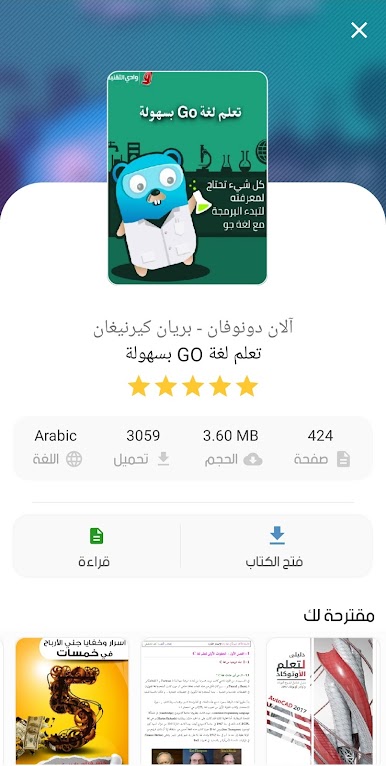
The library’s split into clear sections: from big programming languages like Python, Java, C++, and web development, to main areas like data security, AI, networking, and even helpful extras like game programming or learning English. -
Wide Range of Topics
Explore books on web design, Android app development, security, databases, office skills, freelancing online, Photoshop, and much more — all in Arabic. -
Regular Updates
You won’t run out of things to read or learn. The collection keeps getting bigger, so there’s always something new to discover. -
Smooth Reading Experience
With a focus on ease, everything from browsing to downloading feels quick and straightforward. The app’s design means it works just as easily on your device as it does with BlueStacks, if you want that desktop feel.
BlueStacks brings your apps to life on a bigger screen—seamless and straightforward.
Mainkan المكتبة البرمجية di PC Mudah saja memulainya.
-
Unduh dan pasang BlueStacks di PC kamu
-
Selesaikan proses masuk Google untuk mengakses Playstore atau lakukan nanti
-
Cari المكتبة البرمجية di bilah pencarian di pojok kanan atas
-
Klik untuk menginstal المكتبة البرمجية dari hasil pencarian
-
Selesaikan proses masuk Google (jika kamu melewati langkah 2) untuk menginstal المكتبة البرمجية
-
Klik ikon المكتبة البرمجية di layar home untuk membuka gamenya

