


Watch Active2 Plugin
Gioca su PC con BlueStacks: la piattaforma di gioco Android, considerata affidabile da oltre 500 milioni di giocatori.

Pagina modificata il: Jan 31, 2024
Run Watch Active2 Plugin on PC or Mac
Let BlueStacks turn your PC, Mac, or laptop into the perfect home for Watch Active2 Plugin, a fun Tools app from Samsung Electronics Co., Ltd..
About the App
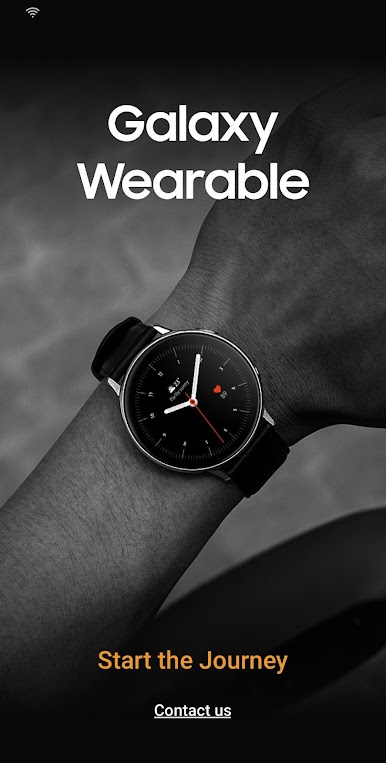
If you’ve got a Samsung smartwatch, you’ll want to check out the Watch Active2 Plugin. It’s made by Samsung Electronics Co., Ltd. and fits right into the whole Galaxy Wearable setup. Basically, it helps your watch talk to your phone smoothly, sync up your stuff, and make sure you’re getting the most out of both devices at once. Whether you’re setting up a new watch or making sure your data stays in step, this plug-in keeps things running behind the scenes — so you can just enjoy your watch.
App Features
-
Effortless Device Connection
Quickly find and pair your smartwatch using Bluetooth. The plugin makes it easy to get connected without any complicated steps. -
File Sharing Made Simple
Want to send music or photos between your phone and watch? That’s all handled right here—just transfer your files and keep everything in sync. -
Smooth Account Integration
Got a Samsung account? The plugin lets you link up, so contacts and other info are ready to go on your watch, with no extra fuss. -
Syncs Your Calendar
All your calendar events can show up on your wrist, helping you stay on top of your schedule, whether you’ve got plans or deadlines. -
Messages and Call Logs
Keep up with messages and calls, right from your smartwatch. Your texts and call history sync up, so you’re never out of the loop. -
eSIM Activation with QR Code
Have an eSIM model? You can activate it by scanning a QR code with your phone’s camera—no manual typing needed.
The plugin works with the Galaxy Wearable app and you might need to check permissions, especially on Android 6.0 and above. If you’re using BlueStacks, everything runs just as smoothly as it would on your phone.
Eager to take your app experience to the next level? Start right away by downloading BlueStacks on your PC or Mac.
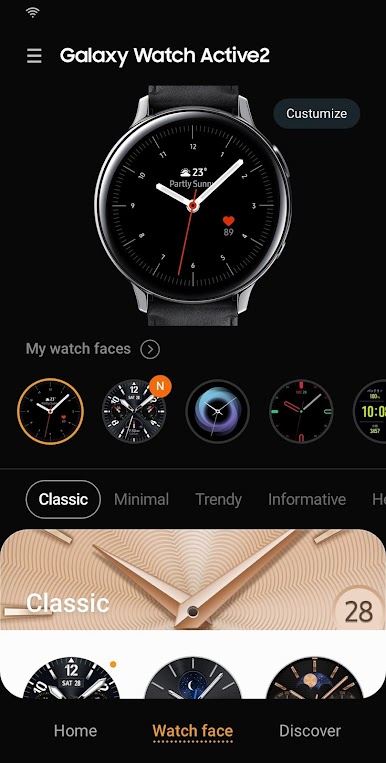
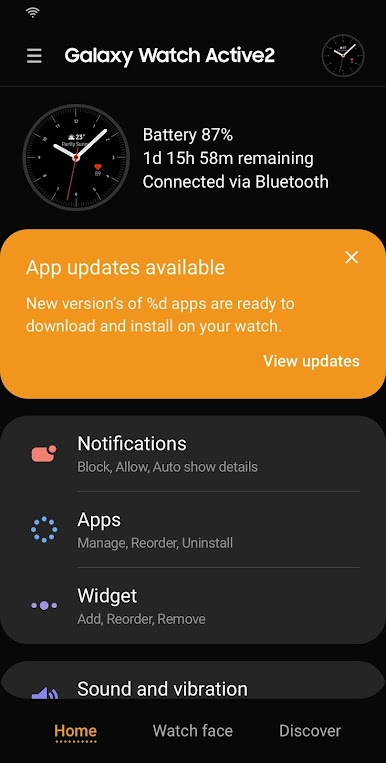
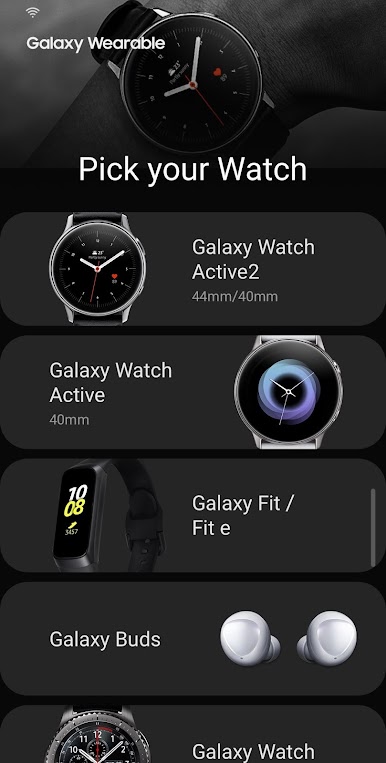
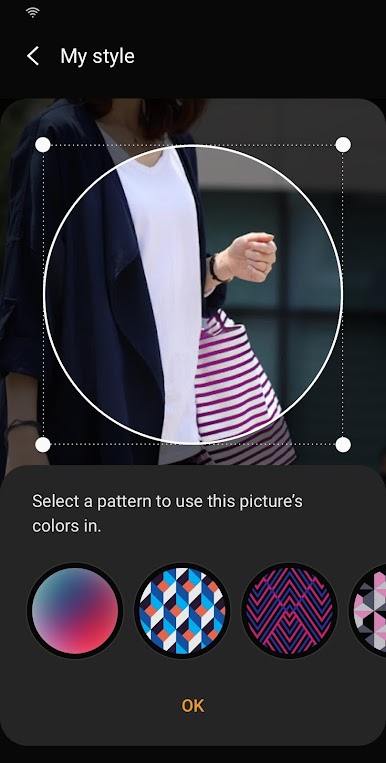
Gioca Watch Active2 Plugin su PC. È facile iniziare.
-
Scarica e installa BlueStacks sul tuo PC
-
Completa l'accesso a Google per accedere al Play Store o eseguilo in un secondo momento
-
Cerca Watch Active2 Plugin nella barra di ricerca nell'angolo in alto a destra
-
Fai clic per installare Watch Active2 Plugin dai risultati della ricerca
-
Completa l'accesso a Google (se hai saltato il passaggio 2) per installare Watch Active2 Plugin
-
Fai clic sull'icona Watch Active2 Plugin nella schermata principale per iniziare a giocare

